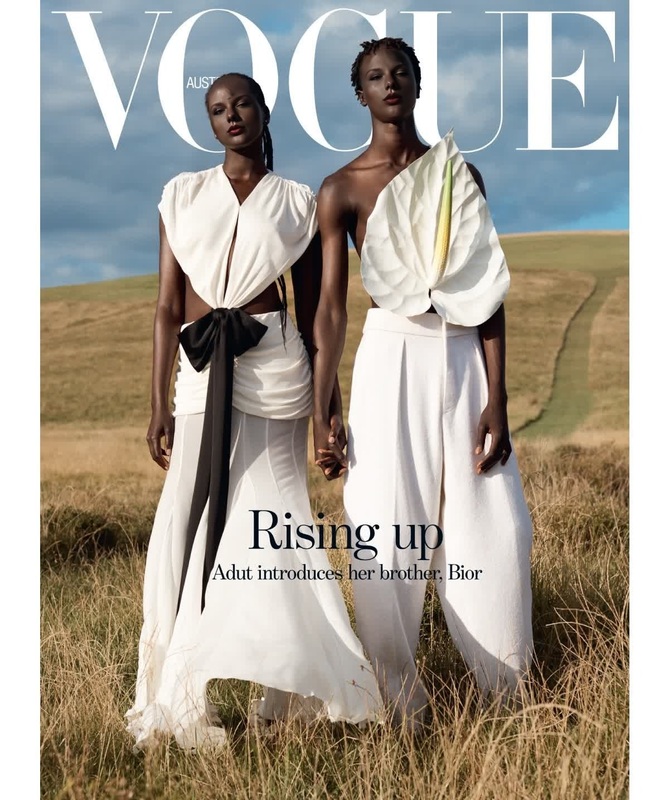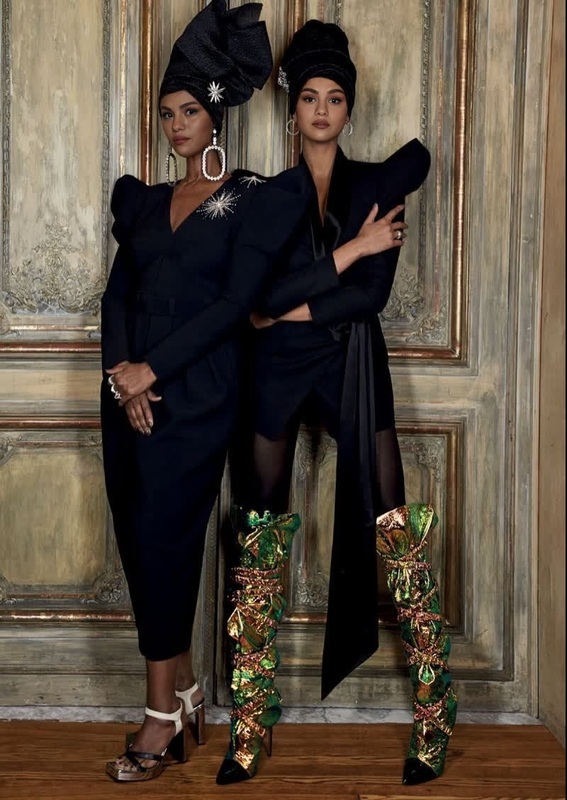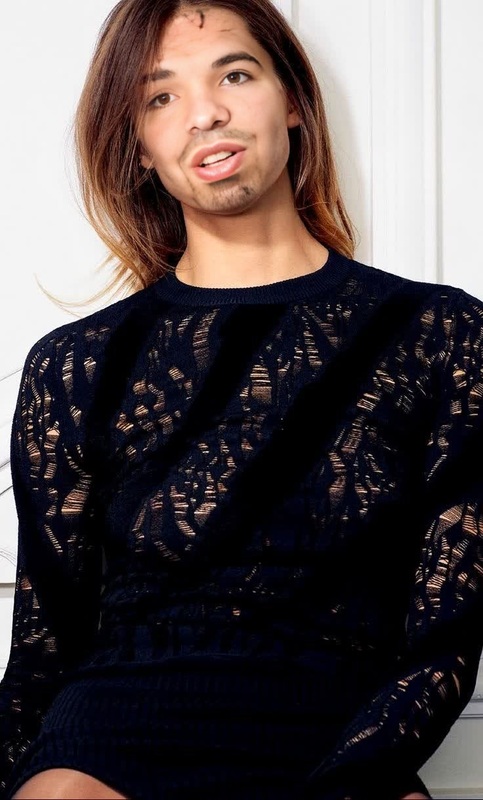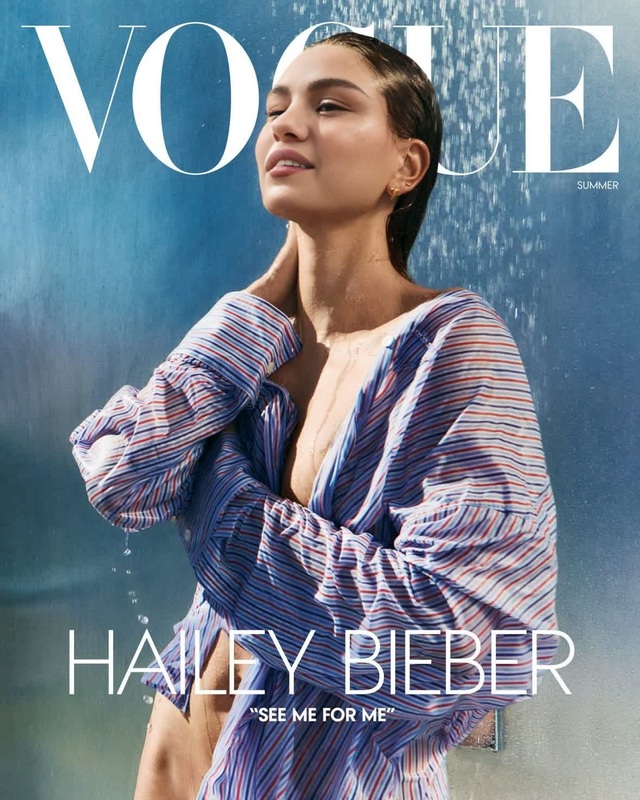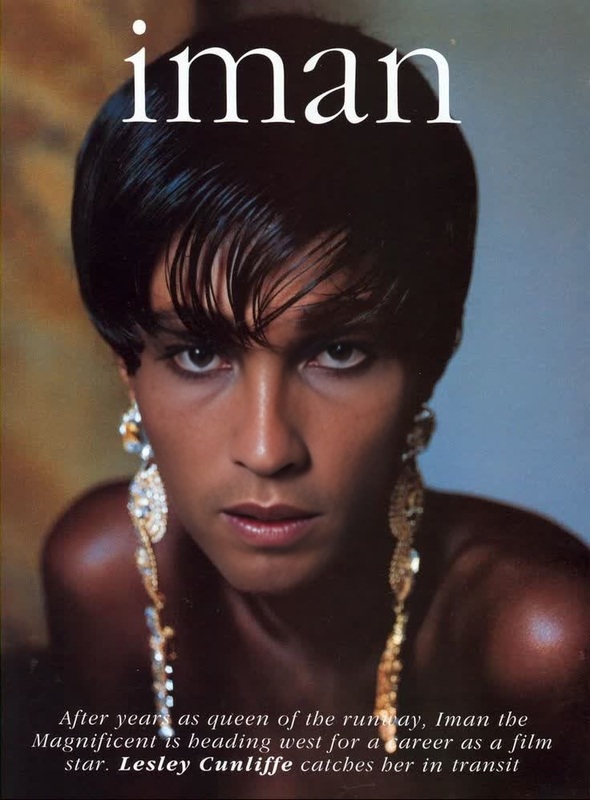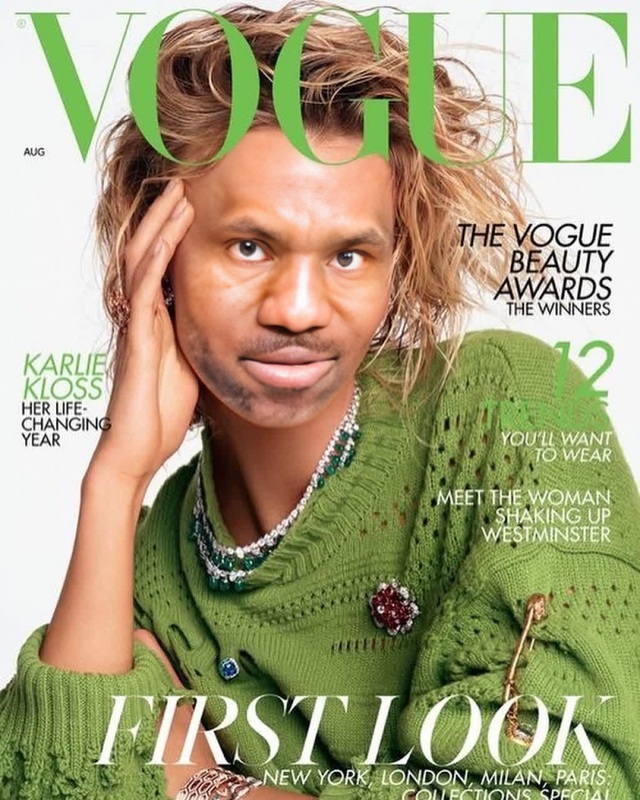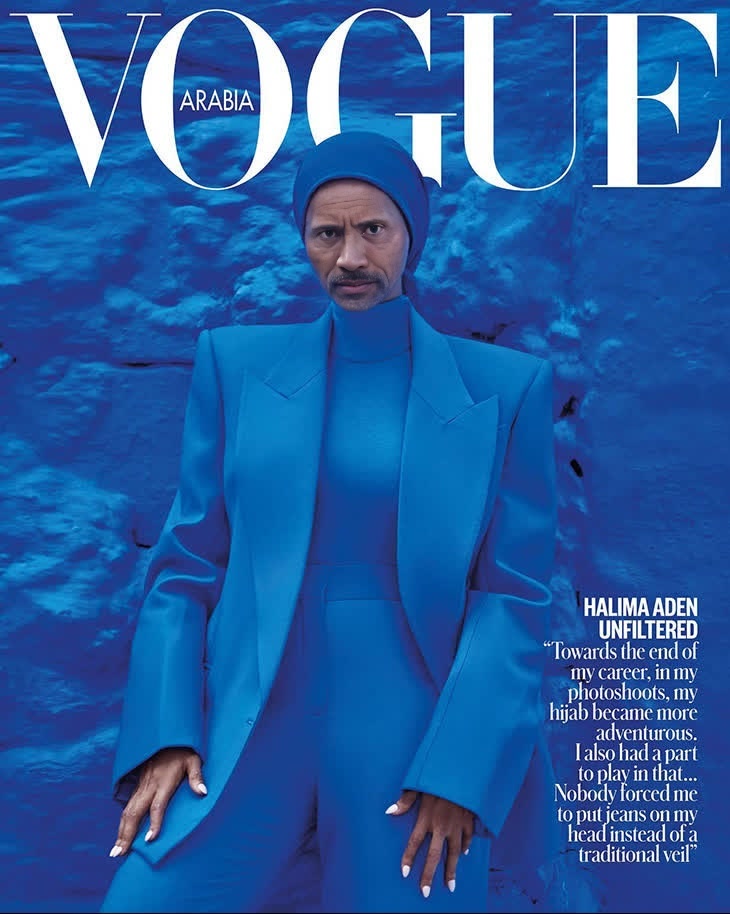
Halima Aden Vogue Editorial Hijab Portrait
- Image
- 730 × 914 px
Any aspect ratio
Overview
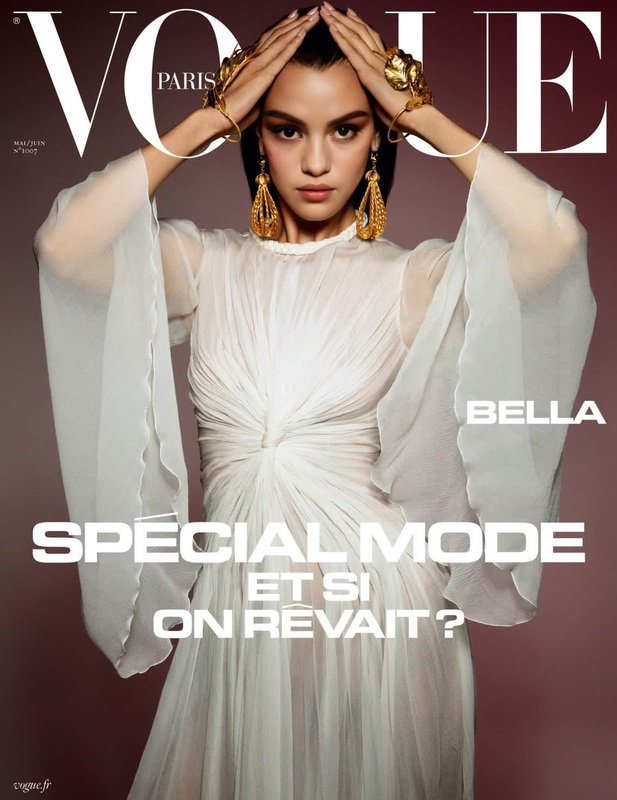
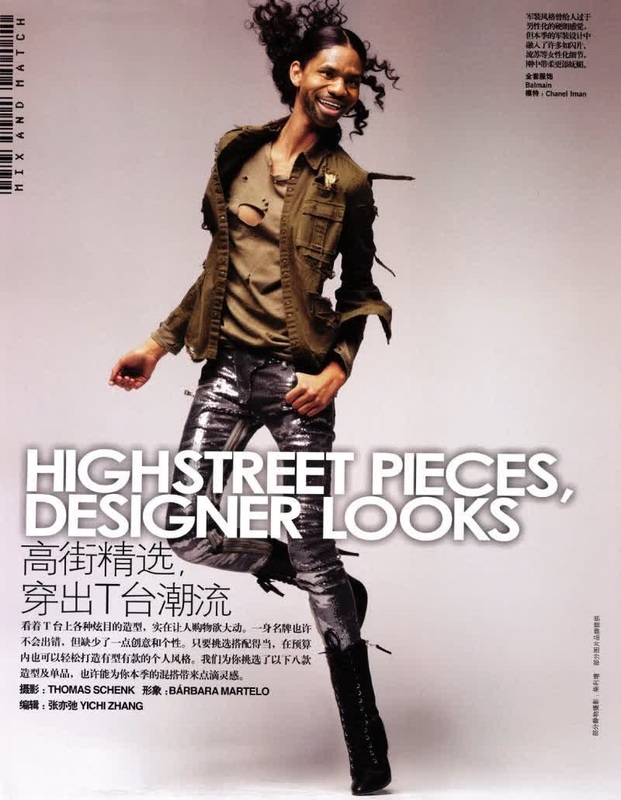
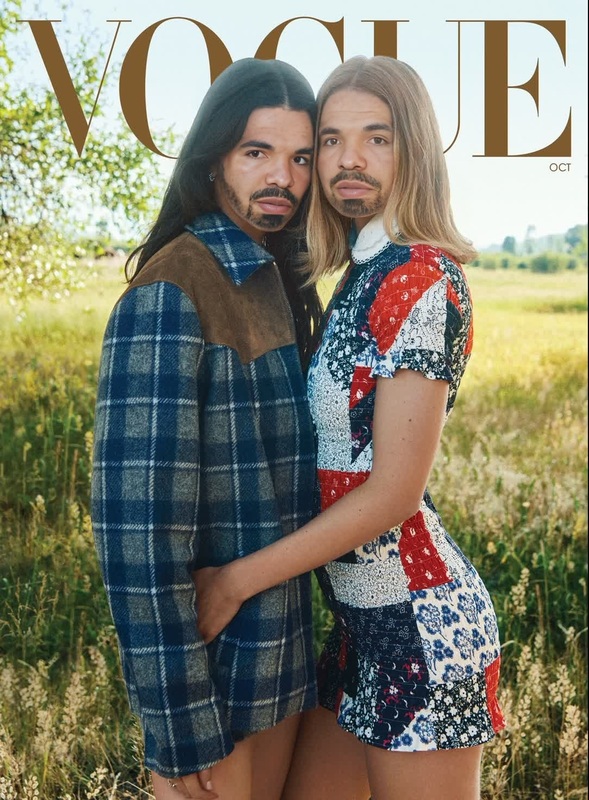
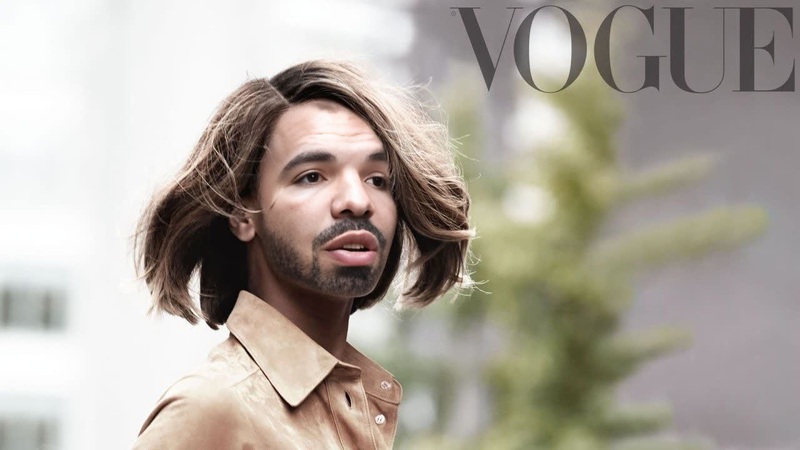
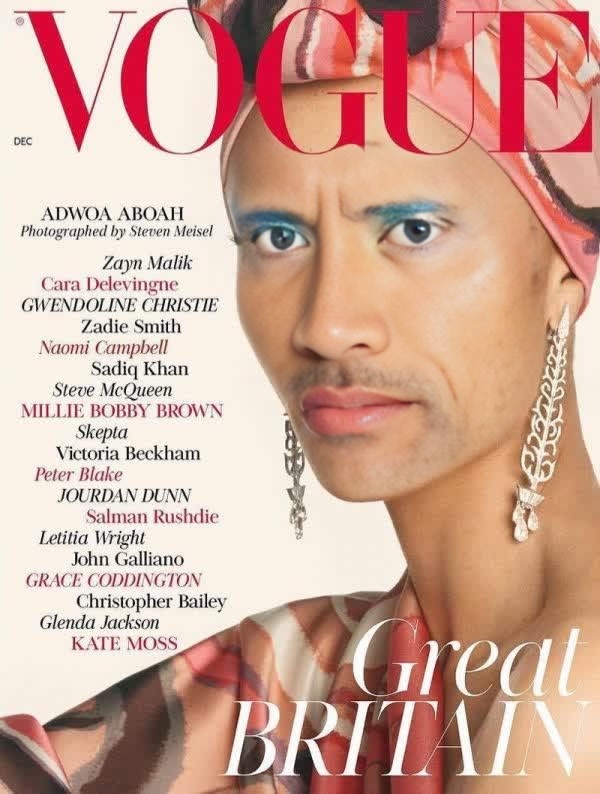
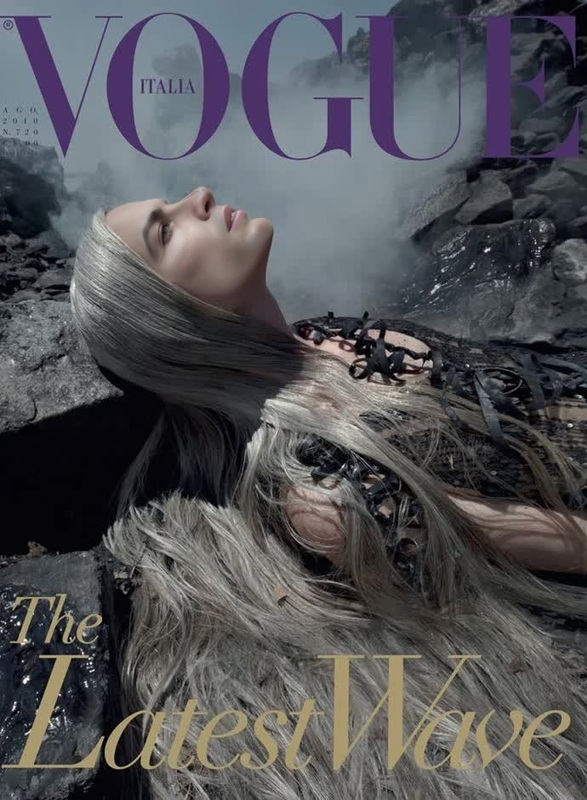
Explore the unparalleled transformation possibilities with the Halima Aden Vogue Editorial Hijab Portrait template. This Video Face Swap template empowers you to insert yourself or your clients into the fashion-forward aesthetics of Halima Aden's iconic hijab portraits featured in Vogue. Crafted for seamless integration, it brings an engaging twist to every video project.
What It Does
The Halima Aden Vogue Editorial Hijab Portrait template utilizes advanced face-swapping technology to overlay faces onto Halima Aden's celebrated hijab editorials. Perfect for creating high-fashion video content, the template leverages AI to maintain a realistic and professional output. It aligns excellently with the Face Swap and AI Video Generator tools, making it ideal for those seeking to innovate within chic visual narratives.
Who It's For
This template is a perfect match for fashion designers, marketers, social media influencers, and editors who desire to create dazzling content that resonates with modern tastes. Whether you're working on a project for social media ads or crafting high-end fashion visuals, this template offers a professional touch.
Summary
Transform your video content with a touch of haute couture using the Halima Aden Vogue Editorial Hijab Portrait template. Leverage the capabilities of Magic Hour's AI Image Editor to further refine your visuals. Whether you're aiming for viral social media content or a unique presentation, this template provides a perfect platform for creativity.
How to Use
Choose Template

Customize Inputs

Generate Video

Use Cases
Fashion Campaign Videos
- Highlight specific clothing lines
- Capture the elegance of high fashion
Social Media Content
- Perfect for Instagram stories and reels
- Boosts follower engagement
Creative Promo Videos
- Ideal for brand introductions
- Memorable video content creation
Best Practices
Choose High-Quality Media
For the best face swap results, use high-resolution images and videos. This ensures that the final output maintains clarity and detail.Adjust Lighting Conditions
Align the lighting of your input video with the template to ensure a consistent and realistic appearance.Review and Revise
After generating, review the output to make any needed adjustments using the AI Image Editor.