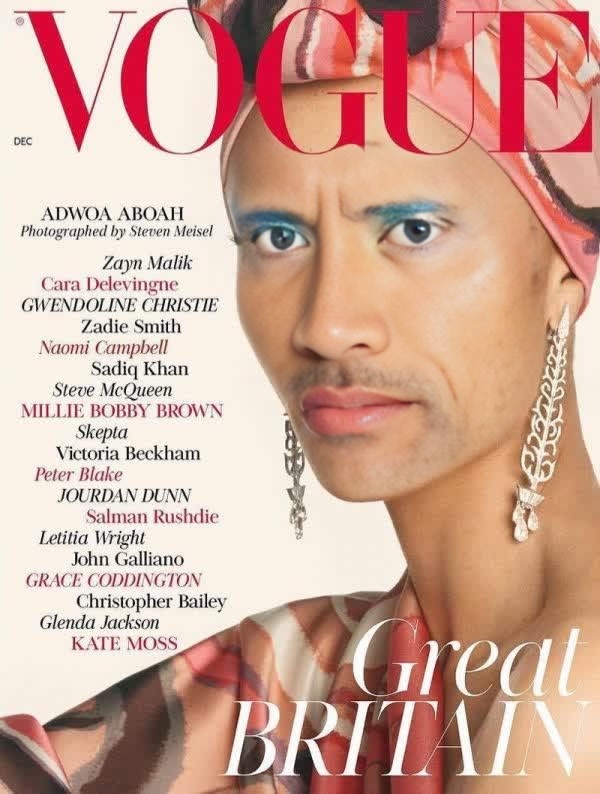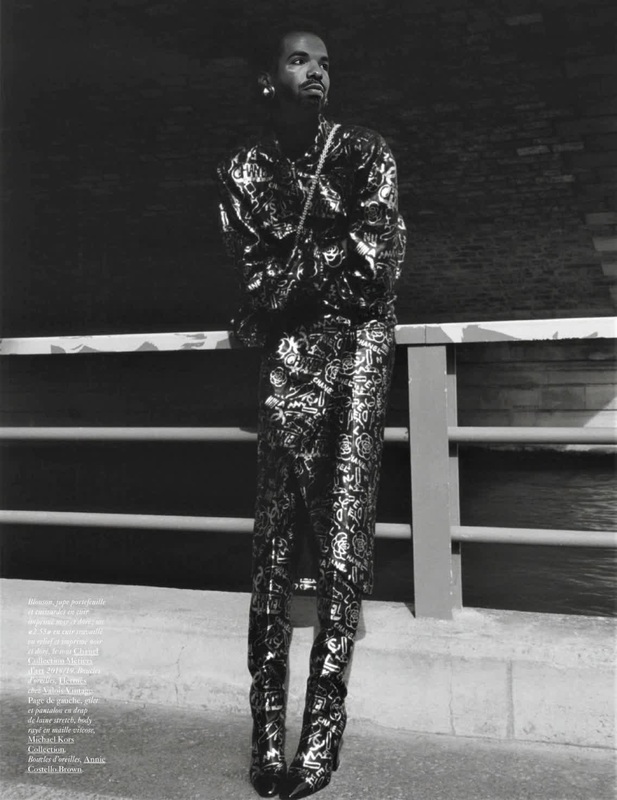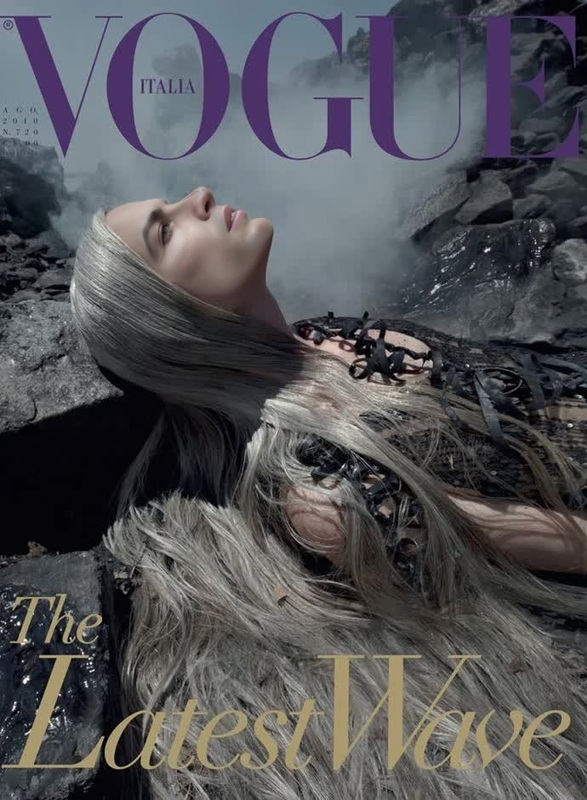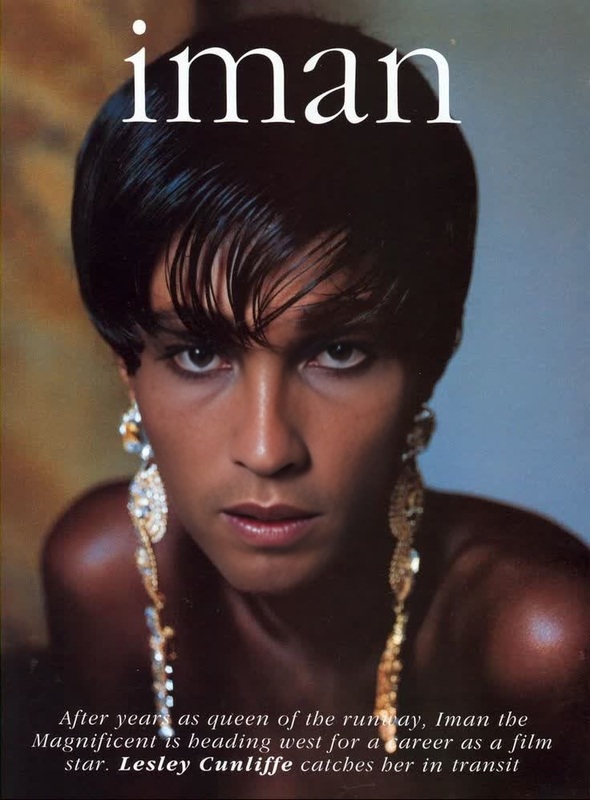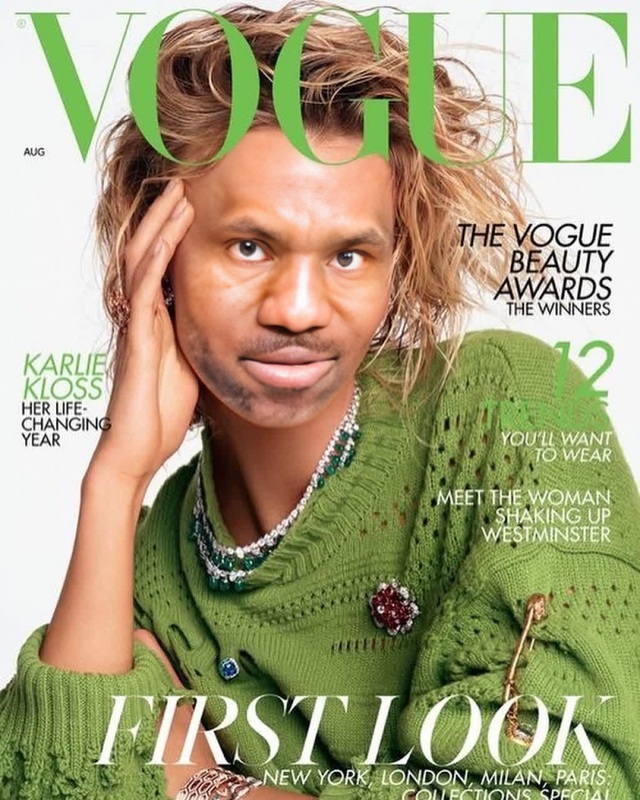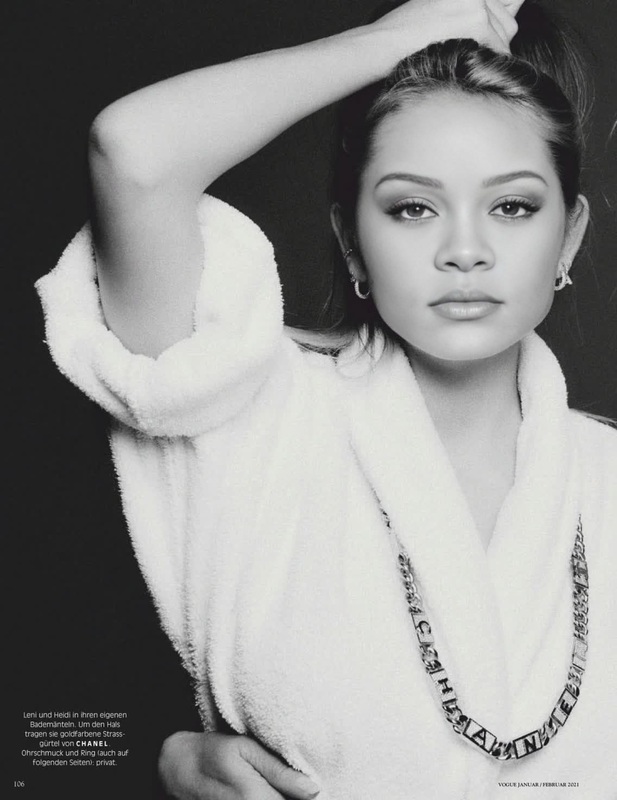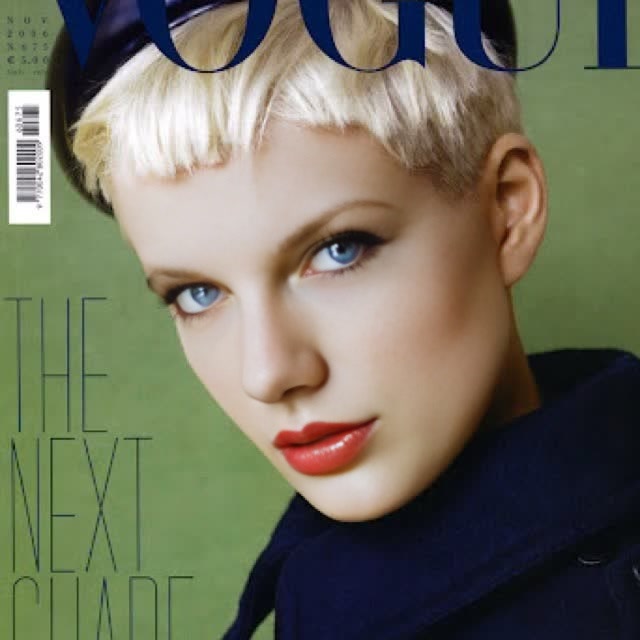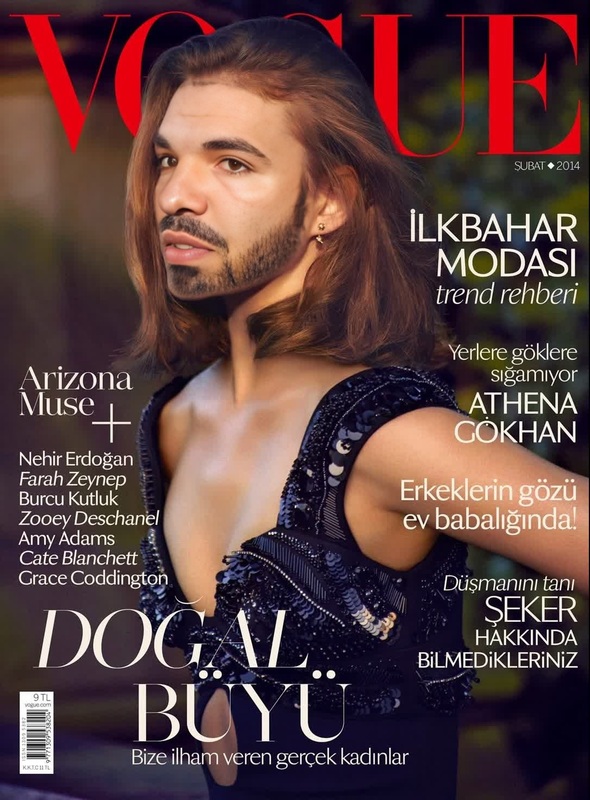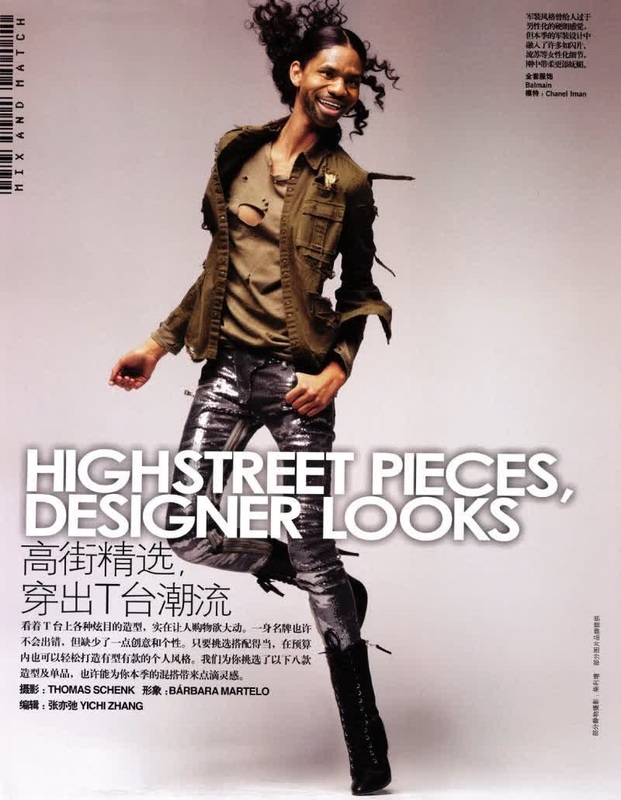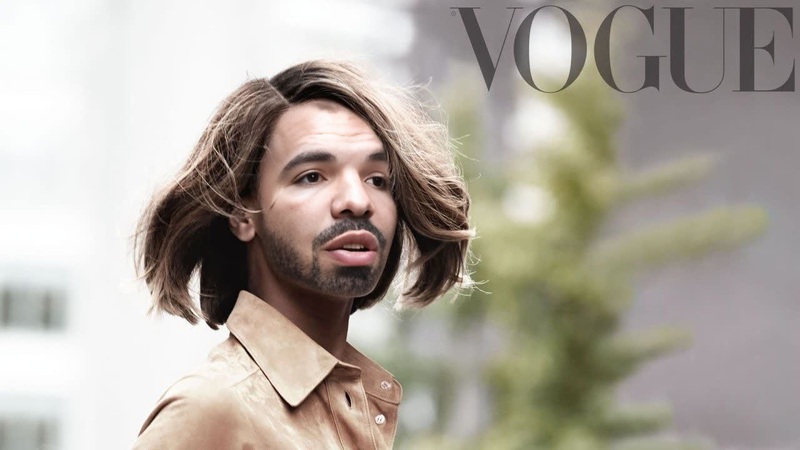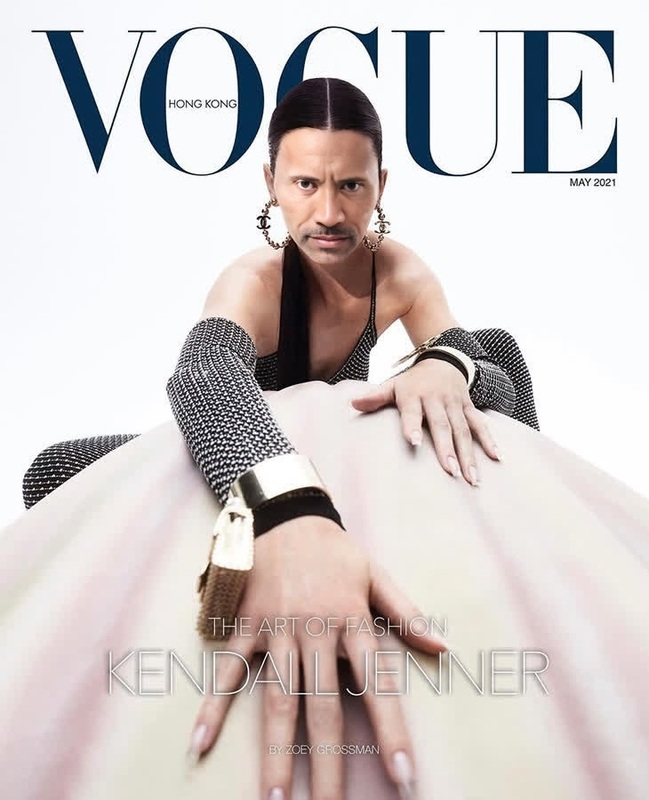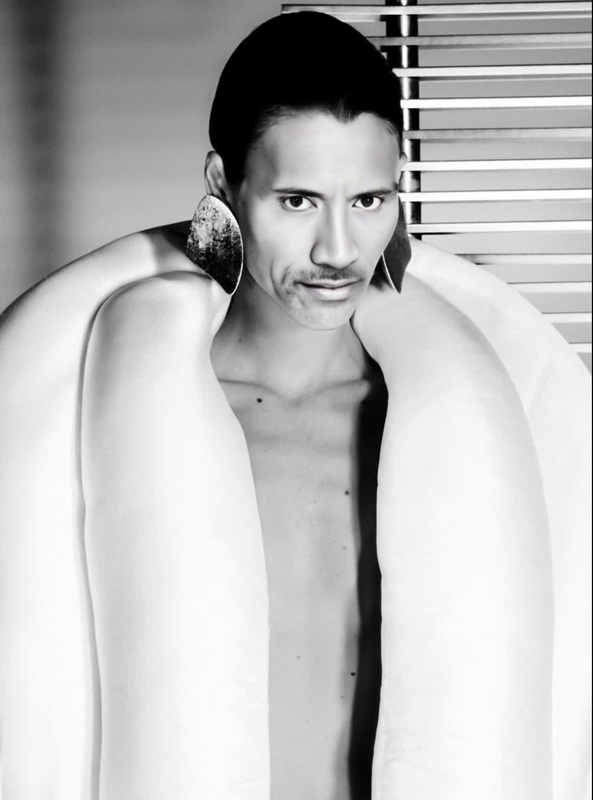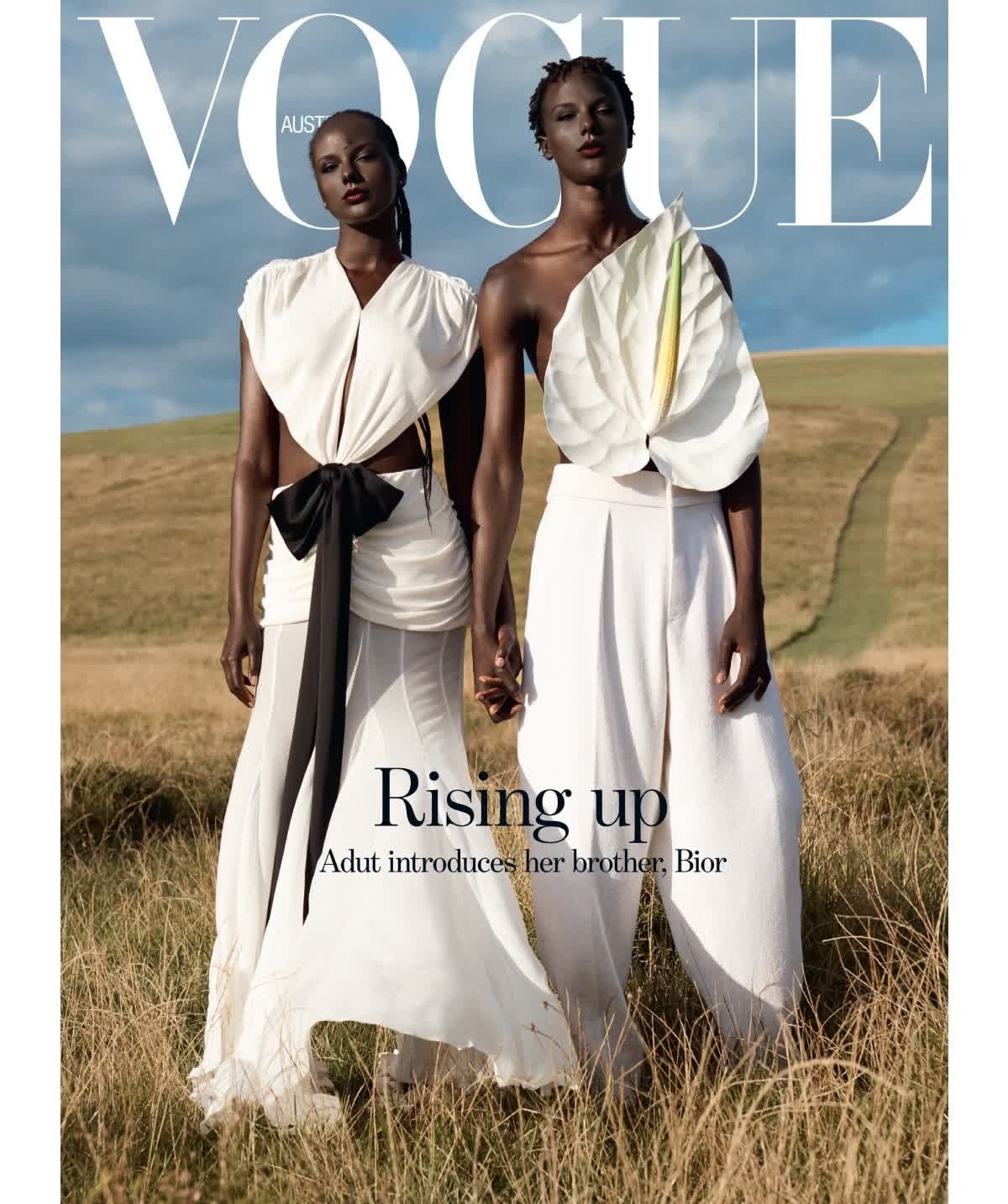
Adut Akech Vogue Australia Editorial Portrait
- Image
- 1200 × 1434 px
Any aspect ratio
Overview
The Adut Akech Vogue Australia Editorial Portrait is a Video Face Swap template that brings the high-fashion aesthetic of Adut Akech's Vogue Australia editorial to your videos. This template is designed for creators who want to infuse professional, magazine-quality effects into their content.
What It Does
This template uses advanced face swap technology to replace faces in your video with Adut Akech's iconic Vogue look. It's perfect for achieving editorial-style portraits that stand out. The result is a seamless integration of vibrant fashion aesthetics, turning any video into a high-impact visual piece.
For even more detailed facial transformations, explore our AI Face Editor.
Who It's For
The Adut Akech Vogue Australia template is ideal for fashion photographers, videographers, and social media influencers seeking to enhance their visual content. It's also useful for creative directors and marketing agencies looking to produce engaging and stylish ads with a fashion-forward edge.
If you’re a content creator on platforms like Instagram and TikTok, consider pairing this with our Image to Video tool to expand your storytelling capabilities.
Summary
Achieving striking editorial portraits is easy with the Adut Akech Vogue Australia template, which offers a unique combination of technology and style. Whether you're aiming to amplify a fashion campaign or elevate personal projects, this template provides the solution.
For projects requiring dynamic face swaps, also check out our Face Swap product suite.
How to Use
Choose the Template

Customize the Settings

Generate and Download

Use Cases
Fashion Campaigns
- Fashion brands seeking innovative promotional content
- Digital agencies crafting bespoke ads
Social Media Content
- Influencers wanting a unique edge
- Content creators focused on high engagement rates
Artistic Video Projects
- Artists exploring new media
- Filmmakers seeking conceptual visuals
Best Practices
Select High-Quality Source Footage
Ensure your video is of high quality to enhance the effectiveness of the face swap and achieve optimal results.Fine-tune Adjustments
Use the customization tools to align the face properly and adjust lighting and colors for a natural look.Preview Before Finalizing
Use the preview option to make sure all elements are correctly aligned and the transformation looks natural before downloading.