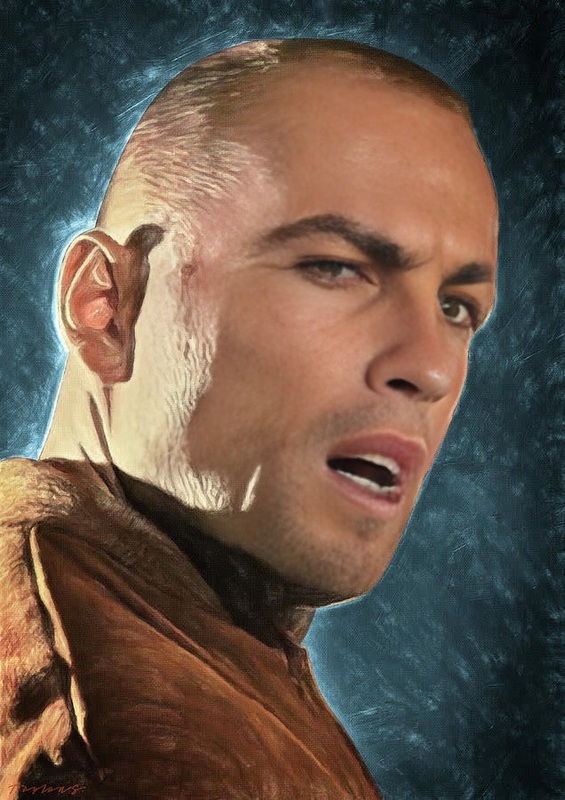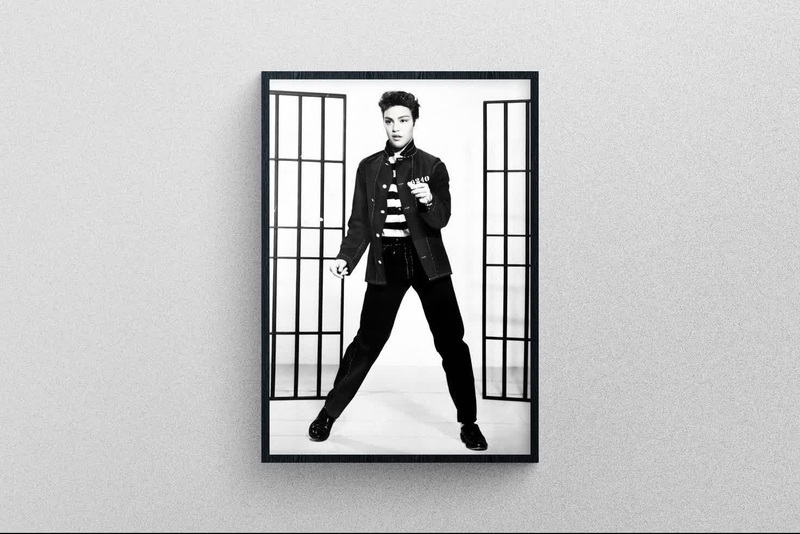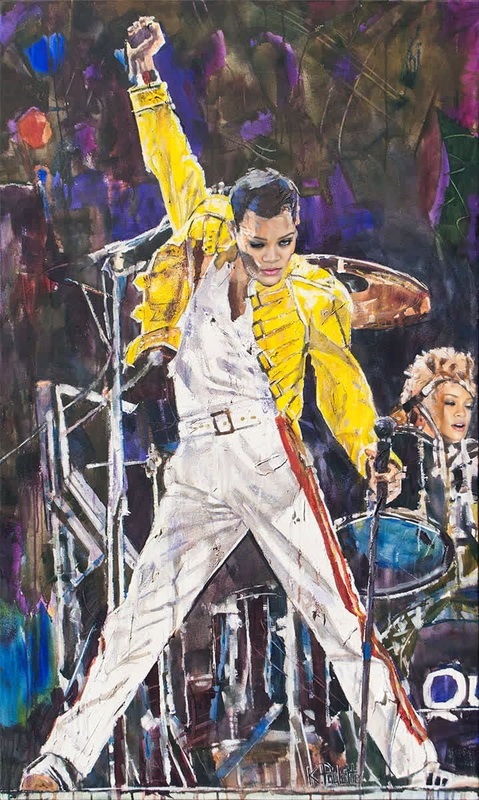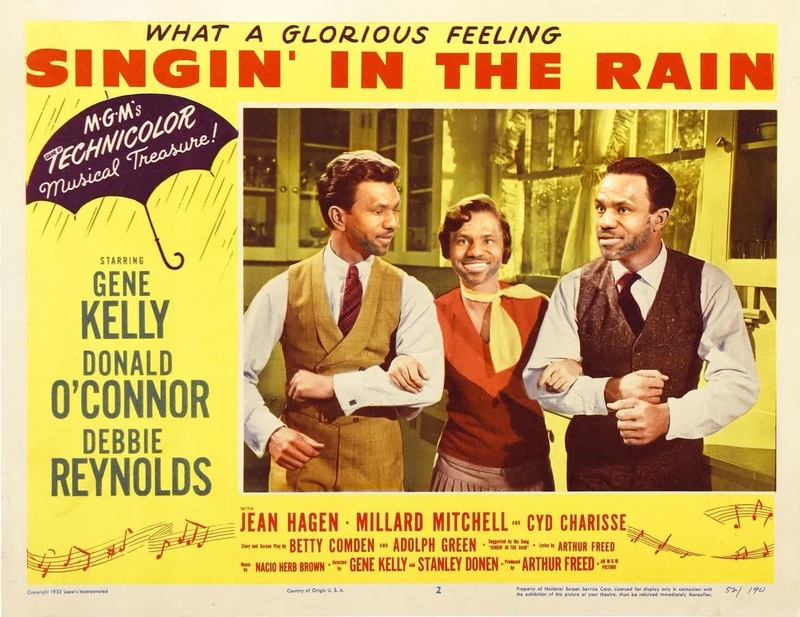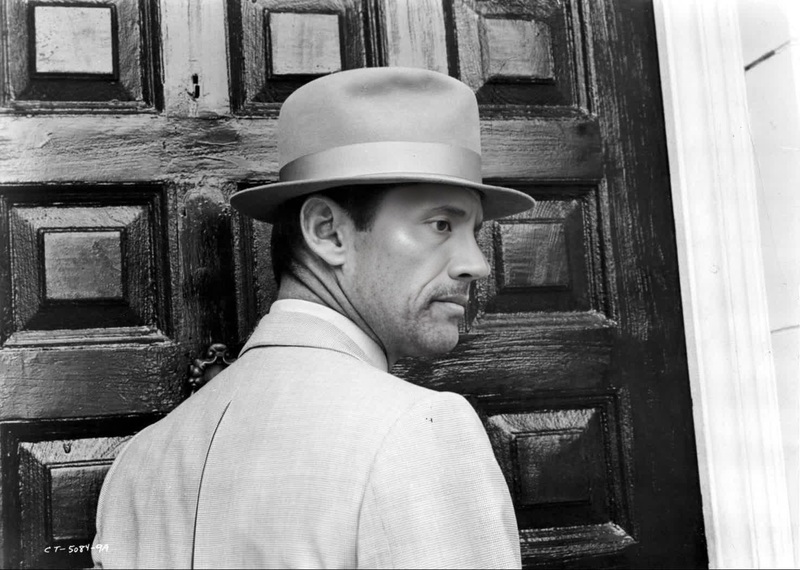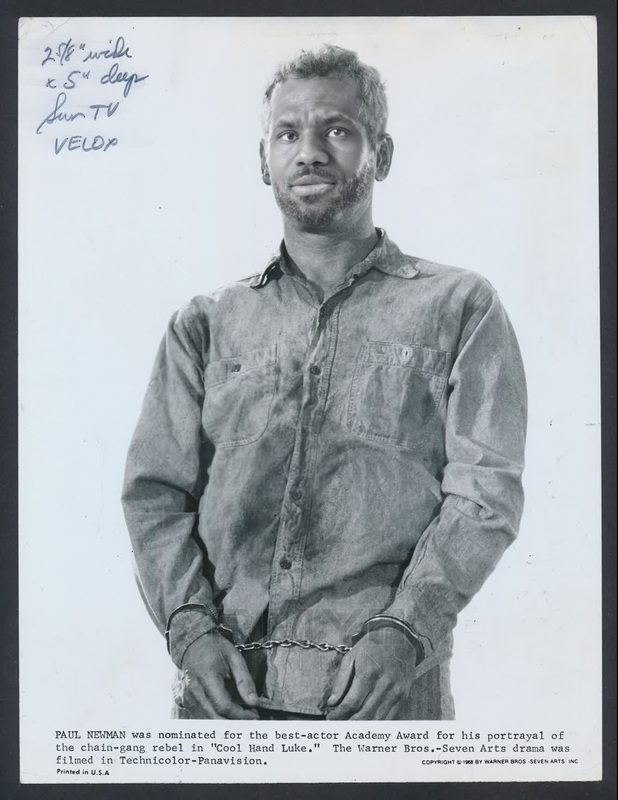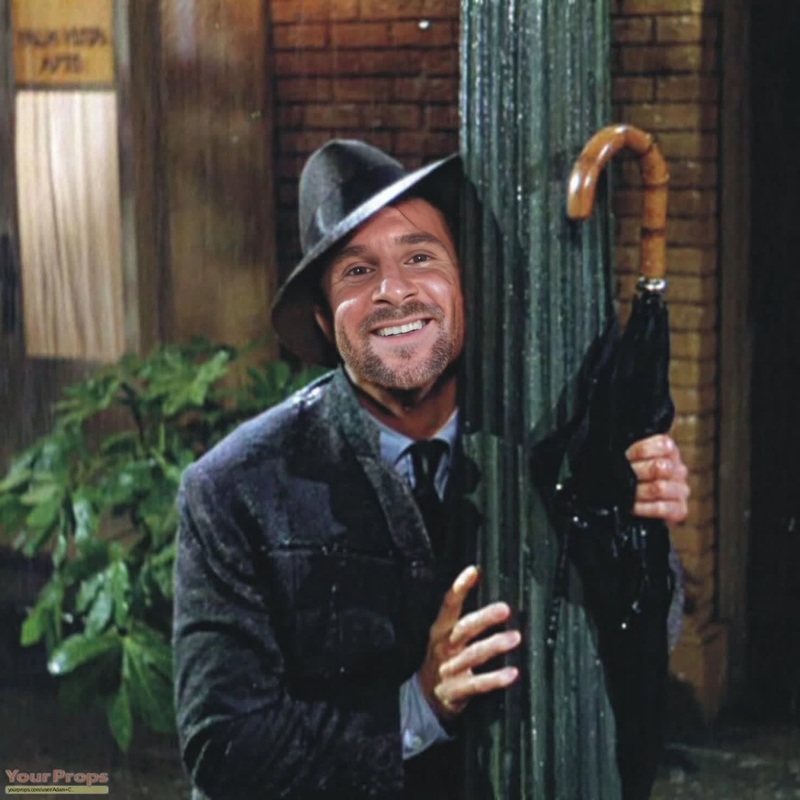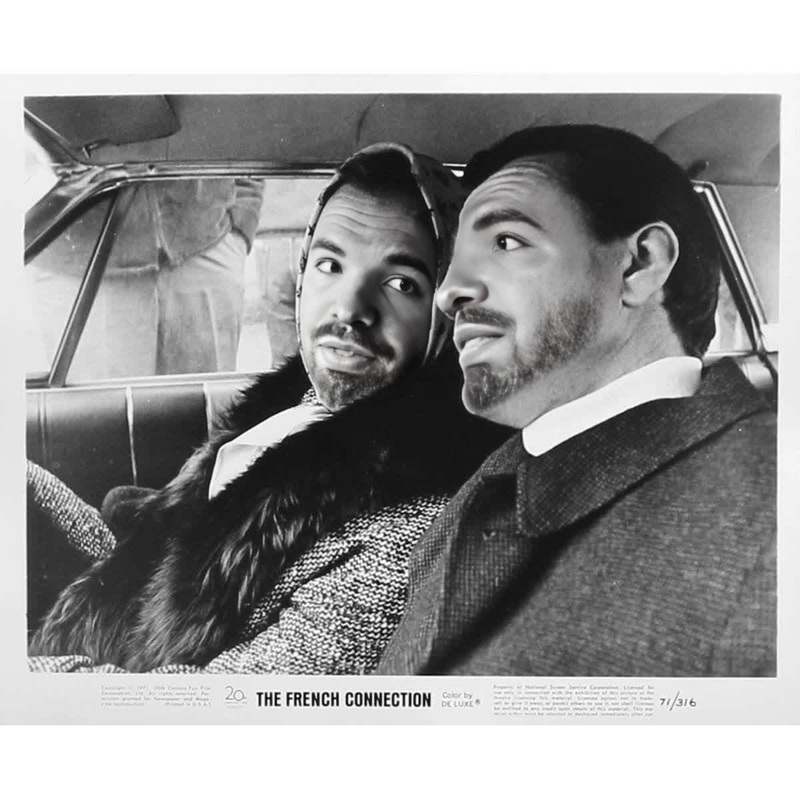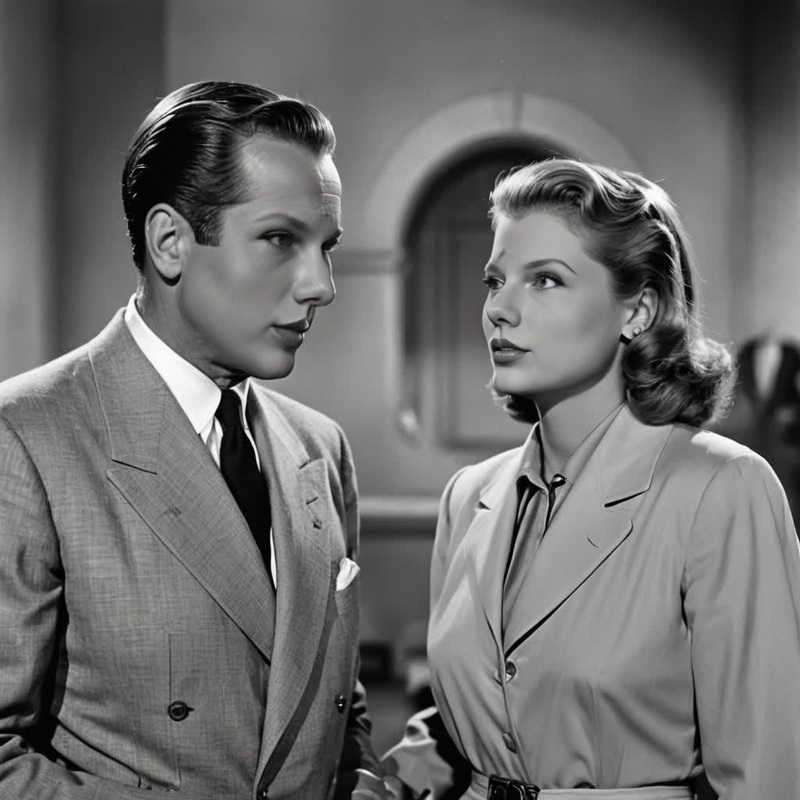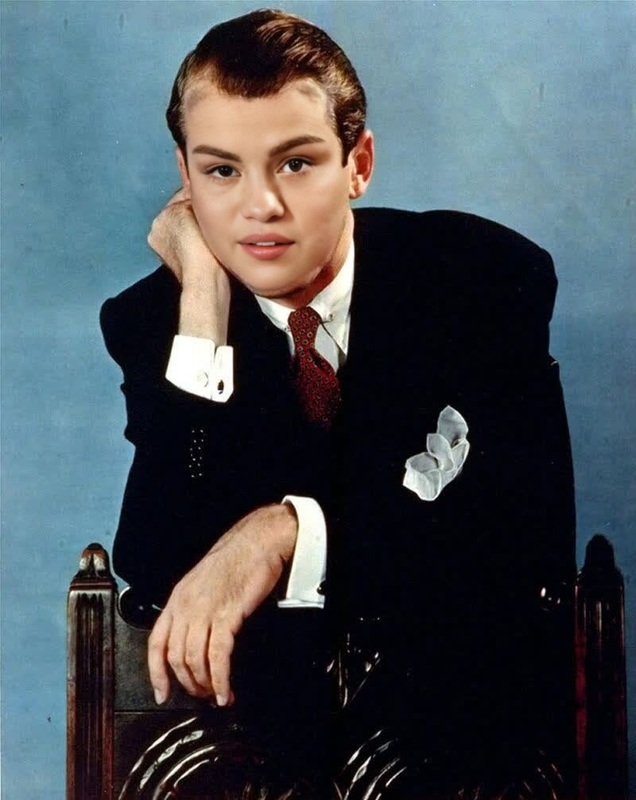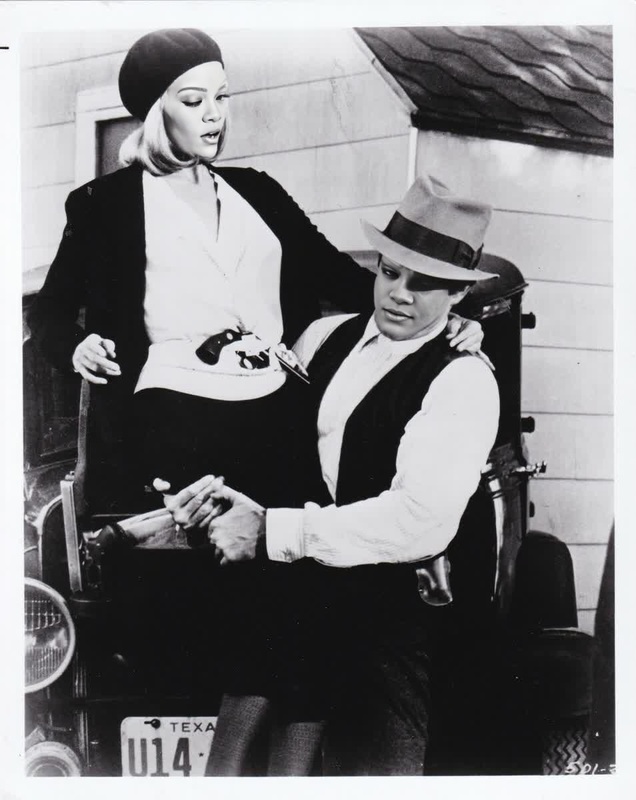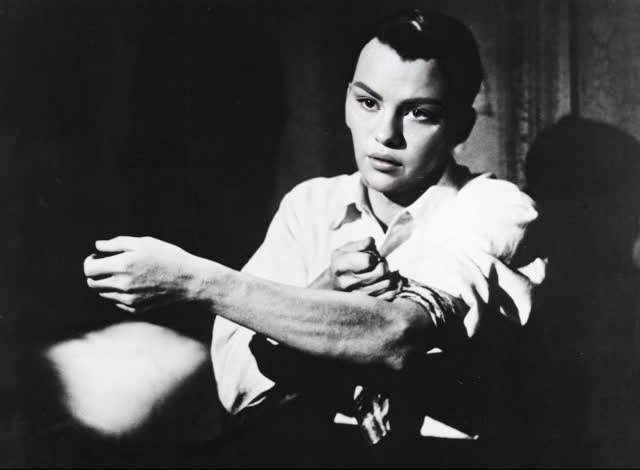
Frank Sinatra The Man With The Golden Arm Studio Portrait
- Image
- 640 × 470 px
Any aspect ratio
Overview
Bring the charm of classic Hollywood into your creations with the Frank Sinatra The Man With The Golden Arm Studio Portrait Video Face Swap template. This tool allows you to integrate Frank Sinatra's iconic look into your videos, whether you're designing a nostalgic reel or a playful mashup.
What It Does
This template swaps your subject's face with Frank Sinatra's from the classic movie "The Man With The Golden Arm" scene, offering a polished and cinematic result. For those looking to experiment with vintage styles, this Video Face Swap template utilizes advanced algorithms to maintain authentic expressions and seamless transitions. For additional editing capabilities, consider pairing this with our AI Image Editor for post-swap touch-ups.
Who It's For
Whether you're a content creator focusing on retro-themed projects, a filmmaker working on classic cinema reimaginings, or a fan seeking to add a unique twist to your video, this template is tailored for you. It is particularly beneficial for marketing professionals and social media influencers aiming to captivate their audiences with distinctive retro content. To enhance these experiences, explore our Image to Video tool for dynamic transitions.
Summary
Turn your footage into a vintage spectacle by applying this Video Face Swap template. With our easy-to-use interface, you can quickly transform your subject's face in any video. For more dramatic transformations, try combining with the Video Face Swap feature to perfect your Hollywood lookalike creations.
How To
Choose Your Template

Customize Your Video

Generate and Download

Use Cases
Vintage Content Creation
- Fashion retrospectives
- Classic music video remixes
Social Media Engagement
- Instagram reel enhancements
- TikTok mashups
Marketing and Promotions
- Retro-themed ads
- Event trailers
Best Practices
Align Faces Perfectly
Ensure that the face is aligned with the subject's head in your footage to maintain realism. This minimizes noticeable discrepancies during expression changes.Use High-Quality Video
Start with high-resolution clips to ensure that the face swap remains clear and convincing once applied.Post-Edit for Finesse
After swapping, use the AI Image Editor for additional color correction and lighting adjustments to match the aesthetics of the original scene.
Frequently asked questions
More Like This