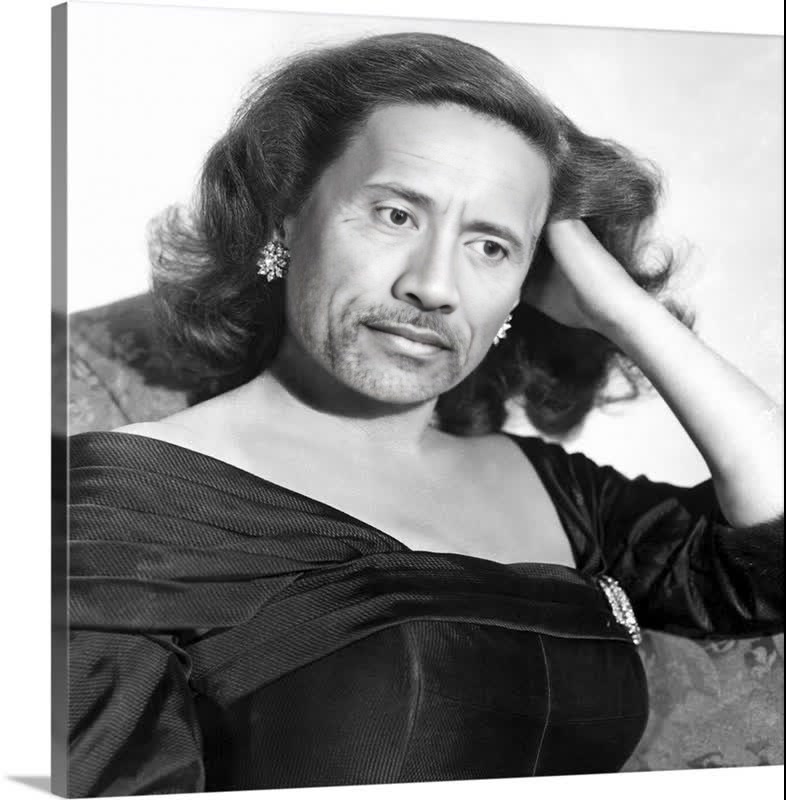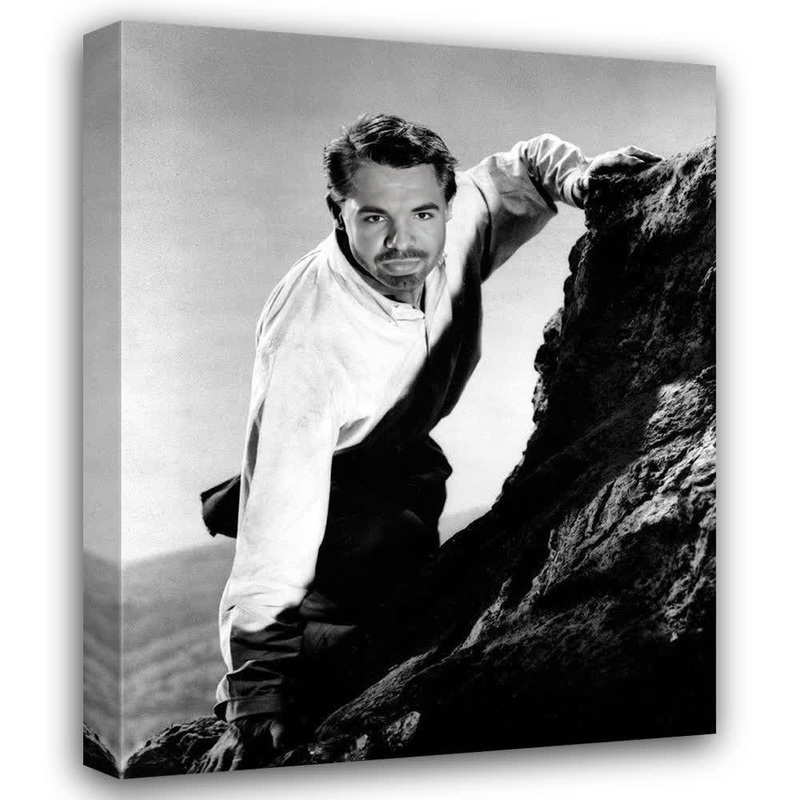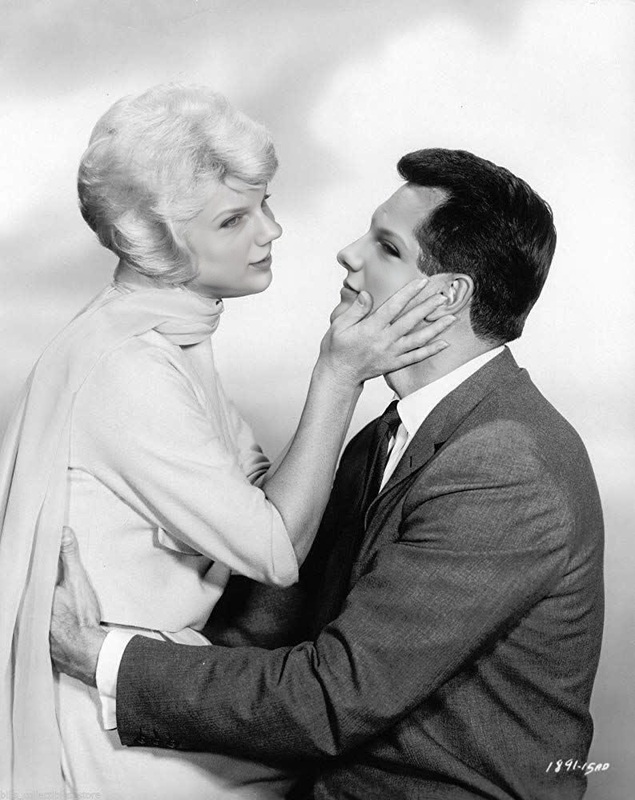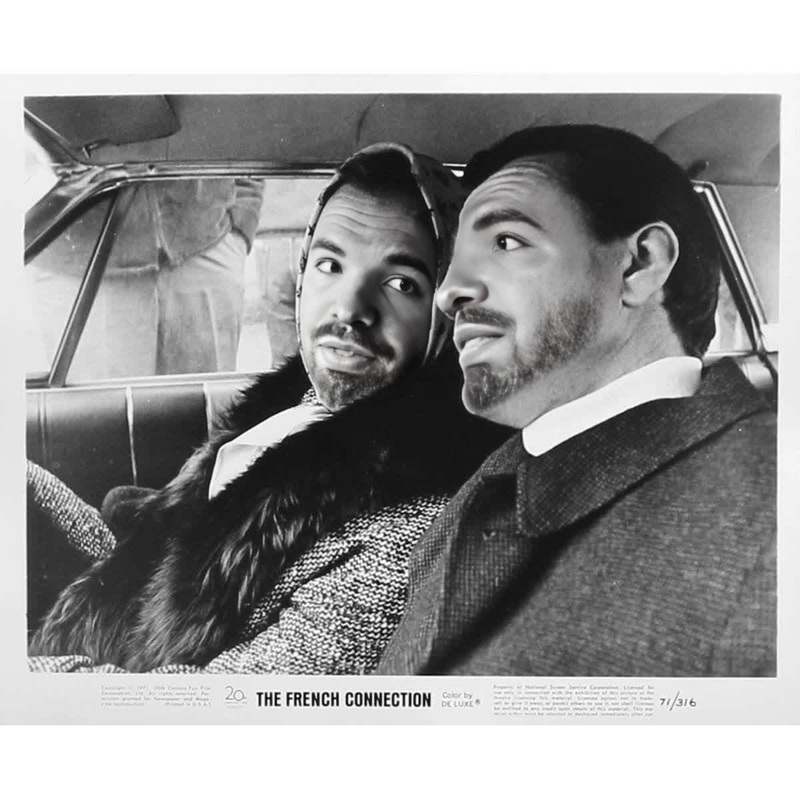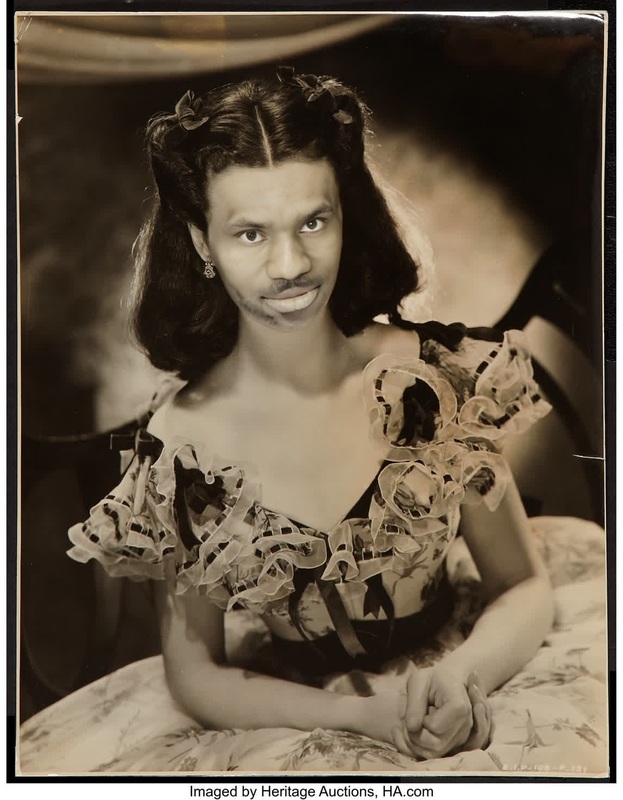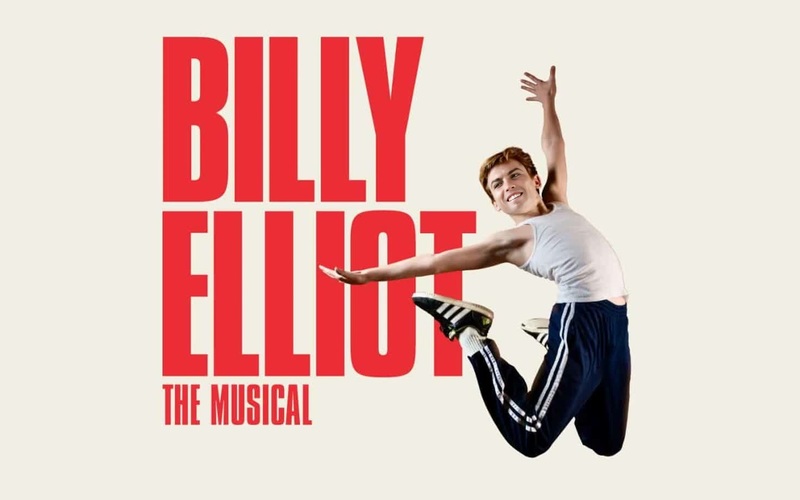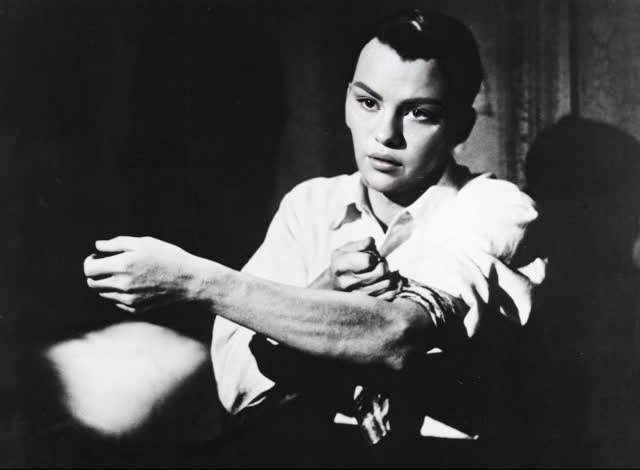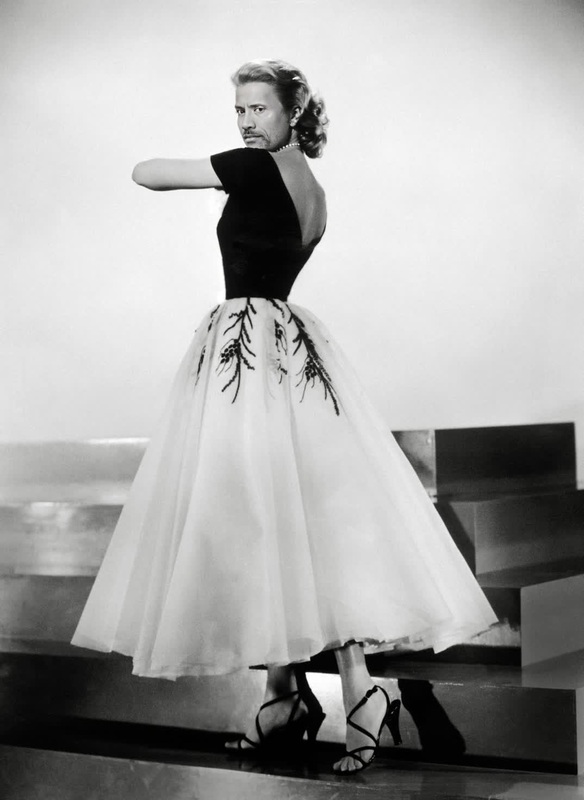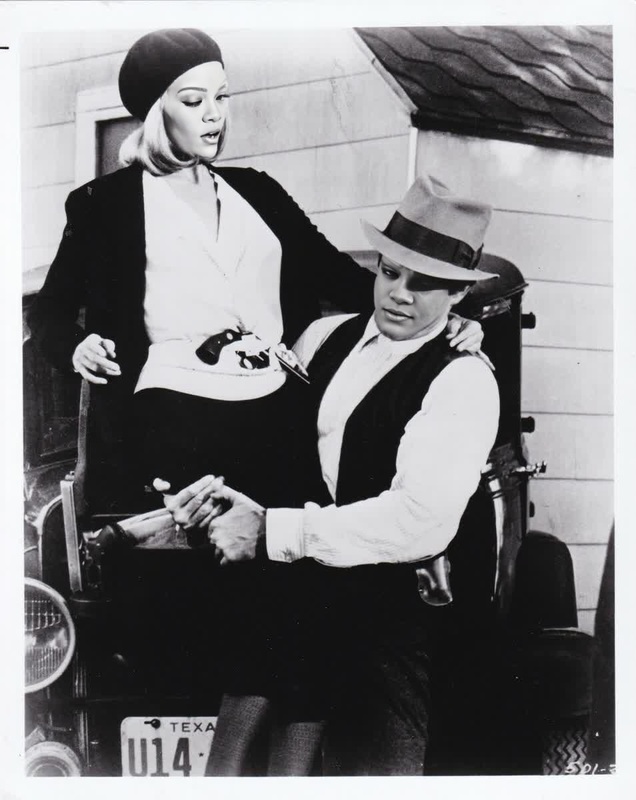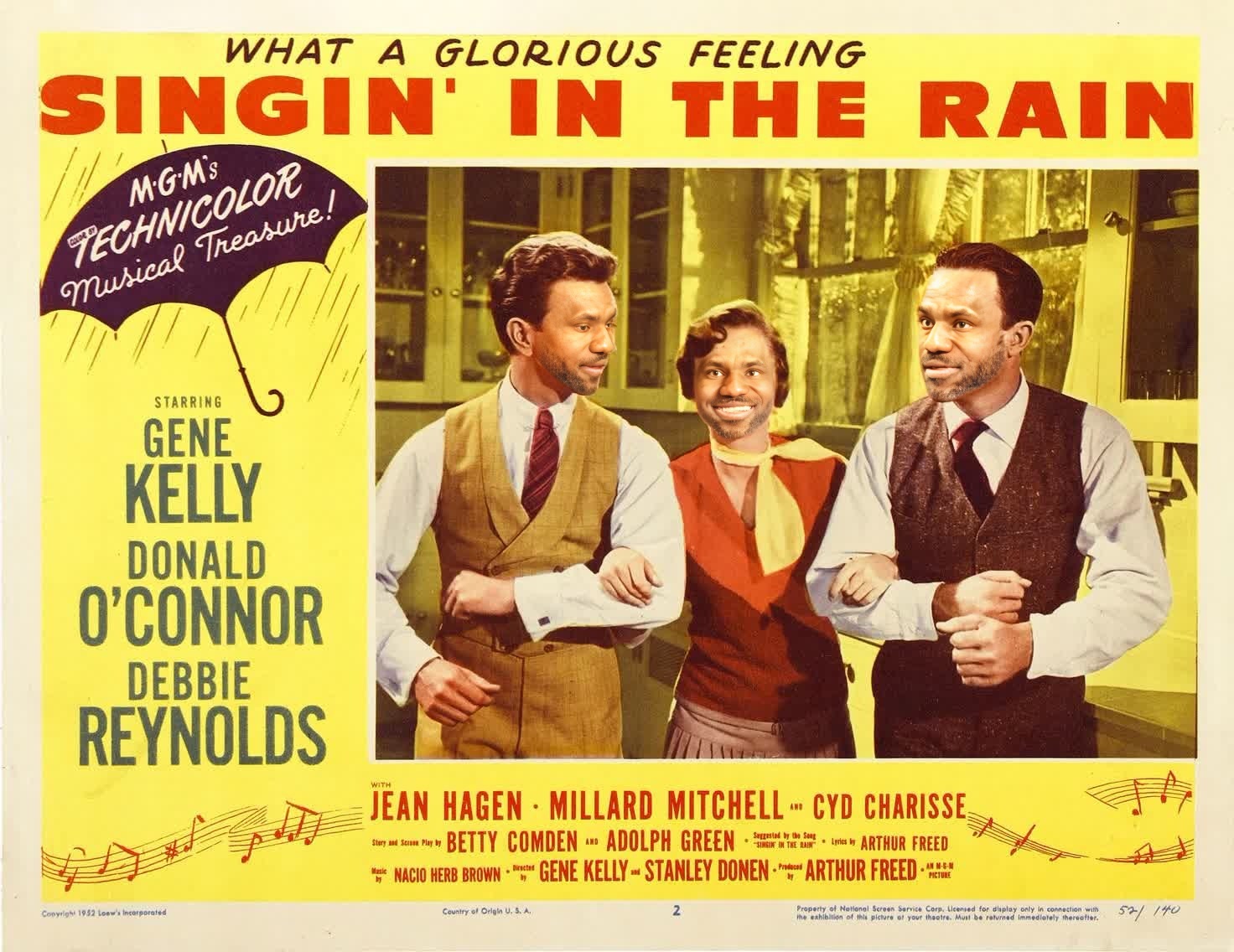
Gene Kelly Singin In The Rain Studio Portrait
face-swap
Any aspect ratio
Tags
transformationsTurn any clip into a face‑swap video in minutes with this reusable Magic Hour template. Ideal for creators, performance marketers, founders, and editors who need consistent, on‑brand, high‑volume video variants without rebuilding the workflow from scratch every time.
What this template does
This template uses Magic Hour’s AI Face Swap engine (via the Face Swap Video workflow) to:
- Replace one or more faces in a source video with your chosen face
- Preserve head motion, expressions, and scene lighting for realism
- Output platform‑ready clips you can reuse across campaigns, channels, and experiments
You can remix this template to:
- Test different creators or “faces” in the same ad or explainer
- Localize content with different presenters while reusing the same script and footage
- Personalize videos for segments (e.g., B2B outreach, sales, onboarding)
- A/B test thumbnails and hooks with matched face‑swapped variants
How to remix this template in Magic Hour
You can turn this template into your own reusable workflow in a few steps:
Open the Face Swap Video creator
Go to the Face Swap Video page. This template is built on that workflow.Upload or select your base video
Use:- Existing ad footage
- Talking‑head explainers
- UGC, interviews, or product demos
For best quality, choose clips with: - A clear subject facing the camera
- Stable lighting
- Minimal heavy occlusions (hands fully covering the face, etc.)
Add the face you want to swap in
- Upload a high‑quality, front‑facing photo of the new person
For strong results, use: - Sharp images with natural expressions
- Similar angle and lighting to the target video where possible
You can also create faces first with:
- AI Face Generator for synthetic identities
- Avatar Generator for character‑style presenters
- AI Selfie Generator for branded profile and social content
- Upload a high‑quality, front‑facing photo of the new person
Map faces and generate
Assign the new face to the subject in your video and generate your swap. Magic Hour’s engine automatically handles:- Facial alignment and tracking
- Expression and lip motion matching
- Color and lighting adaptation
Save as your own template
Once you’re happy with the result:- Save this project in Magic Hour and reuse the same base video
- Swap in different faces for creators, customers, or localized spokespersons
- Build a library of “house templates” for your brand (e.g., US presenter, EU presenter, APAC presenter — all built on the same master cut)
Practical use cases for teams
Performance & growth marketing
Use face swap to systematically test and scale video creative:
- Run the same winning script with multiple creators and demographics
- Localize visual identity for different regions without re‑shooting
- Pair with:
- Lip Sync to match dubbed or AI‑generated audio
- AI Voice Generator or AI Voice Cloner for language, accent, or persona changes
- Auto Subtitle Generator to add captions for global campaigns
Creators & YouTubers
- Swap your face onto B‑roll or character footage to stay visually “on screen” without reshooting
- Create alternate thumbnails with different expressions using:
- Turn stills into short animated intros with Image to Video plus face swap on your character
Startups & product teams
- Build scalable onboarding and product tours:
- One master walkthrough → many localized presenters
- Consistent structure, UI, and timing, only the face (and optionally voice) changes
- Generate internal training with synthetic but realistic hosts:
- Create your host via AI Character Generator
- Animate it with Animation or AI Talking Photo
- Apply face swap when you want the same identity across new shoots or re‑cuts
How to get the best face‑swap quality
From both industry practice and research on deep generative models:
- High‑resolution inputs improve detail and reduce artifacts
- Use the sharpest video available
- If needed, enhance with Video Upscaler or AI Image Upscaler for stills
- Clean, front‑facing faces work best
- Avoid heavy motion blur and extreme angles
- Limit obstructions like sunglasses, masks, or hair across the face
- Consistent lighting helps realism
- The closer the lighting between your source photo and video, the more natural the swap
- Multiple reference photos help identity consistency
- Use a small set of sharp photos (frontal and slight angles) to capture the person’s features robustly
For broader context on how face‑swap and deepfake models work, see research like Tolosana et al., “DeepFakes and Beyond: A Survey of Face Manipulation and Fake Detection” (2020), and Kietzmann et al., “Deepfakes: Trick or treat?” (Business Horizons, 2020), which outline the importance of input quality and identity representation for convincing results.
Advanced remixing ideas
Because this template is built on Magic Hour’s modular tools, you can chain it with other workflows:
Face swap + lip sync + voice cloning
- Create a synthetic spokesperson once
- Use Lip Sync with AI Voice Cloner to deliver new scripts
- Keep the same visual identity by reusing this face‑swap template
Face swap + Video‑to‑Video stylization
- Apply Video to Video to turn your face‑swapped clip into an illustration, anime, or stylized ad
- Complement with AI Art Generator or AI Anime Generator for matching still assets (banners, thumbnails, landing pages)
Synthetic characters & brand mascots
- Design a character with Animated Characters Generator or AI Character Generator
- Use AI Image Generator or AI Photo Generator for additional poses
- Face‑swap that identity onto live‑action footage to blend real environments with synthetic personas
Ethical and brand‑safe usage
Face‑swap technology is powerful and should be used responsibly:
- Only use images and likenesses you have rights or explicit permission to use
- Avoid misleading audiences about endorsements, testimonials, or real‑world events
- Stay compliant with your region’s synthetic media and advertising guidelines
- If appropriate, clearly disclose AI‑generated or modified media in your content or metadata
For reference, organizations such as the Partnership on AI and several advertising standards bodies recommend transparency and consent as core principles when deploying synthetic media in production.
Related Magic Hour tools to extend this template
Once your face‑swap template is working, you can expand your pipeline:
Visual quality & cleanup
Additional creative formats
- Face Swap GIF for short, shareable loops
- AI GIF Generator
- AI Meme Generator
- Text to Video when you want to generate scenes from prompts before applying face swap
Branded assets & identity
- AI Headshot Generator
- AI QR Code Generator
- AI Logo Generator
- Book Cover Generator and Album Cover Generator for matching campaign visuals
How to adapt this template to your workflow
When you remix this template in Magic Hour, think of it as a reusable component in your content pipeline:
Standardize inputs
- Define a consistent frame (e.g., talking‑head framing, simple background) used across all base videos
- Store your “approved faces” for creators, customers, or characters
Document variants
- Name your remixed templates by persona or region (e.g.,
Onboarding – NA – Creator A) - Track which face‑swap variants perform best by channel and audience
- Name your remixed templates by persona or region (e.g.,
Integrate with your stack
- Use the generated videos in paid campaigns, landing pages, product tours, or onboarding flows
- Pair with analytics and experimentation platforms to quantify lift from different presenters or styles
Because Magic Hour’s tools are modular, you can start with this face‑swap template and progressively add lip sync, voice, stylization, and upscaling as your requirements grow—without rebuilding your process every time.