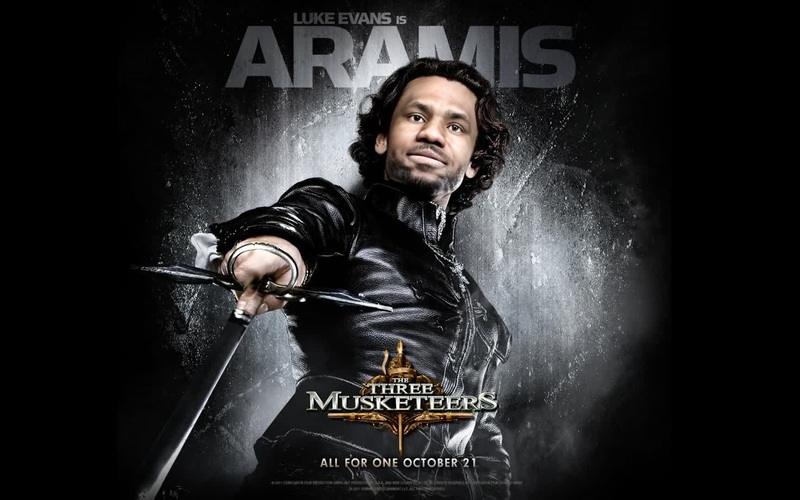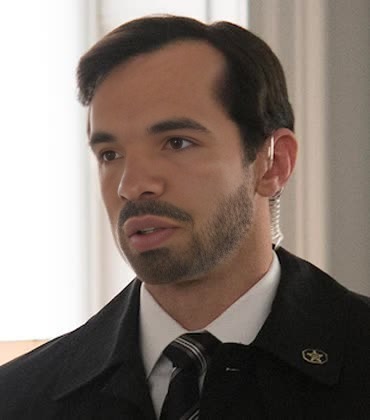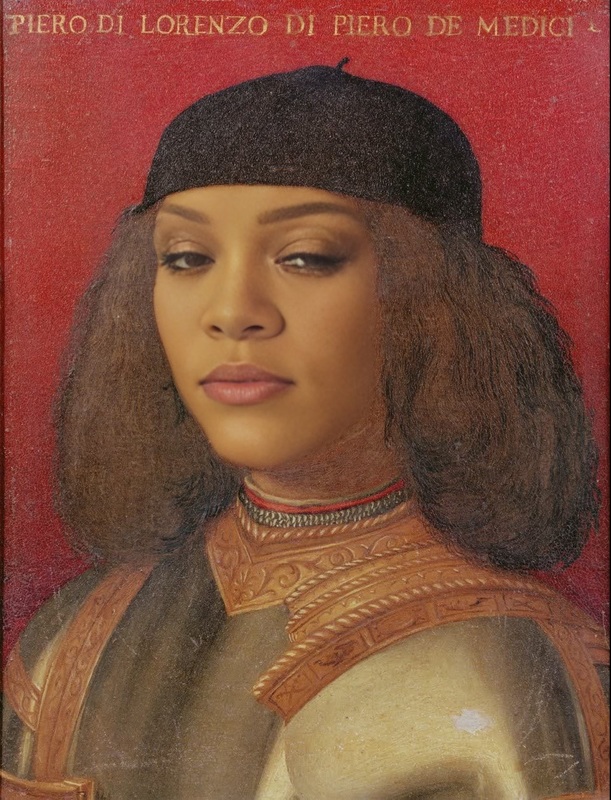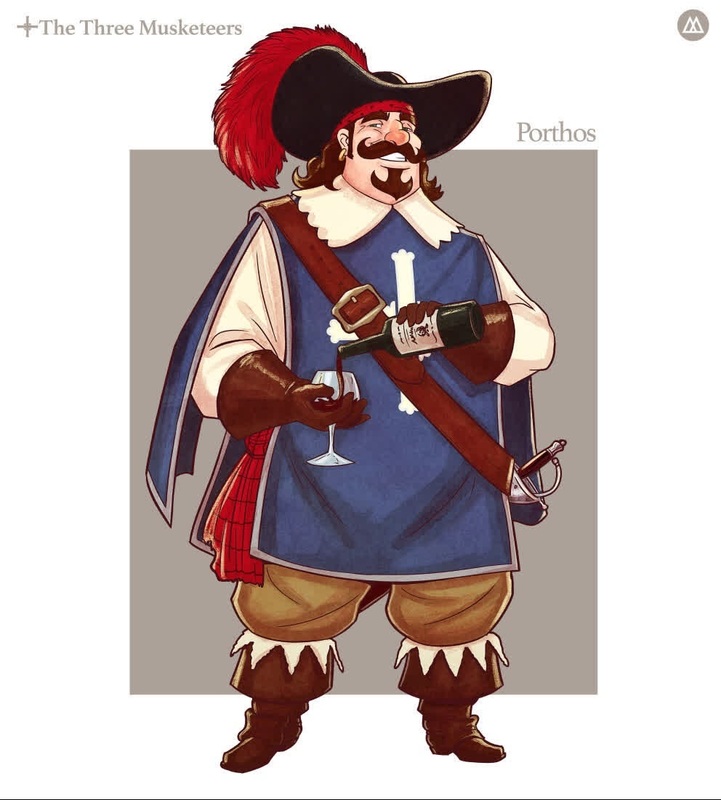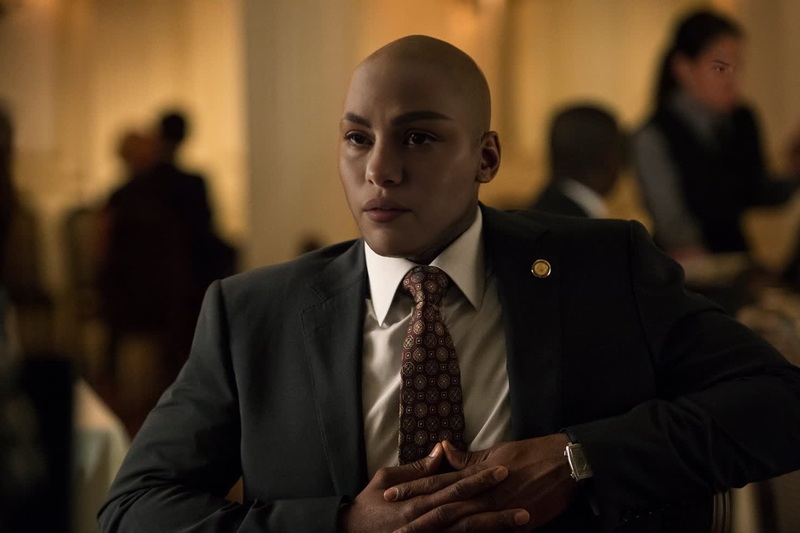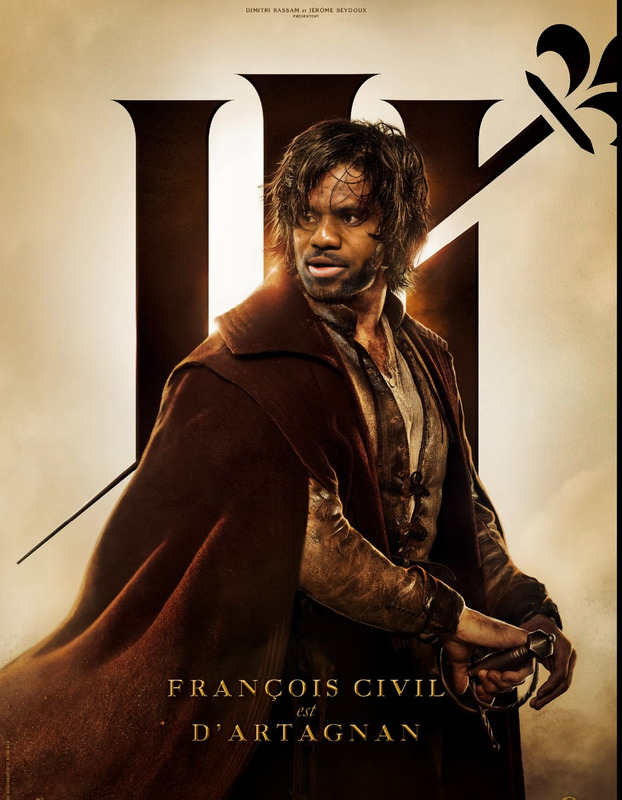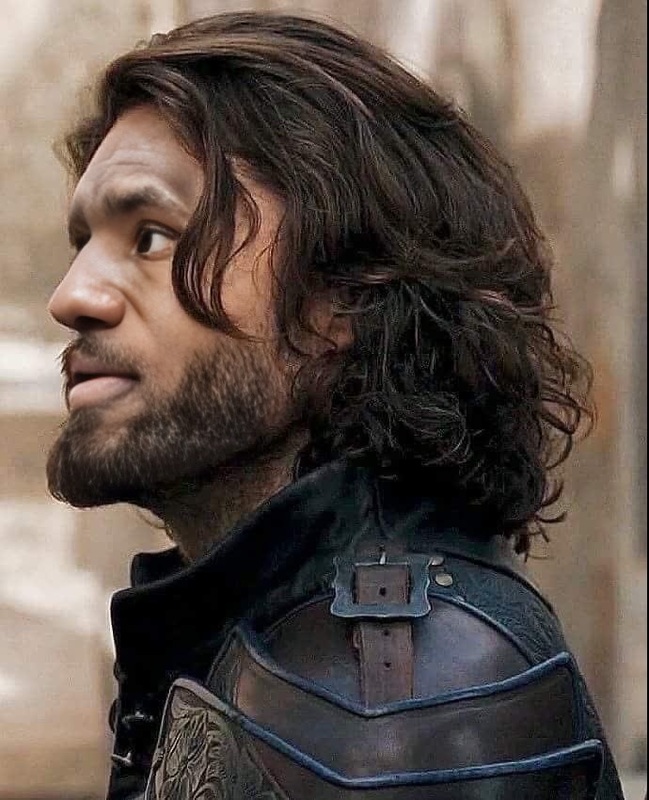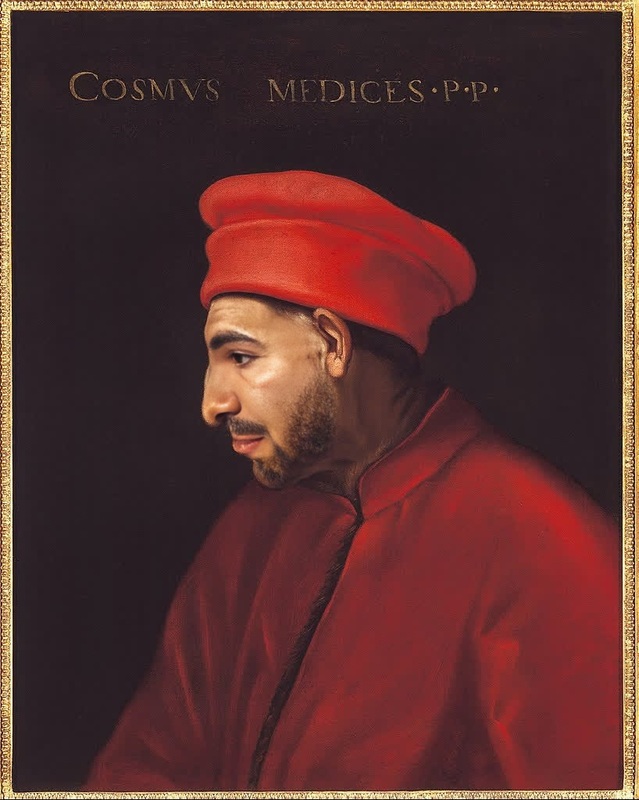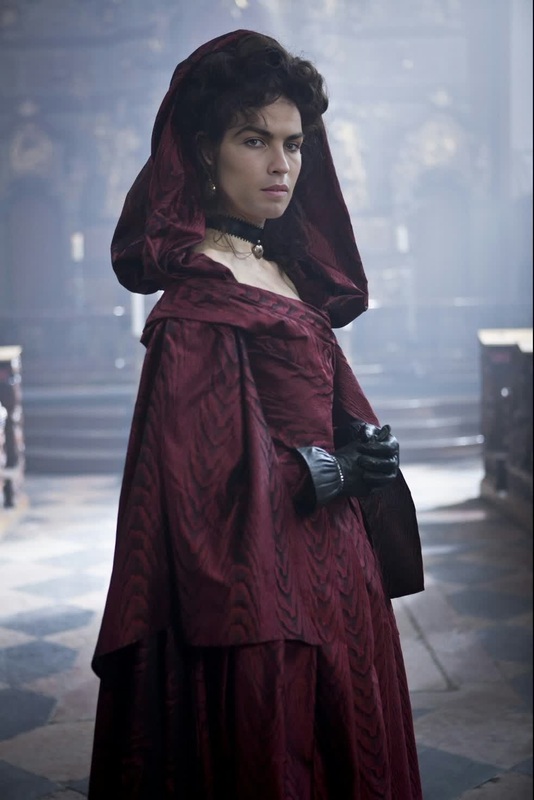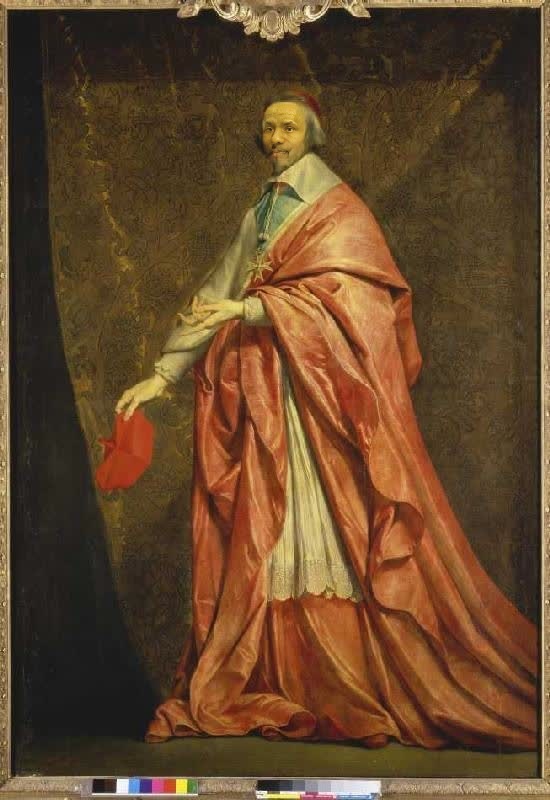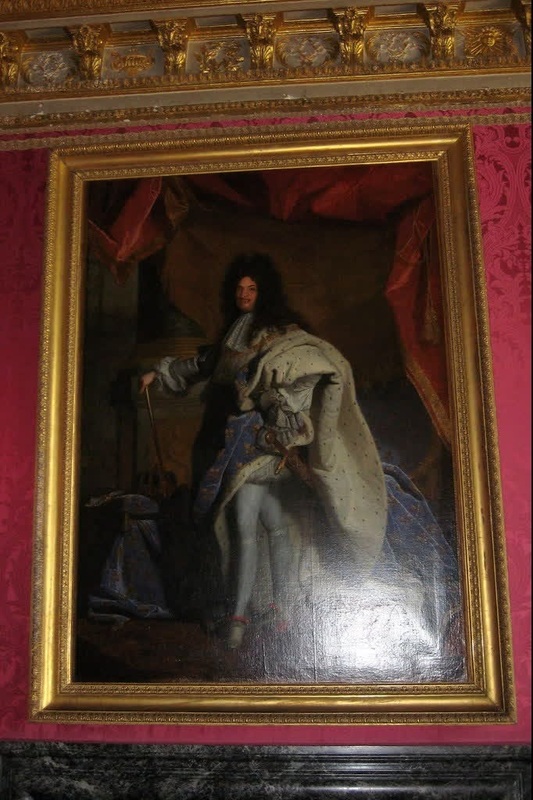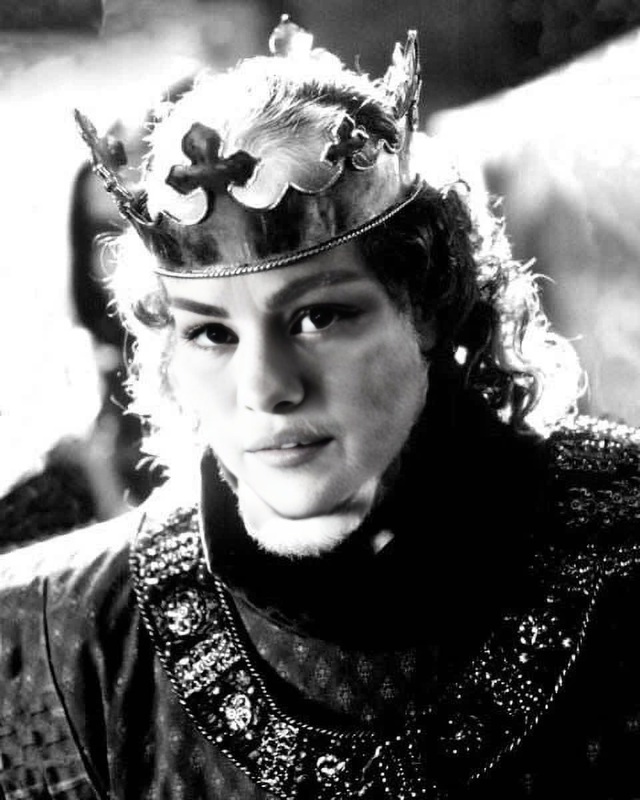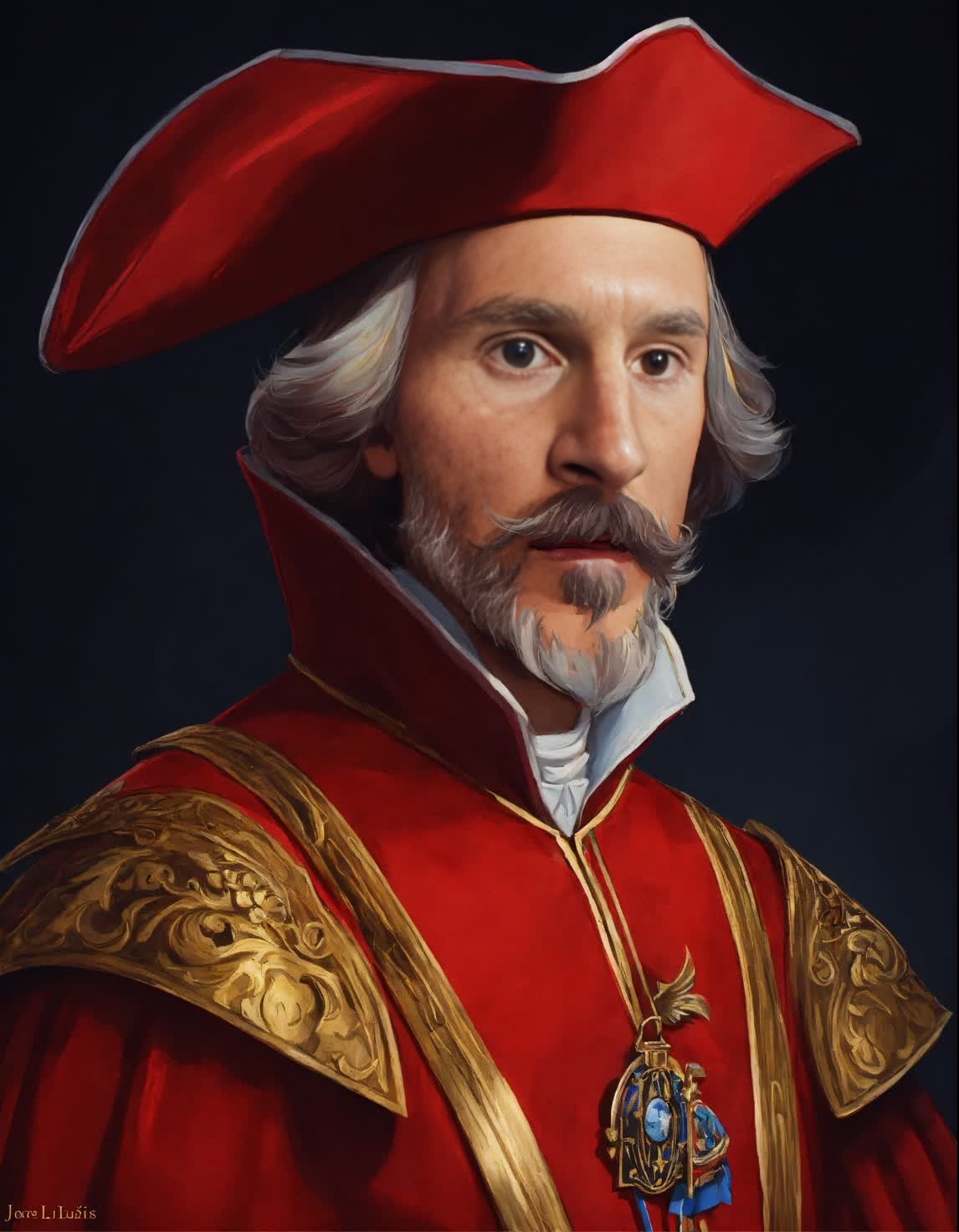
Cardinal Richelieu The Three Musketeers Portrait
- Image
- 1146 × 1472 px
Any aspect ratio
Overview
Step into the world of classic literature with the 'Cardinal Richelieu The Three Musketeers Portrait' video face swap template. This tool lets you embody the infamous Cardinal Richelieu, immersing yourself in a historical drama setting. Perfect for creators seeking a unique and intriguing transformation, this template offers a seamless way to integrate your likeness into iconic scenes.
What It Does
This face swap video template utilizes advanced AI to replace faces in a pre-existing video of Cardinal Richelieu from The Three Musketeers with your own image. By connecting with the Video Face Swap tool, you can maintain the original video's texture and style while bringing your personal presence into the frame. Download results in standard video formats compatible with most editing tools.
Who It's For
This template is ideal for content creators, educators, and fans of classic literature who want to engage their audience with historic character portrayals. Suitable for making educational content engaging or simply sharing on social platforms, this tool offers a creative way to both entertain and educate.
Summary
Transform yourself into a legendary character like Cardinal Richelieu with the help of our video face swap template. For those interested in exploring more transformations, check out our AI Talking Photo and AI Image Editor products to broaden your creative range.
How To
Choose Template

Customize Inputs

Generate Video

Use Cases
Educational Videos
- History lessons
- Book reviews
Social Media Content
- TikTok challenges
- Instagram reels
Digital Storytelling
- YouTube series
- Podcasts
Best Practices
Select High-Quality Images
Ensure your uploaded image is clear and well-lit for the best face swap results.Fine-Tune Facial Alignments
Use the customization tools to adjust facial alignment precisely for a more natural look.Leverage Video Format
Export in a format compatible with your preferred editing software for additional post-processing options.
Frequently asked questions
More Like This