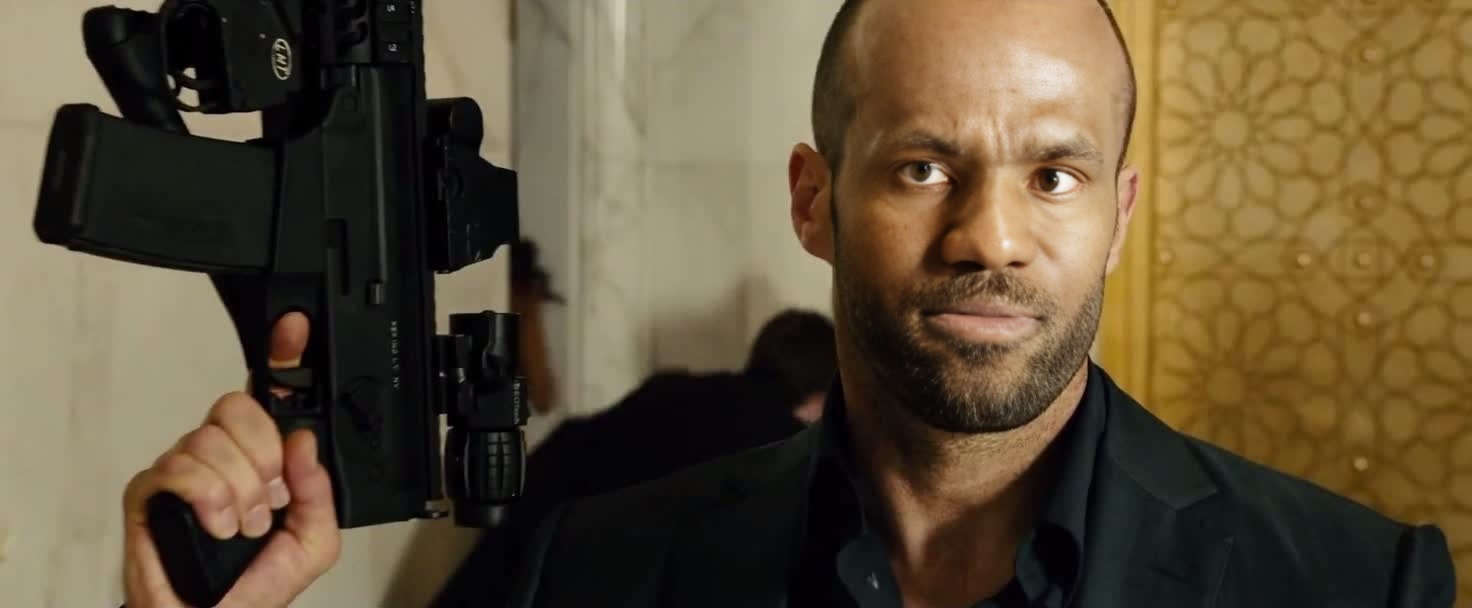
Deckard Shaw Furious 7
- Image
- 1472 × 608 px
Any aspect ratio
Overview
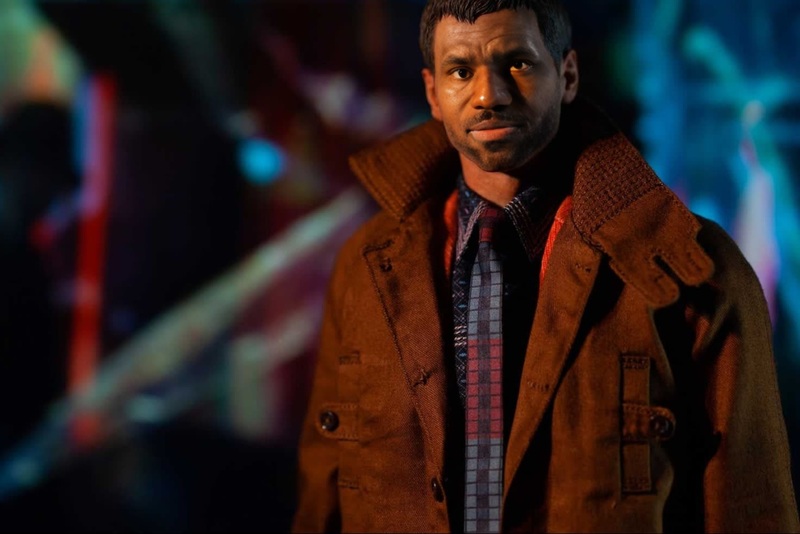
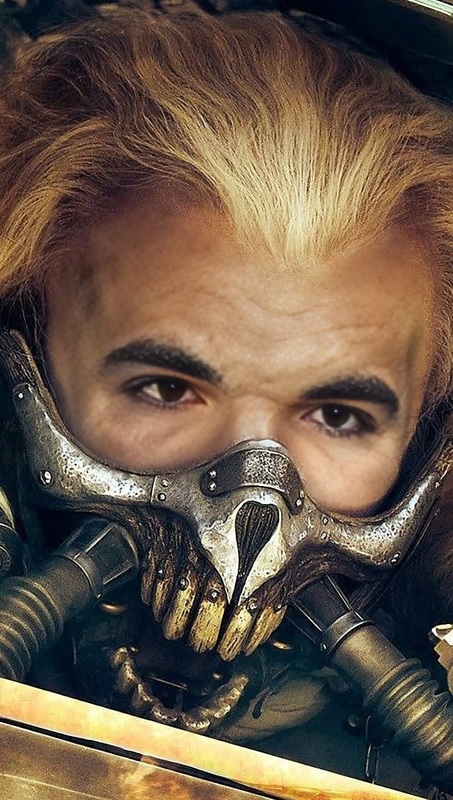
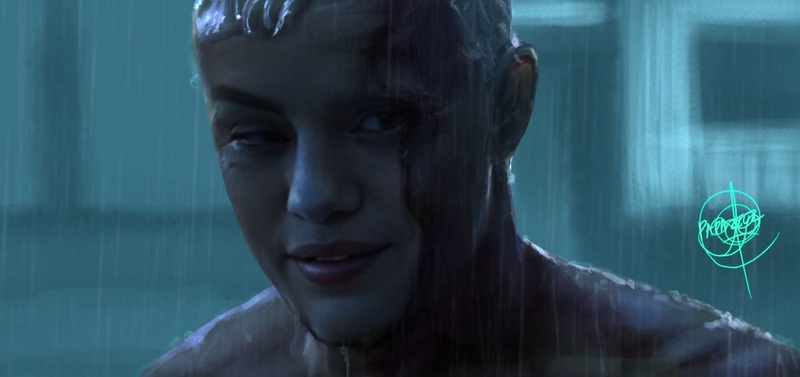
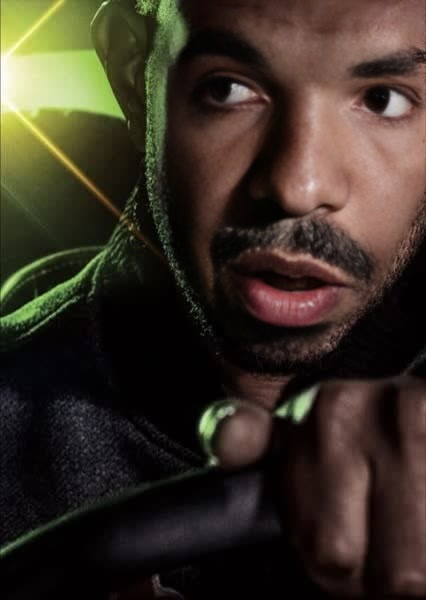
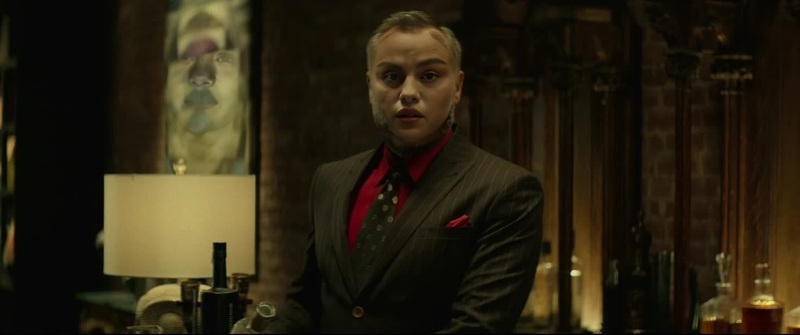
Step into the shoes of Deckard Shaw from Furious 7 with this engaging Video Face Swap template. Ideal for fans of the adrenaline-pumping Fast & Furious saga, this template transforms an ordinary video into an exciting cinematic clip.
What It Does
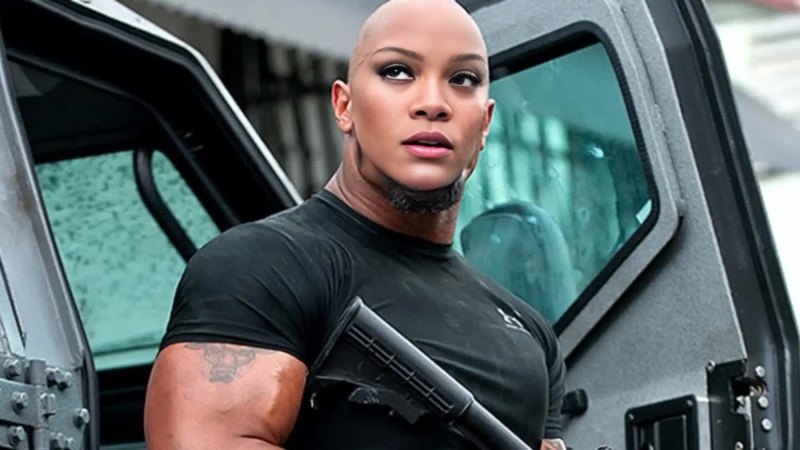
This Video Face Swap template allows users to replace a face in any video with Deckard Shaw's character from Furious 7. By accessing our Face Swap tool, you can create action-packed sequences or recreate your favorite scenes.
Who It's For
This template is perfect for movie buffs, content creators, and fans eager to insert themselves into iconic action sequences. It's also a great tool for social media enthusiasts looking to create captivating video content.
Summary
Transform your videos into thrilling adventures by swapping faces with a famous action hero. The Deckard Shaw Video Face Swap template is your gateway to becoming part of the Fast & Furious universe and engaging your audience with dynamic content.
How to Use
Choose Your Template

Customize Your Inputs

Generate and Download

Use Cases
Social Media Clips
- Boost engagement with eye-catching content
- Tap into the popularity of the Fast & Furious franchise
Fan Creations
- Express fandom in creative ways
- Craft personalized movie scenes
Marketing Content
- Enhance storytelling in ads
- Capitalize on celebrity influence
Best Practices
Select High-Quality Videos
Ensure the video quality is high to make the face swap more realistic and compelling.Fine-tune Facial Alignment
Use the alignment tools to refine the swap and make transitions smooth and believable.Experiment with Lighting
Match lighting conditions between the original and swapped faces for a seamless effect.