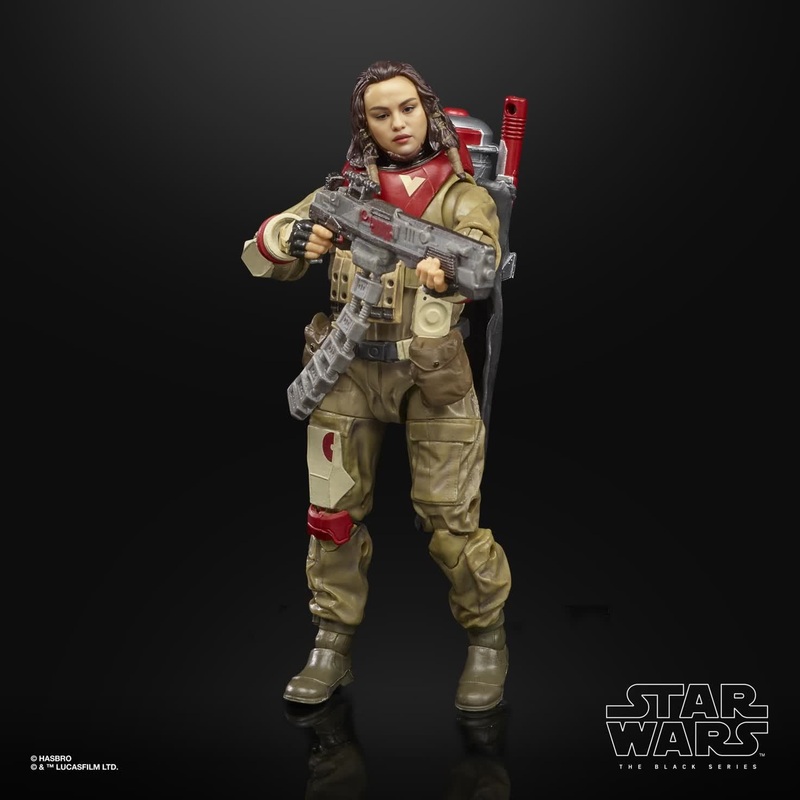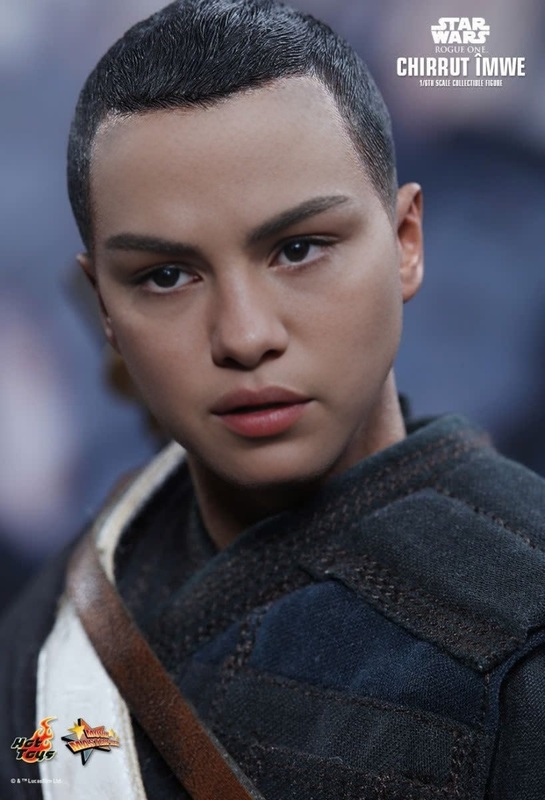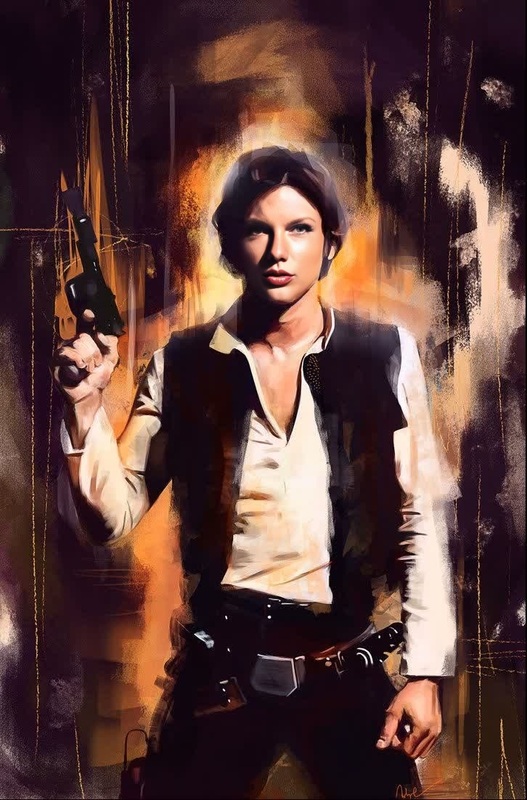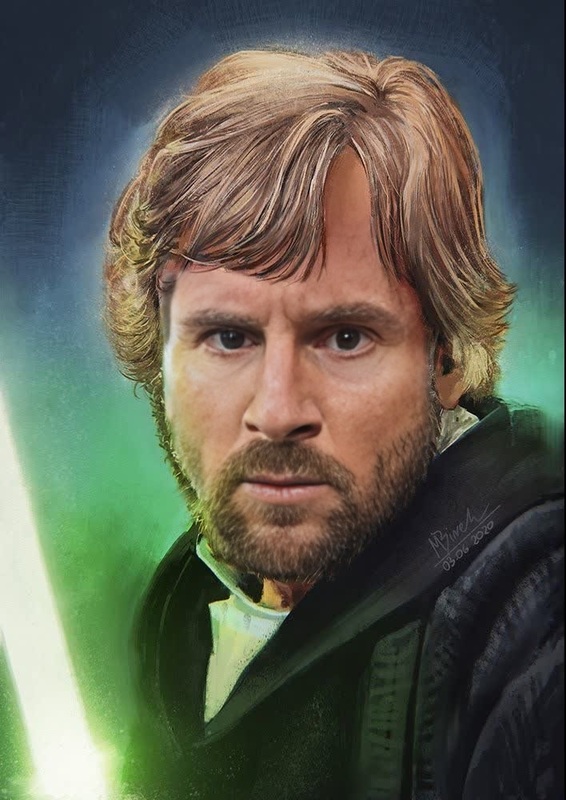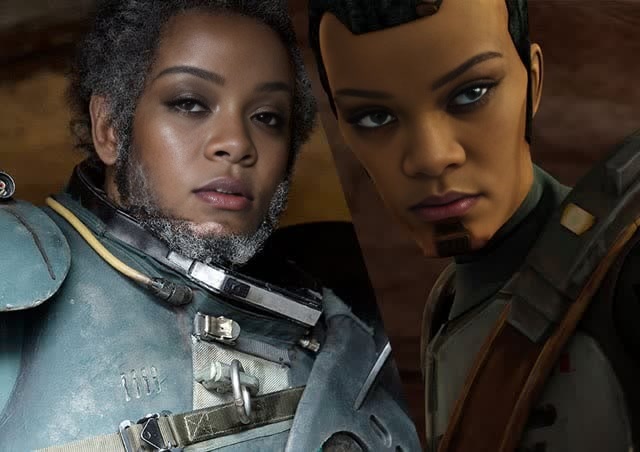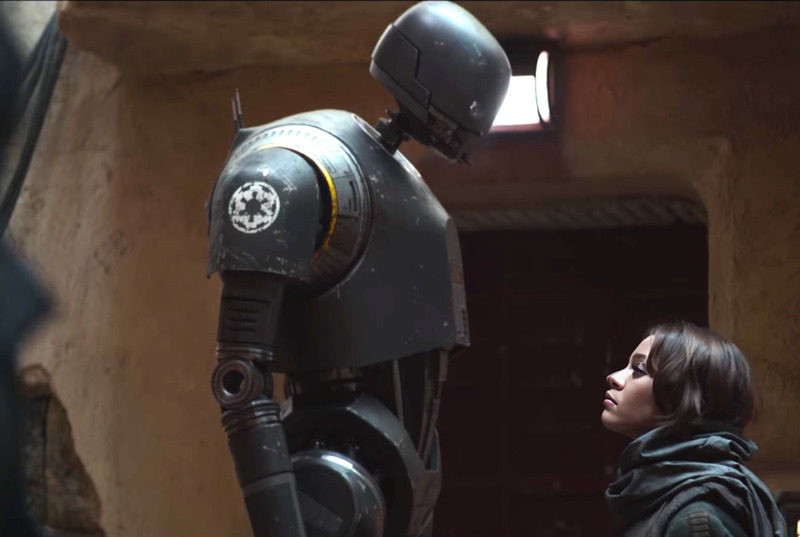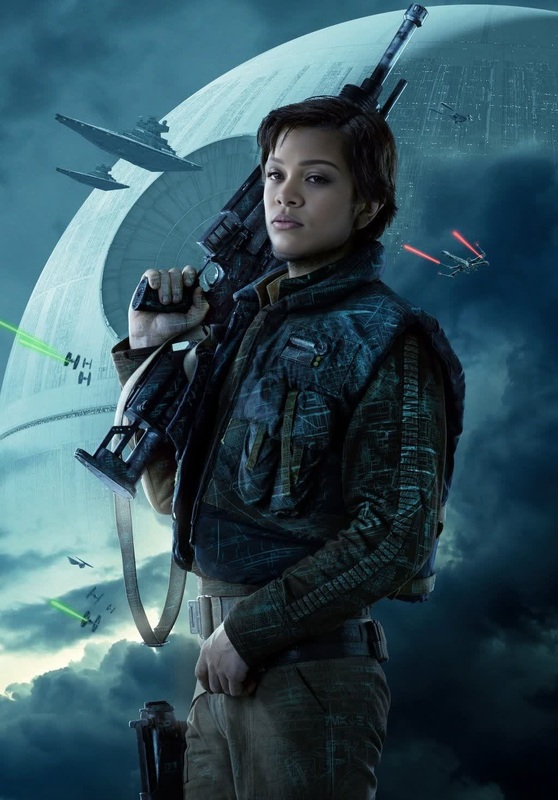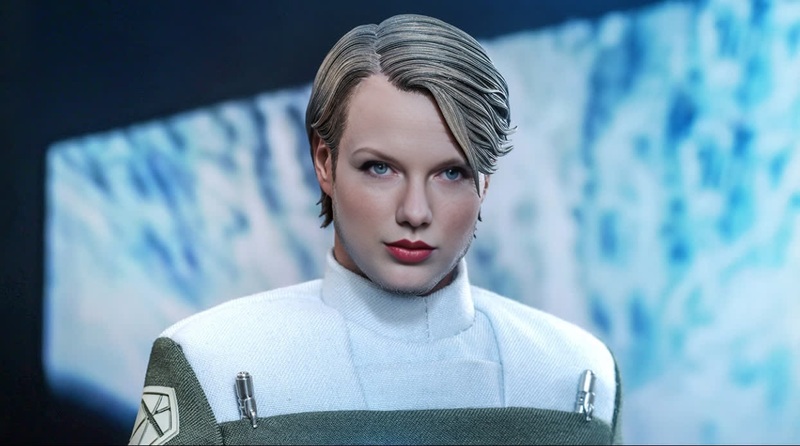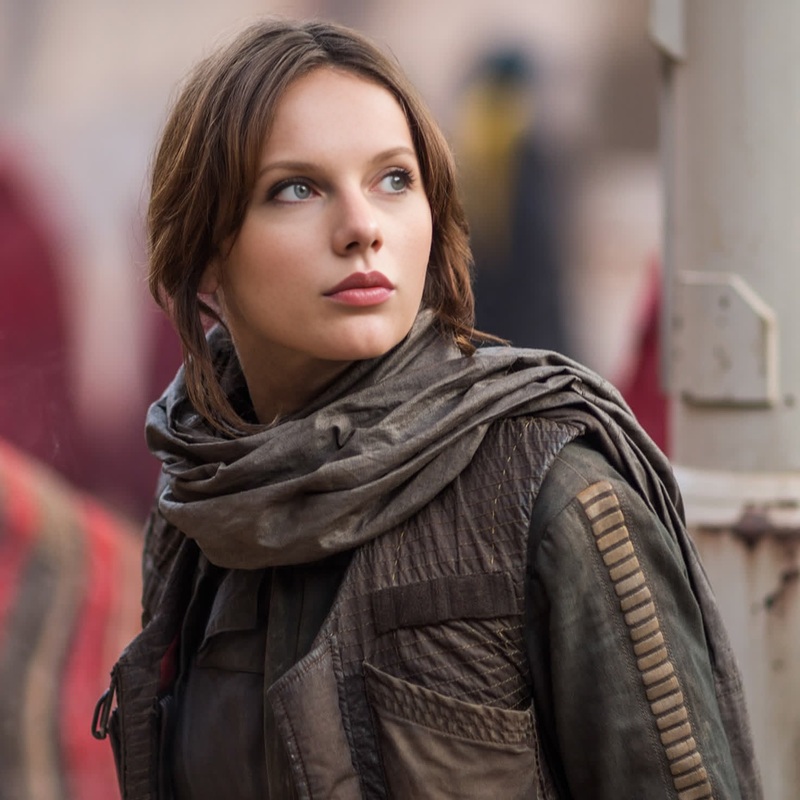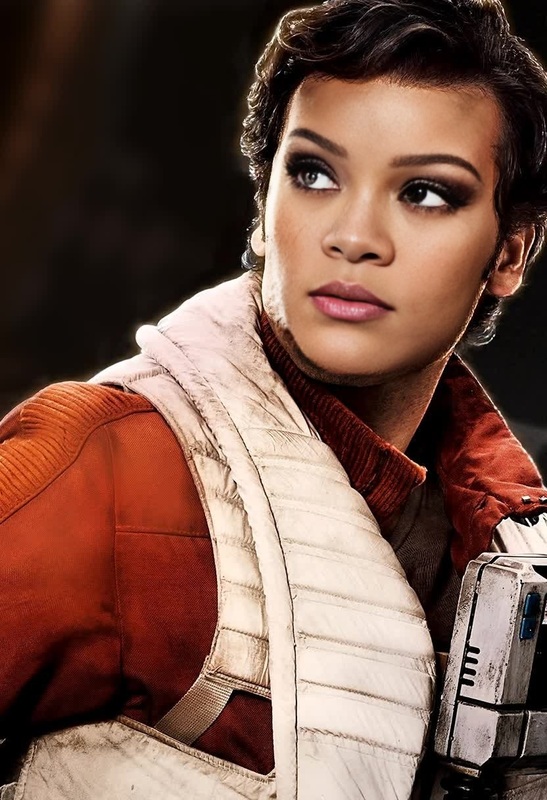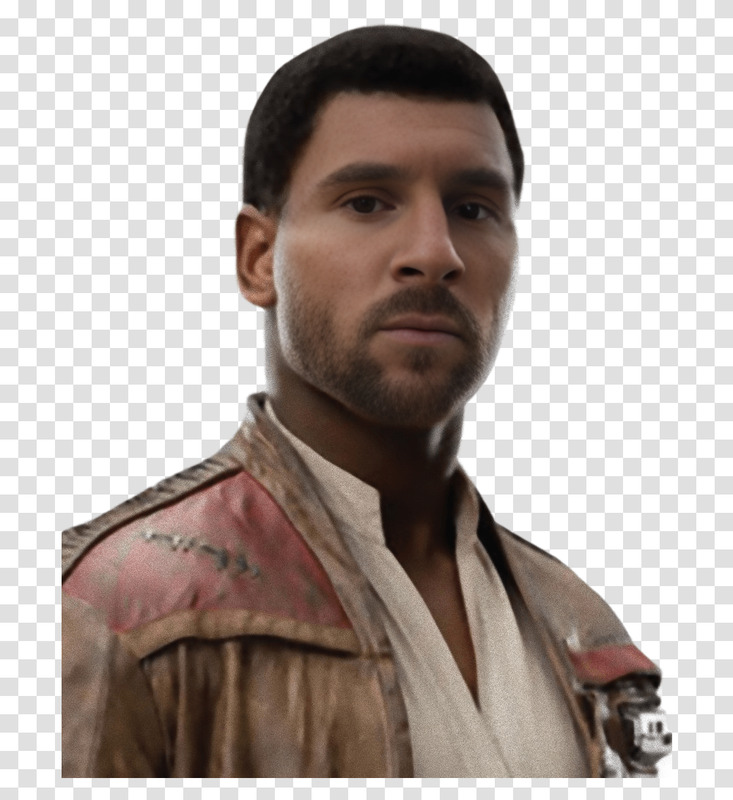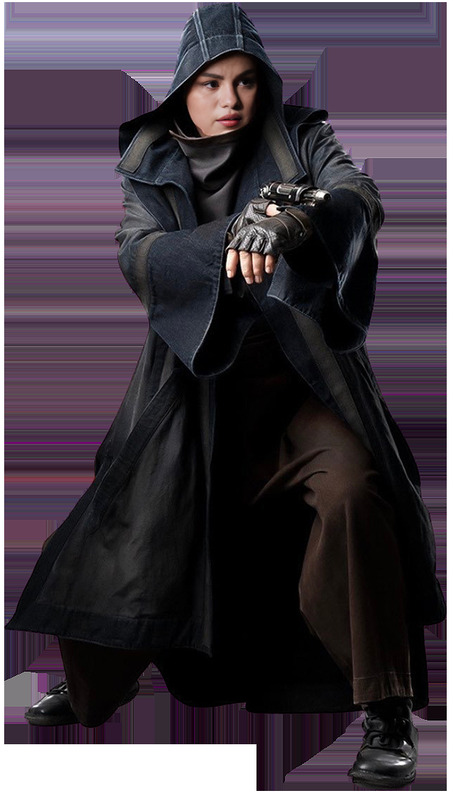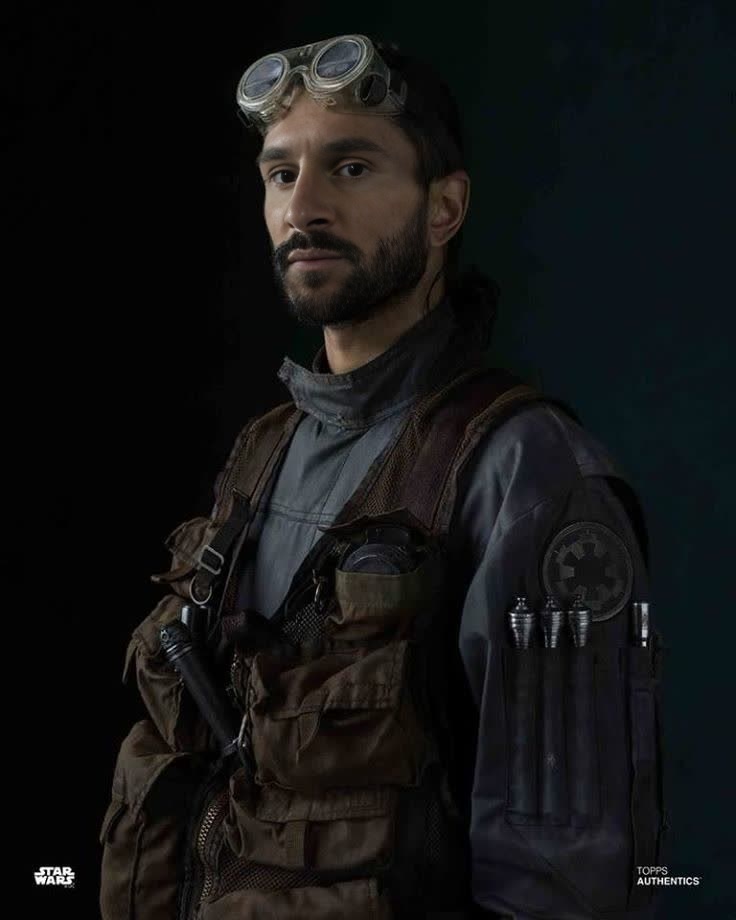
Bodhi Rook Rogue One Star Wars
face-swap
Any aspect ratio
Tags
transformationsCreate Hyper-Realistic Face Swap Videos in Minutes
This template was built with Magic Hour’s AI Face Swap Video workflow. It lets you instantly replace the face in any video with your own (or any other portrait you control), while preserving expressions, lighting, and motion.
Use it to:
- Personalize ads and social content at scale
- Localize or A/B test creative with different on-screen talent
- Prototype character-driven product videos or explainer clips
- Create safe, consent-based “deepfake-style” content for campaigns and storytelling
What This Template Does
This template demonstrates a complete, production-ready face swap video:
- Input: a reference face (photo or frame of a video)
- Input: a target video (the performance, camera movement, and context you want)
- Output: a cohesive, high-fidelity video where the target’s face is replaced with the reference face, while:
- Keeping body motion and gestures
- Matching lighting, head pose, and perspective
- Preserving lip motion and timing from the original
Under the hood, it uses Magic Hour’s Face Swap model, optimized for video continuity and identity preservation.
How to Remix This Template in Magic Hour
You can recreate and customize this template in a few steps:
Open the Face Swap Video tool
Go to Face Swap Video to start a new project.Upload your “source” face
- Use a clear, front-facing portrait (or a frame from a video) of the person you want to appear in the final video.
- For best results:
- Even, natural lighting
- Minimal occlusions (no heavy sunglasses, no hands over the face)
- High resolution if available
- You can also generate a synthetic face first using the AI Face Generator or AI Character Generator, then use that as your source.
Upload your target video
- This is the performance and motion you want to keep.
- Ideal content:
- Clear view of the original actor’s face
- Reasonable movement, turns, and expressions
- Stable or cinematic camera motion (no extreme blur)
Run the face swap
- Magic Hour automatically tracks the face across frames and renders a new identity onto the target.
- The system handles pose changes, partial occlusions, and most common lighting shifts.
Refine and repurpose
After generating, you can:- Upscale or enhance frames with the AI Image Upscaler or Video Upscaler
- Remove or adjust unwanted elements in thumbnails using the AI Image Editor or AI Remover
- Turn key shots into GIFs for social with the AI GIF Generator
Advanced Workflows and Combinations
This template is only one building block. Power users often chain multiple Magic Hour tools together:
Talking Portraits and Narrated Content
- Use AI Talking Photo or Lip Sync to animate a still or swapped face with voiceover.
- Pair with AI Voice Generator or AI Voice Cloner for synthetic narration that matches your brand tone.
Character-Driven Campaigns
- Design a fictional spokesperson with AI Character Generator, Animated Characters Generator, or AI Anime Generator.
- Swap that character’s face into real-world footage via Face Swap Video.
- Extend the character into static assets using AI Image Generator and AI Art Generator for ads, landing pages, and social posts.
Localized and Personalized Marketing
- Reuse a single hero video across markets by swapping in different local creators or sales reps.
- Create multiple variants for outbound or ABM campaigns, then auto-caption them with the Auto Subtitle Generator.
From Static Images to Dynamic Content
- Start with a still face created (or edited) via:
- Animate it into motion with Image to Video or Video-to-Video, then use Face Swap Video to change the identity if needed.
Best Practices for High-Quality Face Swaps
For creators and technical teams who care about reliability and brand safety:
Use high-quality inputs
- Higher resolution and sharper footage produce more realistic swaps.
- Consider upscaling legacy or low-res assets first with Unblur Image or AI Image Upscaler.
Control the pipeline
- Keep your assets organized: original face, target video, swapped output, and derived formats (GIFs, shorts, thumbnails).
- If you’re generating faces with AI Photo Generator or AI QR Code Generator, document which assets are synthetic for compliance and disclosure.
Design for the final channel
- For TikTok/Reels/Shorts: shorter vertical clips, bold framing, and expressive motion.
- For product explainers or B2B demos: stable framing, clear speech, and simple backgrounds.
- Use Thumbnail Maker, Album Cover Generator, or Book Cover Generator to create platform-native covers and preview images.
Ethics, consent, and brand safety
- Obtain explicit permission from anyone whose likeness you use.
- Clearly disclose synthetic or modified media where required.
- Avoid misleading or harmful use cases (political manipulation, impersonation without consent, harassment).
Who This Template Is For
This face swap template is optimized for:
Performance marketers
- Rapid creative testing by swapping different faces into the same high-performing concept.
- Creating persona-specific or region-specific versions of a winning ad.
Startup teams and product marketers
- Low-cost “spokesperson” content without repeated shoots.
- Founder-led videos where founders can be “present” in more variations and languages.
Creators and influencers
- Visual experiments, character content, and narrative storytelling.
- Safe, reversible transformations for trends (e.g., Gender Swap, AI Clothes Changer, AI Outfit Generator).
Developers and technical teams
- Prototyping generative media workflows that combine Text-to-Video, face swapping, and avatar creation.
- Building internal tools that orchestrate avatars, voice, and synthetic actors for support, training, or sales.
Example Remix Ideas
You can duplicate the logic of this template and adjust it for specific use cases:
Founder intro series
- Shoot a single, well-lit “host” video that explains your product.
- For each market or persona, swap in a different face that better matches the audience, while keeping the same script and edit.
Virtual brand ambassador
- Create a synthetic brand character with AI Character Generator.
- Use Face Swap Video to place them into new campaigns month after month without reshoots.
- Complement with AI Meme Generator and AI GIF Generator for lightweight social content.
Educational or training content
- Produce training scripts once.
- Localize presenters or faces per department, region, or customer segment using face swaps and Lip Sync, plus Auto Subtitle Generator for accessibility.
Related Magic Hour Tools to Explore
If you’re building more complex visual systems around this template, consider:
Visual creation and editing:
Style and universe building:
Brand and identity assets:
By remixing this template with these tools, you can go from a single face swap clip to a complete, coherent visual system: characters, voices, videos, thumbnails, and ads—all generated and updated in hours instead of weeks.
Start by opening Face Swap Video, upload your face and target footage, and use this template as a reference pattern for building your own reusable, scalable face swap pipeline.