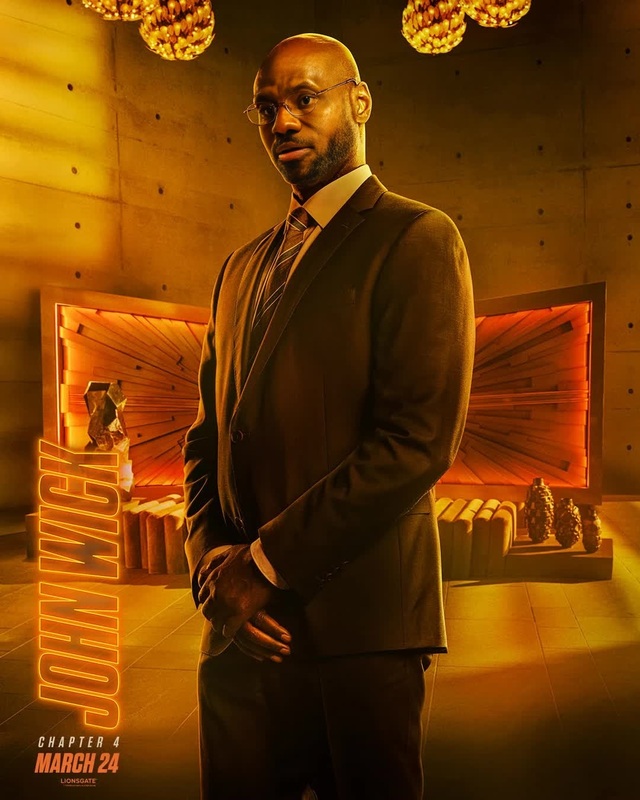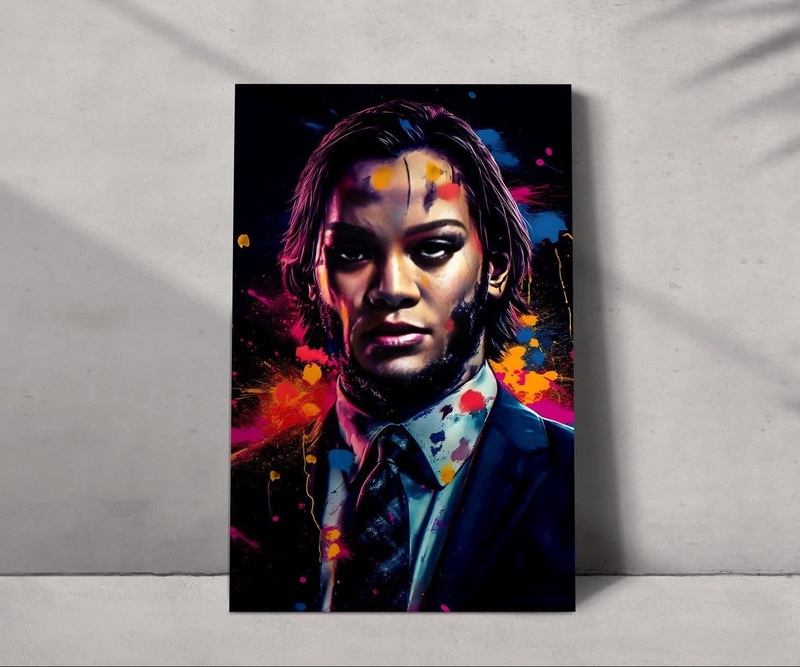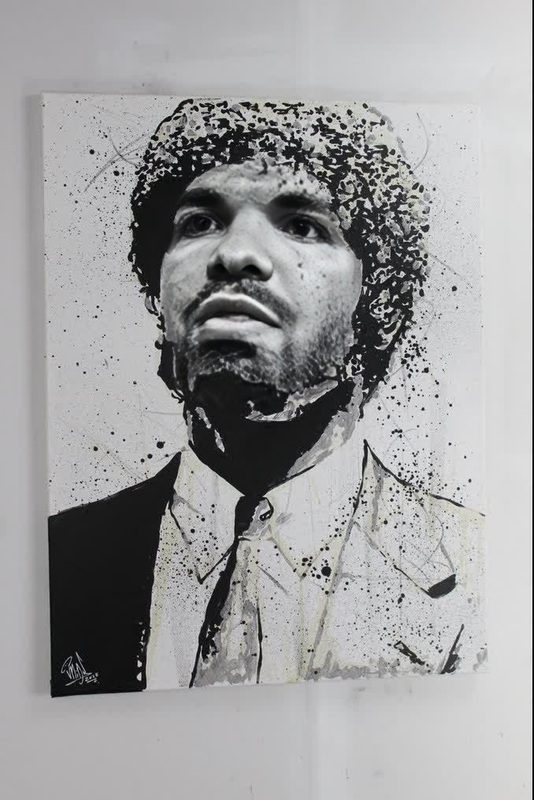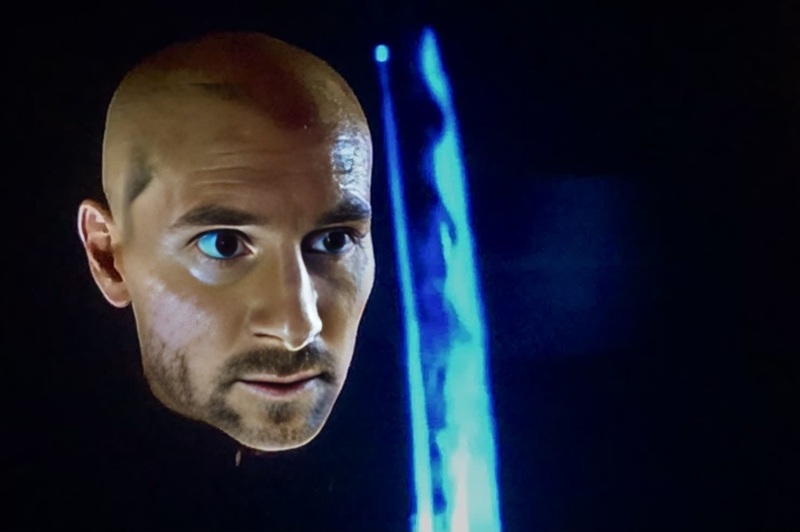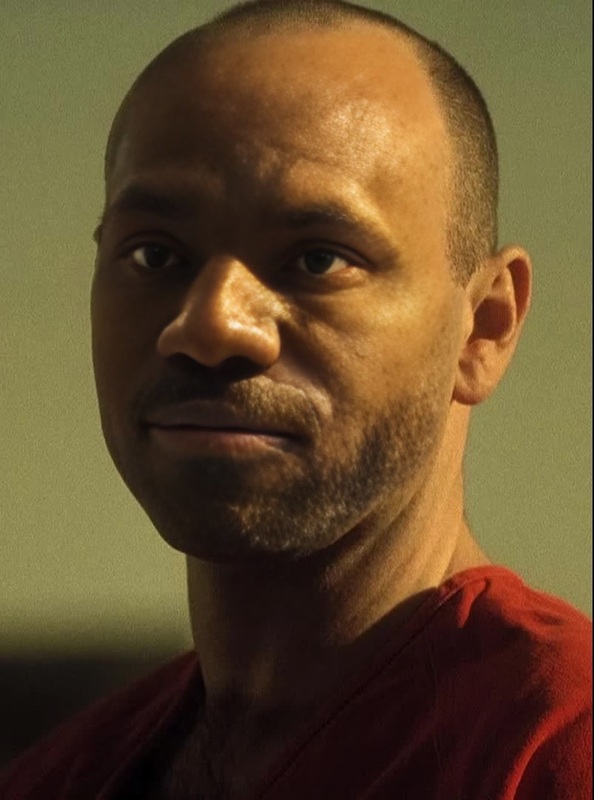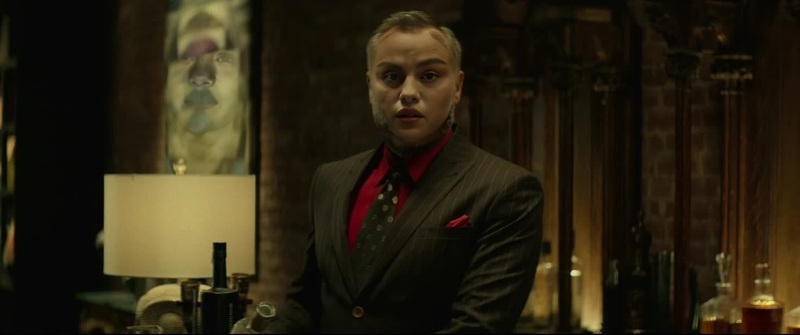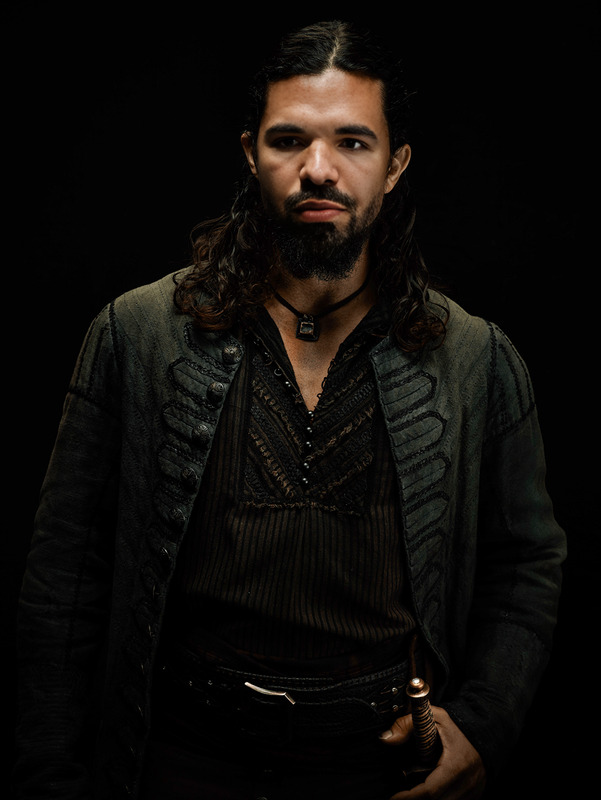
John Constantine Constantine Portrait
- Image
- 500 × 700 px
Any aspect ratio
Overview
The John Constantine Constantine Portrait template offers a unique way to transform your videos using advanced AI technology. This template belongs to the Video Face Swap category, allowing you to infuse the mystical aura of the John Constantine character into your personal or professional projects.
What It Does
This template utilizes AI to swap faces in a video, embedding the iconic look of John Constantine. It supports common video formats, ensuring compatibility and high-quality output. Ideal for cinematic projects, this tool brings an extra layer of mystique and character to your creations.
Once processed, the resulting video maintains the original's resolution and file format, seamlessly integrating the meticulously adjusted Constantine face across all frames.
Who It's For
The John Constantine Face Swap is perfect for filmmakers, video editors, and content creators seeking to add a supernatural flair to their work. It's particularly useful for creators in the horror and fantasy genres where an extra layer of intrigue can enhance the storytelling.
Additionally, fans of the character and those producing fan fiction or derivative works will find this tool invaluable for creating authentic-looking transformations.
Summary
With the John Constantine Video Face Swap, you can convert simple videos into captivating narratives featuring this iconic character. By leveraging the template, you ensure seamless integration and professional-grade results that can elevate your project to new dimensions.
Explore further possibilities with its compatibility with additional tools like the AI Image Editor and the Image to Video conversion tools for a comprehensive creative suite.
How To
Choose the Template

Customize Your Input

Generate the Video

Use Cases
Cinematic Productions
- Fantasy films
- Horror movies
- Fan-made tribute films
Social Media Content
- Reels and Stories
- Viral challenges
- Character role plays
Marketing and Advertising
- Online ads
- Themed promotions
- Product launch teasers
Fan Projects
- Fan fiction videos
- Comic adaptations
- Character analysis
Corporate and Training Videos
- Interactive scenarios
- Scenario-based learning
- Video roleplay exercises
Best Practices
Select High-Quality Video
Ensure your original video is of high resolution for the best output quality in the face swap transformation.Focus on Lighting
Try to use videos with consistent lighting to enable a smooth alignment of the Constantine face, maintaining realism.Review Angles
Select scenes where the face is clear and centered for a more effective swap, avoiding profile or extreme angles.
FAQs
More Like This