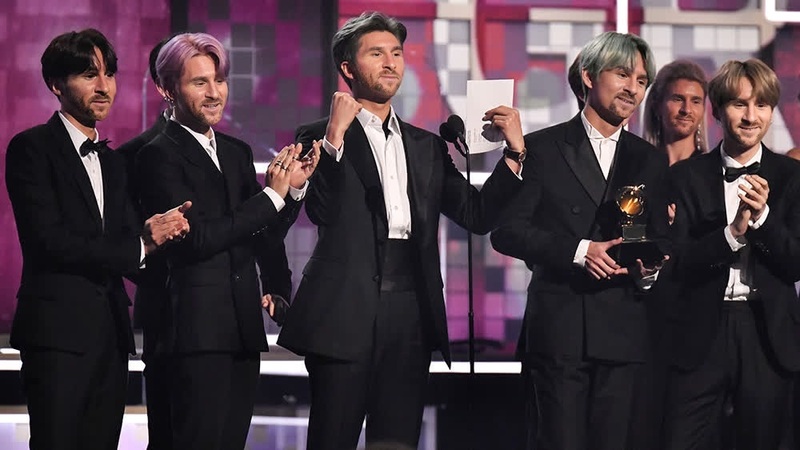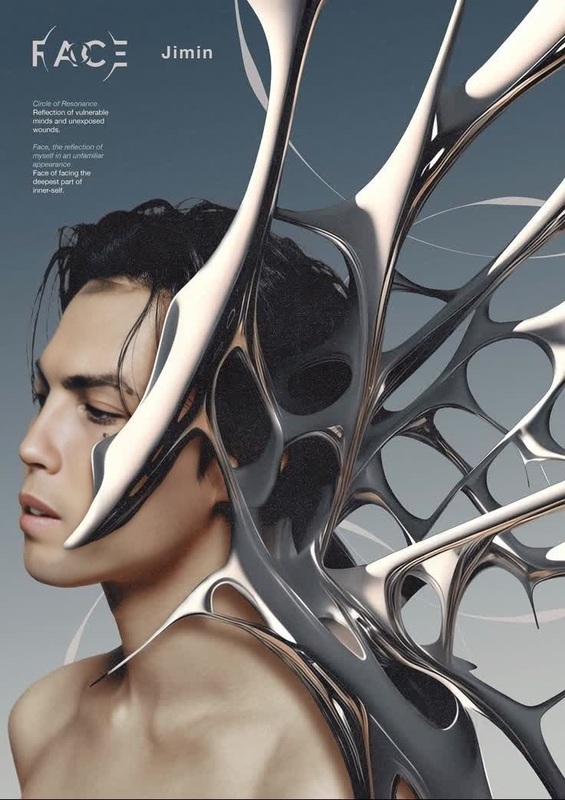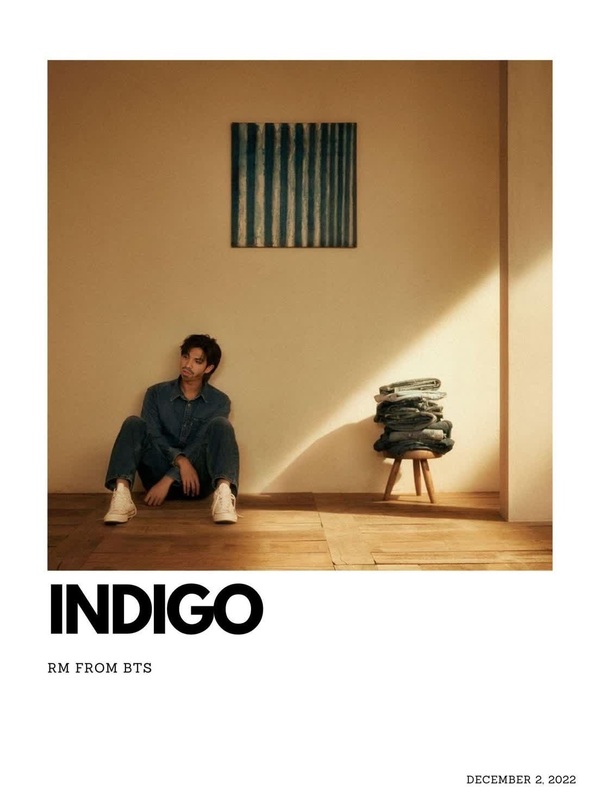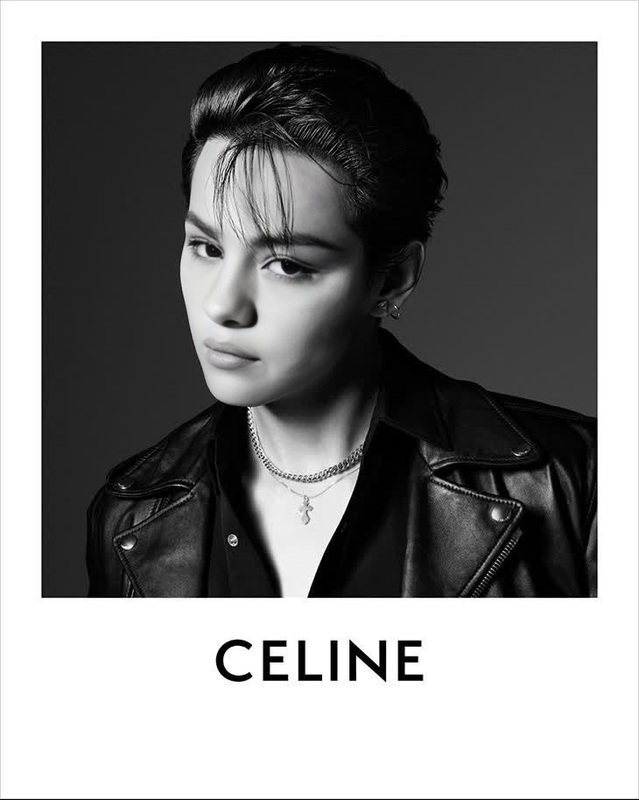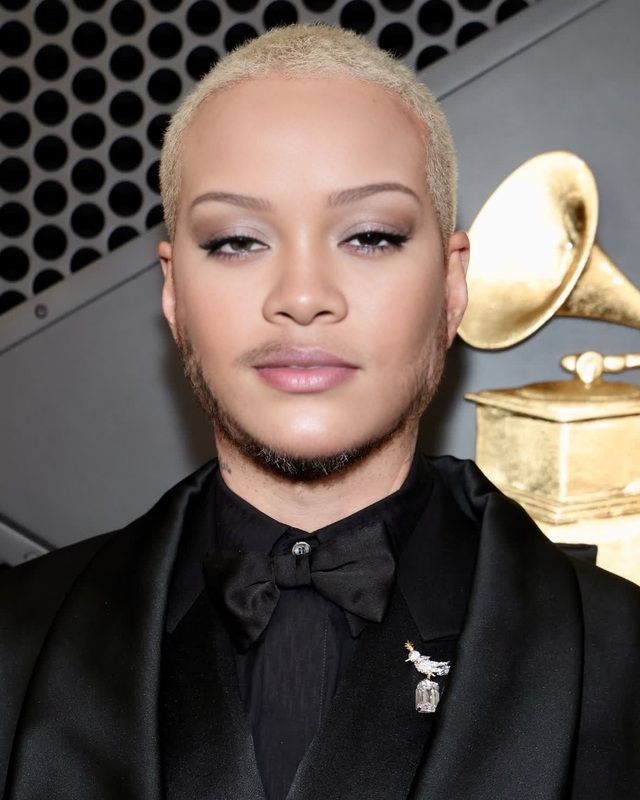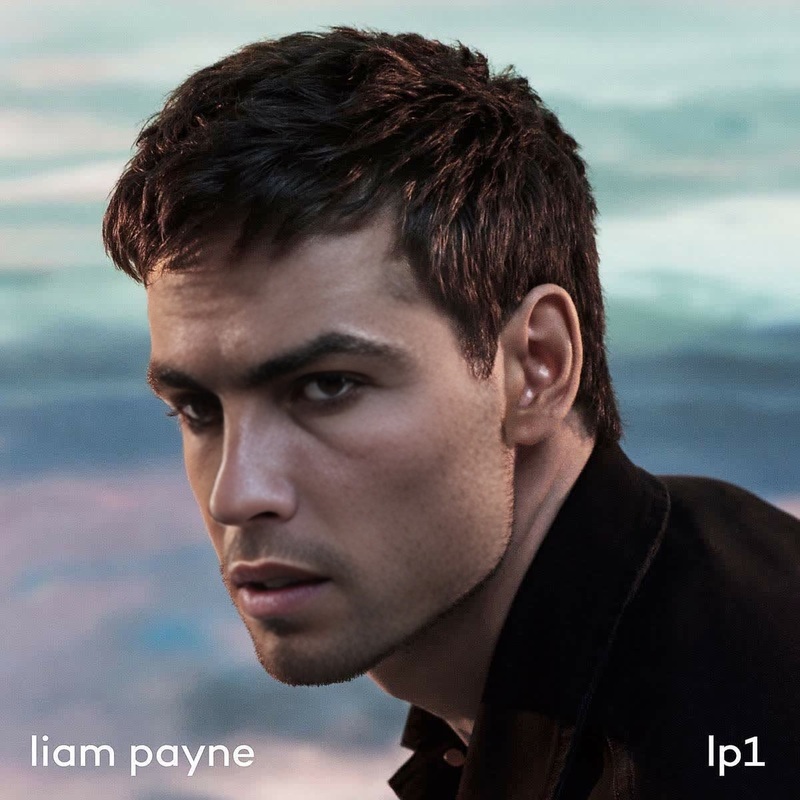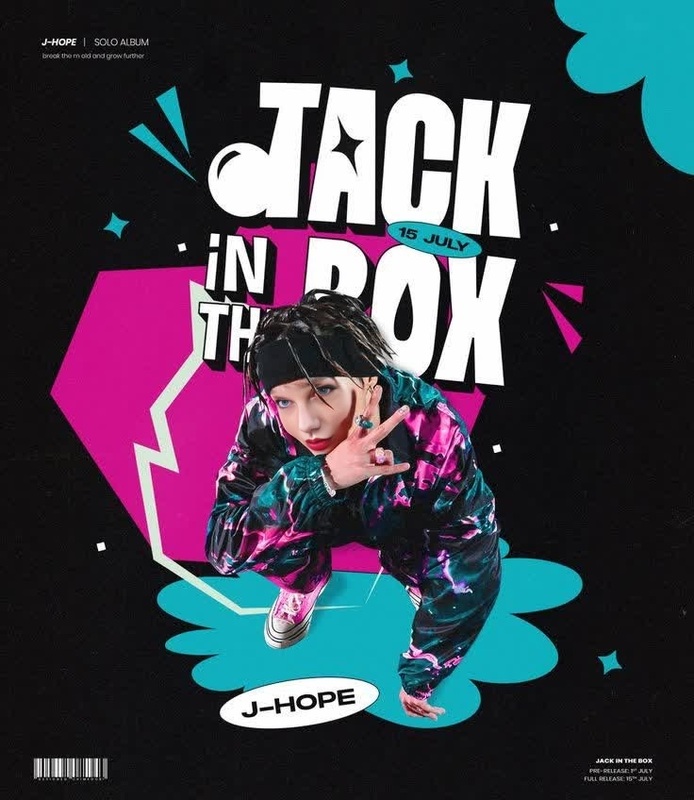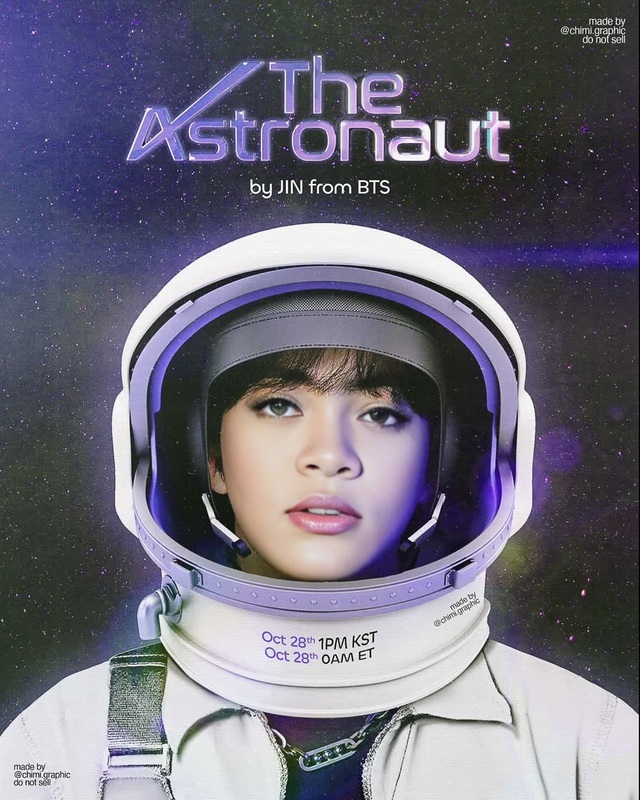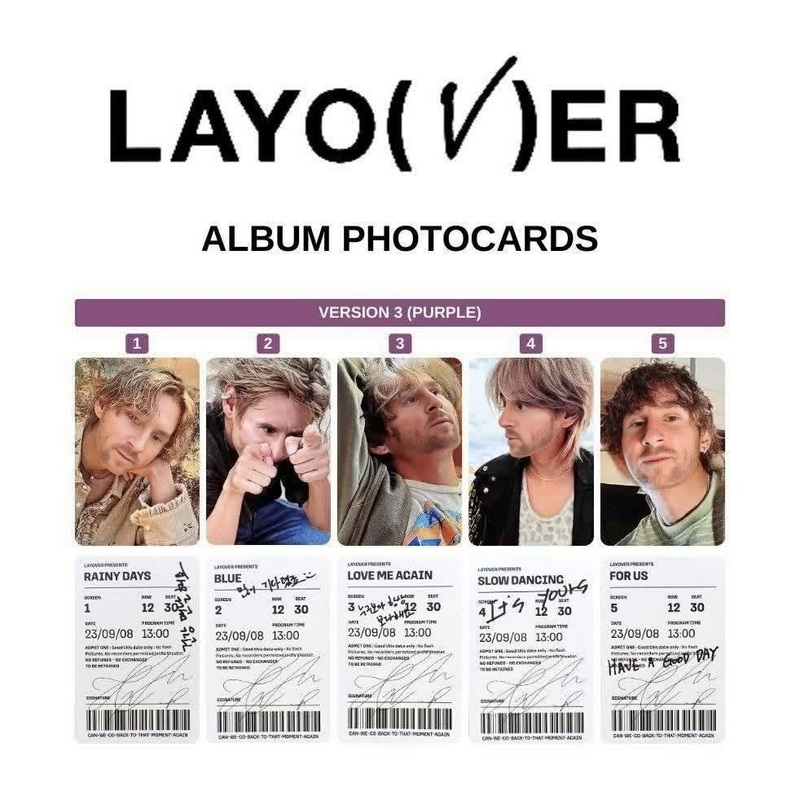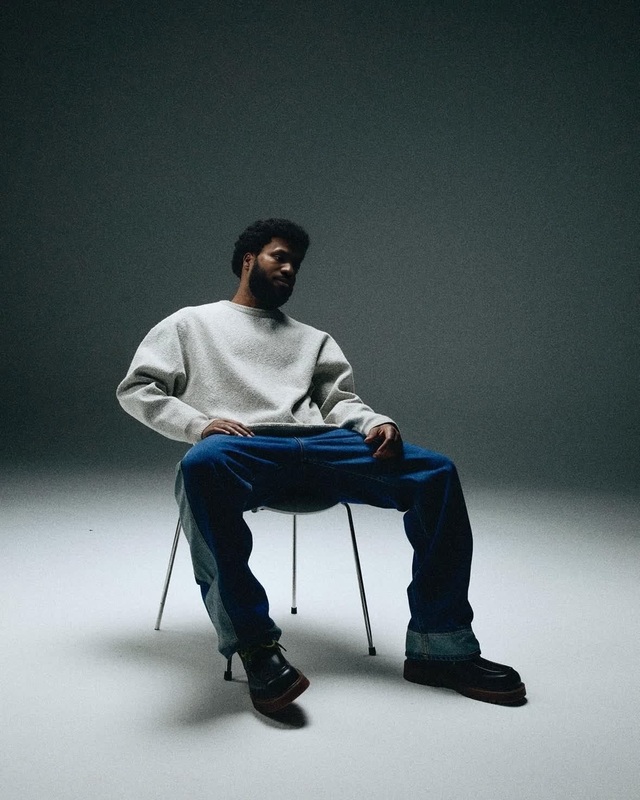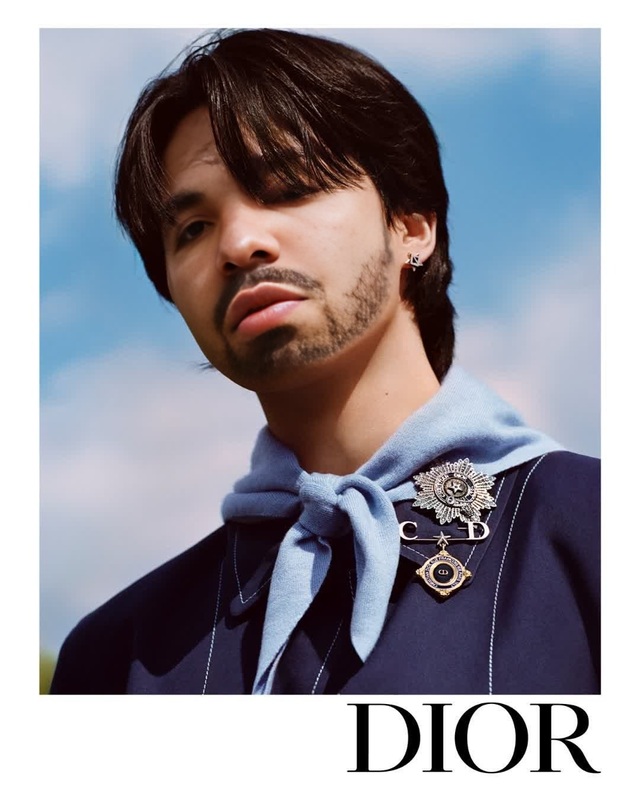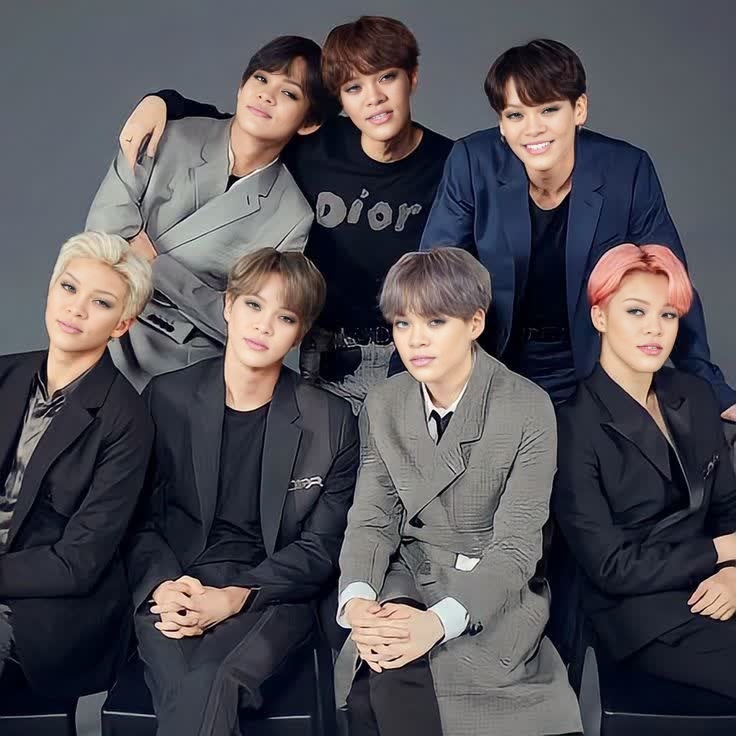
Bts Jin Lvmh Campaign Portrait

Bts Jin Lvmh Campaign Portrait

face-swap

1 clip
1 uses

Any aspect ratio

Tags

transformations

Transform your videos with studio‑quality AI face swap

This template uses Magic Hour’s AI face swap to replace any face in a video with your own (or any other reference face) in a few clicks—no VFX team, no motion‑graphics skills, no manual masking.

It’s built on the same tech as the core Face Swap product and the Face Swap Video template, so you get frame‑accurate tracking, realistic lighting, and natural expressions across the entire clip.


What this template is for

Use this face swap template to quickly create:

  • Creator & influencer content
    • Put your face into trending clips, reaction videos, or skits
    • Localize content by swapping in regional hosts or brand ambassadors
  • Marketing & growth experiments
    • Rapidly A/B test different “faces of the brand” in the same ad
    • Personalize demos and outreach videos at scale
  • Product & feature videos
    • Show the same narrative with different characters or personas
    • Generate variants for different markets without re‑shoots
  • Entertainment & social
    • Meme remixes and parody content
    • Fun swaps for friends, communities, and fan edits

If you need to animate a still photo instead of swapping in a full video, see AI Talking Photo and Lip Sync.


How to remix this template in Magic Hour

You can create your own version of this template in minutes by remixing it inside Magic Hour:

  1. Open the base experience

  2. Choose your target video

    • Use an existing clip, stock footage, or something you shot on your phone.
    • For best results, pick footage where the subject’s face is:
      • Mostly visible (not heavily blocked or turned away)
      • Within a consistent lighting environment
      • At a resolution that looks good on your target platform (YouTube, IG Reels, TikTok, etc.)
  3. Upload your source face

  4. Run the face swap

    • Magic Hour automatically tracks head movement, facial expressions, and perspective across frames.
    • The model blends skin tone, lighting, and shadows so the new face feels native to the scene.
  5. Optional: refine and extend

  6. Export and reuse as a template

    • Once you’re happy with the result, you can duplicate this flow as your own remixable “house template” for future swaps—same structure, different faces and clips.

Best practices for high‑quality AI face swaps

Professionally usable face swaps depend on input quality and context, not just the model. To get robust results:

  • Prioritize clear, representative face images

    • Avoid heavy makeup, extreme angles, or harsh color filters.
    • Use multiple variations of the same person if you plan to build a recurring character across multiple videos.
  • Match lighting and angle as much as possible

    • Source photo and target video should be roughly aligned in:
      • Direction of light (front, side, back)
      • Tone (warm indoor vs cool outdoor)
      • Camera angle (eye level vs top‑down)
    • You can quickly generate or tweak backgrounds for better consistency using the AI Background Generator.
  • Think distribution channel first

    • Vertical formats (Reels, TikTok, Shorts) often tolerate more aggressive edits and playful swaps.
    • For paid campaigns, demos, or B2B content, keep expressions realistic and avoid uncanny or exaggerated looks. Tools like AI Headshot Generator and AI Selfie Generator help you produce on‑brand, consistent identities for these use cases.
  • Clean up supporting visuals

  • Stay within ethical and legal boundaries

    • Get consent when swapping real people’s faces, especially for commercial use.
    • Avoid misleading “deepfake” scenarios that could cause reputational or legal risk.
    • Label synthetic or heavily edited media clearly in professional contexts.

For deeper reading, see discussions on responsible synthetic media from organizations like the Partnership on AI, as well as emerging platform policies around AI‑generated content.


Combining face swap with other Magic Hour tools

If you’re building a full end‑to‑end workflow—ads, explainer series, or character‑driven channels—you can chain this template with other Magic Hour capabilities:


Who this template is for

This face swap template is designed for:

  • Creators & YouTubers

    • Quickly test new formats, guests, or personas without organizing live shoots.
    • Build recurring characters or alter‑egos that appear across shorts, streams, and long‑form.
  • Marketers & growth teams

    • Localize content by swapping in regional spokespeople.
    • Personalize outbound videos and ads for specific accounts or segments.
    • Rapidly prototype creative concepts before investing in full production.
  • Product, sales & customer success

    • Generate demos and walkthroughs with familiar internal faces.
    • Align collateral across teams without scheduling in‑person video time.
  • Developers & startup builders

    • Build face‑driven features and experiences on top of Magic Hour’s ecosystem.
    • Prototype AI‑native products that mix identity, voice, and motion using Text to Video, AI Photo Generator, and related tools.

FAQ: using and remixing this face swap template

Can I fully customize this template?
Yes. You can swap in different faces, replace the base footage, chain it with Video to Video or Animation, and plug it into broader workflows that include audio, subtitles, and design elements.

Does this work with stylized or AI‑generated faces?
Yes. The template works with both real and AI‑generated faces. For synthetic identities, tools like AI Face Generator, Superhero Generator, AI Character Generator, and AI Anime Generator are good starting points.

What about gender or age swaps?
You can create a new base identity with Gender Swap or AI Face Editor and then use that as the source face in this template. This keeps the transformation controllable and reversible.

Can I improve older, low‑quality footage before swapping?
Yes. For legacy or noisy clips, use Old Photo Restoration, Unblur Image, and Video Upscaler to lift the source quality first. Better inputs produce more convincing swaps.

Can I use this for commercial or branded work?
In many cases, yes—but you’re responsible for rights and consent. Ensure you have permission for:

  • The face you are swapping in
  • The footage you’re editing
  • Any trademarks, logos, or IP that appear in the final video

Consult your legal team for high‑stakes or regulated contexts.


Where to go next

Use this template as a reliable foundation, then remix it into your own reusable system for identity‑driven, AI‑generated video content.

More Like This

Insufficient credits