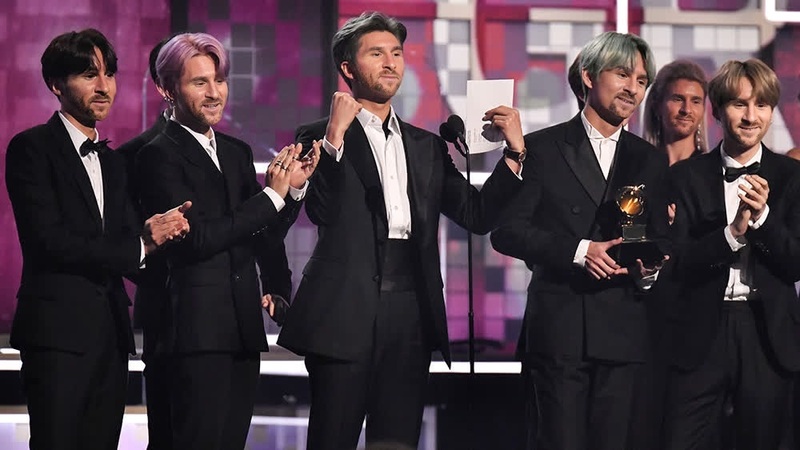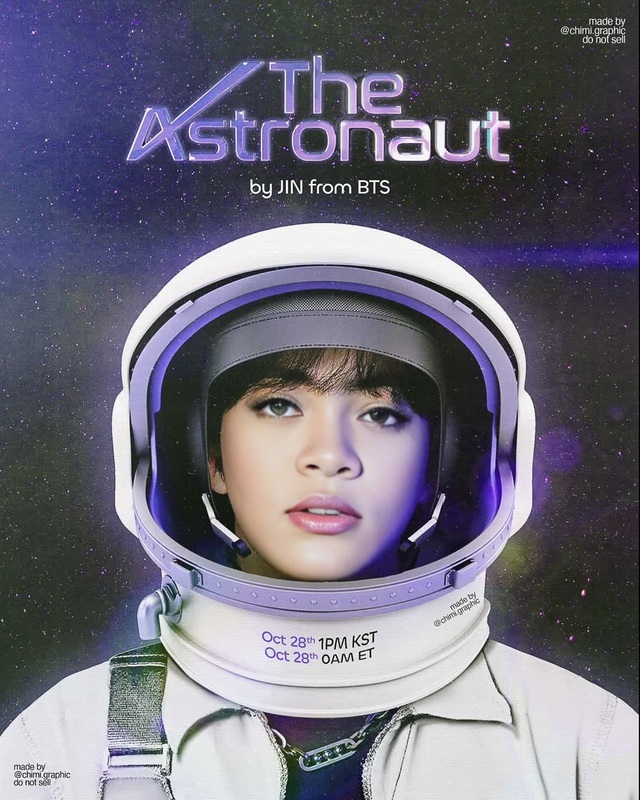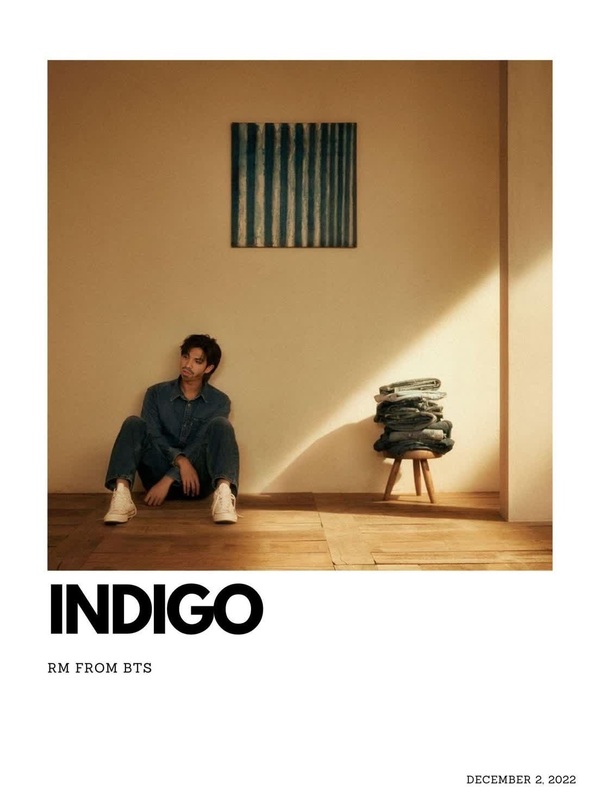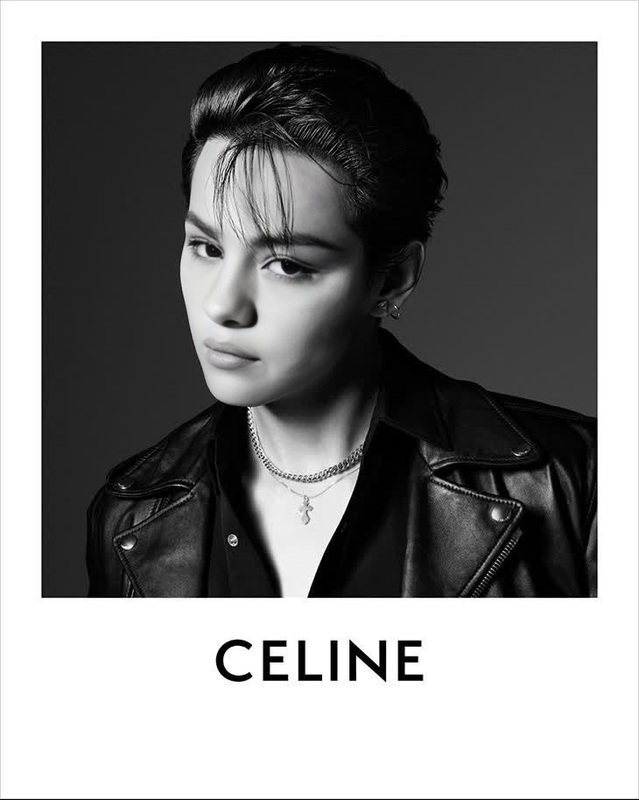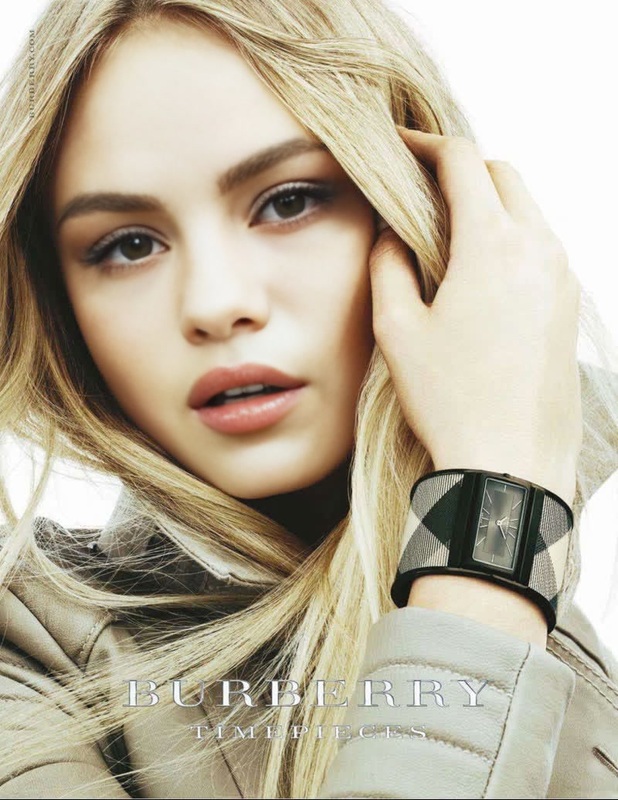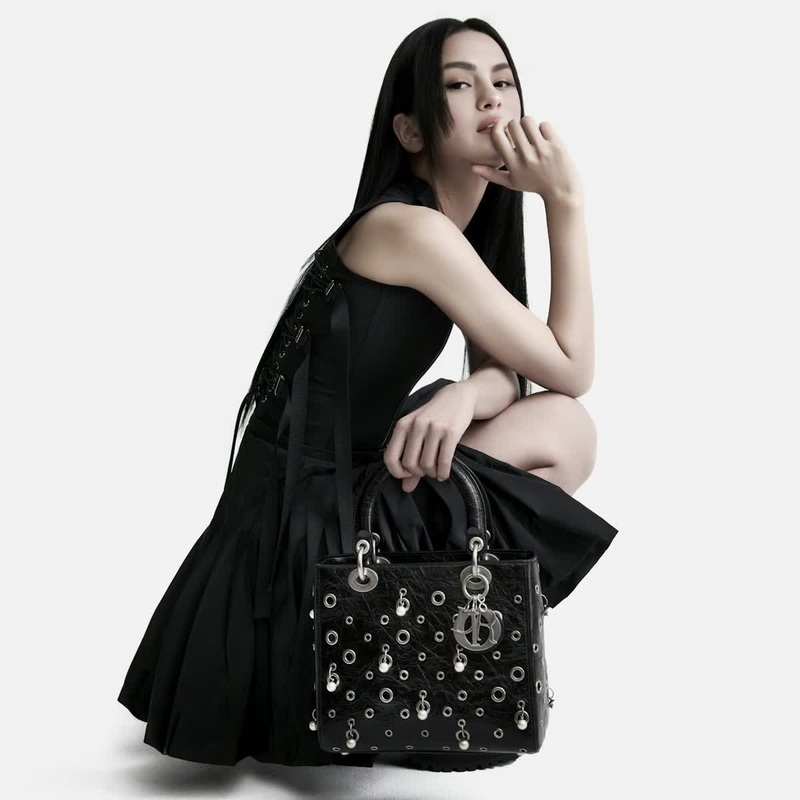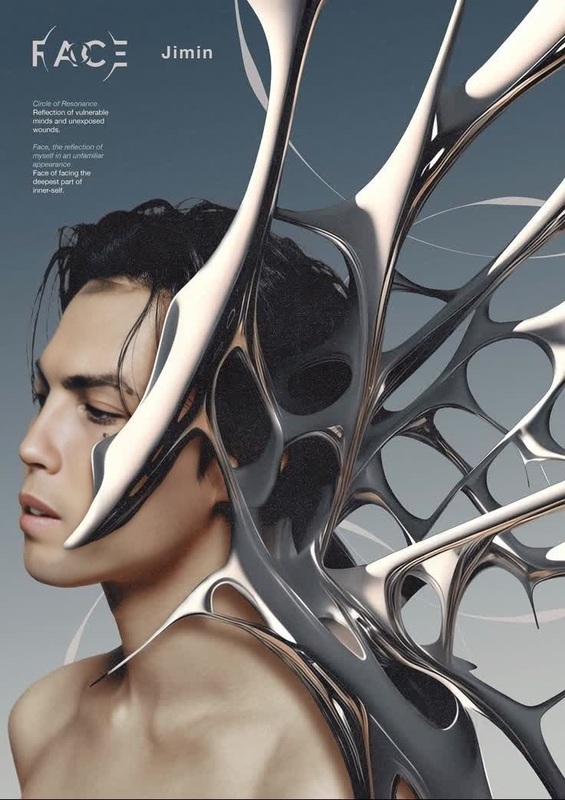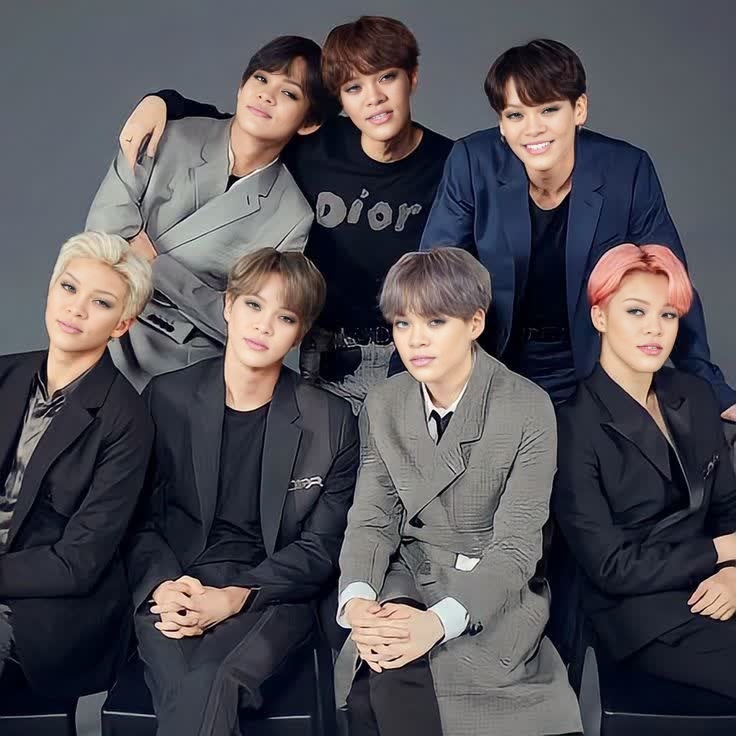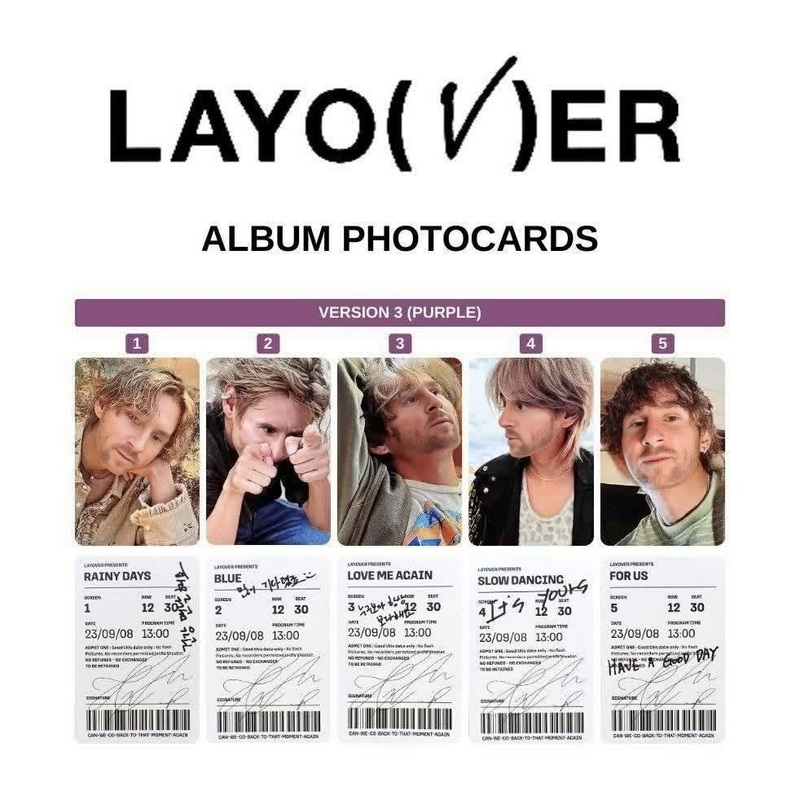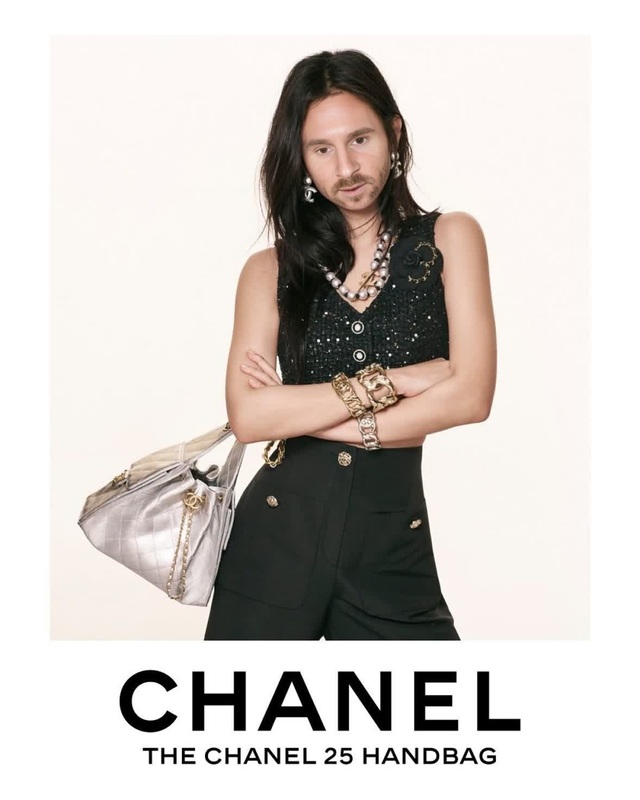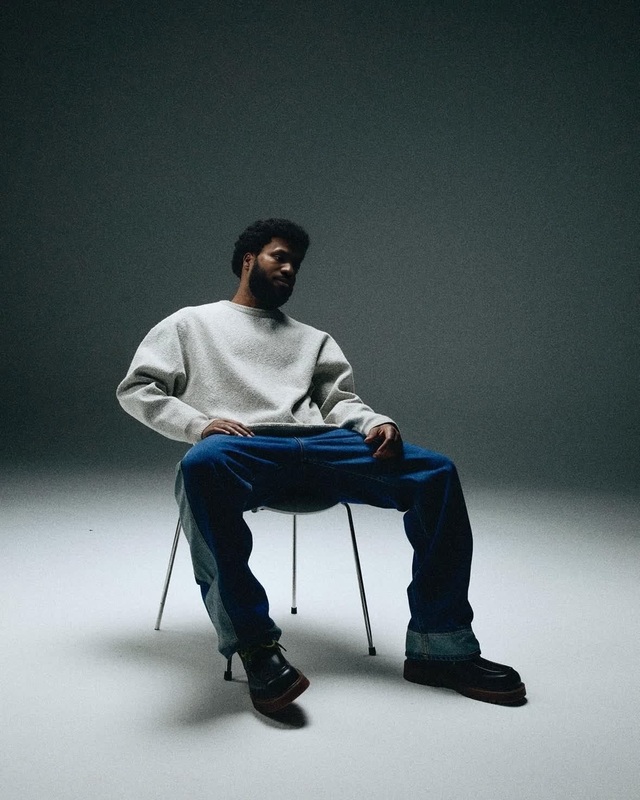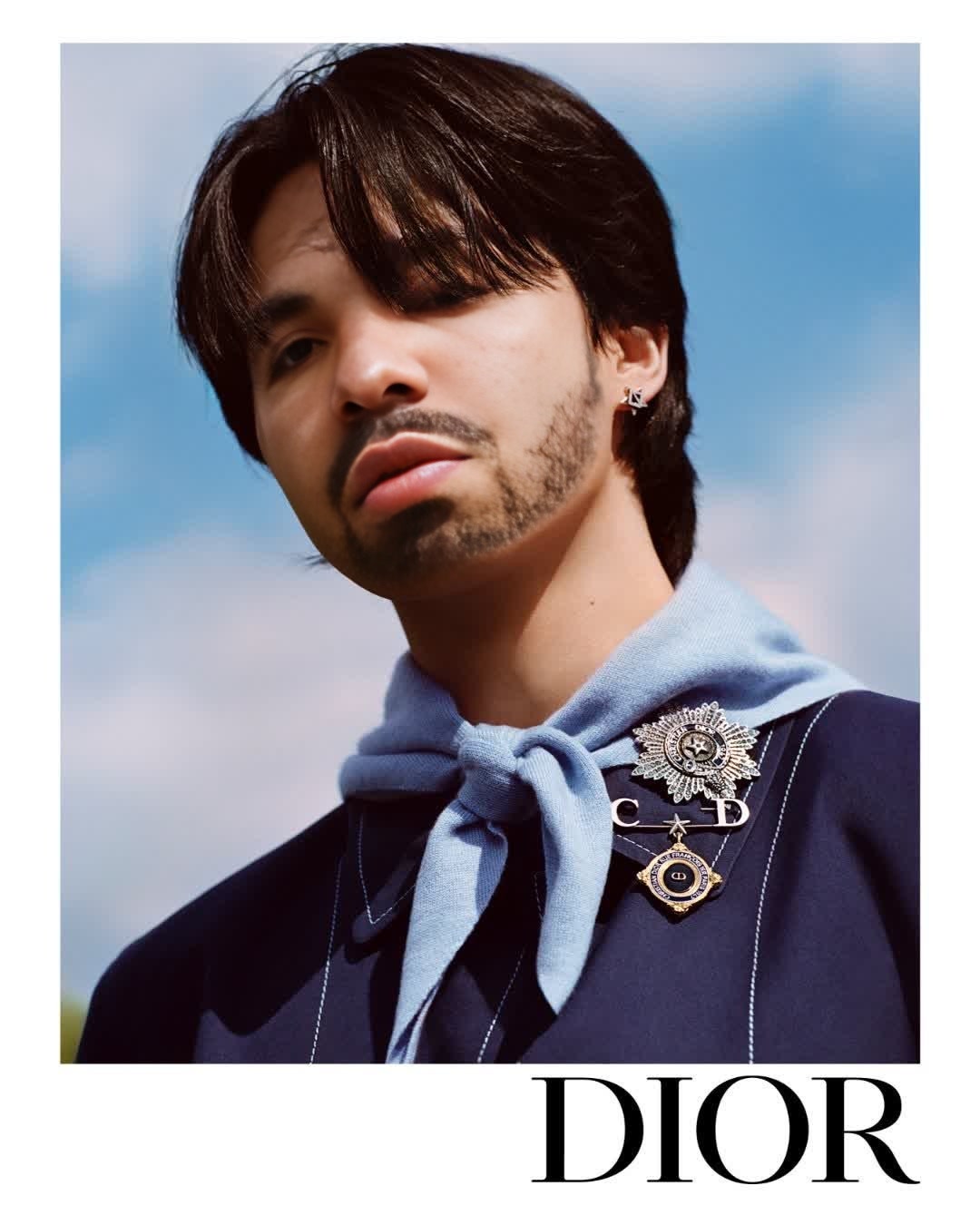
Bts Jimin Dior Campaign Portrait

Bts Jimin Dior Campaign Portrait

face-swap

1 clip
0 uses

Any aspect ratio

Tags

transformations

Turn any clip into a cinematic face swap in minutes. This template was built with Magic Hour’s AI Face Swap Video workflow, so you can easily remix it, replace the face, and export a ready‑to‑publish video—no editing experience required.


What this template does

This template lets you:

  • Replace the face in an existing video with any other face
  • Keep natural head movement, lighting, and expressions
  • Produce a share‑ready clip for social, ads, UGC, or prototypes

Under the hood, it uses Magic Hour’s Face Swap models to track facial geometry frame‑by‑frame and blend the new identity into the original footage.

Use it for:

  • UGC‑style ads with multiple “actors” from one shoot
  • Concept tests for casting and character design
  • Creator collabs and “what if” mashups
  • Fast variations of the same script for different markets

How to remix this template in Magic Hour

You can recreate or customize a version of this template in a few steps:

  1. Start from Face Swap Video

    • Open the template or go to Face Swap Video.
    • Upload the target video: the clip whose body, motion, and scene you want to keep.
  2. Add the face you want to swap in

    • Upload a source face: a selfie, portrait, or frame from another video.
    • For best results, use:
      • A clear, front‑facing photo
      • Neutral or simple background
      • Good lighting and minimal motion blur
    • You can generate a synthetic face first with:
  3. Preview the swap

    • Run a quick preview to check:
      • Identity match (does it look like the person you want?)
      • Expression and lip movement alignment
      • Lighting and shadows across the face
  4. Refine the assets (optional but powerful)

  5. Export and repurpose


Going further: advanced remix ideas

Because this template is powered by Magic Hour’s modular tools, you can stack additional AI capabilities on top of Face Swap.

1. Face‑swapped lip sync videos

Turn your face‑swapped character into a talking or singing clip:

This is ideal for quick product explainers, character intros, or multi‑language versions of the same script.

2. Video‑to‑video style and motion changes

If you like the structure of this template but want a different look:

3. Animated avatars and characters

Turn the person in your template into a persistent character you reuse across content:

4. Testing creative concepts for marketing and startups

If you’re running creative tests or building a product:


Best‑practice tips for high‑quality face swaps

To get production‑worthy results:

  • Choose strong source images
    • Use high‑resolution, sharp, well‑lit portraits.
    • Avoid heavy filters, sunglasses, and extreme angles.
  • Match lighting and angle where possible
    • Faces shot in lighting similar to the target video will blend more naturally.
    • Slight head turns are fine; extreme profiles are harder to match consistently.
  • Start clean, then stylize
  • Upscale before distribution
    • Run your final frames or thumbnails through the AI Image Upscaler and the full video through Video Upscaler for sharper playback on high‑resolution screens.

Other Magic Hour tools that pair well with this template

When building a full pipeline around face‑swapped videos, many teams combine:


How to build your own reusable face‑swap template

If you want a repeatable setup instead of a one‑off video:

  1. Define a base performance

    • Record or source a versatile base clip: neutral background, clear framing, and simple movement.
    • This becomes your “master” body + motion track.
  2. Store a small library of faces

  3. Document your pipeline

    • Write down your steps (e.g., “Base clip → Face Swap Video → Lip Sync → Video Upscaler → Thumbnail Maker”).
    • This lets you hand the process off to teammates or run it repeatedly for campaigns.
  4. Iterate based on metrics

    • If you’re a marketer or founder, treat each variation like an experiment.
    • Test different faces, outfits, or styles, then standardize on what performs.

Use this template as your starting point, then remix it with Face Swap Video, Lip Sync, and Video‑to‑Video to build a repeatable, scalable pipeline for on‑brand, face‑swapped content.

More Like This

Insufficient credits