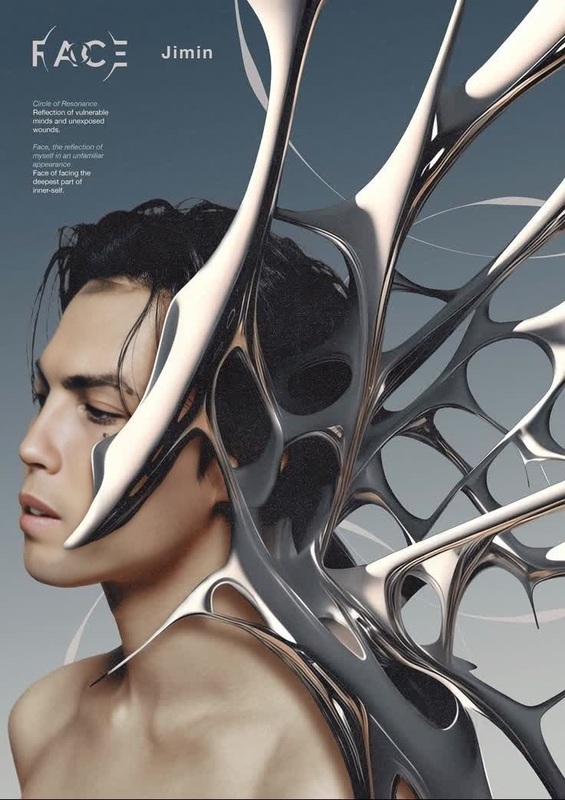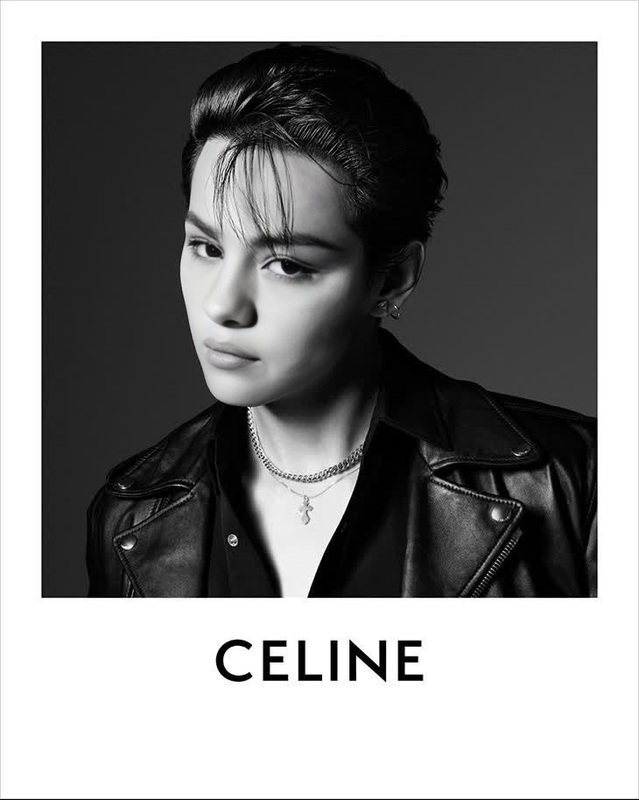
Bts Suga D-Day Album Cover Portrait
- Image
- 1030 × 1472 px
Any aspect ratio
Overview
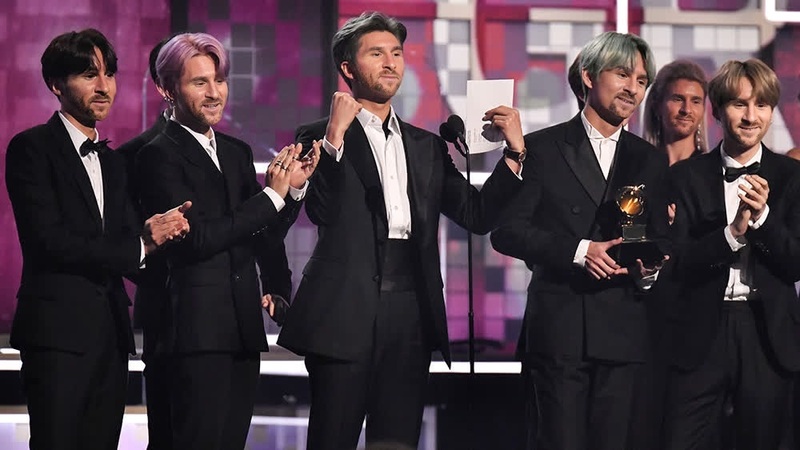
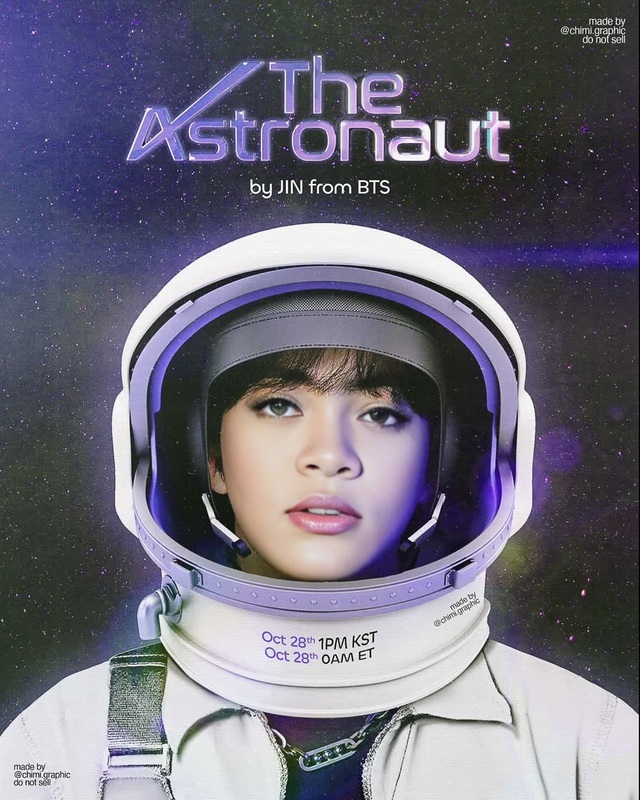
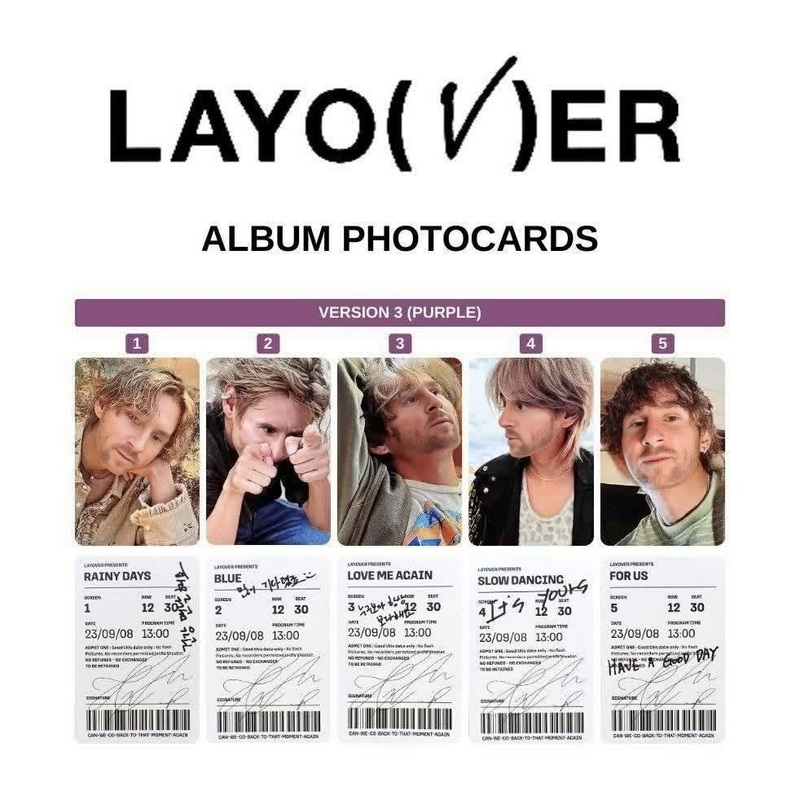
Create a stunning D-Day album cover portrait by swapping your face with BTS's Suga using the Video Face Swap template. This template specifically lets you overlay Suga's image with your own, resulting in a customized album cover video that's uniquely yours.
What It Does
The Bts Suga D-Day Album Cover Portrait template takes a personal photo and aligns it with a video overlay of BTS Suga's features to create a seamless face swap. By using state-of-the-art facial recognition and adjustment technologies, the template ensures a natural and convincing transformation. This is perfect for fans looking to create a personal touch to their favorite artist's album aesthetics.
Who It's For
This template is designed for BTS fans, video editors, and social media enthusiasts who are looking to blend their personal style with that of their favorite artist. Creators of fan content, personalized music videos, and those engaged in social media ads can effortlessly use this template to generate buzz and engagement.
Summary
Transform your image into a BTS-themed D-Day album cover by utilizing the Video Face Swap feature. Whether you're producing a fan project or simply indulging in creative fun, this template provides a professional-quality result in just a few steps. Dive into Magic Hour's capabilities to explore more through AI Gif Generator and Head Swap for more creative transformations.
How To
Choose the Template

Customize Your Input

Generate Your Video

Use Cases
Fan Engagement Videos
- BTS fan clubs
- Social media showcases
Personalized Music Videos
- YouTube channels
- Instagram Reels
Creative Social Media Content
- TikTok challenges
- Instagram stories
Best Practices
Use High-Quality Images
Ensure the image you upload is clear and well-lit to improve the realism of the face swap.Align Features Precisely
Take extra care to align facial features closely to the template for a more natural result.Experiment with Different Angles
Try various photo angles to see which yields the best face swap effect.