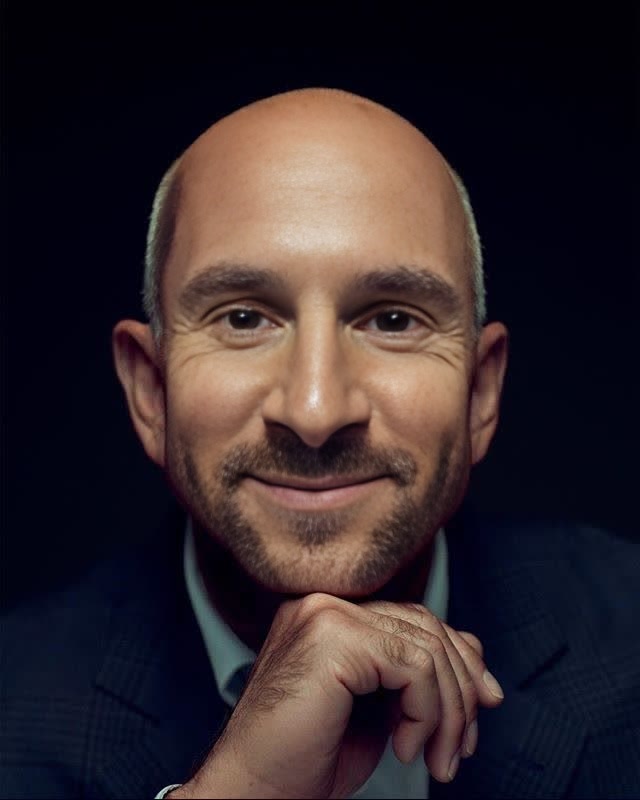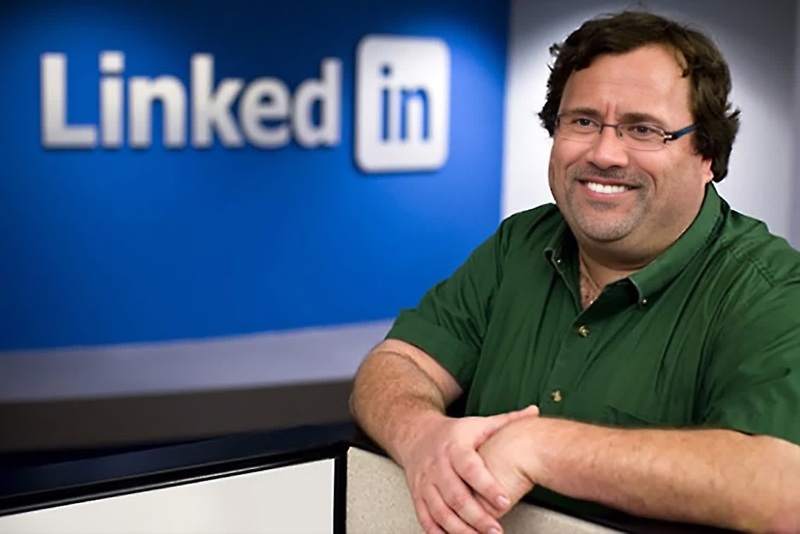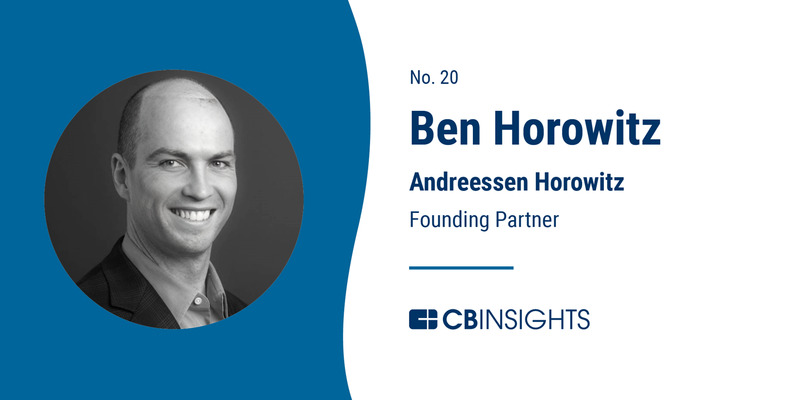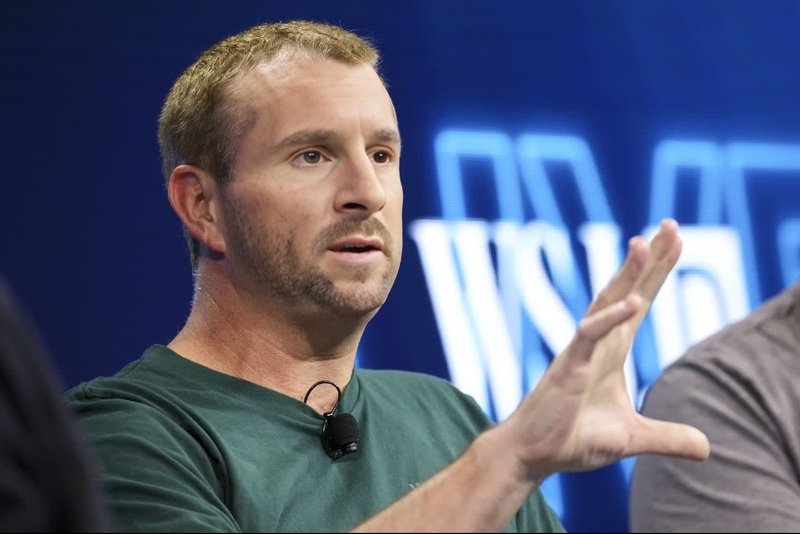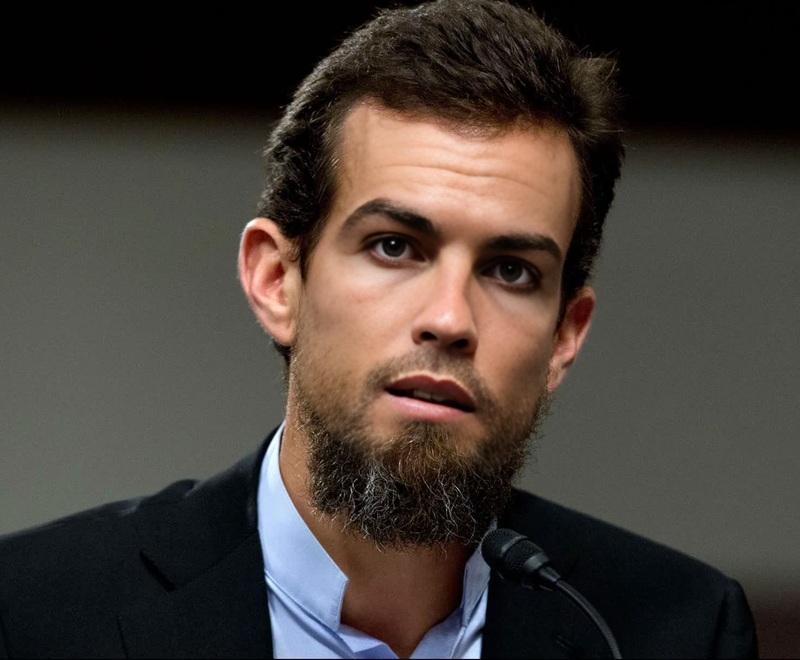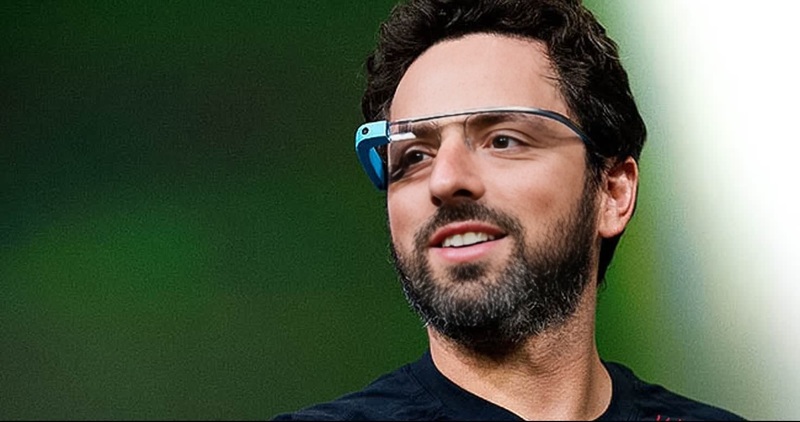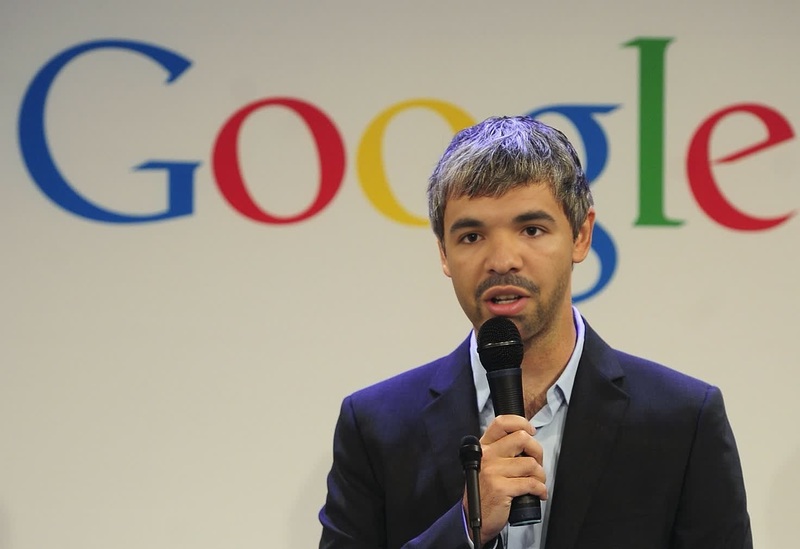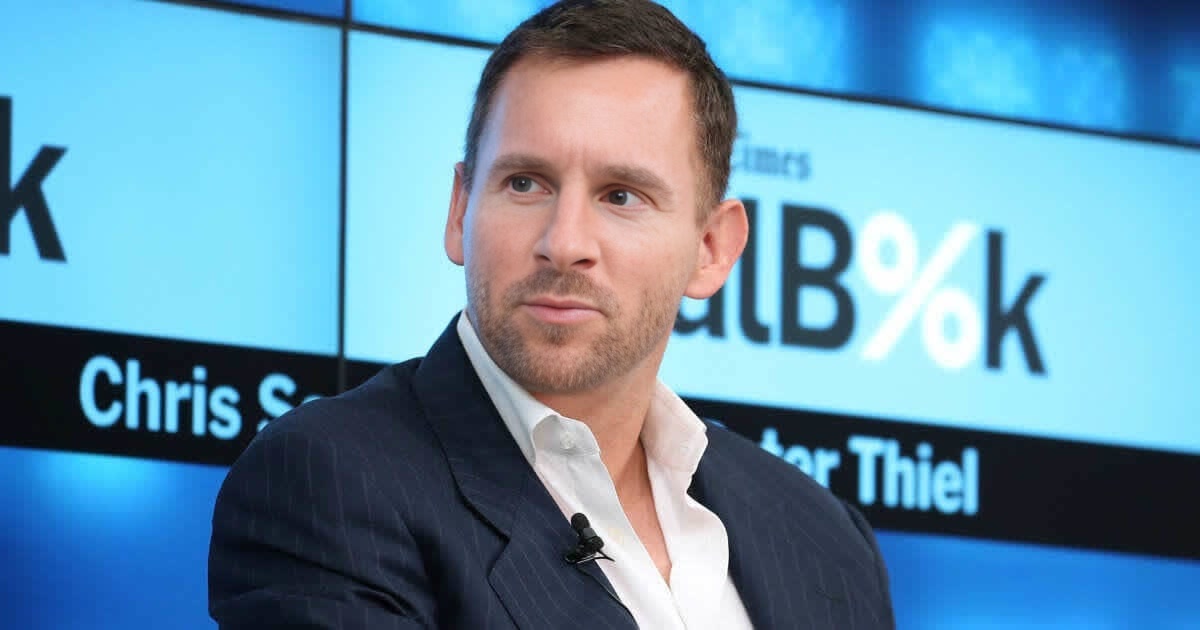
Peter Thiel Paypal Founder Press Portrait

Peter Thiel Paypal Founder Press Portrait

face-swap

1 clip
0 uses

Any aspect ratio

Tags

transformations

Transform Your Videos with AI Face Swap (Template Remix Guide)

Use this template to instantly swap faces in video while preserving expressions, lighting, and motion. It’s built on Magic Hour’s Face Swap Video workflow, so you can remix it in a few clicks and adapt it to your brand, character, or storyline.


What This Template Does

This template is designed for fast, realistic face replacement in short-form or long-form video. Typical uses:

  • Replace an actor’s face with your own (or a client’s) for UGC-style ads
  • Localize content for different markets with region-specific talent
  • Create recurring “host” characters for your content or product walkthroughs
  • Turn static images or headshots into dynamic appearances in existing footage
  • Prototype character-driven content before investing in full production

The template optimizes for:

  • Facial consistency across the full clip
  • Expression and lip movement alignment with the original performance
  • Lighting and angle robustness, so the swapped face looks integrated, not pasted on
  • Creator efficiency: drag in a target video + face source, remix, export

How to Remix This Template in Magic Hour

You can create your own version of this template in a few steps using Face Swap Video:

  1. Open the Template or Start from Face Swap Video

    • If you’re on this template’s page in Magic Hour, click “Remix” to duplicate it into your workspace.
    • Or start fresh from Face Swap Video and follow the same structure below.
  2. Add Your Target Video

    • Use an existing ad, talking-head clip, B‑roll, meme, or reaction video.
    • For best results, choose footage where the subject’s face is reasonably visible and not fully blocked.
  3. Add Your Source Face
    You can source the face from:

  4. Align to Your Use Case

    • Performance marketing: Use consistent talent across multiple creatives.
    • Content series: Build a recurring character or host.
    • Product demos: Put your founder or PM into explanatory content.
    • Internal training: Standardize “presenters” across different language versions.
  5. Preview and Export

    • Generate a preview, confirm the swap looks natural throughout key moments, then export.
    • Reuse the same structure for future videos—swap in a new source face or new target clip while keeping your workflow.

Practical Use Cases for Creators & Teams

1. Performance & UGC Ads

  • Test multiple “creators” without coordinating new shoots.
  • Keep your winning script and footage while rotating faces to avoid ad fatigue.
  • Combine with Lip Sync to match voiceovers in different languages or with cloned voices from AI Voice Cloner.

2. Localization & Multilingual Content

  • Produce one master video, then:

3. Creator & Founder-Led Content

  • Put your face on explainer videos, product tours, or launch announcements without doing every shoot.
  • Create a clean base portrait using AI Selfie Generator or AI Headshot Generator, then use it as your “universal” face source across multiple clips.

4. Entertainment, Memes, and Social

5. Prototyping Characters and Stories


How This Template Fits into a Larger Magic Hour Workflow

Most users combine this Face Swap template with a few other Magic Hour tools:


Tips for More Realistic Face Swaps

  • Use clean, well-lit source faces

    • Neutral or slightly smiling expressions tend to adapt best.
    • Avoid tiny, low-res crops; if needed, enhance them via Unblur Image or AI Image Upscaler.
  • Match approximate angle and framing

    • Source faces that roughly match the angle of the target footage usually produce more seamless swaps.
  • Keep visual consistency across content

    • Reuse the same “canonical” face (or set of faces) across multiple projects. This helps build brand and character recognition.
  • Combine with lip sync and voice tools for full realism


Creating Your Own Reusable Face Swap Template

If you want to build a reusable template your whole team can use:

  1. Start from this template or from Face Swap Video.
  2. Define a standard input pattern for teammates:
    • Slot for target video
    • Slot for source face (founder, actor, or brand character)
  3. Document your preferred workflow in the project description:
    • What types of videos work best
    • Where to source faces (e.g., brand headshot folder, AI Headshot Generator, etc.)
  4. Save and share the project so collaborators can simply duplicate it, drop in new assets, and export.

Related Magic Hour Tools Worth Exploring

Depending on your use case, these tools pair well with face swap templates:


Use this Face Swap template as a starting point, then remix it into your own production-ready workflow—whether you’re optimizing performance ads, scaling multilingual explainers, or rapidly prototyping new characters and concepts.

More Like This

Insufficient credits