Reality Breaker
- Model
- Nano Banana 2
- Image
- 843 × 1264 px
Prompt
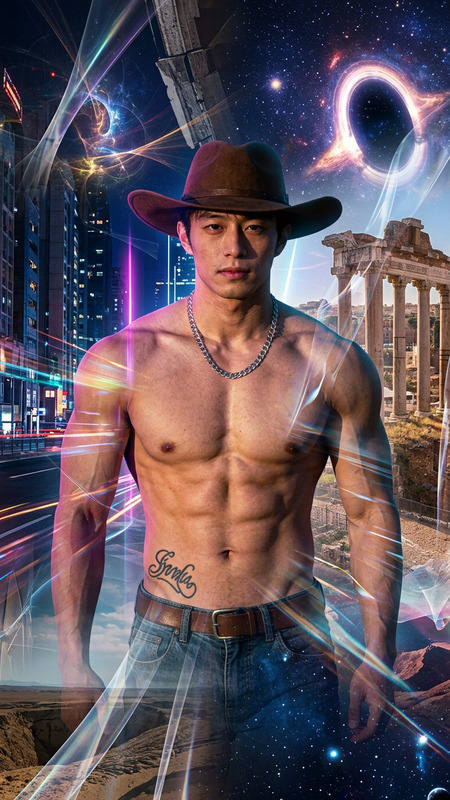
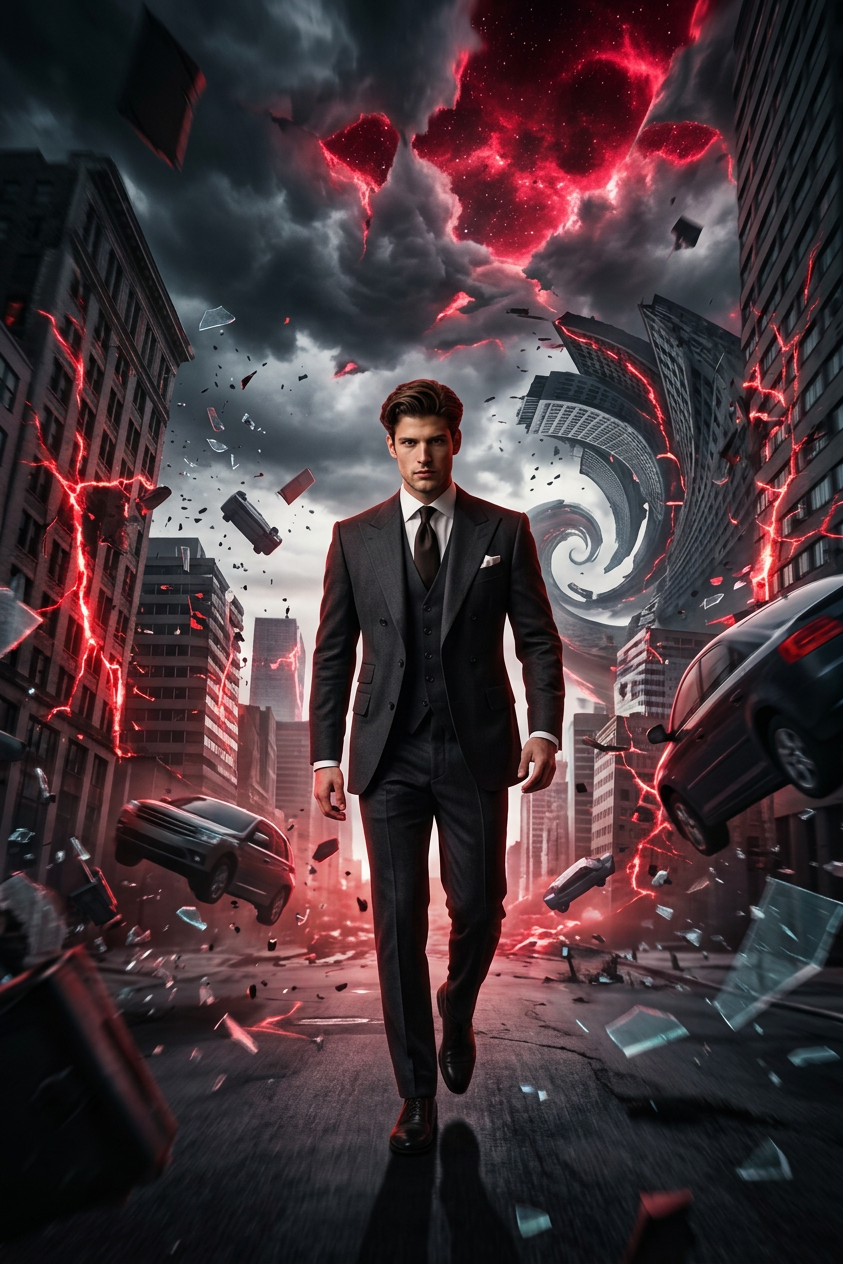
Subject is walking forward as reality collapses around them; the city bends and twists unnaturally, buildings crack open with glowing red energy, debris and glass float mid-air, and gravity shifts sideways; the sky is filled with dark storm clouds tearing apart into neon red voids; surreal physics and impossible geometry create a warped, spiral-like environment; ultra-cinematic, photorealistic, high contrast red-black lighting, dramatic shadows, intense and rebellious mood; wide-angle view, deep focus, slight forward motion, dystopian futuristic city, 4K, 16:9.
Any aspect ratio
Overview
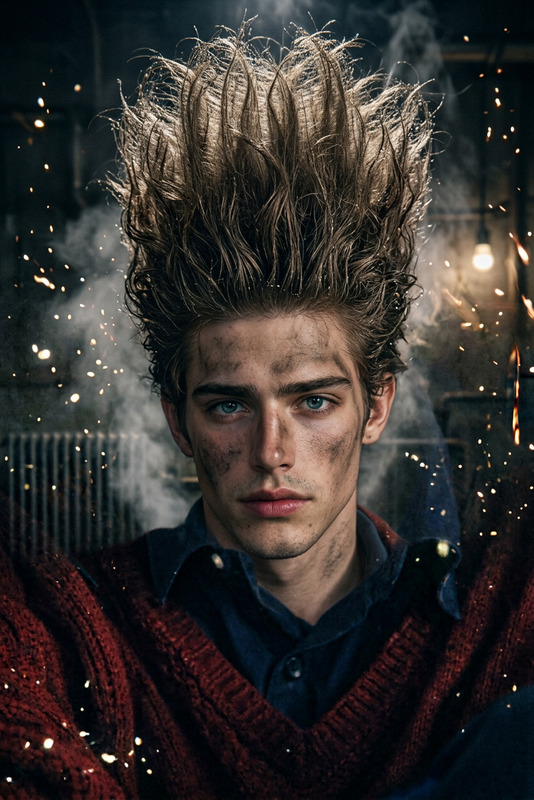
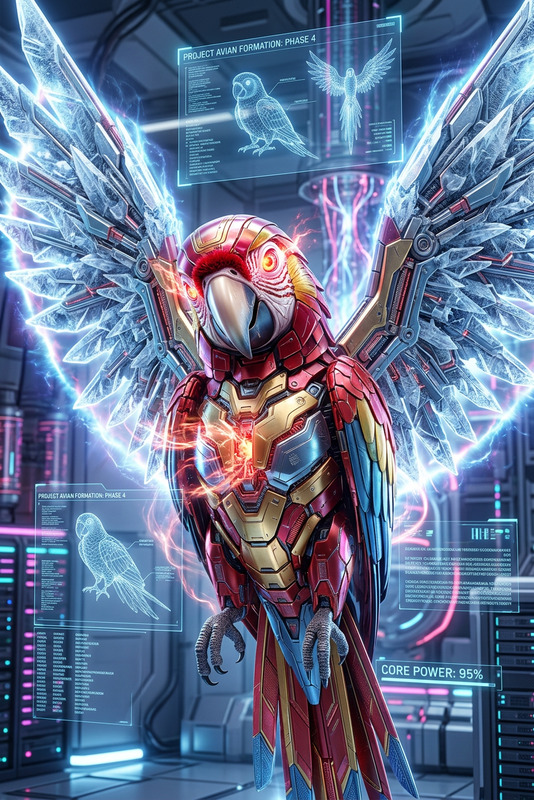
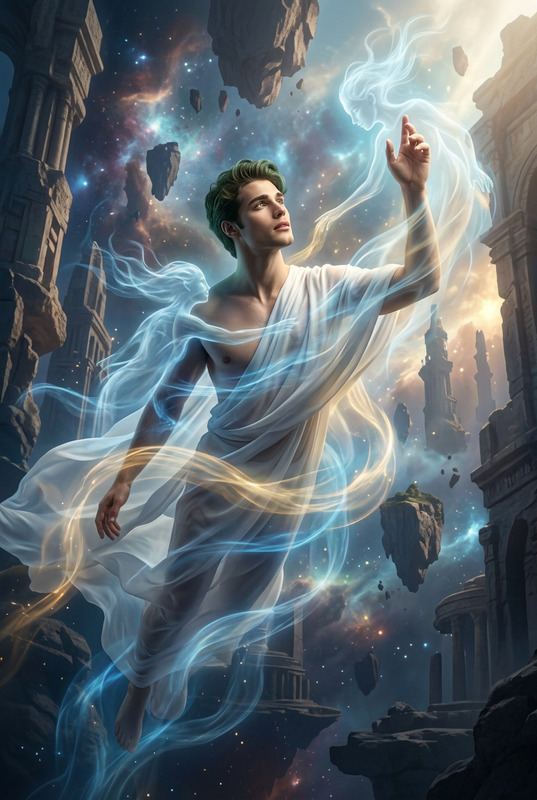
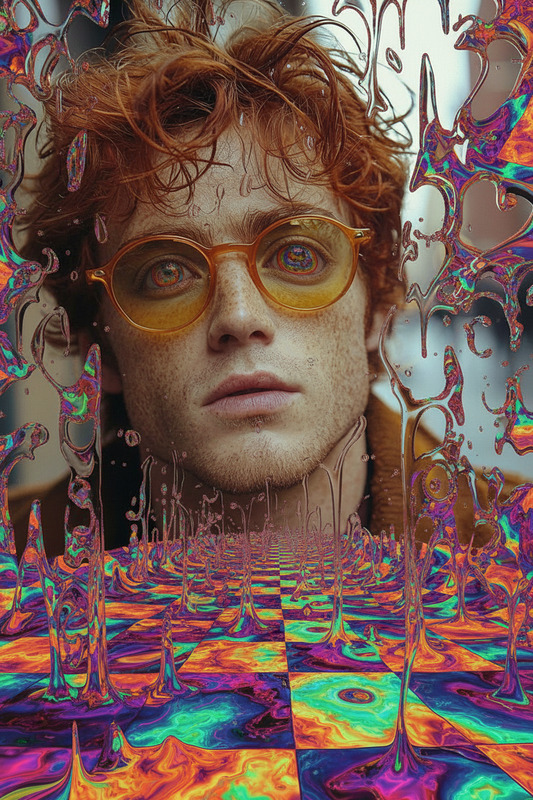
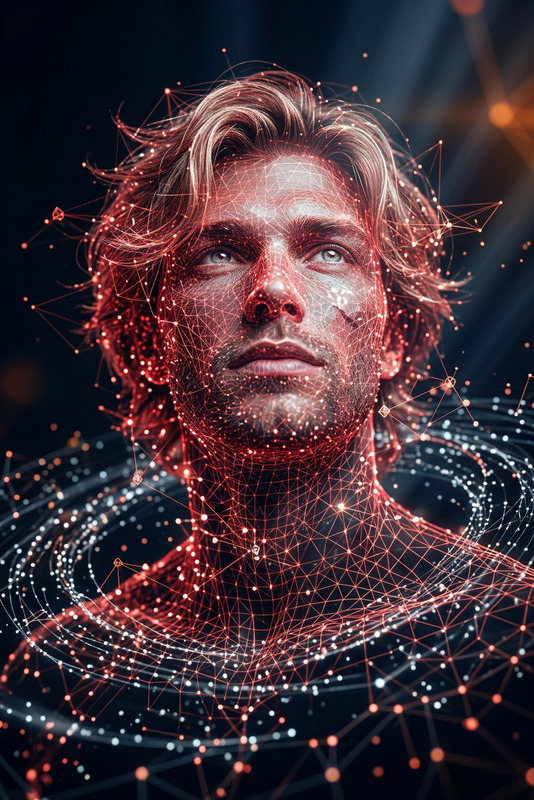
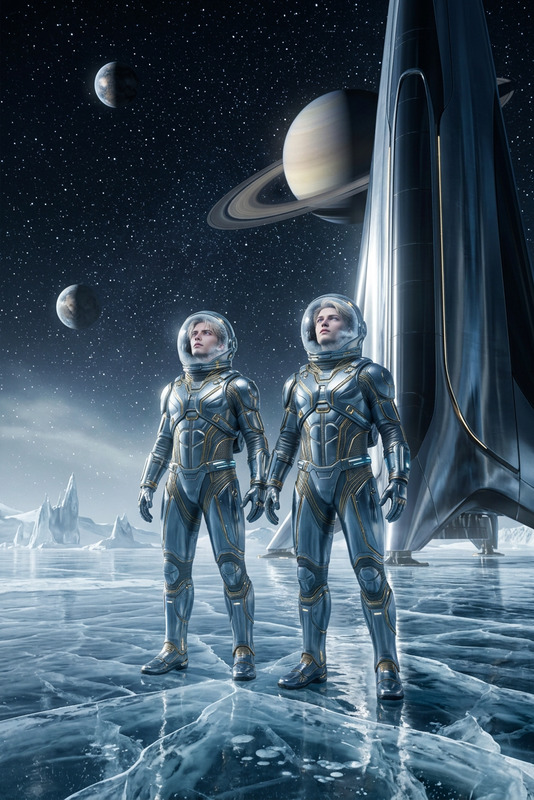
Reality Breaker is an advanced AI Image Editor template designed to transform ordinary scenes into extraordinary visual experiences. Harnessing the power of the nano-banana-2 model, it creates surreal worlds where reality is shattered and heightened.
What It Does
With a focus on ultra-cinematic and photorealistic imagery, Reality Breaker warps environments into a dystopian, futuristic cityscape. The template crafts surreal physics with impossible geometry, utilizing high contrast red-black lighting to intensify the scene's rebellious mood.
By applying deep focus and wide-angle views, it brings an immersive, motion-rich experience that redefines visual narratives. Whether for a bold art project or a sci-fi inspired campaign, these dynamics challenge perception and elevate storytelling.
Who It's For
Designed for visionary creators and media professionals, Reality Breaker is perfect for those aiming to push the bounds of conventional imagery. It's ideal for filmmakers, graphic designers, and content creators focused on futuristic or post-apocalyptic themes.
This template also suits marketing creatives involved with AI Video Generator initiatives, as it aligns with projects needing striking and innovative visuals to captivate audiences.
Summary
Reality Breaker offers transformative visual capabilities with unparalleled detail and creativity. Perfect for projects that demand a dramatic and edgy aesthetic, it transforms scenes into a mesmerizing, visually complex fantasy world. Explore the model's potential to forge groundbreaking visual content.
For more similar transformative tools, consider exploring the Video to Video or Face Swap products for your next creative venture.
How to Use Reality Breaker
Choose the Reality Breaker Template

Customize Your Scene

Generate Your Reality-Breaking Image

Use Cases
Futuristic Art Installations
- Immersive digital installations
- Augmented reality projects
Sci-Fi and Fantasy Productions
- Film and video project enhancement
- Visual effects for storytelling
Advertising and Marketing Campaigns
- Innovative ad creatives
- Product launch visuals
Best Practices
Balance Surreal and Real
Keep a balance between surreal effects and recognizable elements in your images to maintain emotional impact while preserving clarity.Use Contrast Wisely
Employ high contrast settings to draw attention to key visual elements and enhance the dramatic effect.Consider Audience and Purpose
Tailor the intensity of effects and overall mood to fit your target audience and intended message for maximum engagement.