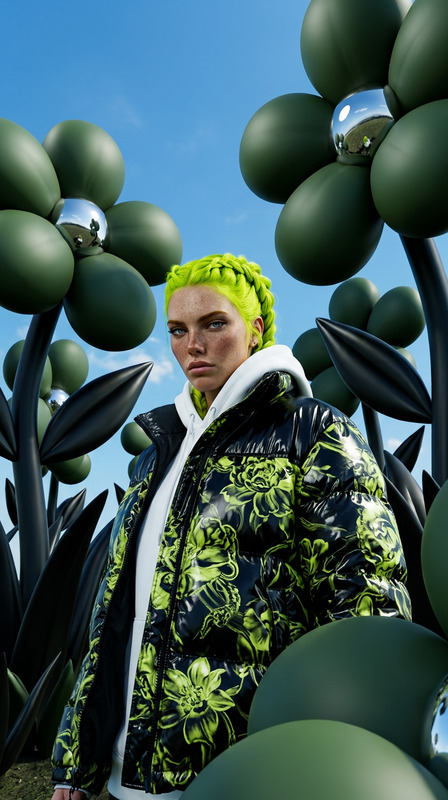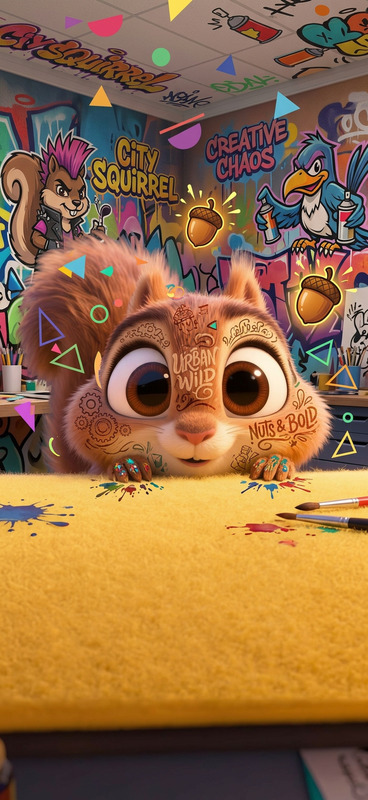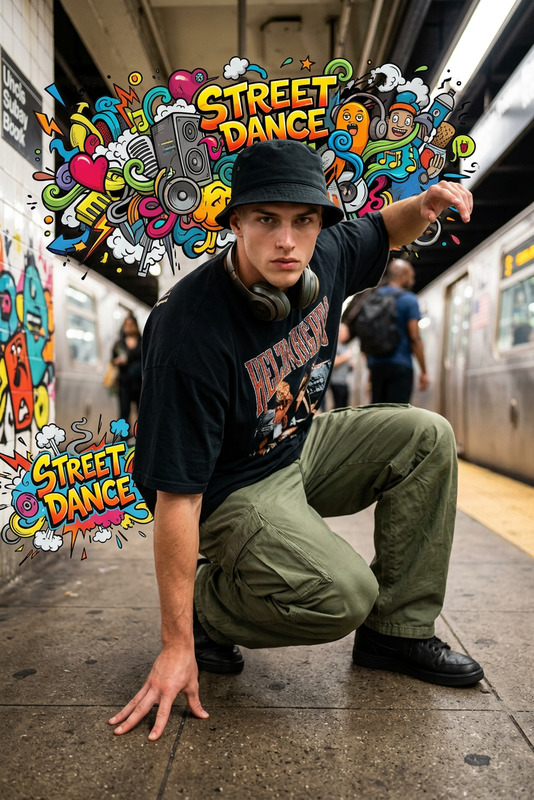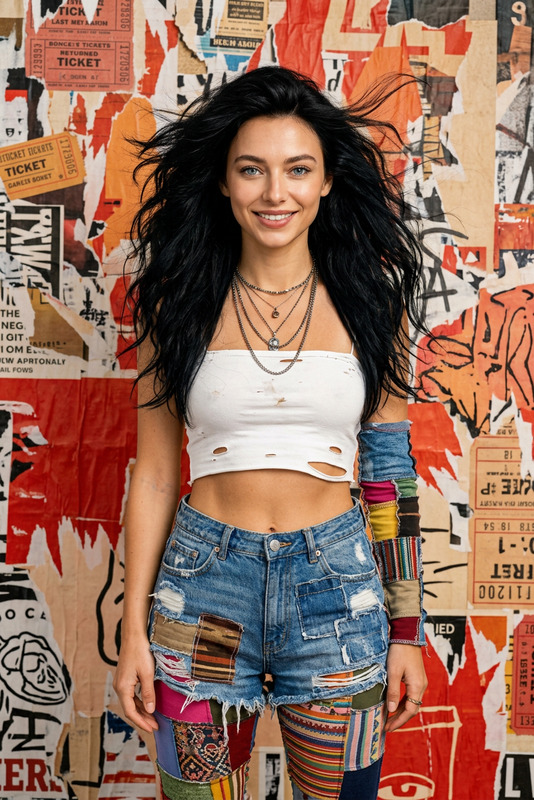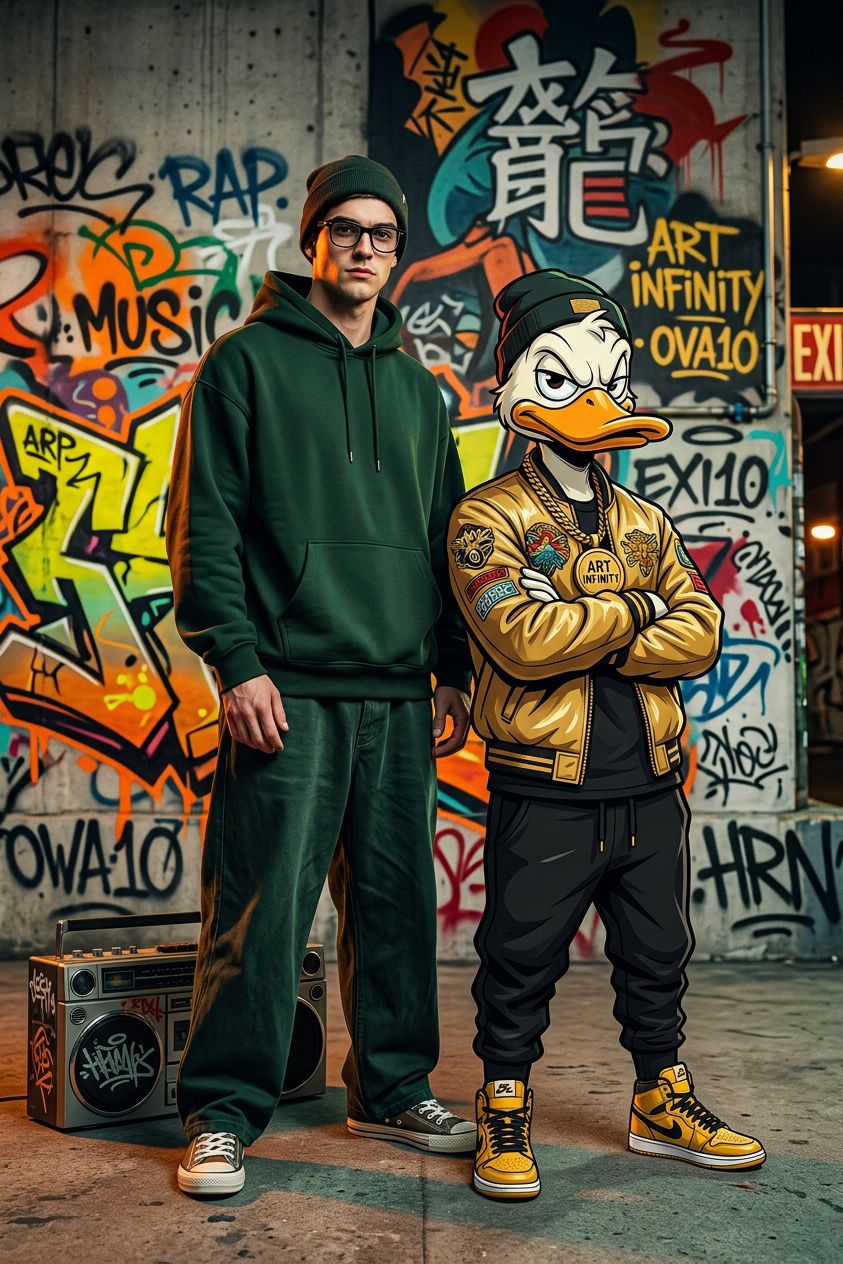
Street Graffiti Fashion Duo
- Model
- Nano Banana 2
- Image
- 843 × 1264 px
Prompt
Hyperrealistic 4K HDR fashion editorial of a subject with black-framed glasses wearing a dark forest green oversized hoodie, dark beanie, wide-leg baggy pants, and classic canvas sneakers. Standing beside a stylized anthropomorphic cartoon duck companion in a gold bomber jacket, black joggers, gold chain medallion, and yellow high-top sneakers. Both strike a bold, arrogant, confident street-style pose. Urban backdrop filled with vibrant graffiti—concrete walls layered with spray-painted tags, throw-ups, neon orange/yellow dripping lettering, and Japanese kanji murals. A boombox rests on the ground nearby. Graffiti text includes: “RAP”, “MUSIC”, “ART INFINITY”, “OVA10”, “EXIT”, “HRN”. Saturated, punchy palette—electric yellow, deep forest green, neon orange, bold red accents. Cinematic dramatic lighting with deep shadows and rim light. Ultra-sharp textures, high contrast, blending street fashion photography with stylized urban illustration.
Any aspect ratio
Overview
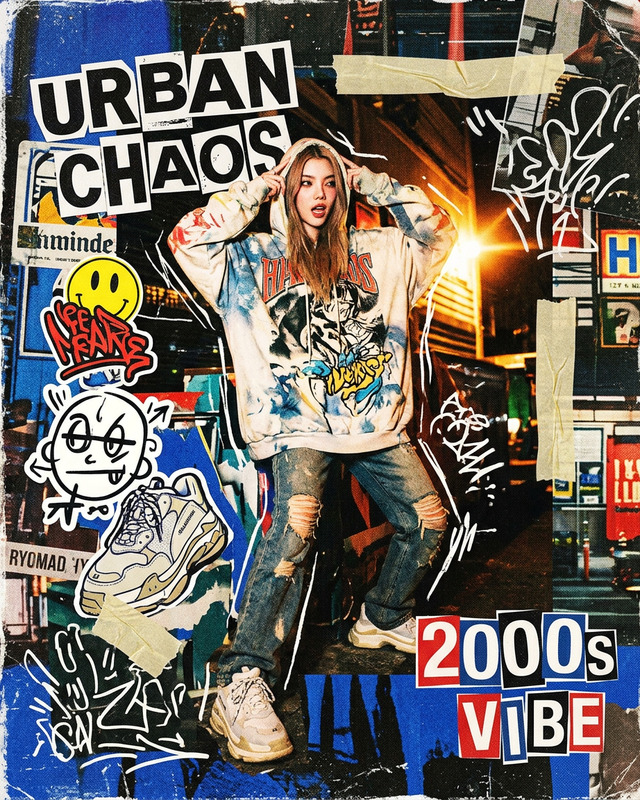
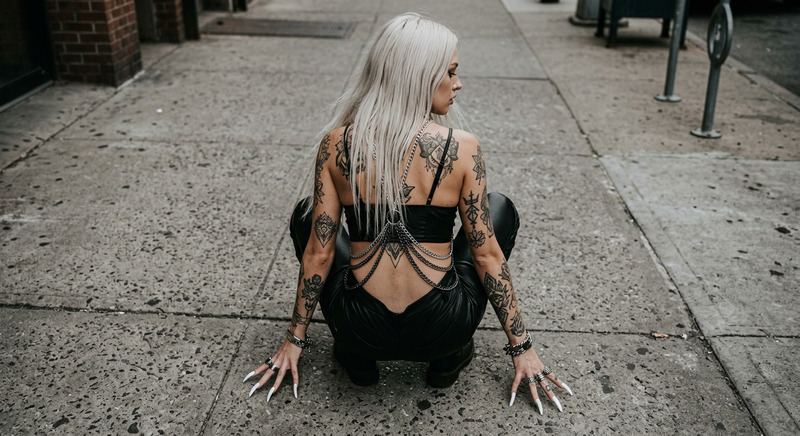
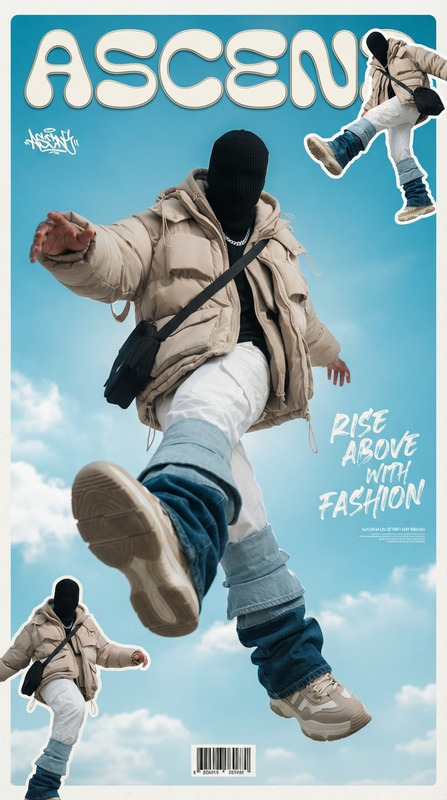
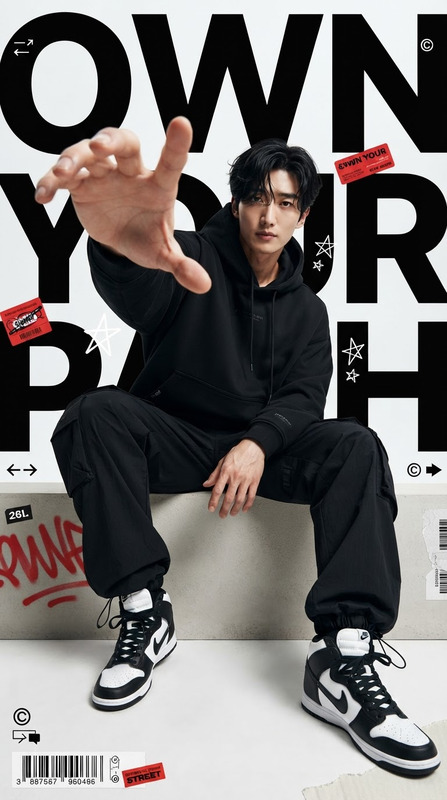
Step into the world of urban style with the Street Graffiti Fashion Duo template, a cutting-edge AI Image Editor designed to highlight the heart of street fashion. This template combines hyperrealism with eye-catching urban art to produce stunning, editorial-quality images.
What It Does
Utilizing the nano-banana-2 model, this template transforms your photos into vibrant street-style portraits. The realistic depiction of fashion elements like hoodies and sneakers is fused with a stylized cartoon companion and bold graffiti backdrops, delivering dynamic imagery with cinematic lighting effects.
Who It's For
This template is ideal for fashion photographers, urban artists, and digital content creators who want to experiment with street style and urban art. It allows users to create high-impact visual narratives that capture the essence of city life and fashion.
Summary
The Street Graffiti Fashion Duo offers a blend of fashion photography and urban illustration, making it easy to create images that are both stylish and edgy. Check out the AI Image Upscaler to enhance your final image quality for professional use.
How-To
Choose the Template

Customize Your Scene

Generate Your Image

Use Cases
Fashion Editorials
- Highlight latest streetwear collections
- Incorporate bold graffiti backgrounds
Music Album Covers
- Capture the essence of urban music culture
- Blend fashion and music themes
Social Media Campaigns
- Create Instagram-worthy images
- Enhance brand storytelling with urban flair
Best Practices
Embrace Bold Colors
Utilize the saturated palette to create visually arresting images that stand out.Focus on Textures
Highlight the sharp textures and high contrast to add depth and interest to your work.Mix and Match Elements
Experiment by combining different fashion styles and graffiti elements to find unique compositions.