Neon Jazz Robot Ensemble
- Model
- Nano Banana 2
- Image
- 843 × 1264 px
Prompt
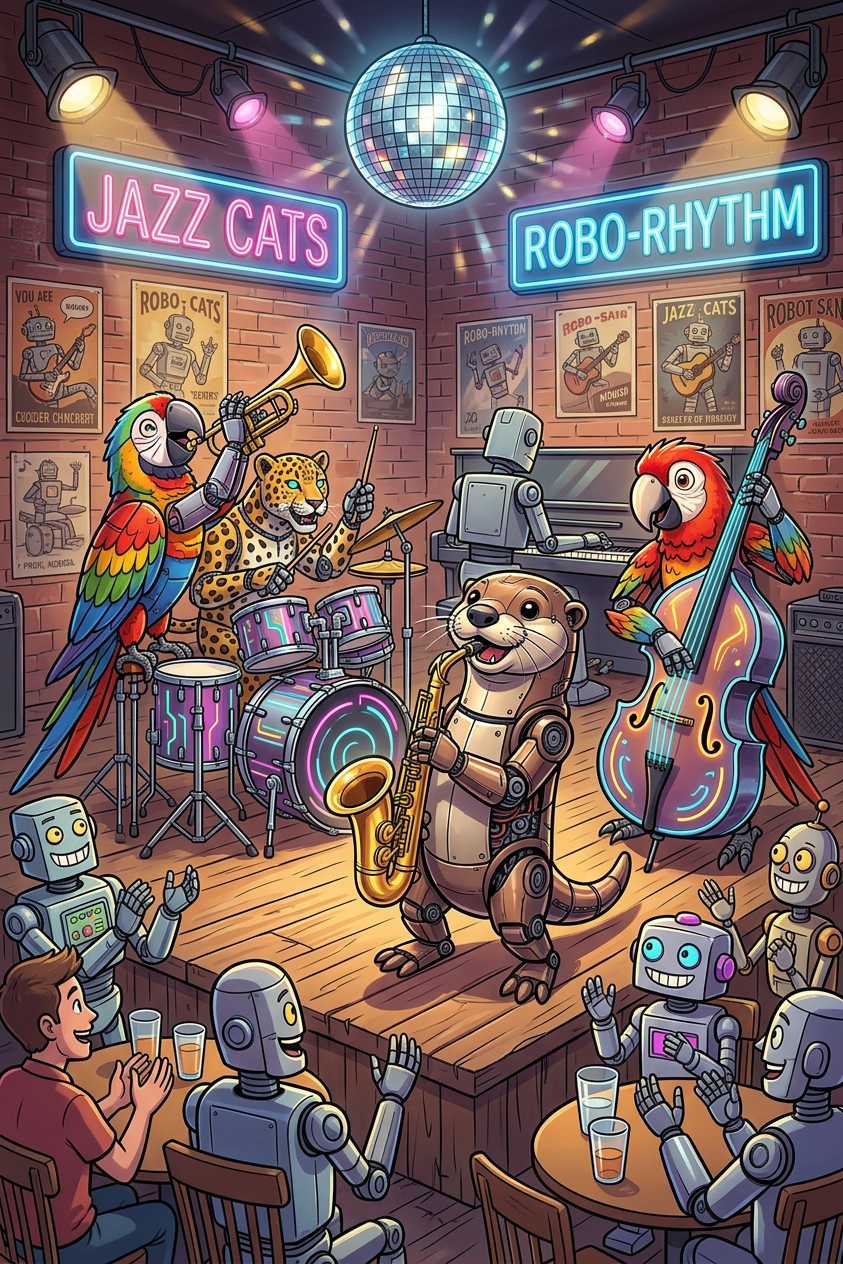
Subjects transform into a vibrant cartoon-style robot jazz band performing on a wooden stage in a lively lounge. Subject leads with a saxophone, while supporting subjects play drums, trumpet, upright bass, and piano. The venue is filled with robots and a few humans at tables. Blue and pink neon signs, disco ball lighting, and retro posters decorate brick walls. Warm spotlights on subjects with cool neon accents. Energetic, fun, lively atmosphere.
Any aspect ratio
Overview
The Neon Jazz Robot Ensemble template brings together the energy of a vibrant robot jazz band using advanced AI Image Editing. Transform your subjects into a lively ensemble of cartoon-style robots, set against a backdrop of neon lights and retro decor. This engaging setup is ideal for adding a futuristic twist to your content.
What It Does
This template uses the AI Image Editor to infuse your images with a dynamic robotic jazz theme. Subjects are morphed into a band, each playing an iconic instrument on a wooden stage illuminated by warm spotlights. The atmosphere is enriched with neon signs, disco lighting, and robots mingling with humans, all captured in vivid, colorful detail.
Who It's For
Designed for creators in the music and entertainment industries, this template appeals to event organizers looking to add flair to promotions. It also suits marketing agencies and designers seeking to incorporate a futuristic, playful edge into their projects. Perfect for anyone aiming to create a memorable, lively atmosphere in their visual content.
Summary
Whether you're promoting a music event or designing a futuristic campaign, the Neon Jazz Robot Ensemble template provides the tools needed to transform ordinary subjects into an extraordinary, energetic spectacle. Also explore the AI Clothes Changer to further enhance your subjects' outfits, or the AI GIF Generator for creating shareable animations.
How-To
Choose Your Template

Customize Your Band

Generate and Download

Use Cases
Music Event Promotions
- Futuristic concert posters
- Promotional social media graphics
Futuristic Marketing Campaigns
- Branded visuals for tech products
- Advertisements with a retro-futuristic flair
Creative Multimedia Projects
- Cartoon-themed presentations
- Storyboarding for animated sequences
Best Practices
Select High-Quality Images
Use high-resolution photos for sharper and more striking transformations of your subjects.Balance Lighting
Adjust spotlight and neon effects to highlight subjects without overpowering the scene.Experiment with Backgrounds
Try various neon and retro elements to see which combinations best enhance your theme.