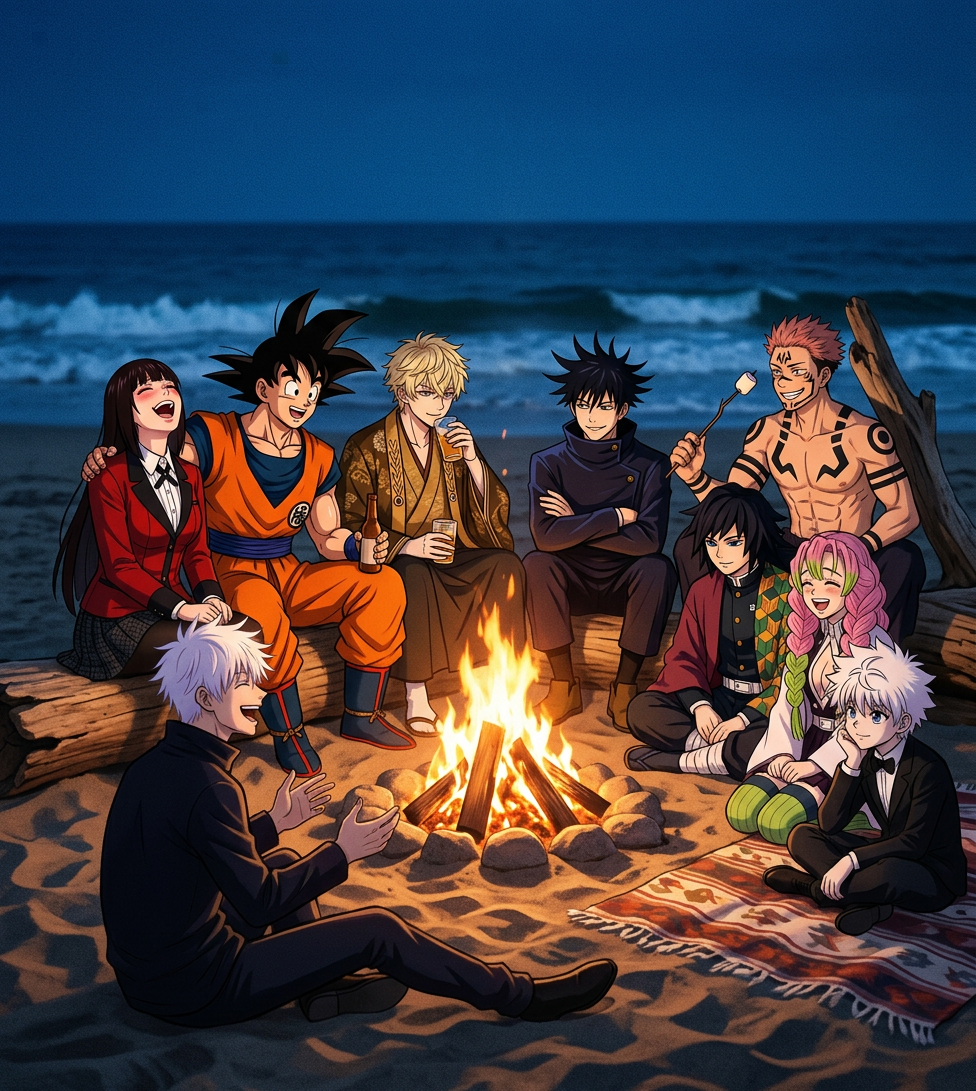
California Beach Bonfire Night
- Model
- Nano Banana 2
- Image
- 976 × 1091 px
Prompt
Low-light digital photograph of a group of subjects gathered around a bonfire on a sandy California beach at night, laughing and enjoying the moment. The firelight warmly illuminates their faces while the dark ocean and faint waves form the background. Natural candid composition, soft motion blur, high realism, warm orange fire glow contrasting with deep blue night tones, cinematic beach atmosphere, shallow depth of field, documentary-style night photography.
Any aspect ratio
Overview
Capture the magic of a beach bonfire night with the California Beach Bonfire Night AI Image Editor template. Designed using the powerful nano-banana-2 model, this template creates digital photographs that bring to life the warmth and vibrancy of an evening gathering by the ocean. Perfectly balance the glow of the fire against the dark ocean backdrop for images that feel both realistic and cinematic.
What It Does
This template crafts realistic, documentary-style photographs of beach gatherings, focusing on the interplay between firelight and night tones. The result is a warm, inviting scene that features soft motion blur and shallow depth of field, adding authenticity to your imagery. For more extensive edits, consider trying our AI Image Editor for detailed customizations.
Who It's For
The California Beach Bonfire Night template is perfect for photographers, content creators, and marketers wanting to incorporate atmospheric beach scenes into their projects. Whether you are shooting a campaign for travel, tourism, or lifestyle content, this tool suits anyone aiming to evoke feelings of warmth, adventure, and community.
Summary
Transform ordinary photos into extraordinary visual stories with the California Beach Bonfire Night template. It leverages AI to enhance digital photos, making them vibrant and cinematic. For even more dynamic visual storytelling, utilize our Image to Video feature, which integrates static images into moving scenes.
How To
Choose Your Template

Customize Your Image

Generate Your Edited Image

Use Cases
Travel Campaigns
- Highlight warmth and community
- Showcase realistic beach scenes
- Perfect for brochures and websites
Lifestyle Blogs
- Ideal for storytelling
- Visually engaging content
- Cinematic look and feel
Social Media Content
- Increases engagement
- Great for reels and stories
- Captures attention quickly
Best Practices
Leverage Motion Blur
Utilize the soft motion blur effect to convey a sense of dynamic activity around the bonfire, enhancing the storytelling aspect of your images.Adjust Depth of Field
Experiment with shallow depth of field settings to keep the focus on the subjects gathered around the bonfire while maintaining a dreamy background.Balance Light and Shadow
Emphasize the contrast between the warm fire glow and the deep blue night tones to create visually impactful images.