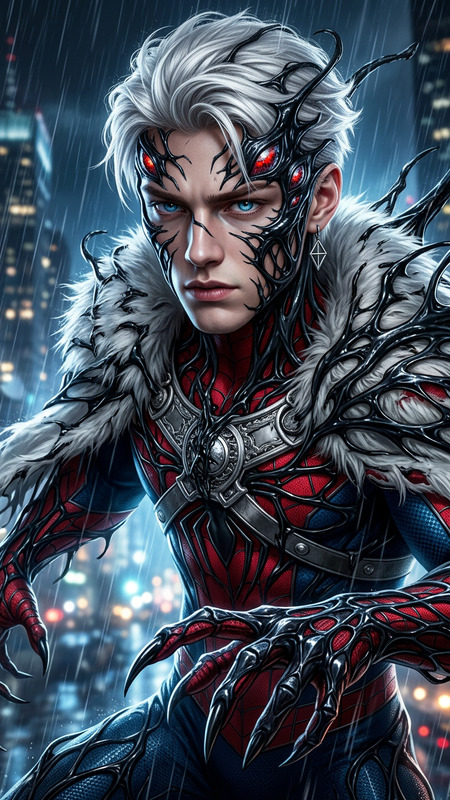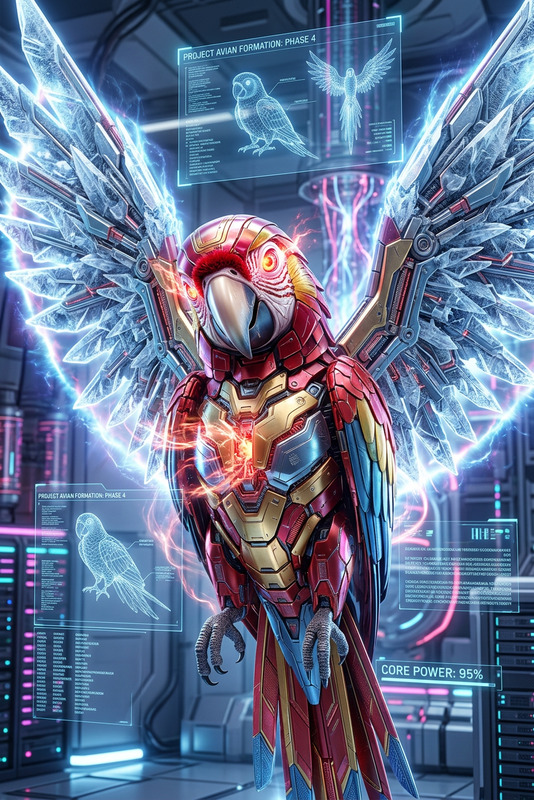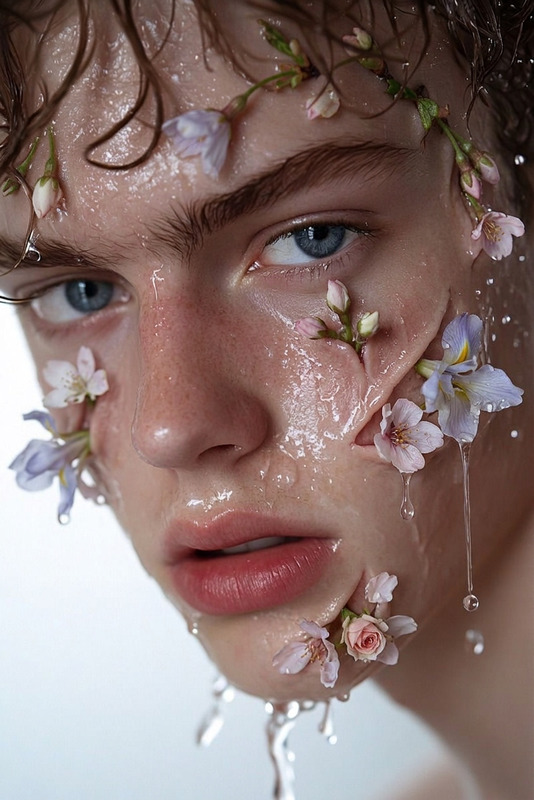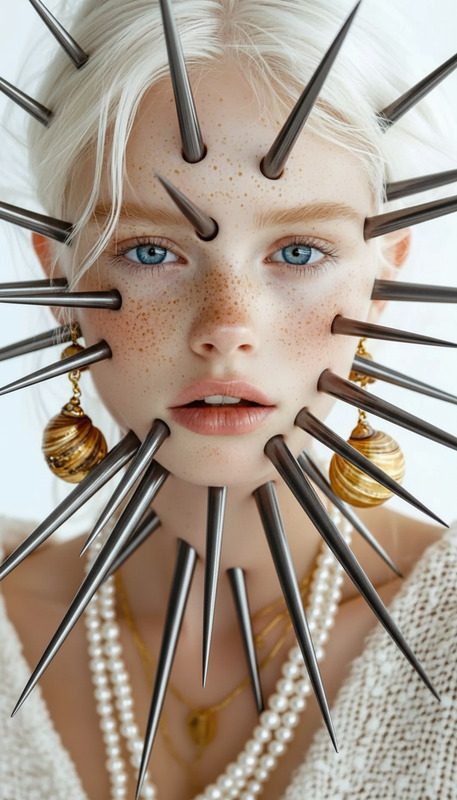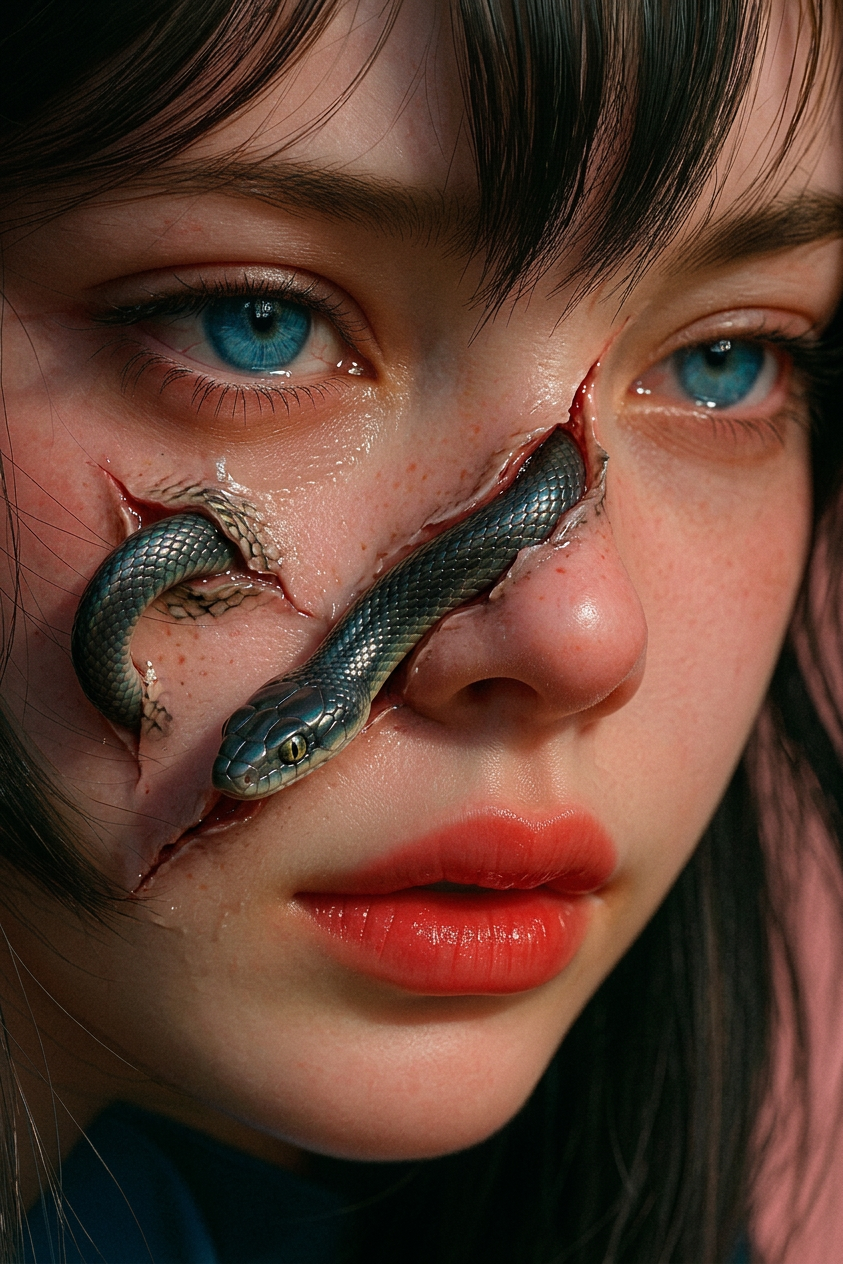
Serpent Breakthrough
- Model
- Nano Banana 2
- Image
- 843 × 1264 px
Prompt
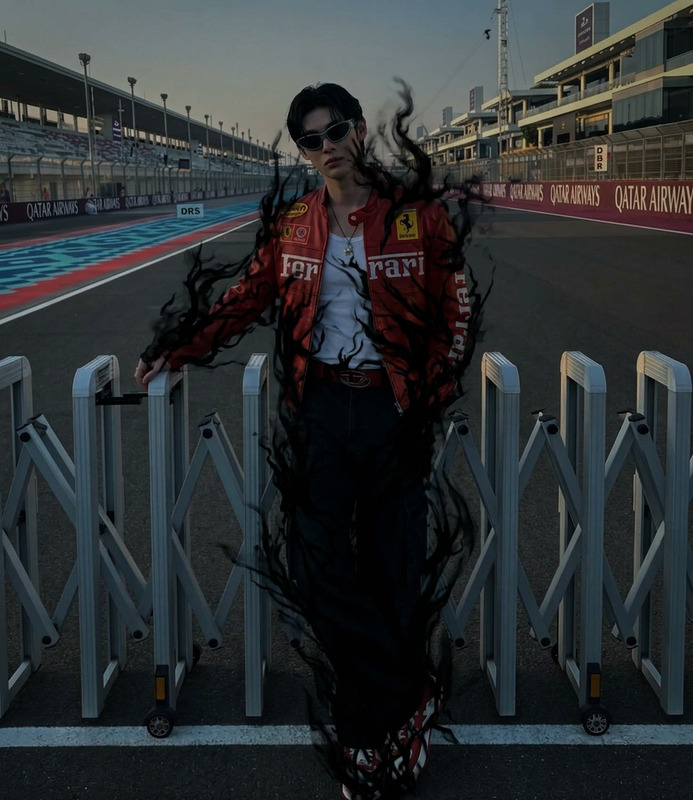
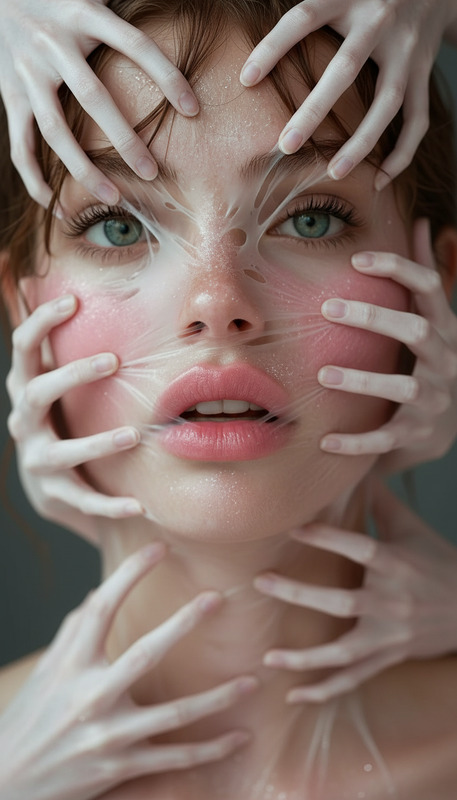
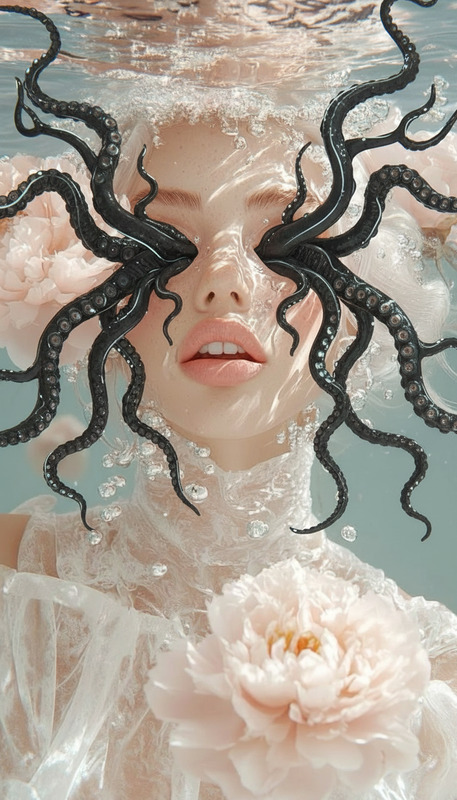
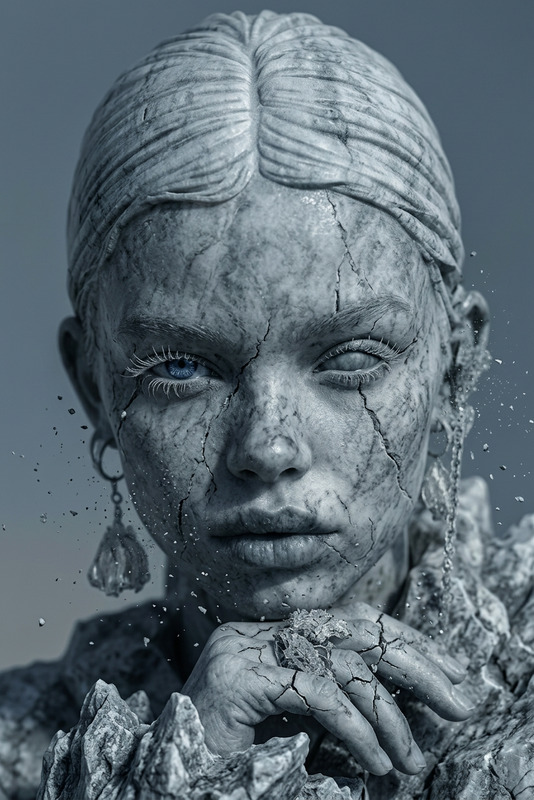
A sleek snake slithers out from the subject’s skin, the surface splitting as scales glide through, fluid and unsettling motion, blending organic and surreal horror, cinematic lighting, ultra-detailed, 4K.
Any aspect ratio
Overview
Unleash the power of the Serpent Breakthrough to create visually stunning and eerie imagery like never before. This AI Image Editor template is engineered using the advanced nano-banana-2 model, perfect for producing mesmerizing, surreal art with a cinematic touch.
What It Does
The template captures the essence of transformation by rendering a sleek snake slithering through skin. The imagery combines surreal horror with organic detail, highlighted by dramatic lighting and ultra-detailed 4K visuals. Use this tool to turn ordinary photos into extraordinary pieces of art.
Discover more tools like the AI Image Editor to expand your creative toolkit.
Who It's For
The Serpent Breakthrough template is ideal for digital artists, graphic designers, and content creators looking to elevate their storytelling. It's particularly useful for those working in the horror, fantasy, or sci-fi genres. Producing eye-catching visuals has never been more accessible.
Summary
Incorporate unsettling yet captivating visuals easily with the Serpent Breakthrough template. Designed for artistic expression, this template elevates your ability to tell stories through images. Whether for a portfolio, social media, or any other creative project, this tool offers a new way to engage your audience with fascinating, high-quality visuals.
For more creative enhancements, explore our tool for a AI Image Generator and discover your next big project idea.
How-To

Customize

Generate

Use Cases
Horror Film Posters
Fantasy Illustration
Content for Social Media
Best Practices
Opt for High-Resolution Images
Start with high-resolution images to ensure the final product is crisp and detailed. 4K images work best to capture every nuance of the serpent's motion.Experiment with Lighting
Utilize cinematic lighting options for more dramatic effects. Adjusting the light can add depth and dimension to your images.Focus on Texture
Pay attention to the texture settings to make the serpent look as realistic or surreal as your project demands. Experiment with different scales and skin textures for creativity.