Snowy Night Triptych

Snowy Night Triptych

AI Image Editor
1 image
0 uses
Model
Seedream 5 Pro
Image
575 × 1024 px

Prompt

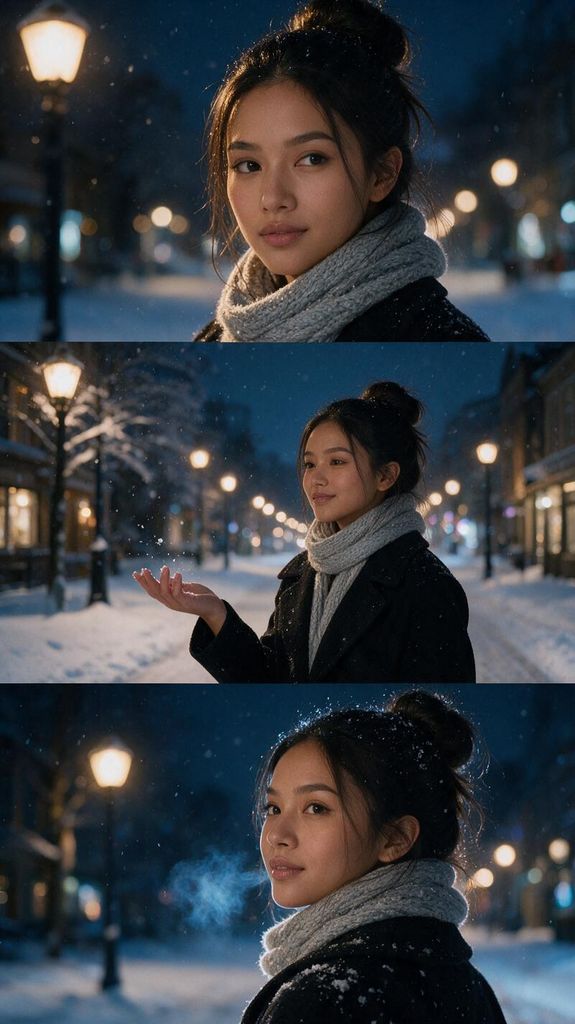
Please generate a set of three film-style images featuring the person in the attached photo, set in a city on a snowy night. Ensure that the individual’s facial features, contours, hair color, and apparent age remain consistent. Arrange the three images—each in a landscape orientation—vertically within a single portrait-oriented frame (top, middle, and bottom). Each section should be of equal height and depict the same person at different moments. Top: A close-up of the person’s face, illuminated by a streetlamp. Their gaze is directed slightly away from the camera, and fine snowflakes are visible in their hair. Middle: A medium shot (from the knees up) of the person standing on a snow-covered sidewalk. They are wearing a black coat and a light gray scarf, with one hand extended to catch the falling snow. The background features the warm glow of streetlamps and soft, blurred points of light (bokeh). Bottom: A close-up showing the person’s face and shoulders as they look back over their shoulder. A faint, wispy breath is visible near their mouth. Maintain the same face, hairstyle, and attire across all three panels. Use deep blue tones for the snow and the night scene, contrasted with the soft amber glow of the streetlamps, to highlight the interplay between the cold air and the warm light. Ensure the face remains well-lit and unobscured by snow; do not include any text or logos.

Any aspect ratio

Overview

The "Snowy Night Triptych" template allows you to transform a single uploaded photo into a captivating triptych—a set of three film-style images. Each image captures the same individual in a city setting on a snowy night, displayed vertically in a single frame. The template ensures consistency in facial features, hair color, and attire across each section, while using rich blue tones and warm streetlight hues for a stunning visual effect.

How To

Transform your photo into a beautiful snowy night triptych with just a few steps.
    01

    Choose

    Upload a photo to the Snowy Night Triptych template on the platform.
    02

    Customize

    Review the uploaded photo to ensure it's suitable for the triptych effect.
    03

    Generate

    Click 'Generate' to create your snowy night triptych. The images will be automatically arranged and styled.

More Like This

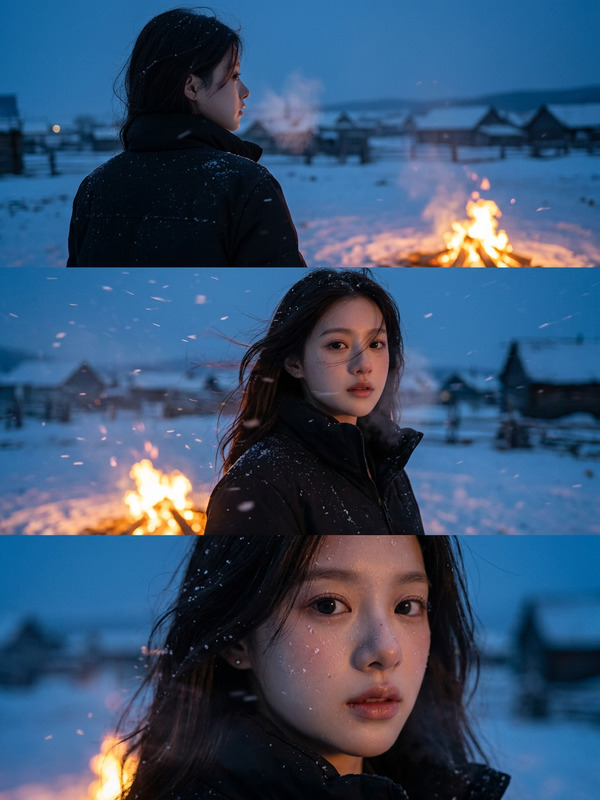
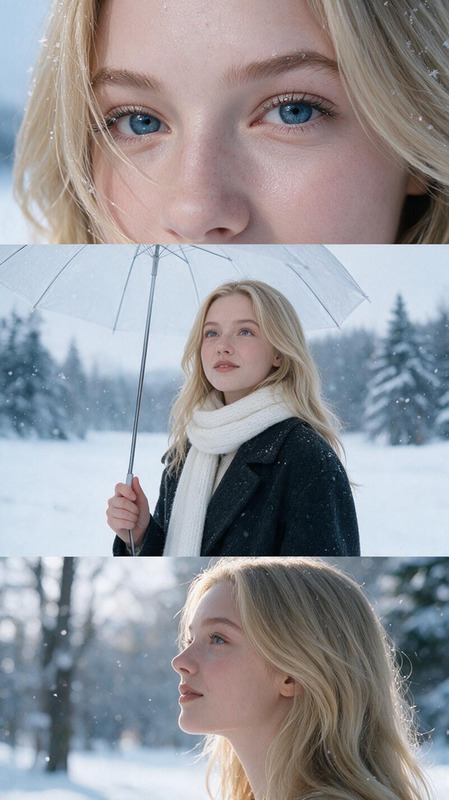
Cinematic Snow Village Triptych
2
Cinematic Snow Village Triptych
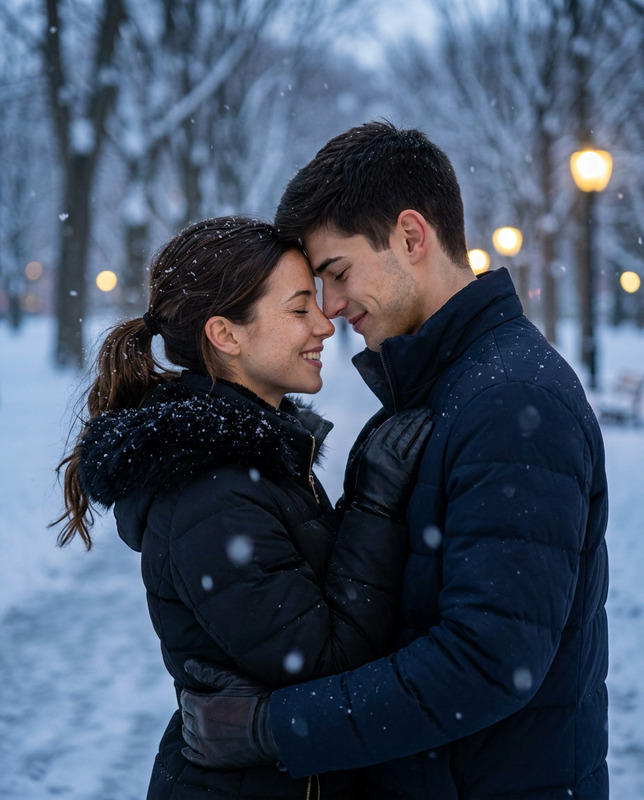
Winter Love Story
5
Winter Love Story
Winter Love Story
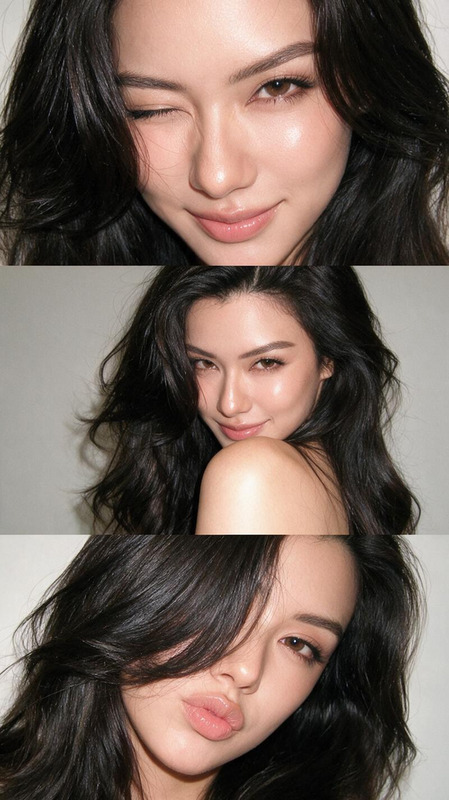
Y2K Flash Triptych
6
Y2K Flash Triptych
Y2K Flash Triptych
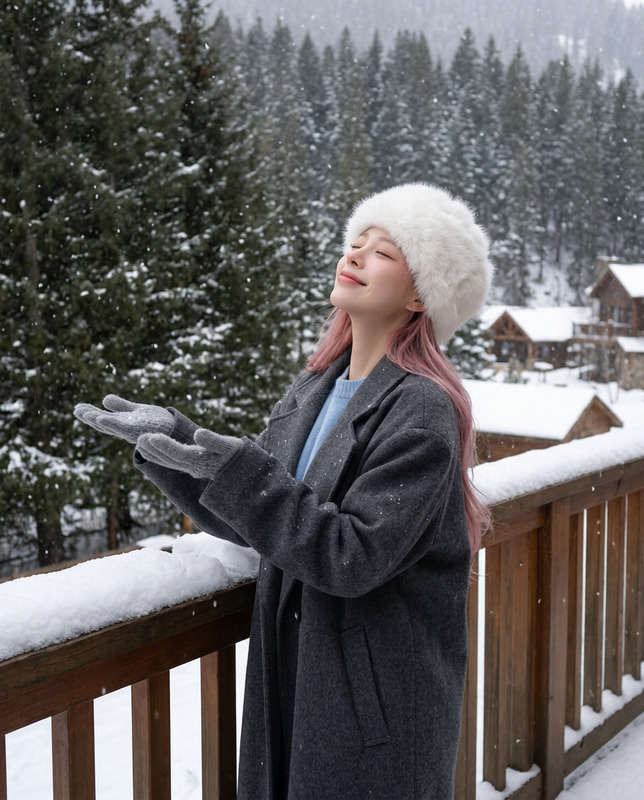
Balcony Snowfall Dream
Snow Film Triptych
Snow Film Triptych
Snow Film Triptych
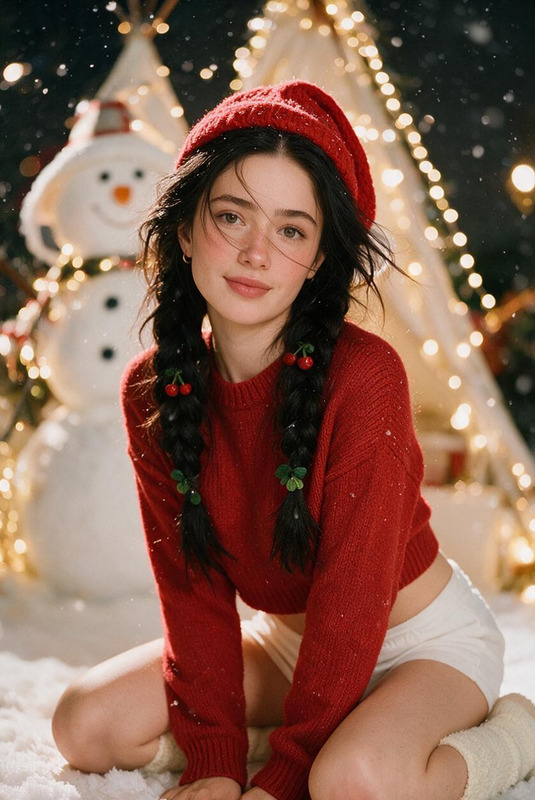
Snowy Cherry Noel
NEW
Snowy Cherry Noel
Snowy Cherry Noel
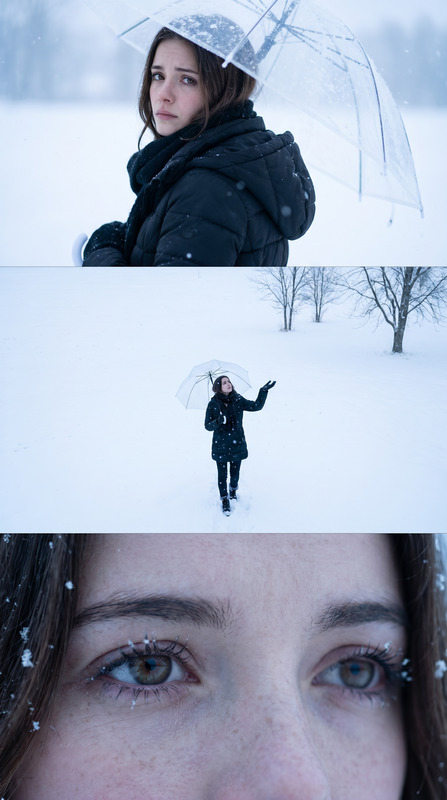
Winter Solitude
Winter Solitude
Winter Solitude
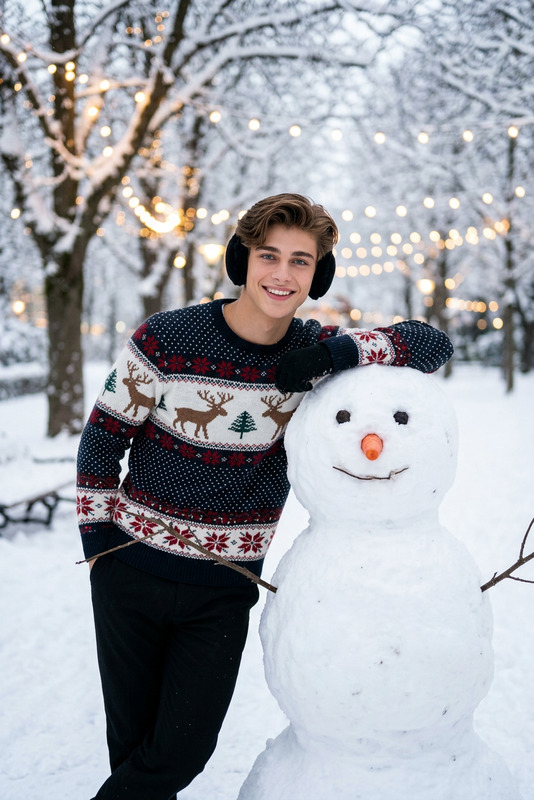
Christmas Snowman Moment
4
Christmas Snowman Moment
Snowflake Catcher Overhead
Snowfall Selfie Close-Up
Frozen Man
Frozen Man
Frozen Man
Sideways Snow Dream
NEW
Sideways Snow Dream
Sideways Snow Dream

AI Image Editor