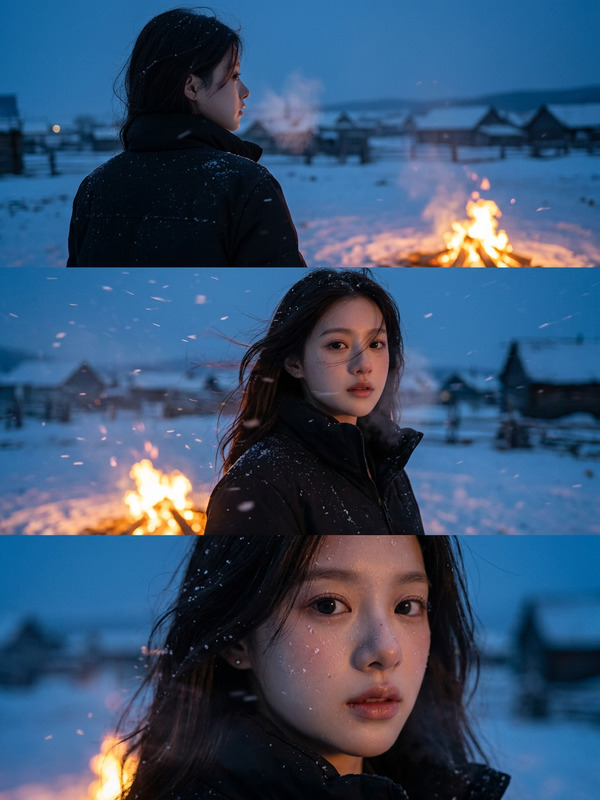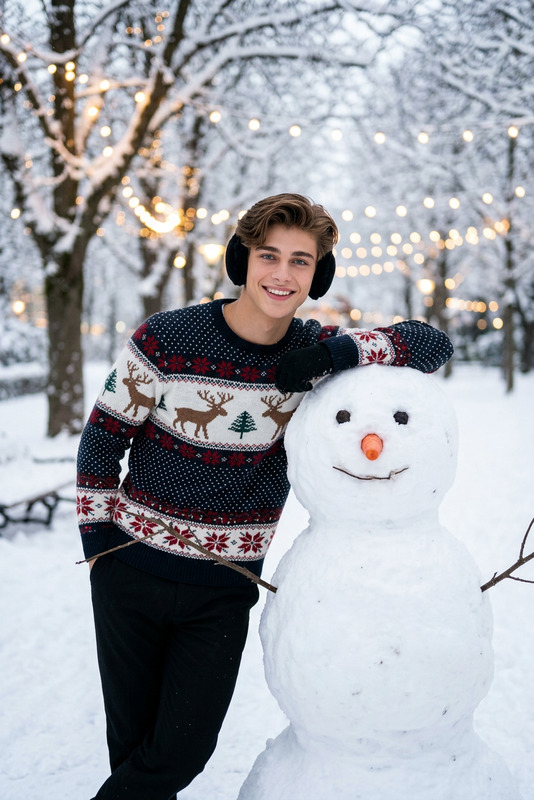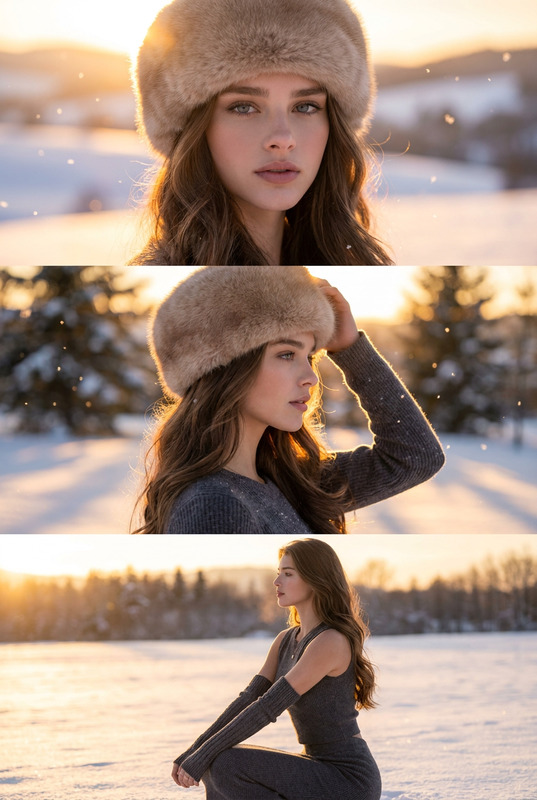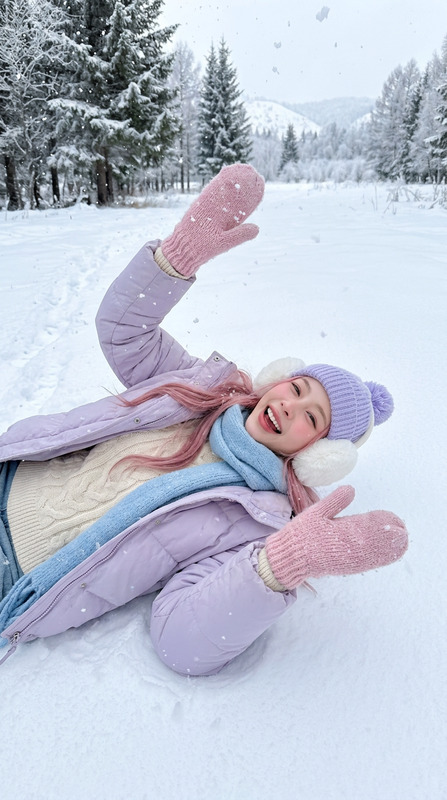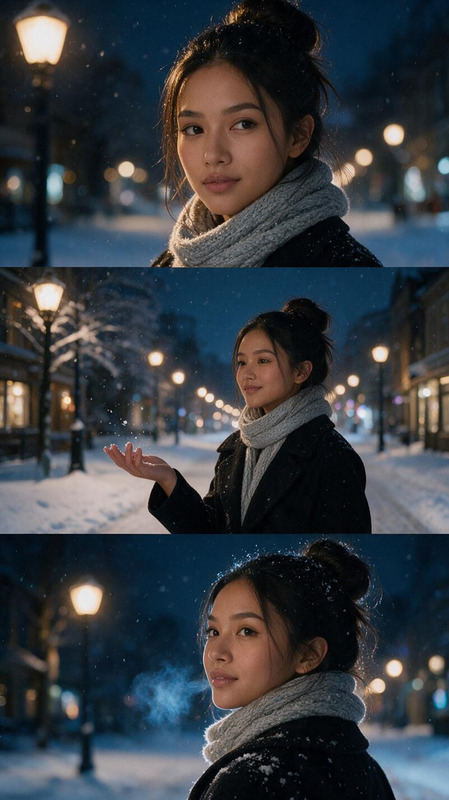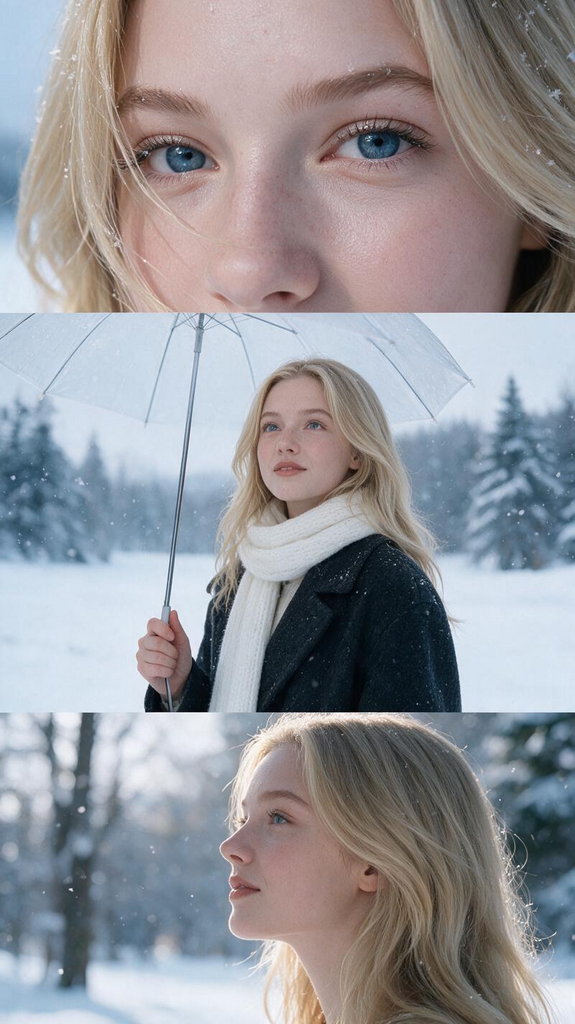
Snow Film Triptych
- Model
- Seedream 5 Pro
- Image
- 575 × 1024 px
Prompt
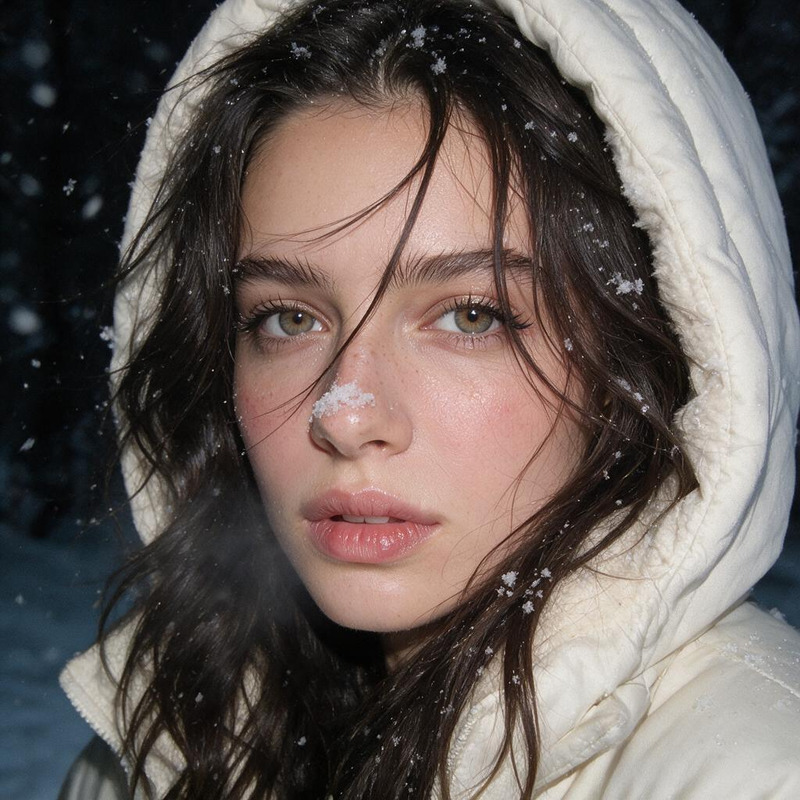
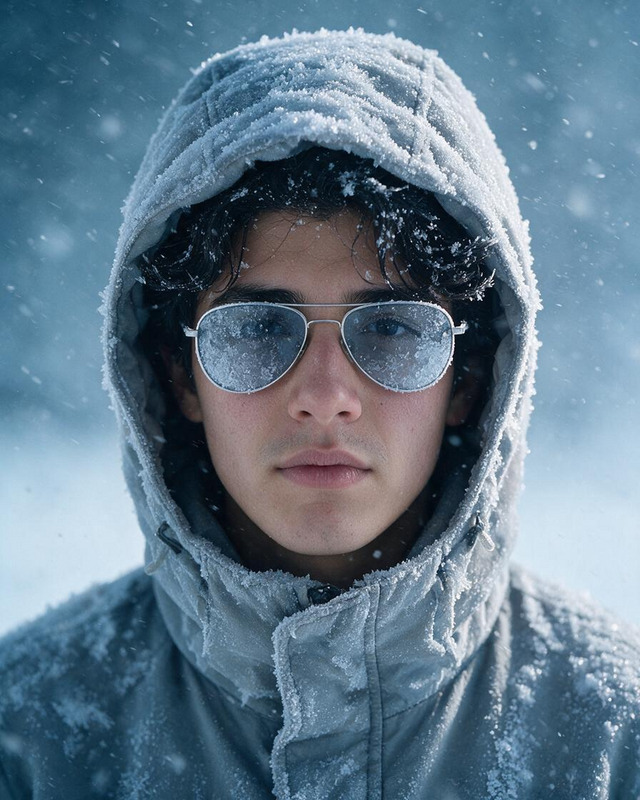
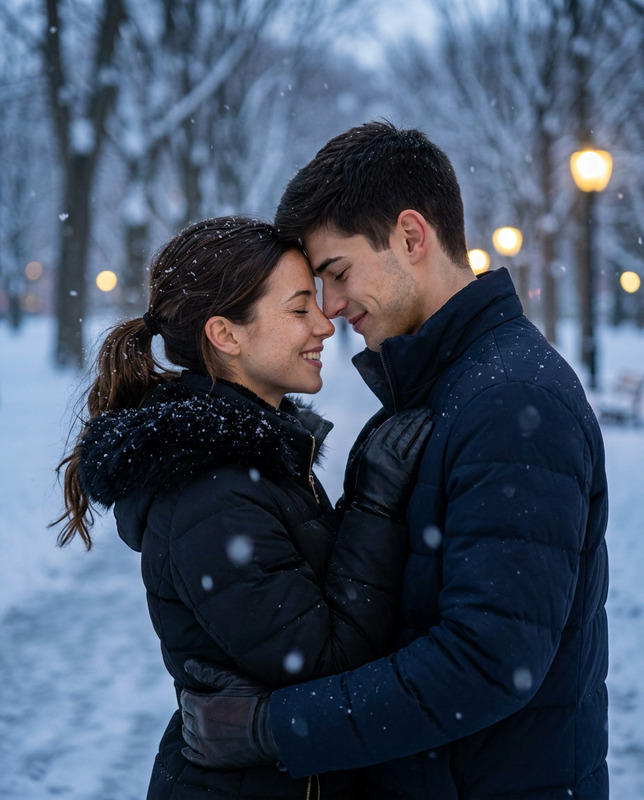
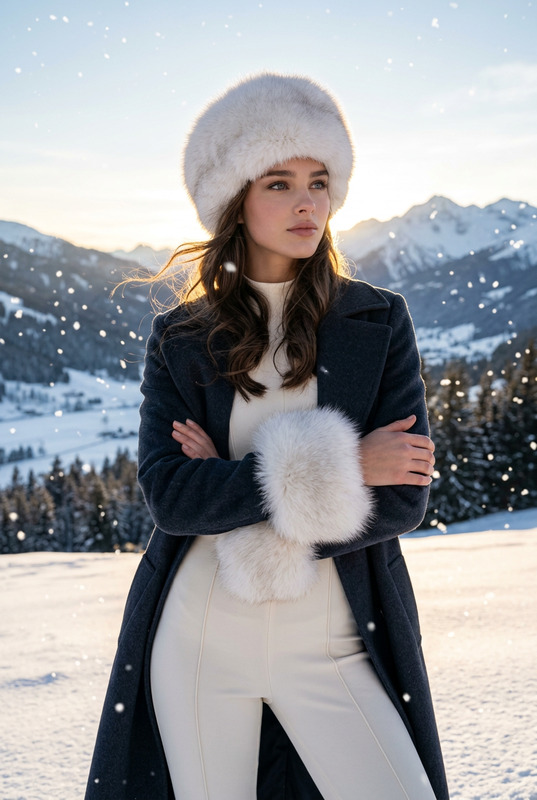
Using the person in the attached photo, please generate a realistic winter portrait that evokes a scene from a film set in the snow. Ensure that the subject’s identifying features—such as their facial structure, contours, the shape of their eyes and nose, and hair color—are accurately preserved. The final output should be a single vertical image containing three horizontal panels arranged in a top-middle-bottom layout. Each panel must be of equal height. Please do not use a three-column grid, nor should the images be mere crops or repetitions of the same shot; instead, generate three distinct, unique shots of the same individual. Top panel: A close-up focusing on the eyes and the bridge of the nose. A few strands of hair fall across the cheek, and a light dusting of fine snow clings to the hair and eyelashes. Soft light is reflected in the eyes. Middle panel: A shot of the subject from the waist up, standing in a snowy landscape and holding a transparent vinyl umbrella. They are wearing a dark charcoal wool coat and a thick white scarf, looking slightly upward. The top of the umbrella should extend naturally beyond the frame. Bottom panel: A close-up profile view of the same individual, capturing the head and neck area. The background features snow-covered trees, rendered with a soft, blurred effect. Maintain the same face, hairstyle, coat, and scarf across all three panels. The overall aesthetic should be defined by a palette of pale blue and white, soft natural winter light, delicate snowflakes, and a realistic skin texture. Ensure the face is not obscured by large snowflakes, and do not include any text, logos, or decorative borders.
Any aspect ratio