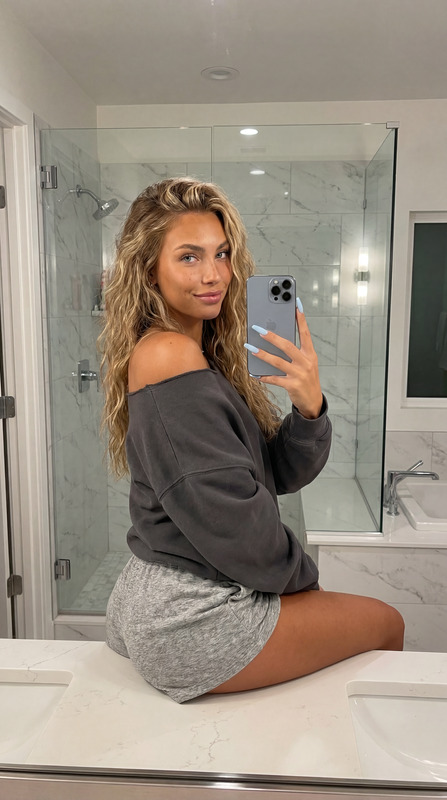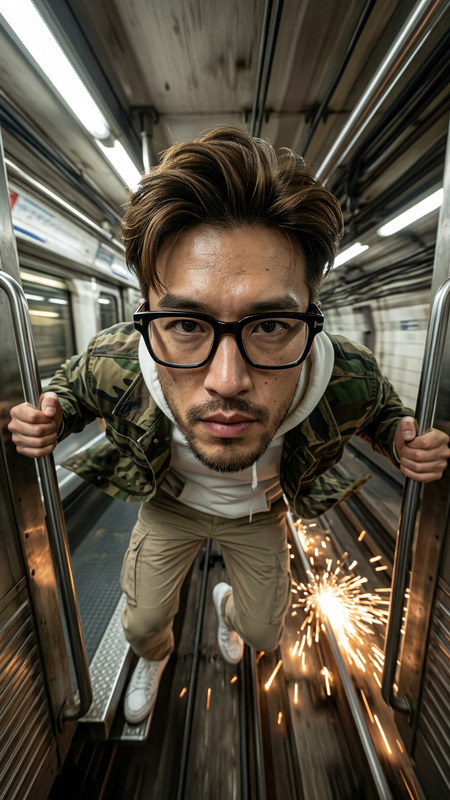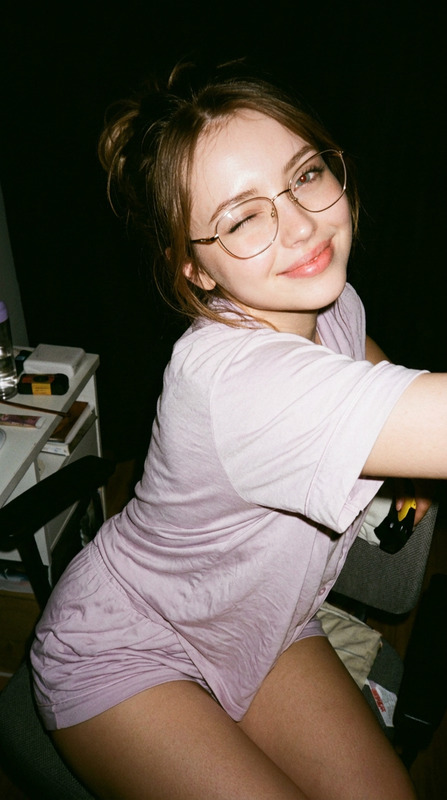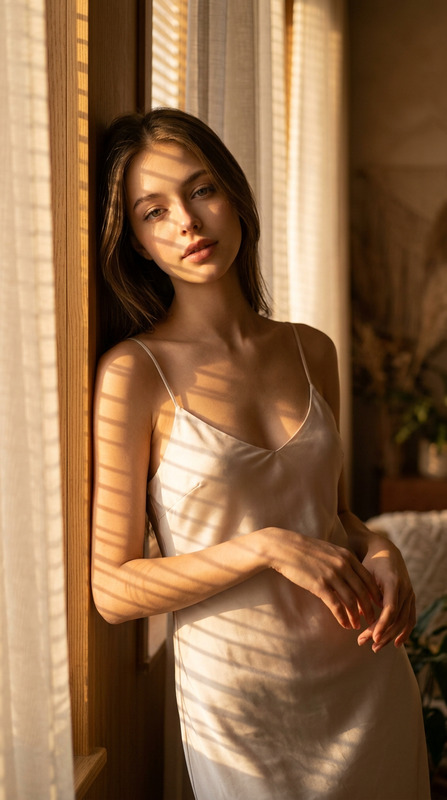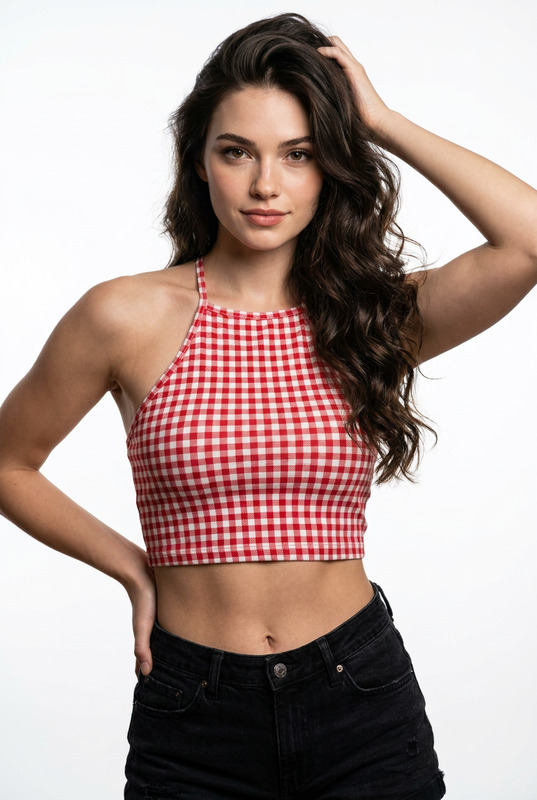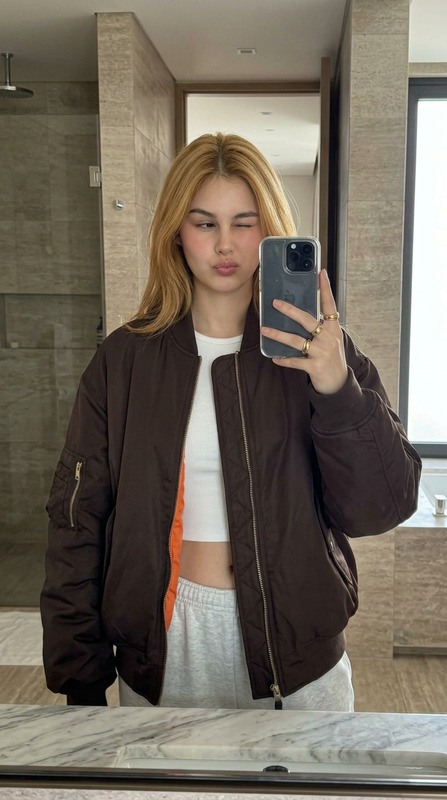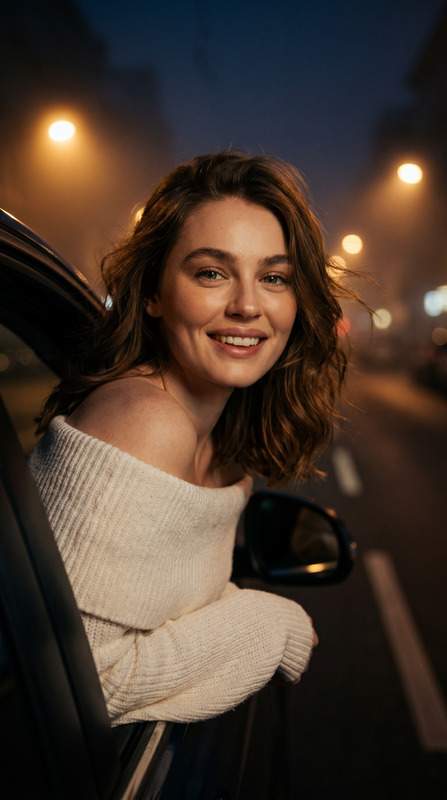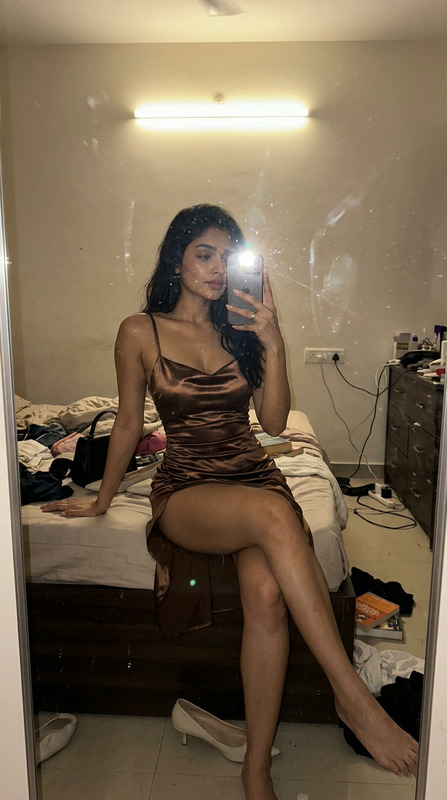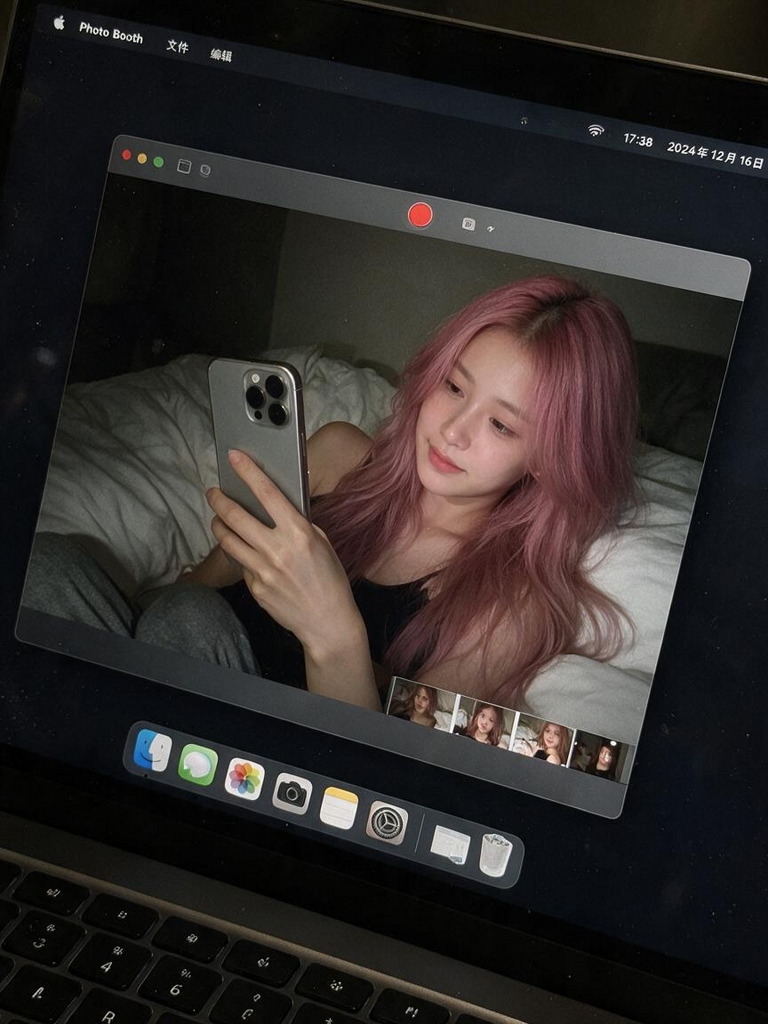
Midnight Photo Booth
- Model
- Seedream 5 Pro
- Image
- 768 × 1024 px
Prompt
{ "task configuration": { "task type": "screen simulation photorealism", "target model": "SDXL Refiner / Nano Banana Pro compatible", "aspect ratio": "3:4", "resolution": { "width": 1152, "height": 1536 } }, "prompt assembly": { "positive prompt": "Hyper-realistic downward-angled photograph of a MacBook screen viewed from above. The MacBook display fills approximately 95% of the frame. The glass surface shows realistic physical imperfections: subtle dust particles, faint fingerprint smudges, micro glare streaks, soft ambient reflections, and a visible pixel grid (moire) consistent with a real Retina display.\n\nThe screen is running macOS in Dark Mode. Two application windows are visible. The dominant window is a Photo Booth live-preview window positioned centrally. Secondary interface elements remain subdued and out of focus.\n\nInside the Photo Booth window: a young woman lying in a dim bedroom environment with an off-white wall and lightly rumpled bedding. Lighting is low-key and nocturnal, combining cool blue screen glow with warm natural skin tones and deep soft shadows.\n\nCRITICAL IDENTITY PRESERVATION:\nThe woman’s face must match the uploaded reference image EXACTLY. Facial identity lock is mandatory. This includes identical facial proportions, eye shape and spacing, eyelids, eyebrows, nose bridge and tip, lips, jawline, cheek volume, forehead shape, skin tone, and natural asymmetries. No beautification, no stylization, no facial drift.\n\nHair color, hairline, hairstyle, and texture must also match the reference precisely.\n\nSubject details:\nShe is reclined naturally, wearing a black top and grey bottom. She holds an iPhone 15 Pro in her right hand, looking at the screen with a relaxed, candid expression and a subtle, natural smile. No posing, no exaggerated emotion.\n\nOverall realism target:\nRaw, unedited photo look. Natural noise, slight grain, imperfect exposure balance, and realistic contrast. The scene must feel like a real photograph taken casually at night, not a render or illustration.", "negative prompt": "vector art, illustration, CGI, cartoon, 3D render, flat digital image, screenshot, perfect glass, clean screen, exaggerated glow, studio lighting, daylight, HDR look, face mismatch, altered facial features, wrong hair color, smooth plastic skin, watermark, text artifacts" }, "identity preservation settings": { "strictness level": "CRITICAL", "methodology": { "control net stack": [ { "unit": "ControlNet Tile", "weight": 0.4, "purpose": "Maintain screen texture, pixel grid, and UI sharpness" }, { "unit": "IP-Adapter FaceID Plus", "weight": 0.95, "region mask": "Photo Booth window only", "note": "Ensures 1:1 facial identity match with uploaded reference" } ] } }, "visual hierarchy": { "layer 1 physical macro": { "camera angle": "Downward, high-angle", "framing": "MacBook screen dominant", "foreground anchor": "Thin strip of MacBook keyboard visible at bottom edge", "surface imperfections": [ "pixel grid texture", "dust particles", "finger smudges", "soft ambient reflections" ] }, "layer 2 digital interface": { "os theme": "macOS Dark Mode", "window layout": { "primary": "Photo Booth live-preview window (dominant focus)", "secondary": "Background macOS UI elements, subdued" } }, "layer 3 nested subject content": { "environment": "Dim bedroom, off-white wall, rumpled bedding", "lighting simulation": "Cool screen glow mixed with warm skin tones", "subject pose": "Reclined, relaxed", "expression": "Candid, calm, natural", "identity target": "STRICTLY BASED ON UPLOADED REFERENCE" } }, "rendering parameters": { "sampler": "DPM++ 3M SDE Exponential", "steps": 40, "cfg scale": 5.5, "denoising strength": 0.35 } }
Any aspect ratio