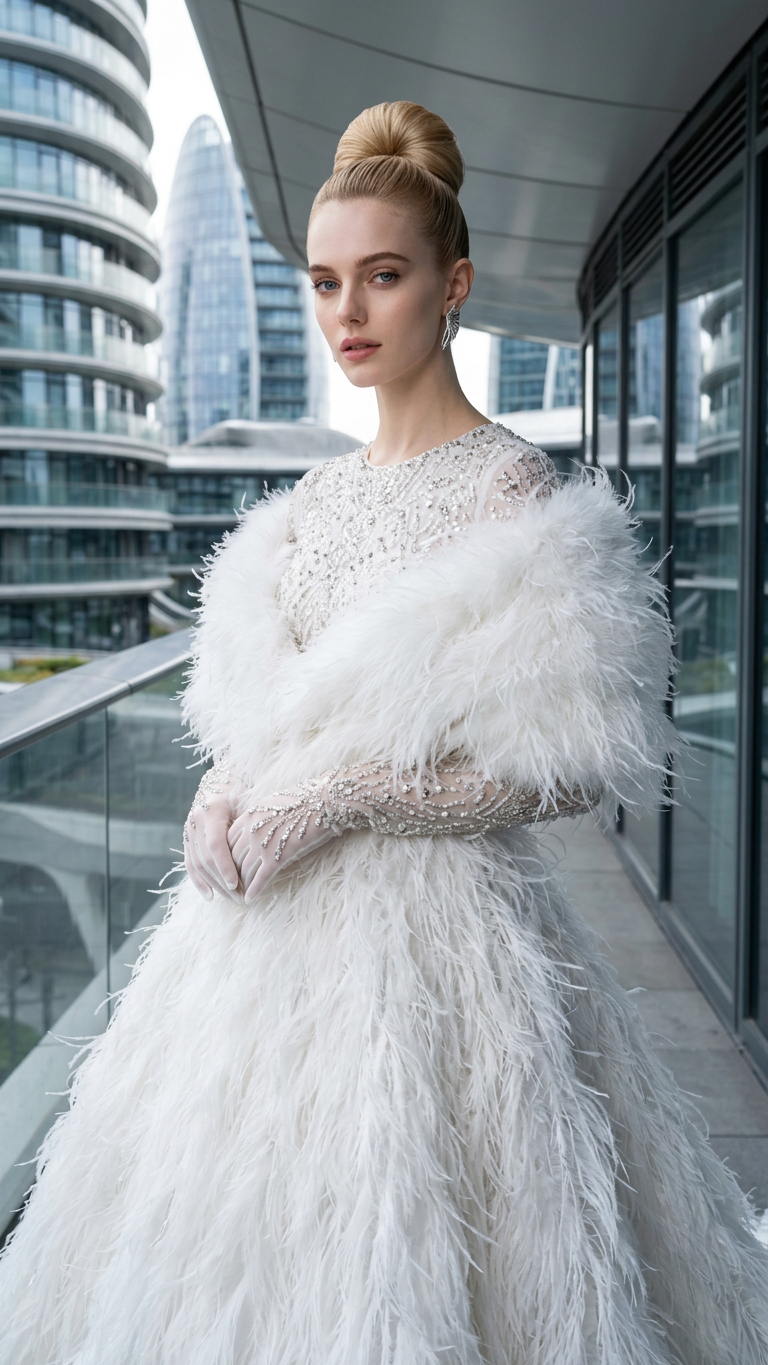
Ivory Queen
- Model
- Nano Banana 2
- Image
- 768 × 1365 px
Prompt
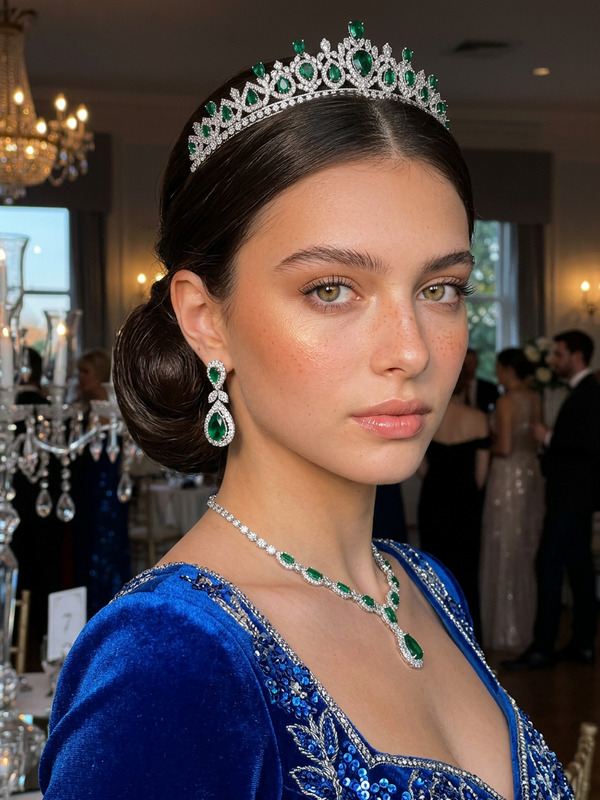
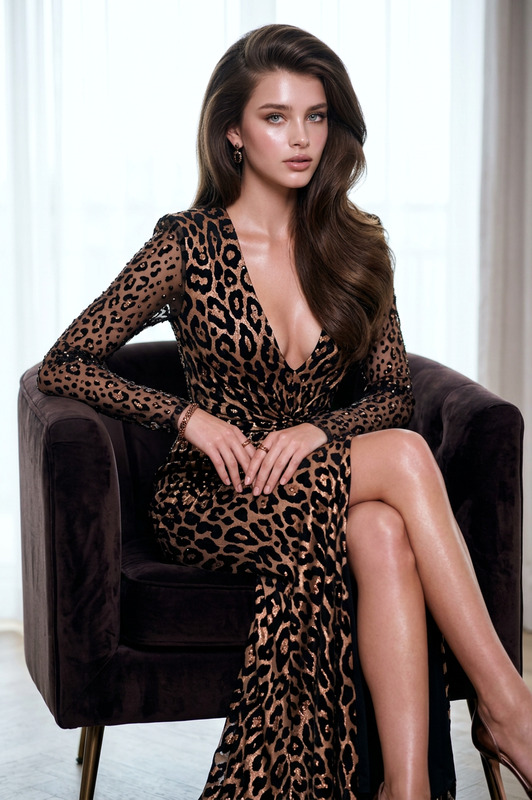
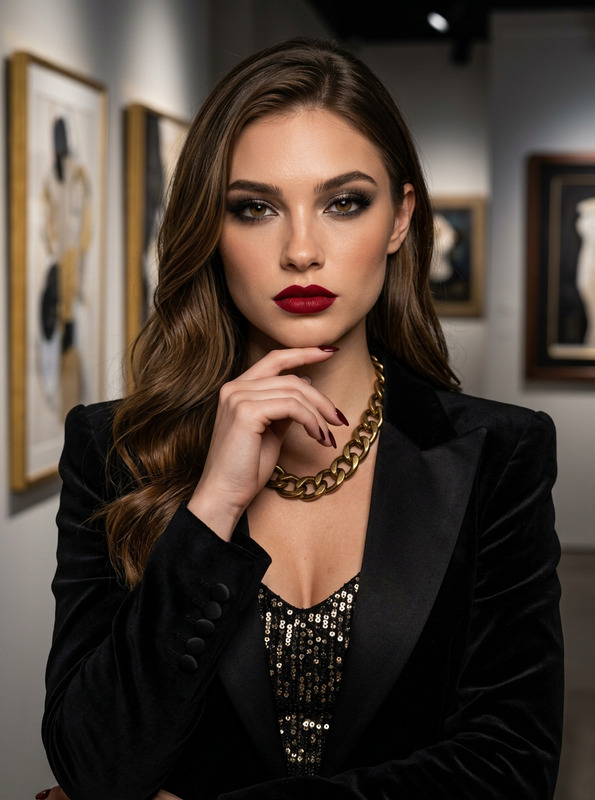
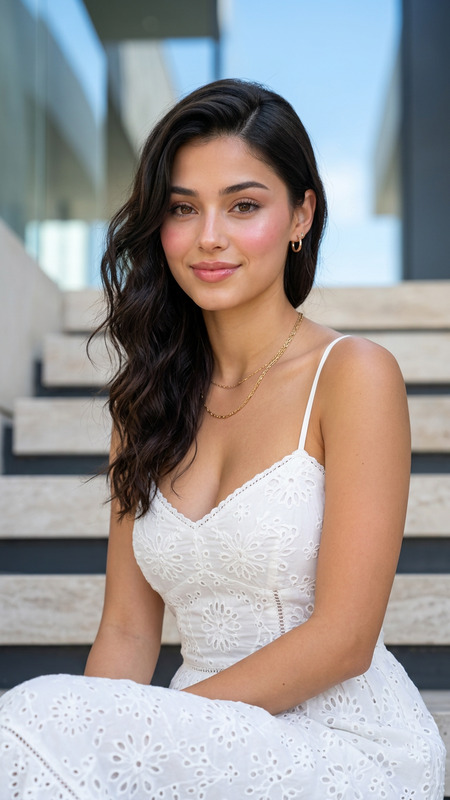
A hyper-realistic luxury fashion editorial featuring [PRIMARY CHARACTER], take the face 100% from the reference image and do not change the facial identity. porcelain glass skin with Korean pinkish glow makeup, radiant smooth complexion, soft pink blush on the cheeks, glossy natural pink lips, luminous youthful glass-skin glow.The character has dark brown hair styled into an elegant, highly polished high bun with sculpted swept-back sides and a refined voluminous crown. A few subtle wisps frame the forehead. She has a sophisticated romantic expression with no smile, softly parted lips, relaxed eyes, and an inviting confident gaze directed straight toward the camera.The character is wearing an exquisite all-white couture ensemble. The outfit features a fitted white long-sleeve bodice with subtle sparkling rhinestone embellishments arranged across the sleeves and torso, an elegant flowing floor-length white skirt with smooth satin-like fabric, and an extravagant feather-textured white stole or cape wrapped around the shoulders and upper chest. The feather detailing is voluminous, delicate, and dramatically layered. She wears long embellished white gloves covered with crystal and rhinestone details, plus elegant dangling silver statement earrings.Pose and body posture: [PRIMARY CHARACTER] stands gracefully on an elevated architectural balcony, facing the camera directly. Her upper body leans very slightly forward in an elegant fashion pose. Both arms are brought together in front of her body, with her gloved hands gently overlapping and resting near the waist. Her shoulders are relaxed, posture elongated and poised, creating a refined couture-model stance.The scene takes place on a sophisticated modern architectural balcony with a transparent glass railing. Behind her is a striking futuristic curved building featuring sweeping white structural beams, expansive glass surfaces, geometric architectural lines, and multiple levels. The setting feels luxurious, contemporary, spacious, and high-fashion.Lighting is bright, soft natural daylight with subtle warm highlights, creating luminous illumination across the white couture outfit, feather textures, face, crystals, and architectural surfaces. Soft directional shadows provide depth while maintaining a clean elegant atmosphere. The white feathers catch the sunlight with delicate dimensional highlights.Captured using a professional full-frame fashion camera with an approximately 50mm portrait lens, vertical full-body editorial composition, camera positioned approximately at waist-to-chest height, subject centered prominently in frame, architectural leading lines surrounding the figure, moderate depth of field with the subject sharply defined and the distant architecture gently softened.Color palette includes pure white, ivory, silver, soft champagne highlights, pale blue-gray glass reflections, and subtle neutral architectural tones.Ultra-detailed individual feather fibers, realistic rhinestone and crystal reflections, luxurious satin fabric texture, intricate glove embellishments, polished hair strands, realistic skin rendering, authentic architectural details, natural hands and fingers, HDR, sharp focus, professional cinematic color grading, ultra-high resolution, 4K, masterpiece quality.
Any aspect ratio
Overview
The "Ivory Queen" template is a sophisticated AI Image Editor experience designed to create luxury fashion editorials with hyper-realistic detail. It's powered by the nano-banana-2 model, ensuring exceptional detail in skin texture, clothing embellishments, and more. Perfect for artists and fashion enthusiasts alike, this template offers an elegant way to bring your couture visions to life.
What It Does
With the "Ivory Queen" template, create a high-fashion look highlighting your chosen character's facial features and wardrobe. This AI Image Editor takes inspiration from a reference image to maintain identity-specific elements, making it ideal for personalized editorial portraits. Enhance the luxurious feel with brilliantly depicted textures, such as satin fabrics and crystal embellishments.
Utilize this template's capabilities to fashion exquisite layouts foregrounded by detailed styling and architectural elements. Employ advanced color grading and sharp focus features from our AI Image Editor.
Who It's For
This template is a great fit for photographers, fashion designers, and creative directors looking to push the envelope in luxury image crafting. Whether working on a fashion campaign or editorial spread, the "Ivory Queen" caters to professionals aiming for cinematic visuals. Integrate it into your workflow to yield stunning, magazine-quality results.
Summary
Bring your haute couture visuals to light with the "Ivory Queen" AI Image Editor template. An excellent tool for those in the fashion and creative industries. The template captures intricate details through a blend of professional-grade techniques and cutting-edge AI image editing technologies.
Explore other image-focused options such as our AI Image Upscaler to enhance your final edits for even greater impact.
How to Use
Choose Your Template

Customize Inputs

Generate Your Image

Use Cases
Fashion Editorials
- Magazine spreads
- Portfolio building
- Brand promotions
Advertising Campaigns
- Luxury brand ads
- Product launches
- Online promotions
Social Media Content
- Influencer posts
- Brand collaborations
- Sponsored content
Best Practices
Reference Quality
Ensure your reference image has a high resolution to capture fine details.Detail Attention
Pay close attention to outfit textures and lighting settings for realistic results.Experiment
Don't hesitate to try different makeup and expression settings to discover unique artistic directions.