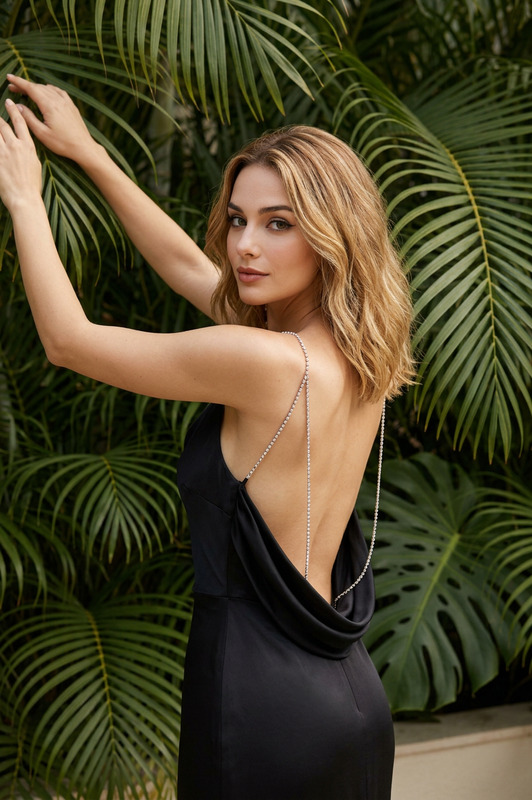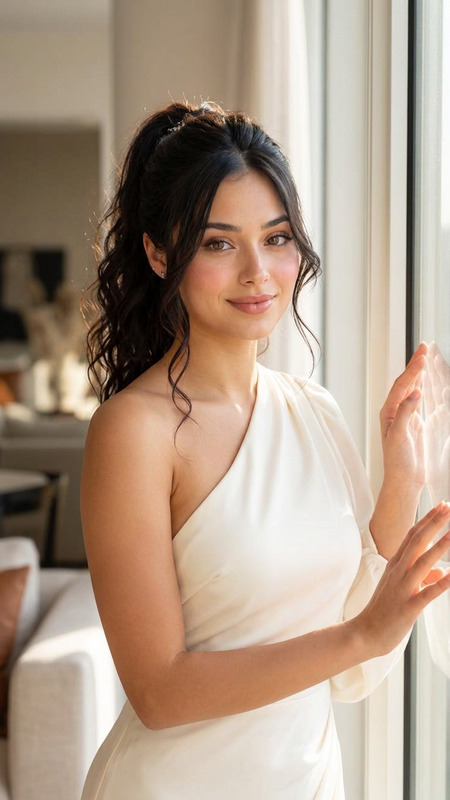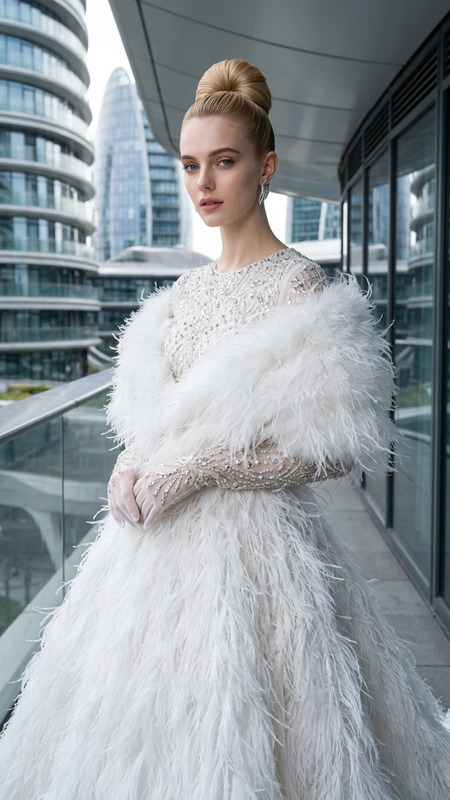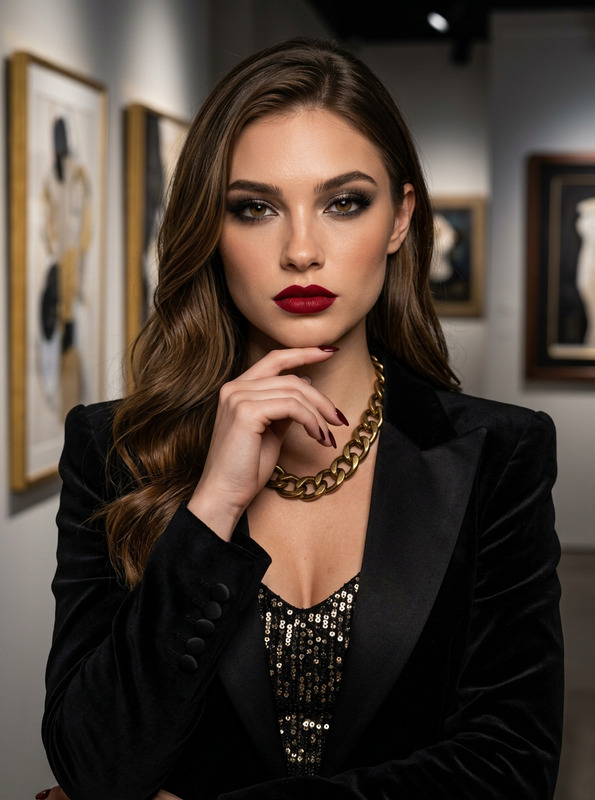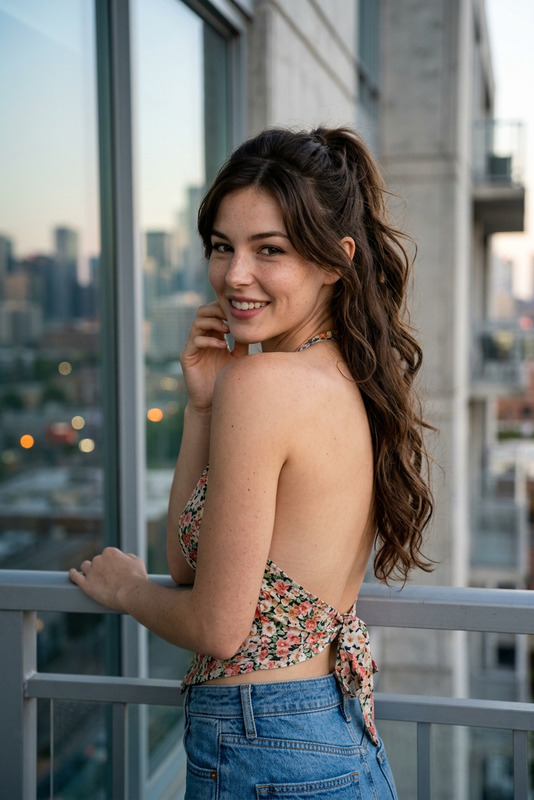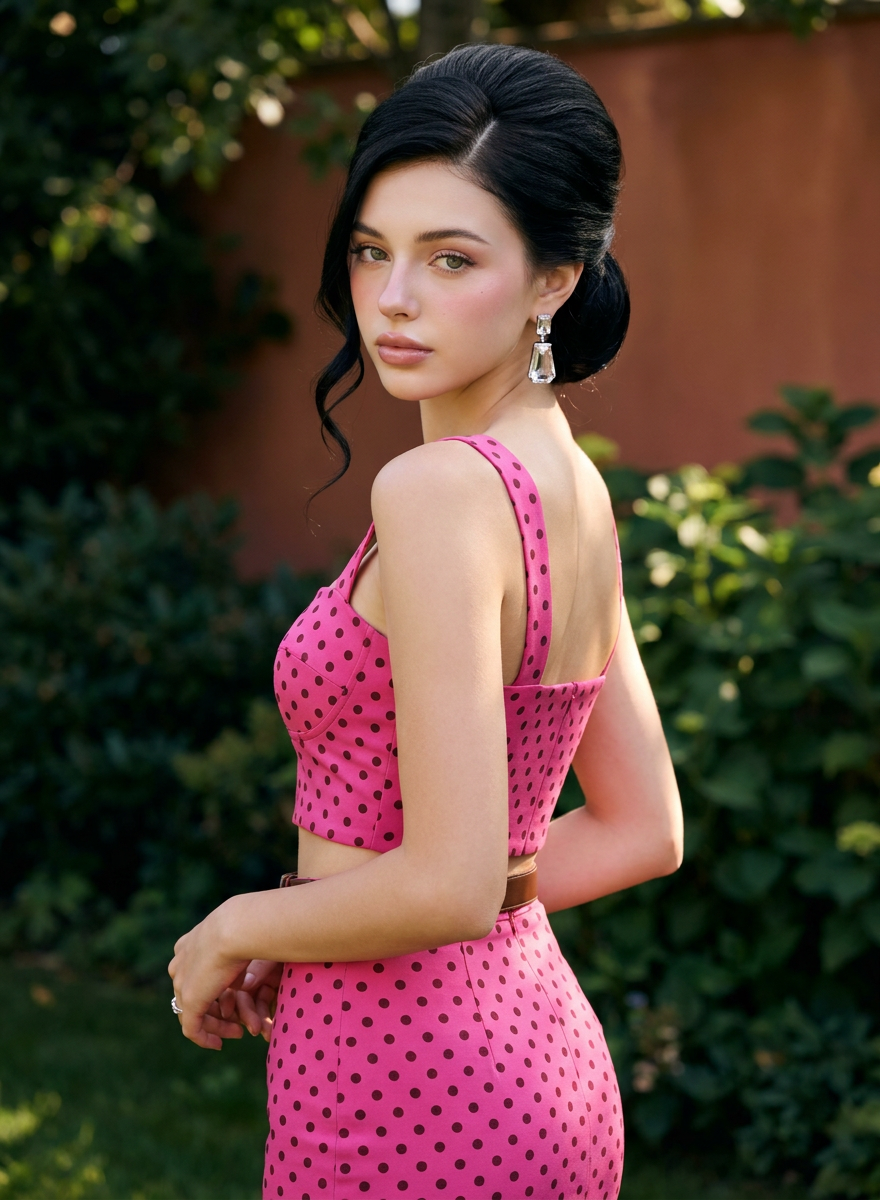
Fuchsia Garden
- Model
- Nano Banana Pro
- Image
- 880 × 1200 px
Prompt
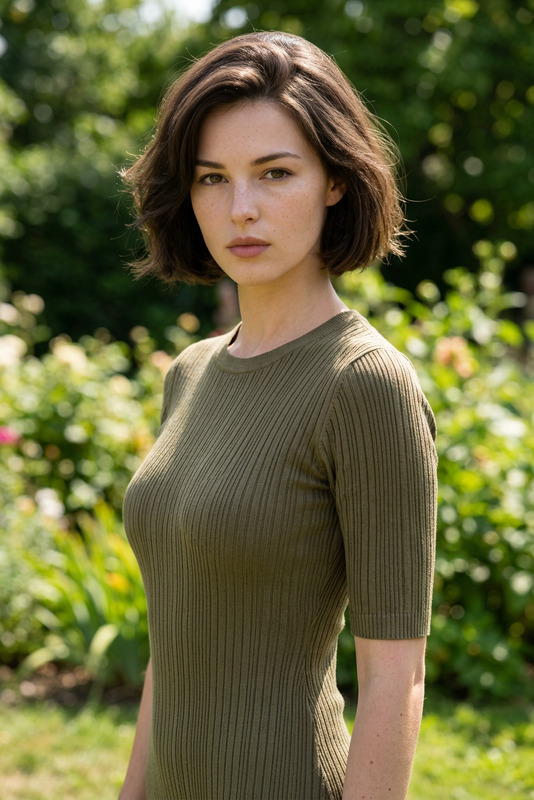
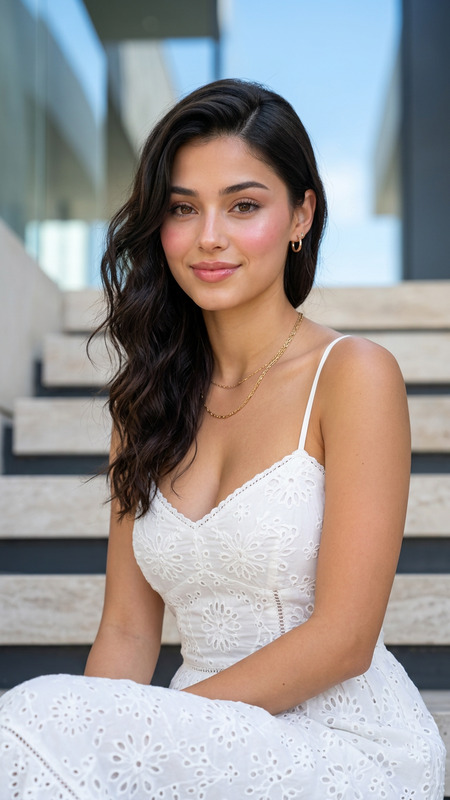
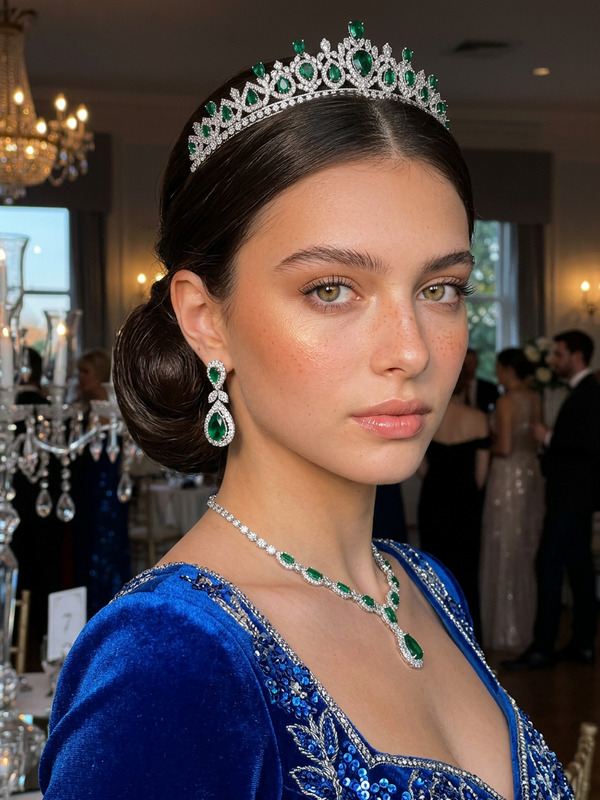
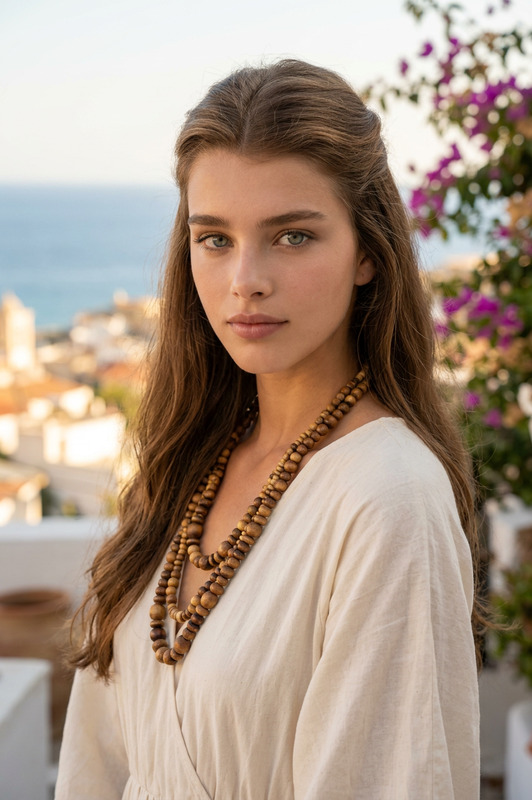
A hyper-realistic outdoor fashion editorial portrait featuring [PRIMARY CHARACTER], take the face 100% from the reference image and do not change the facial identity. porcelain glass skin with Korean pinkish glow makeup, radiant smooth complexion, soft pink blush on the cheeks, glossy natural pink lips, luminous youthful glass-skin glow. Her face features very delicate and symmetrical features, and her skin is super flawless, porcelain-white with no visible pores. Douyin makeup style: a very smooth matte-glow base with a high brightening effect, leaving skin looking clean, glowing, and healthy. A soft sun-kissed blush is quite visible on the cheeks and a little on the nose, subtle highlighting on the nose and cheekbones, natural nude pink eyeshadow, thin, precise eyeliner, naturally long, curled eyelashes, neat eyebrows that follow a natural, slightly curved shape, and glossy nude pink lips with a plumping effect.The character has glossy jet-black hair styled into an elegant voluminous swept-back updo, with a deep side part, polished crown volume, softly pinned curls gathered at the back, and one long loose spiral tendril falling beside the face.The character has a composed, confident, neutral fashion-model expression, direct eye contact with the camera, relaxed closed lips, no smile, no grin, and absolutely no visible teeth.The character is wearing a vivid fuchsia-pink two-piece polka-dot outfit. The upper garment is a fitted sleeveless cropped top with broad shoulder straps, a low rounded back, and a body-contouring silhouette. The matching high-waisted fitted skirt continues the same vivid fuchsia-pink fabric and is covered uniformly with small dark burgundy/black circular polka dots. A narrow brown/tan belt separates the crop top and skirt at the waist. Preserve the exact garment construction, fit, polka-dot scale, spacing and overall styling from the analyzed image; only the base fabric color is changed to saturated fuchsia pink.Accessories include large geometric statement drop earrings featuring a circular jeweled stud, an elongated rectangular silver/crystal frame and a dark lower accent, plus a subtle thin ring on the lowered hand.Pose and body posture: [PRIMARY CHARACTER] stands with her body turned strongly away from the camera in an elegant three-quarter rear pose, showing the back and side profile of the outfit while rotating her shoulders and head backward toward the camera. Her spine remains upright with a subtle fashion-model arch through the torso. One arm bends backward with the hand planted naturally at the rear waist/hip, elbow projecting toward camera-right. The opposite arm hangs downward alongside the body with relaxed fingers. Her hips remain angled away from the camera while her face turns back over the shoulder for direct eye contact. Preserve this exact over-the-shoulder pose, arm placement, torso rotation and body orientation.The scene takes place outdoors in a lush garden environment filled with dense dark-green foliage and broad leaves. A softly blurred warm reddish-brown architectural wall or wooden surface appears in the upper-right background. The background remains strongly defocused so the character is completely separated from the environment.Lighting is warm natural outdoor sunlight with soft directional illumination striking the face, shoulder, upper back and arms. Bright highlights define the cheekbones, hair and shoulders while gentle natural shadows sculpt the body and clothing. Subtle warm rim lighting catches portions of the black updo, creating dimensional separation from the dark green background.Captured using a vertical three-quarter fashion composition, approximately 70–85mm portrait-lens perspective, camera positioned around upper-torso height with a slightly compressed telephoto appearance. Frame the character from approximately mid-thigh/upper-leg level to slightly above the head, maintaining the dominant over-the-shoulder silhouette. Use shallow depth of field, sharp focus on the eyes, face, earrings and clothing, creamy garden bokeh, and professional editorial framing.Color palette includes saturated vivid fuchsia pink, dark burgundy/black polka dots, glossy jet black, warm tan skin tones, silver crystal jewelry, subtle brown at the waist, deep emerald and forest greens, and warm reddish-brown background accents.Mood and atmosphere are glamorous, poised, feminine, polished and sophisticated, with an upscale outdoor fashion-editorial aesthetic.Ultra-detailed realistic fabric texture, perfectly defined polka-dot pattern, realistic seams and garment construction, natural skin highlights, detailed individual hair strands, realistic crystal jewelry reflections, anatomically accurate hands and arms, photorealistic rendering, HDR, sharp focus, professional cinematic color grading, ultra-high resolution, 4K, masterpiece quality.
Any aspect ratio
Overview
The "Fuchsia Garden" template puts the power of advanced image editing at your fingertips, allowing you to create stunning outdoor fashion editorials. Leveraging the nano-banana-pro model, this template focuses on preserving the intricate details of your subject while enhancing the visual appeal with vivid fuchsia hues and lush garden backdrops.
What It Does
With this template, you can craft hyper-realistic images depicting fashion editorials in a garden setting. The focus remains on maintaining the exact facial characteristics from the reference image, enhancing them with exquisite Douyin-inspired makeup and a glamorous outfit. The template uses advanced AI Image Editor capabilities to apply lighting, adjust colors, and retain the elegance of the original pose and setting.
Who It's For
This tool is designed for photographers, digital artists, and fashion brands seeking to elevate their editorial shoots. It's perfect for anyone needing to produce high-quality fashion imagery with a focus on detail and atmosphere. Whether you're preparing eCommerce ads or a marketing campaign, this template provides the creative edge required for professional results.
Summary
"Fuchsia Garden" marries technical precision with creative flair, enabling users to produce breathtaking fashion portraits in a seamless workflow. By captivating viewers with striking contrasts and rich details, this tool helps position your work in the realm of editorial high fashion. Discover the seamless integration to other tailored solutions like AI Photo Relighting to further enhance your imagery.
How To
Choose Your Template

Customize Your Inputs

Generate and Download

Use Cases
Fashion Editorials
- Create sophisticated fashion images
- Enhance visual storytelling
- Achieve high-end publication quality
Marketing Campaigns
- Elevate brand image
- Engage target audience
- Adapt to various advertising styles
Brand Lookbooks
- Highlight garment details
- Maintain consistent aesthetic
- Appeal to fashion-forward audiences
Best Practices
Use High-Quality Reference Images
Ensure your reference images have clear details to enhance the final output quality.Maintain Natural Lighting
While editing, simulate natural light settings to keep shadowing consistent and realistic.Focus on Detail
Pay close attention to fabric textures and facial details to achieve hyper-realism.