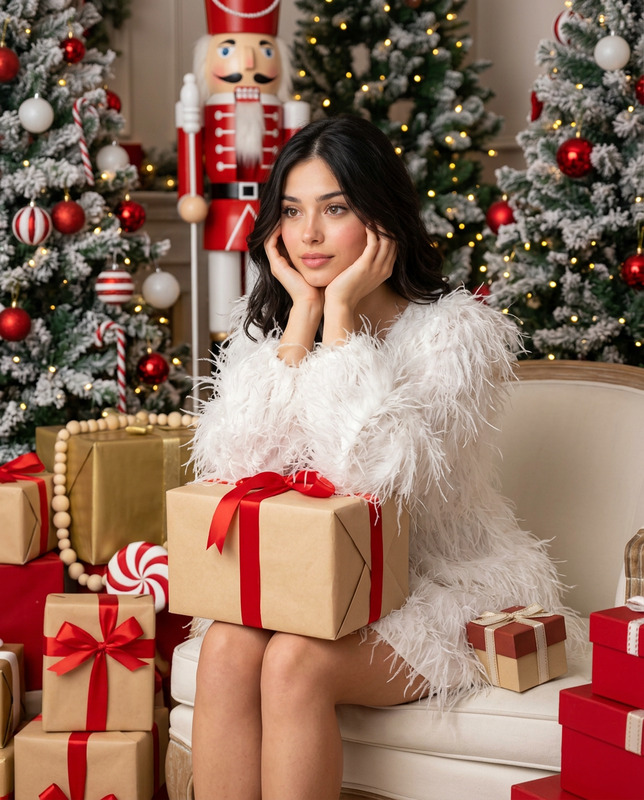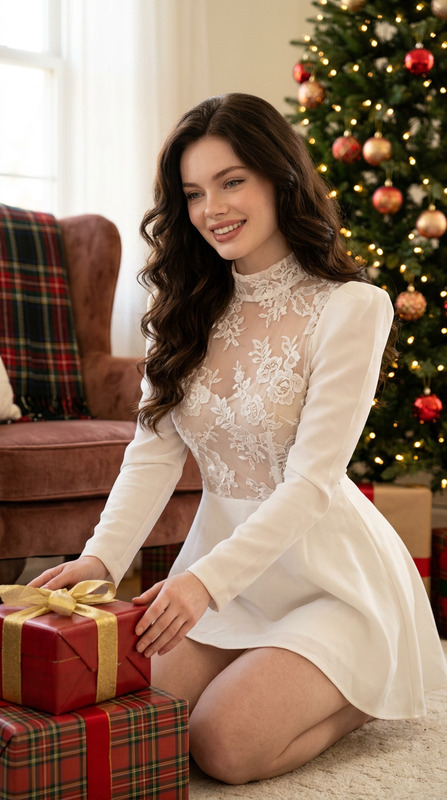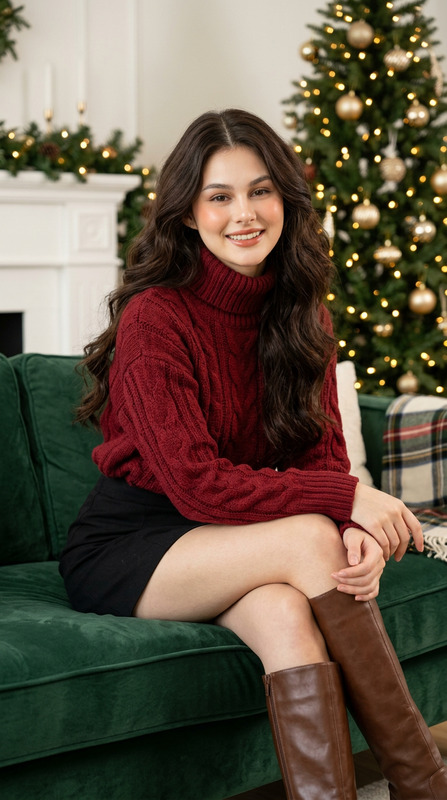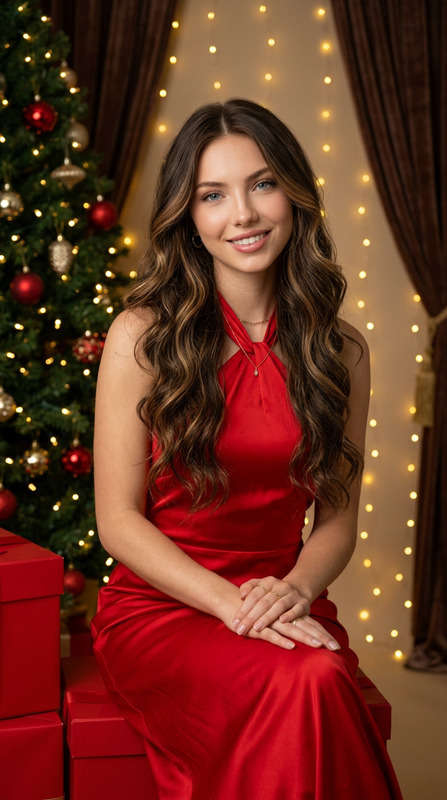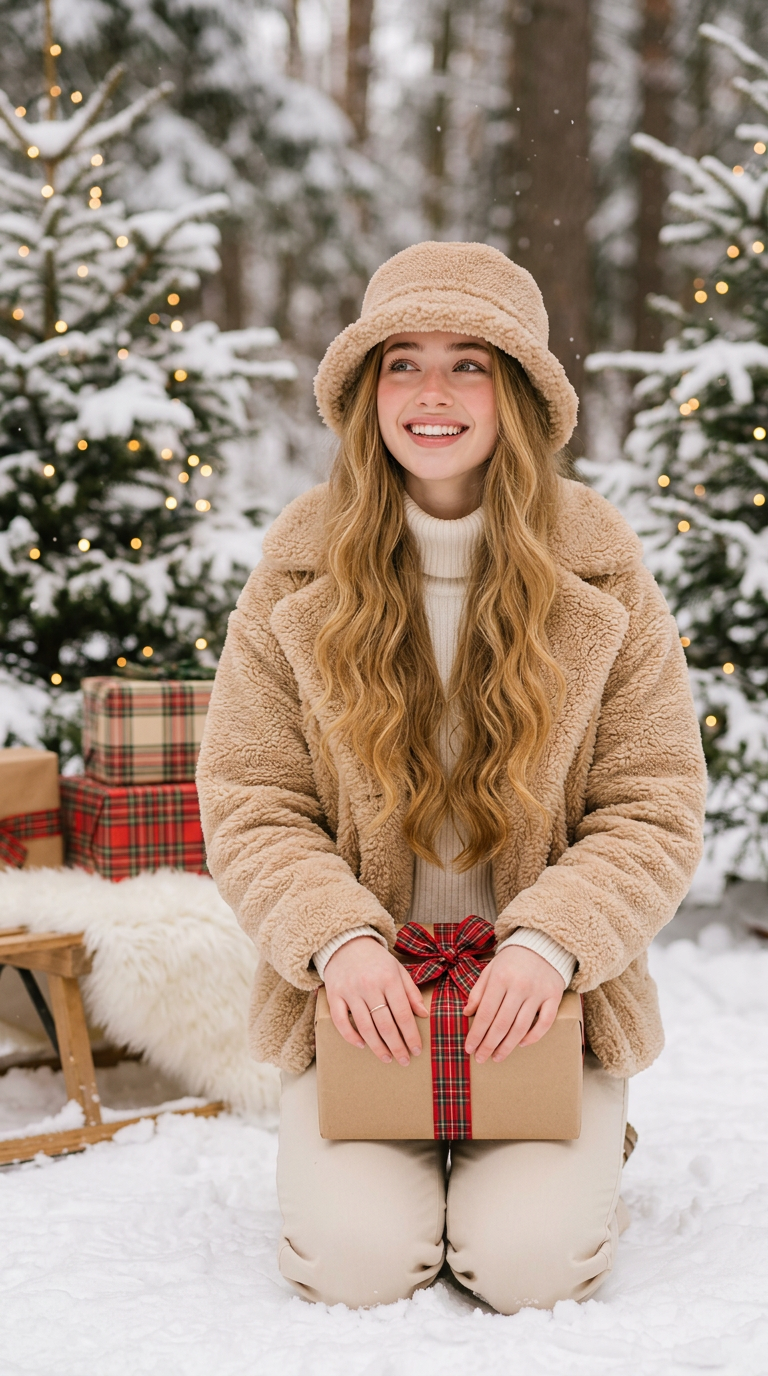
Kneeling Snow Gift
- Model
- Nano Banana 2.1
- Image
- 768 × 1376 px
Prompt
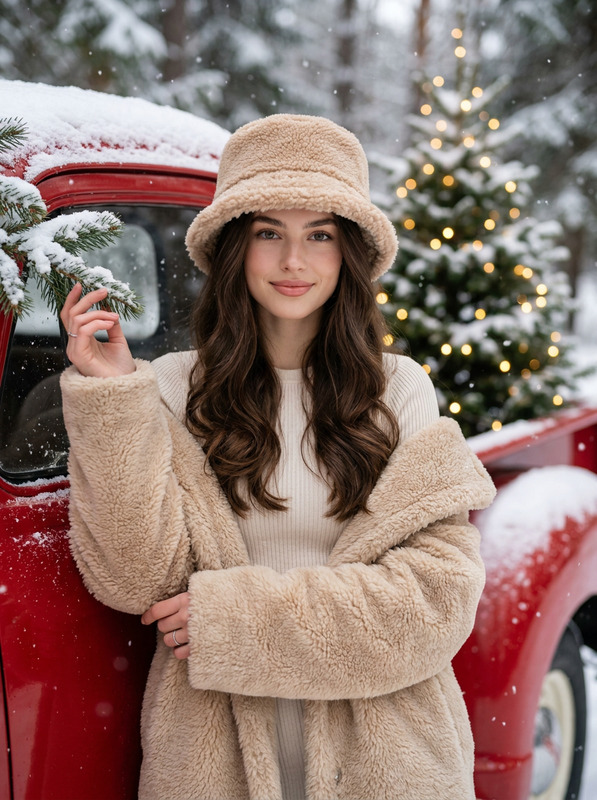
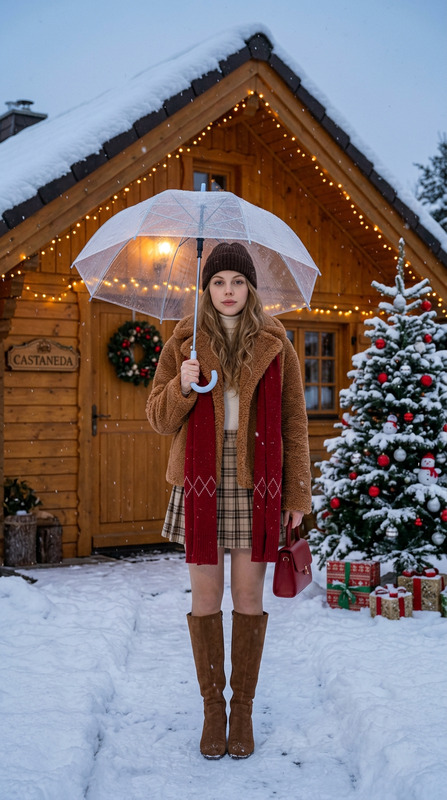
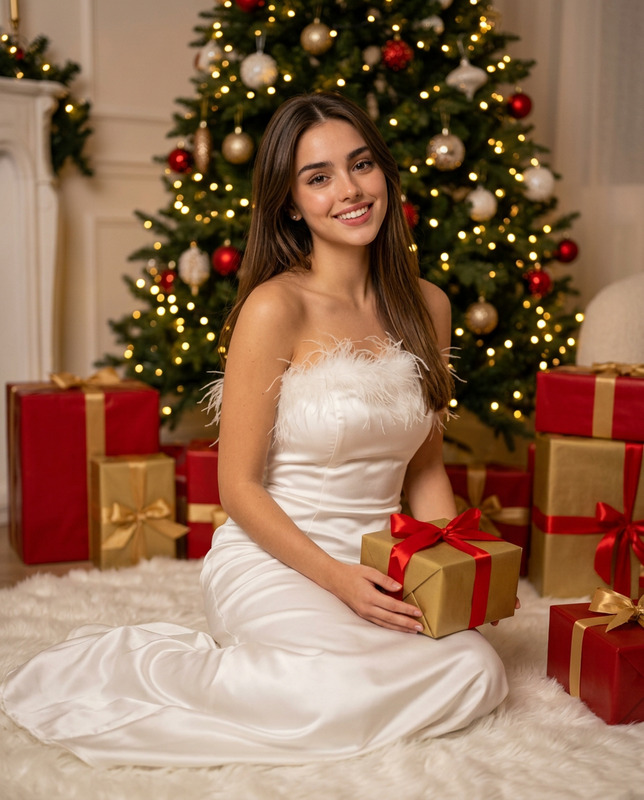
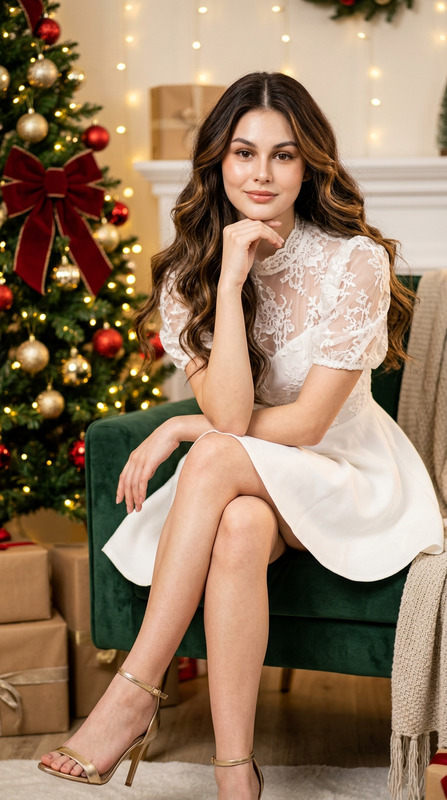
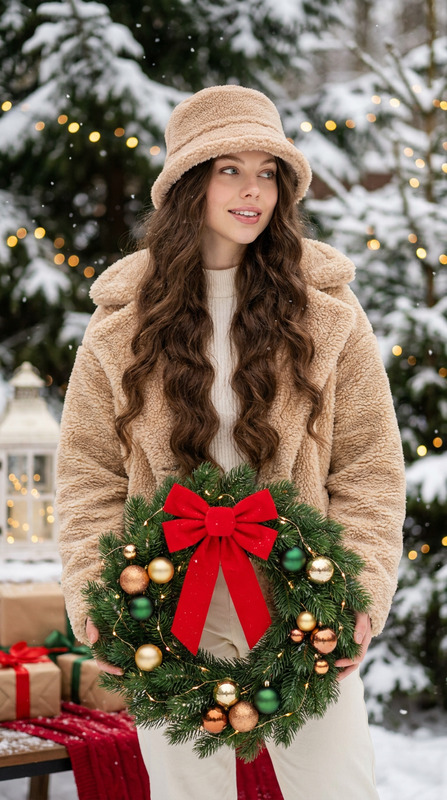
Ultra photorealistic three-quarter winter Christmas photoshoot portrait of a young woman @latia kneeling in the snow, looking up and off to the side with a bright joyful smile, teeth showing. She has very long voluminous wavy dark brown hair cascading down over her shoulders in soft loose waves, silky smooth texture, soft glam makeup, flawless glowing smooth skin, subtle contour, soft glossy lips, long lashes. She is wearing a fluffy beige teddy bear faux fur bucket hat, a cream white ribbed knit turtleneck sweater, a cozy oversized fluffy beige teddy bear faux fur jacket, and beige cream pants. She is wearing a delicate thin silver ring on her finger. Pose: kneeling on both knees in the snow with body angled slightly, both hands holding a brown kraft gift box wrapped with a red plaid ribbon and bow in front of her at waist level, posture warm, joyful, and festive. Background is a dreamy snowy winter forest with snow-covered pine trees decorated with warm glowing fairy lights on both sides, soft snow on the ground, a wooden sled with a white fluffy fur blanket and stacked plaid Christmas gifts on the left. Photography style: ultra photorealistic, extremely high detail, sharp focus on face, jacket, and gift, soft diffused natural winter daylight with warm golden glow from fairy lights, natural realistic skin texture with visible pores, elegant editorial holiday portrait, premium photoshoot quality, shot on 85mm lens at f/1.8, shallow depth of field, soft white and warm tones, cozy magical winter Christmas mood, 8K --ar 3:4 --style raw
Any aspect ratio