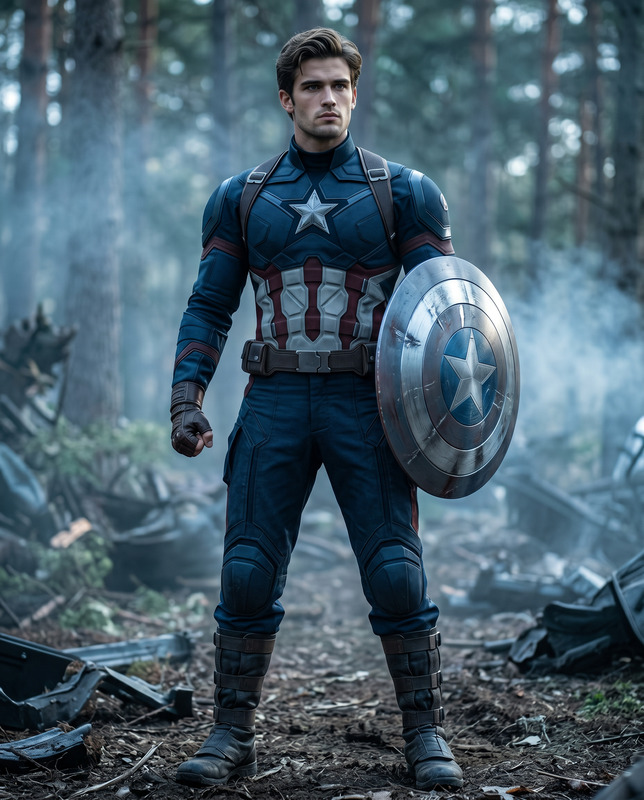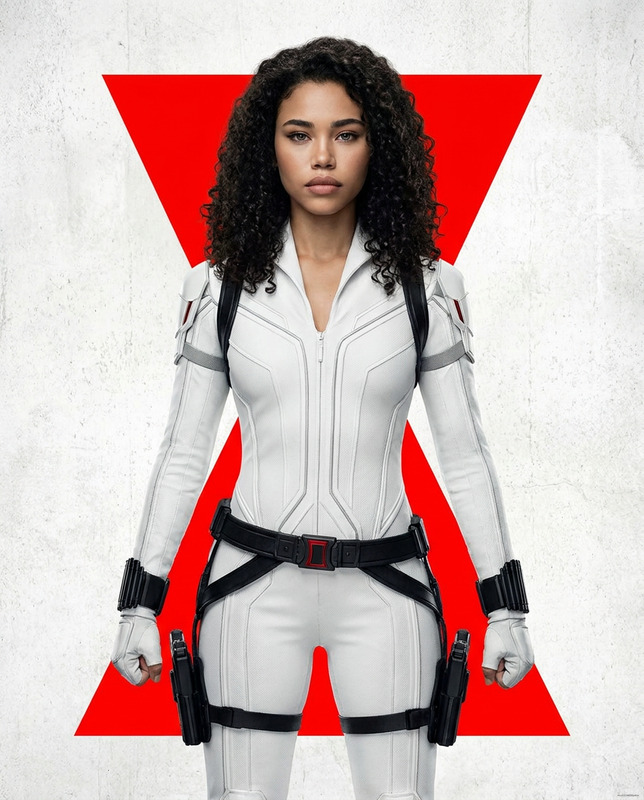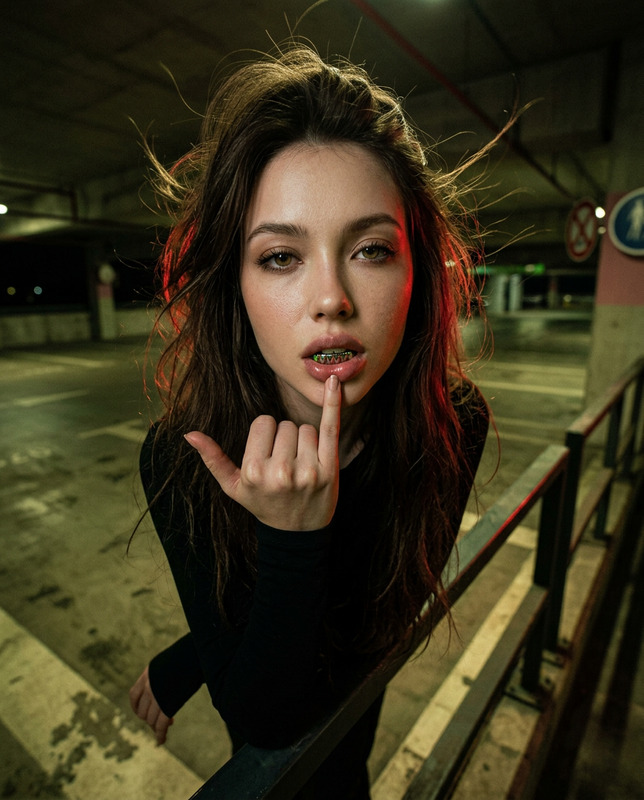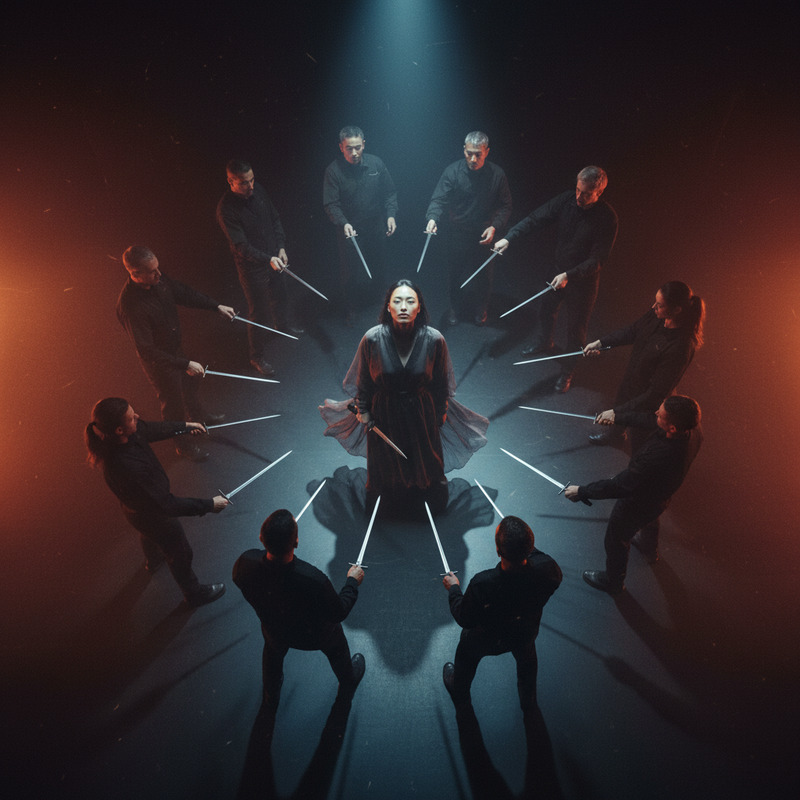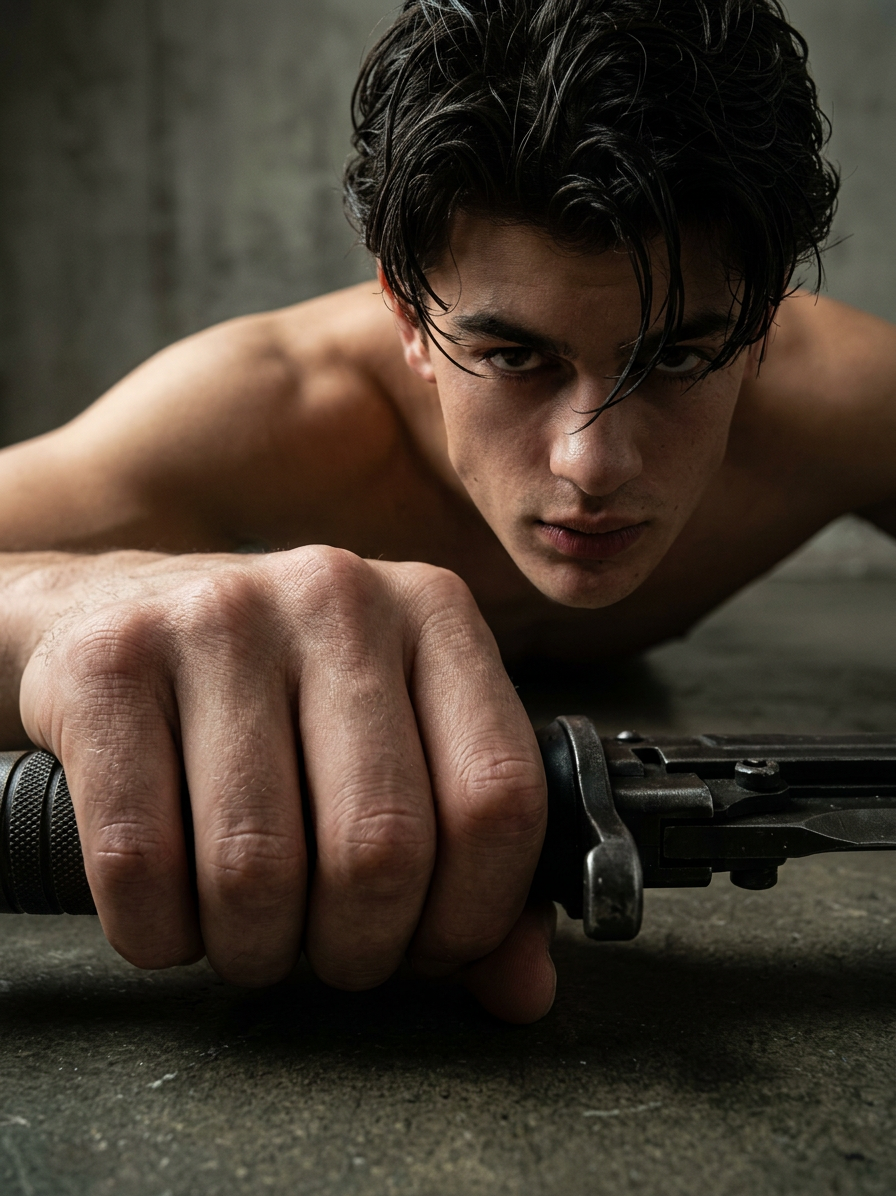
Worm’s-Eye — Heroic Perspective
- Model
- Nano Banana 2
- Image
- 896 × 1196 px
Prompt
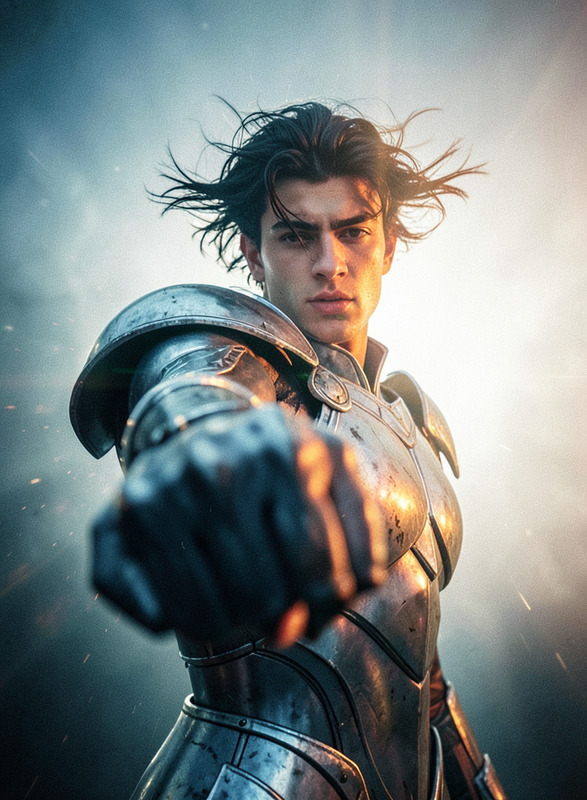
Create a cinematic extreme low-angle close-up using the subject from the reference image, whether male or female, preserving their recognizable identity, facial features, natural proportions, hairstyle, clothing characteristics, and overall visual character. The camera is positioned extremely close to the ground and near the hilt of the subject’s weapon, creating a dramatic worm’s-eye viewpoint and powerful forced perspective. Use an ultra-wide-angle lens with strong foreshortening so the nearest hand and weapon appear dramatically oversized in the foreground while the subject’s body and face recede into the frame. The subject leans naturally over the camera, creating the sensation that they are looking down directly into the lens, with the face angled downward and an intense, focused expression. Emphasize dynamic perspective distortion, exaggerated depth, converging lines, foreground scale contrast, and a bold cinematic silhouette. Keep the closest hand anatomically correct despite the perspective exaggeration, with realistic fingers, skin texture, fabric folds, and believable contact with the weapon. Use dramatic directional lighting, strong highlights and controlled shadows to sculpt the subject while maintaining realistic textures and cinematic depth. The composition should feel powerful, immersive, tense, and visually striking, like a high-budget action-film frame or premium character concept photograph. Preserve a clean but atmospheric background with subtle environmental depth so the oversized foreground weapon and subject remain the dominant visual elements. Avoid eye-level framing, flat perspective, weak foreshortening, distorted anatomy, malformed hands, extra fingers, duplicated weapons, excessive blur, cartoon rendering, plastic skin, generic facial features, cluttered backgrounds, text, logos, watermarks, or an artificial CGI appearance.
Any aspect ratio
Overview
Experience a stunning worm’s-eye perspective with the Worm’s-Eye — Heroic Perspective template. Leveraging the AI Image Editor capabilities, this template uses the nano-banana-2 model to transform your images into dramatic, cinematic shots that emphasize dynamic perspectives and striking visual character.
What It Does
This template crafts an extreme low-angle view that highlights your subject from the ground up. It uses cinematic techniques like exaggerated perspective distortion and foreshortening, placing emphasis on the subject's weapon and the dramatic tension akin to a hero's stance. It maintains realistic textures and cinematic depth, making it ideal for creating powerful, immersive visuals.
Who It's For
Perfect for photographers, filmmakers, and content creators seeking to add a dynamic edge to their imagery. Whether you're working on an AI Video Extender project or developing character concepts for a new series, this template provides the tools to enhance dramatic visual storytelling with a professional touch.
Summary
The Worm’s-Eye — Heroic Perspective template harnesses the power of AI to deliver striking visuals with exaggerated depth and cinematic composition. It ensures that every detail—from clothing folds to weapon contact—is realistically rendered, adding a layer of professionalism to every image it transforms. Check out the AI Image Upscaler to further refine your outcomes with high-definition quality.
How to Use
Choose Your Template

Customize Your Image

Generate and Share

Use Cases
Character Concept Art
- Dynamic hero posture
- Exaggerated weapon focus
- Intense, cinematic framing
Action Film Stills
- Striking silhouette images
- Immersive viewer experience
- Professional-grade composition
Graphic Novel Panels
- Enhanced narrative depth
- Bold visual storytelling
- Realistic texture and proportion
Best Practices
Maintain Realism
Ensure the subject's features, proportions, and textures are realistic to avoid an artificial appearance.Emphasize the Foreground
Focus on the oversized elements in the foreground to reinforce the dramatic perspective.Utilize Proper Lighting
Employ directional lighting to highlight key features and create bold, cinematic shadows.