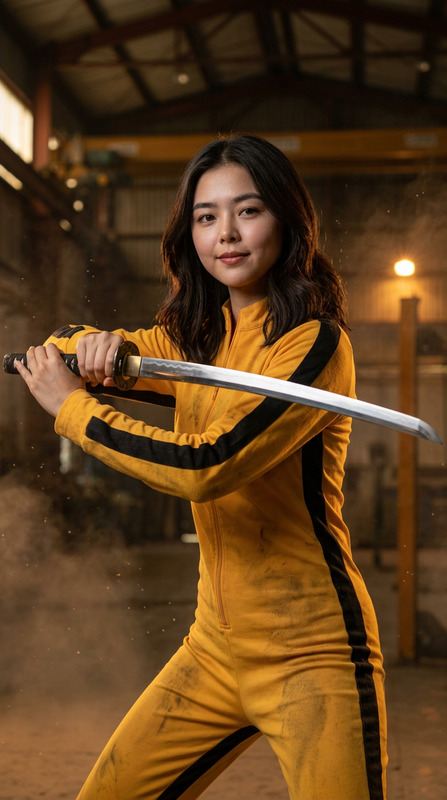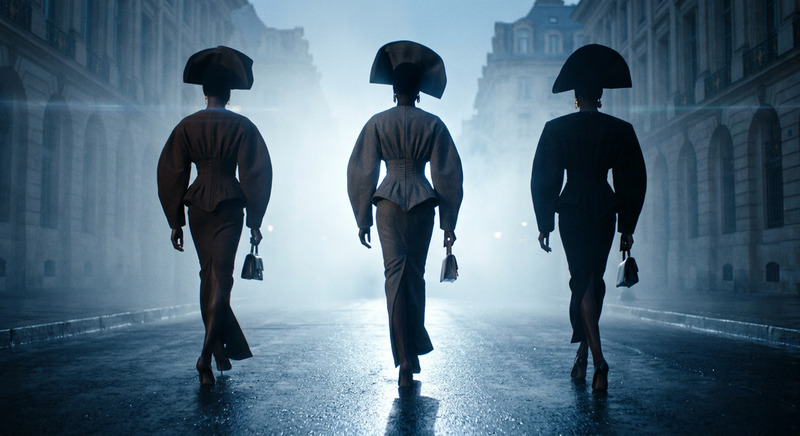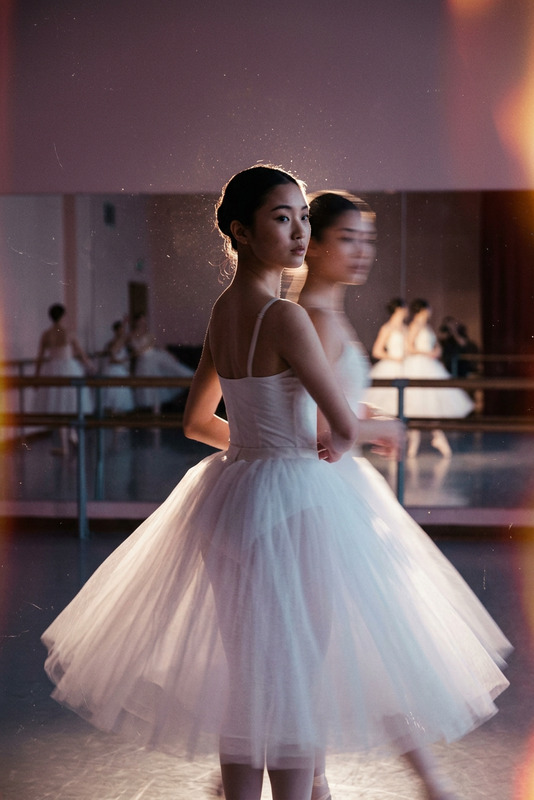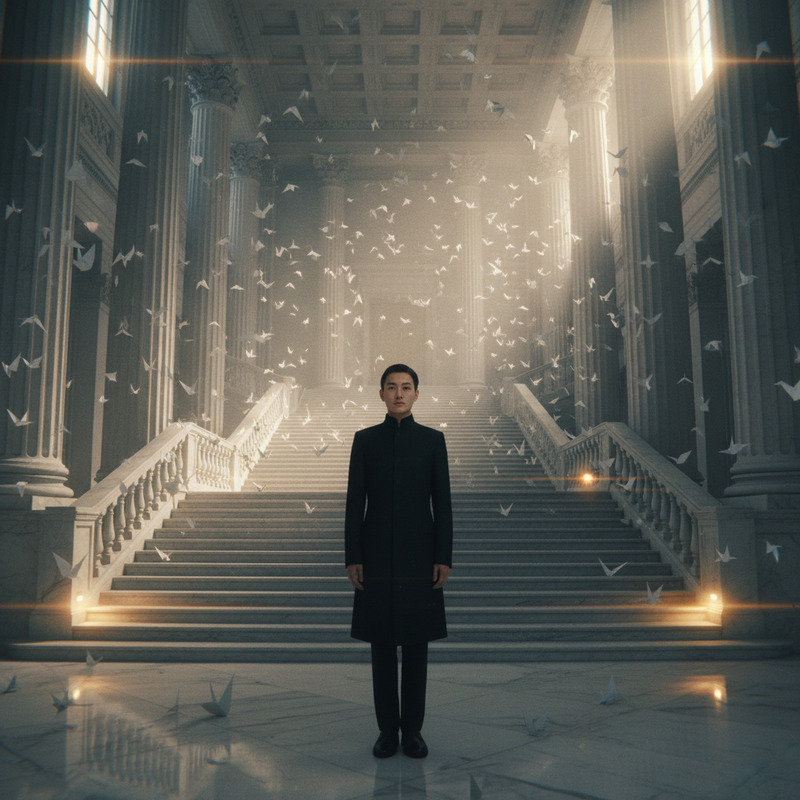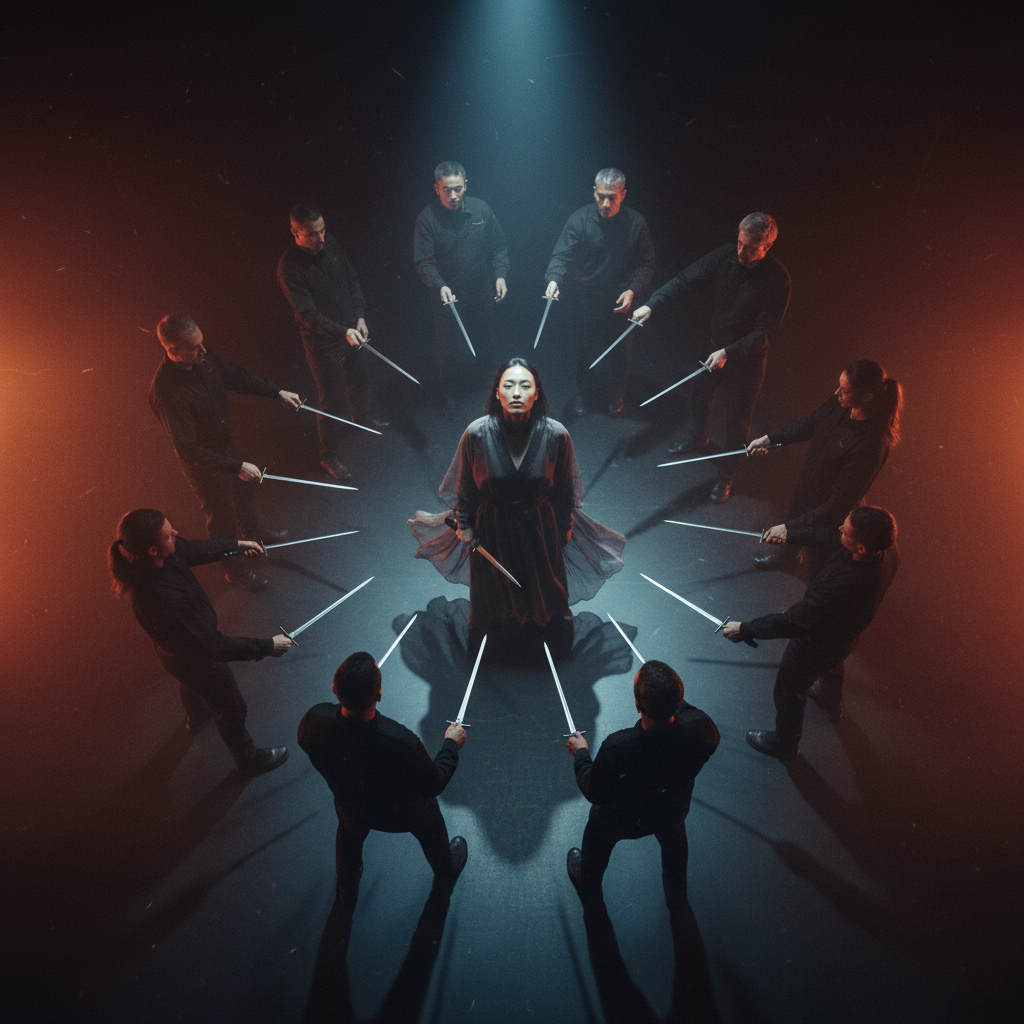
Circle of the Still Blade
- Model
- Nano Banana
- Image
- 1024 × 1024 px
Prompt
A tense, ritualistic tableau unfolds on a minimalist stage as a 20-year-old subject with East Asian features and pale-olive skin stands perfectly centered beneath a single harsh overhead spotlight, gripping a dagger pointed downward in a posture of calm defiance. Around them, a precise ring of a dozen armed figures forms a perfect circle, each adult subject holding extended blades that converge visually toward the center, creating a radial geometry of implied violence and controlled choreography. The surrounding figures remain in semi-silhouette, their movements slow and deliberate, as if part of a ceremonial performance rather than a chaotic fight, while dust and haze drift through the amber-red air, catching the light in suspended motion. The composition is captured from a high bird’s-eye angle with slight tilt, emphasizing symmetry, circular blocking, and converging lines that draw the eye inward toward the central subject’s stillness. Photorealistic cinematic live-action style captured on an ARRI Alexa Mini LF using large-format zoom optics (around 50mm equivalent framing), featuring medium depth of field, soft anamorphic-inspired flares, gentle edge falloff, and fine 35mm film grain for a tactile, analog feel. Lighting is dominated by a single overhead spotlight on the central subject, supported by subtle rim and underlighting on the surrounding ring, with volumetric haze producing visible light shafts and atmospheric depth. The color palette is built from deep crimson, burnt amber, desaturated charcoal, and inky blues, forming a restrained neo-noir balance between warmth and shadow. Silk organza, matte tactical fabrics, brushed steel blades, and drifting dust particles are rendered with high tactile realism, emphasizing texture, weight, and controlled physicality. The overall tone is ritualistic, meditative, and quietly violent—like a choreographed still frame of suspended action in a modern arthouse thriller. Photorealistic practical staging with cinematic grading, physically plausible lighting, and no CGI appearance.
Any aspect ratio
Overview
Circle of the Still Blade is a specialized AI Image Editor template designed for high-end artistic creations. Using the cutting-edge nano-banana model, this template vividly captures photorealistic scenes with a keen eye for cinematic detail and atmospheric depth.
What It Does
This template allows you to immerse yourself in the creation of a stylized, photorealistic scene that echoes the aesthetic of modern arthouse thrillers. Capturing a tableau of quiet tension, it provides intricate attention to lighting, composition, and texture, delivering a visual masterpiece that replicates the feel of an ARRI Alexa Mini LF capture.
Who It's For
Designed for filmmakers, photographers, and creative professionals seeking to produce high-quality imagery with an arthouse twist. It's ideal for those involved in storytelling through AI Image Editing who appreciate the marriage of cinematic techniques and digital innovation.
Summary
With its focus on complexity and a controlled visual narrative, the Circle of the Still Blade template is perfect for users looking to replicate the tactile realism of film. The use of advanced AI techniques allows for the creation of stunning images perfect for movie posters, book covers, or artistic exhibitions. Take your visual storytelling to new heights with the precise control offered by this template.
How to Use It
Choose

Customize

Generate

Use Cases
Film Poster Design
- Achieve arthouse thriller aesthetics
- Enhance promotional material with cinematic images
Artistic Installations
- Explore themes of tension and balance
- Deliver stunning, textured prints
Book Covers
- Feature dramatic, eye-catching visuals
- Emphasize mood and atmosphere
Best Practices
Focus on Lighting
Take advantage of the template's advanced lighting controls to highlight crucial elements and create a mood that supports the narrative.Optimize Composition
Ensure the positioning uses symmetry and radial geometry effectively, drawing viewers' eyes to the central point of the image.Iterate and Experiment
Utilize the image editor's features to experiment with different elements like texture and shadow for the most impactful result.