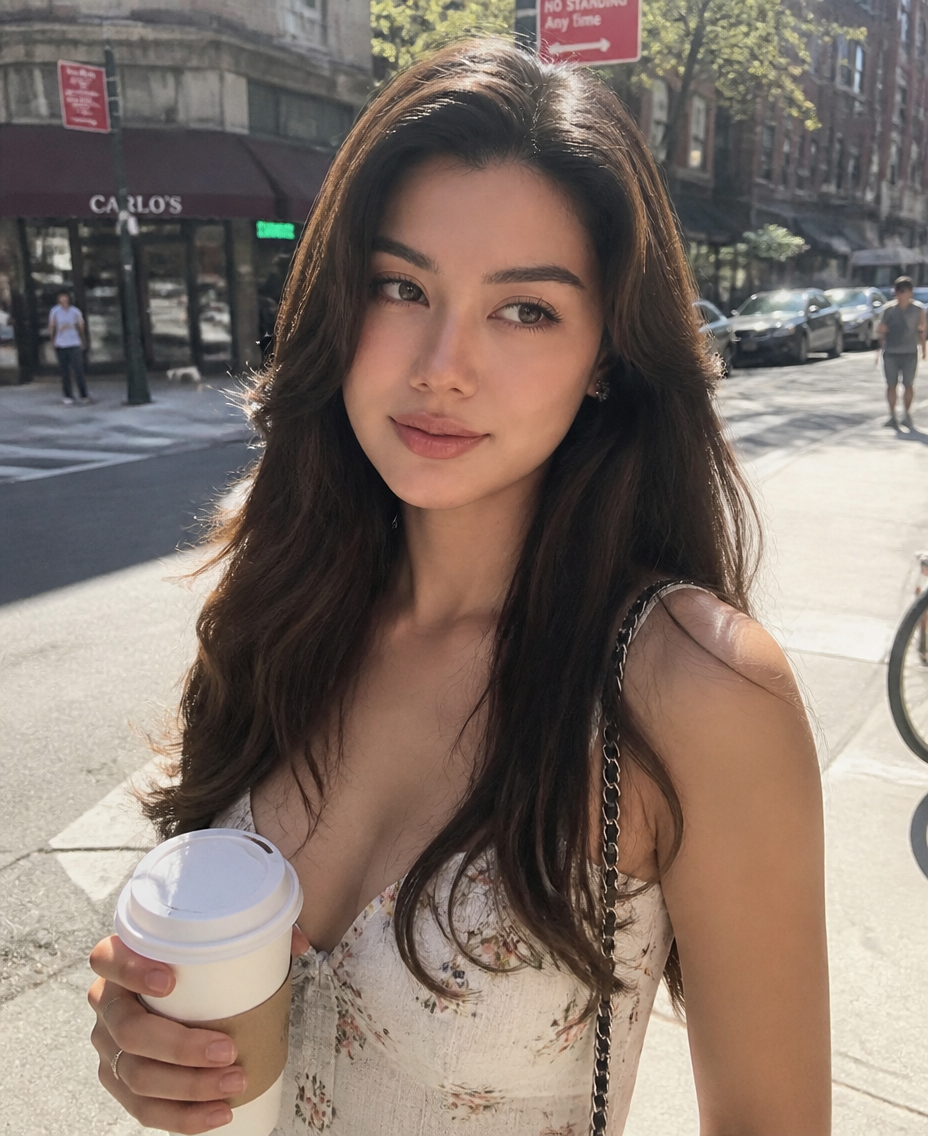
A Sunny Street Coffee Moment
- Model
- GPT Image 2
- Image
- 928 × 1136 px
Prompt
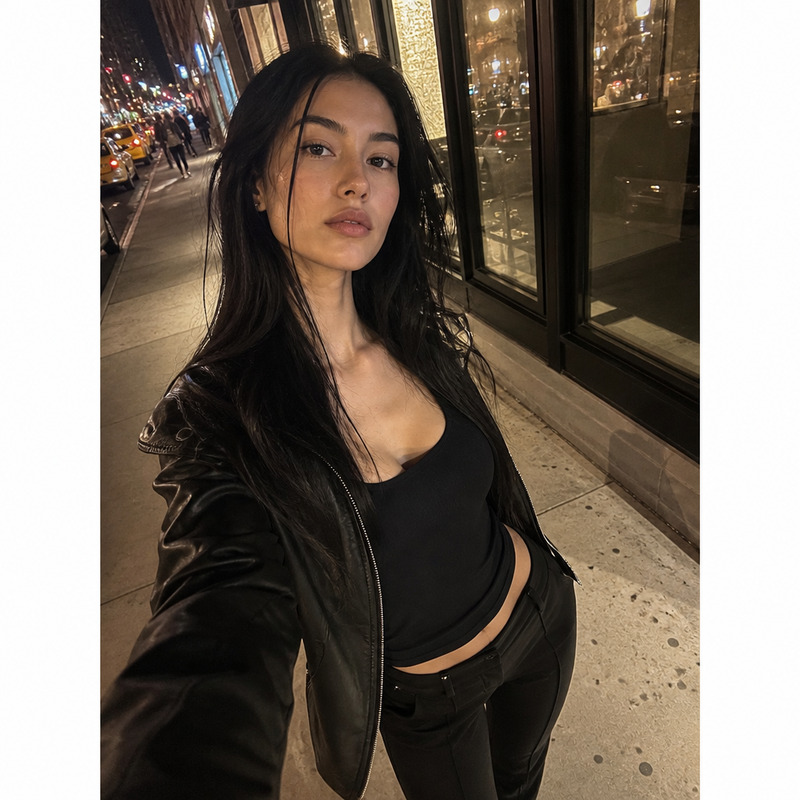
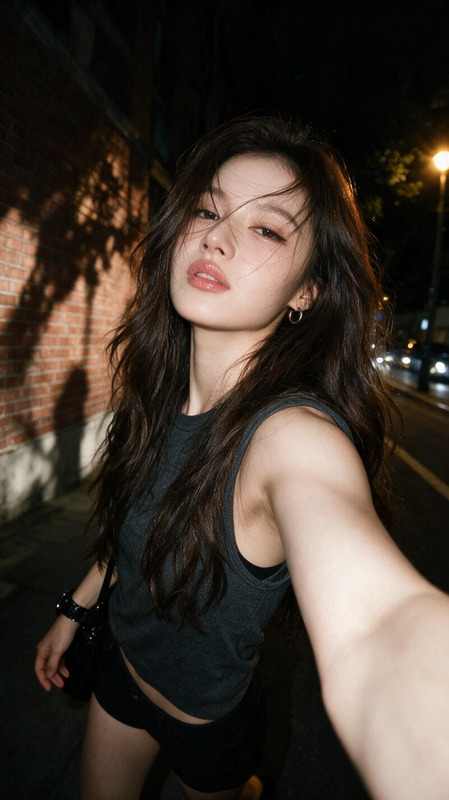
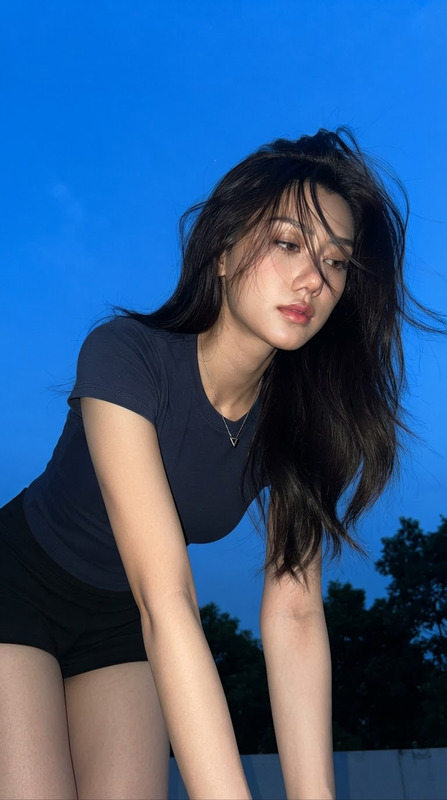
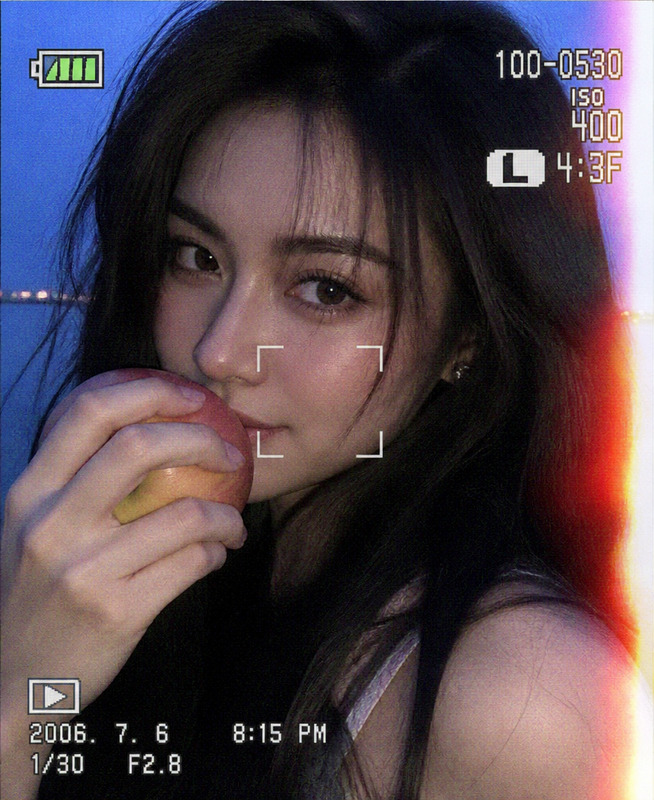
Create a realistic casual smartphone snapshot of a young adult woman wearing a light-colored summer dress, standing naturally at a sunlit city street corner while holding a takeaway coffee cup. The image should feel completely spontaneous and everyday, as if casually photographed by a friend on an ordinary phone rather than deliberately posed for a fashion shoot. Use handheld framing with slight camera shake, creating natural subtle motion blur along the hair edges, hands, and body outline, while the face remains sufficiently recognizable and naturally detailed. Use the soft optical character of an ordinary smartphone camera: mildly hazy rendering, imperfect sharpness, gentle background blur, slight digital noise, subtle compression artifacts, and uneven exposure. Warm natural sunlight illuminates the subject and surrounding street, producing realistic skin tones, soft highlights, and a relaxed summer atmosphere without exaggerated golden-hour grading. Keep the background recognizable but unobtrusive, with ordinary storefronts, pavement, passing urban details, and soft environmental depth. The composition should be slightly imperfect and casually framed, with minor cropping or off-center positioning that reinforces the feeling of an authentic spontaneous snapshot. Preserve natural skin texture, realistic anatomy, believable hands and fingers, genuine fabric movement, and small photographic imperfections. Avoid studio lighting, professional fashion-editorial polish, excessive bokeh, plastic skin, heavy retouching, hyper-sharp details, artificial posing, cinematic overgrading, exaggerated motion blur, distorted anatomy, or an overly perfect composition.
Any aspect ratio
Overview
"A Sunny Street Coffee Moment" template transforms your images into candid, everyday snapshots, capturing the vibrant essence of a sunlit city scene. Utilize the precision of the AI Image Editor, featuring the advanced capabilities of the GPT-Image-2 model, to craft visuals that are as spontaneous as they are authentic.
What It Does
This template leverages sophisticated AI to simulate the look and feel of a casual smartphone photo. It replicates characteristics like slight motion blur and natural imperfections while maintaining realistic skin tones and environment lighting. The result transports a crafted scene into the realm of reality with authenticity and warmth.
Who It's For
"A Sunny Street Coffee Moment" is ideal for social media influencers, lifestyle bloggers, and content creators who want to showcase moments with a natural, candid aesthetic. It's also valuable for digital marketers looking to add realism to promotional images or for anyone who desires engaging visual narratives.
Summary
Craft ordinary yet compelling smartphone-styled images with this AI Image Editor template. Perfect for those looking to inject authenticity into visual content. Take advantage of AI Talking Photo to create engaging narratives, or explore AI Video Extender for lengthening your visual storytelling.
How to Use
Select Template

Adjust Settings

Generate and Download

Use Cases
Social Media Content
- Improved engagement with realistic images
- Authentic brand storytelling
Lifestyle Blog Imagery
- Better connection with blog readers
- Visual consistency with organic aesthetics
Digital Marketing
- Higher ad relevance and authenticity
- Increased viewer trust and interaction
Best Practices
Maintain Realism
Focus on creating images that feel spontaneous and true to life. Avoid excessively retouched or over-polished visuals.Proper Framing
Ensure your subject is slightly off-center or imperfectly cropped to reinforce the candid feel.Tweak Consistently
For a cohesive look, consistently adjust similar elements like lighting and focus across multiple images.