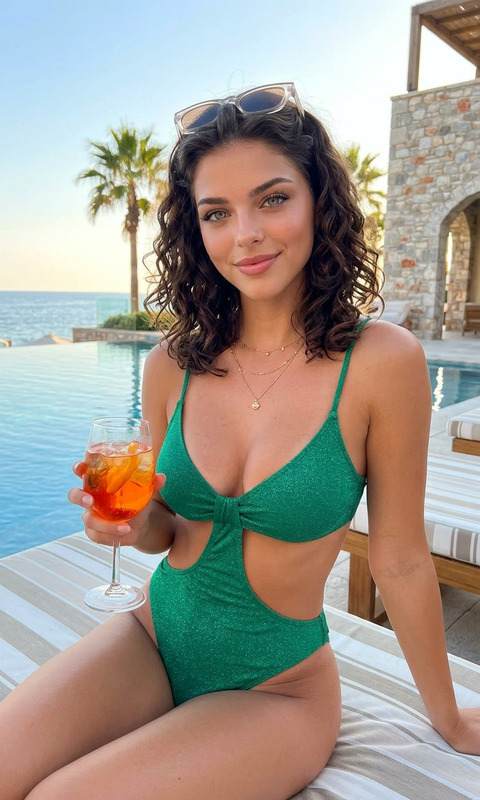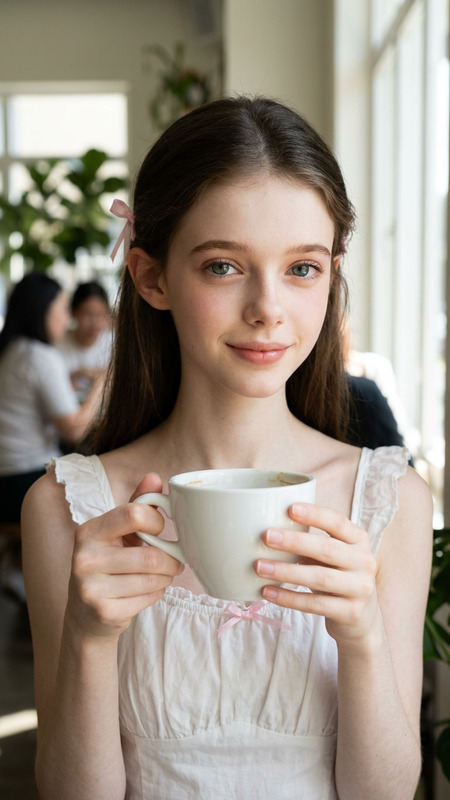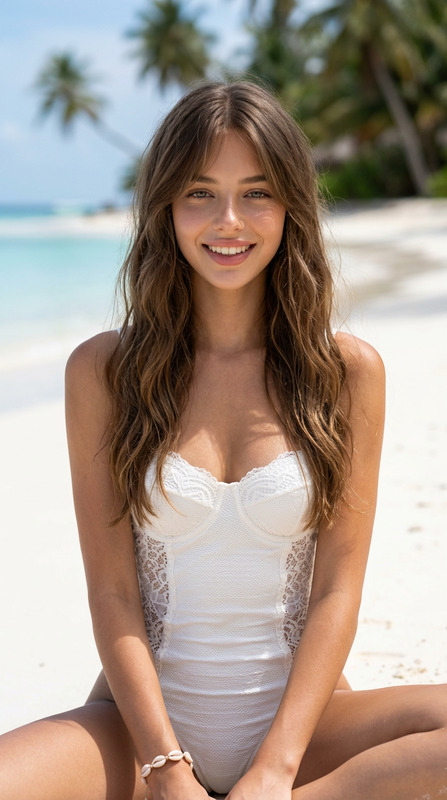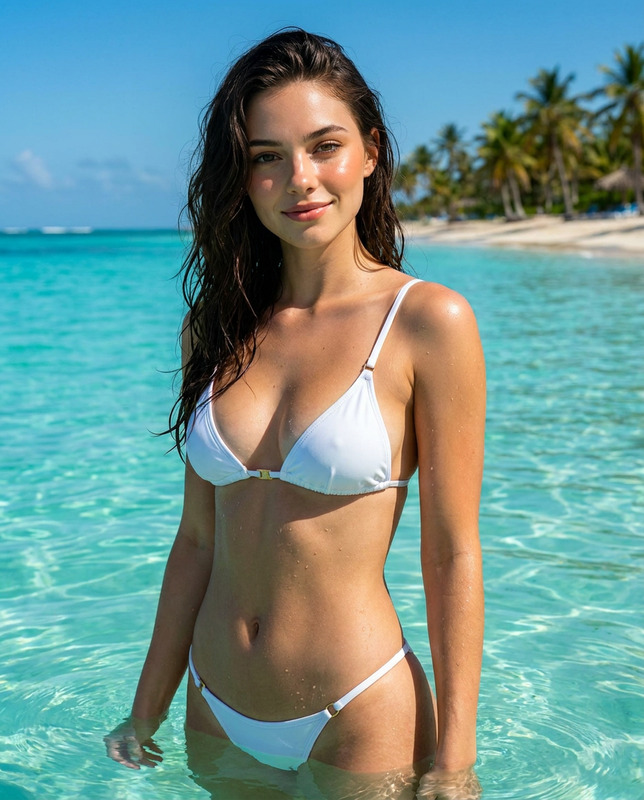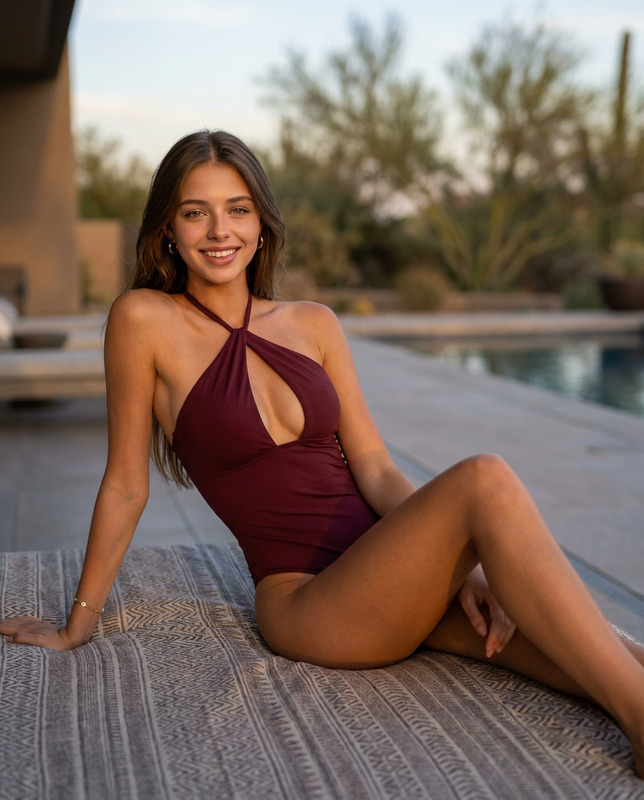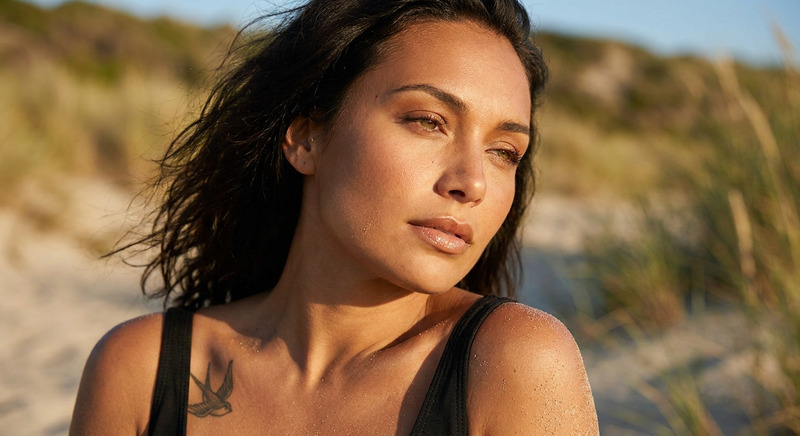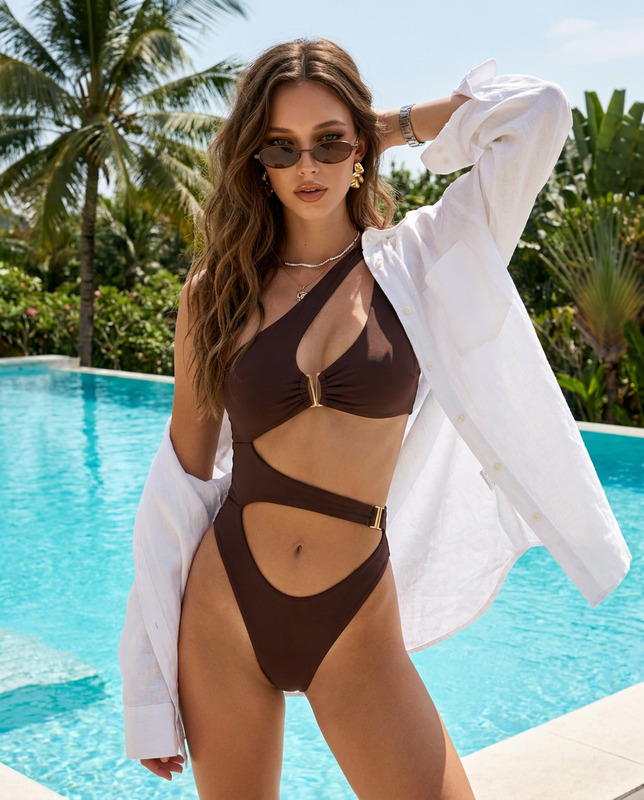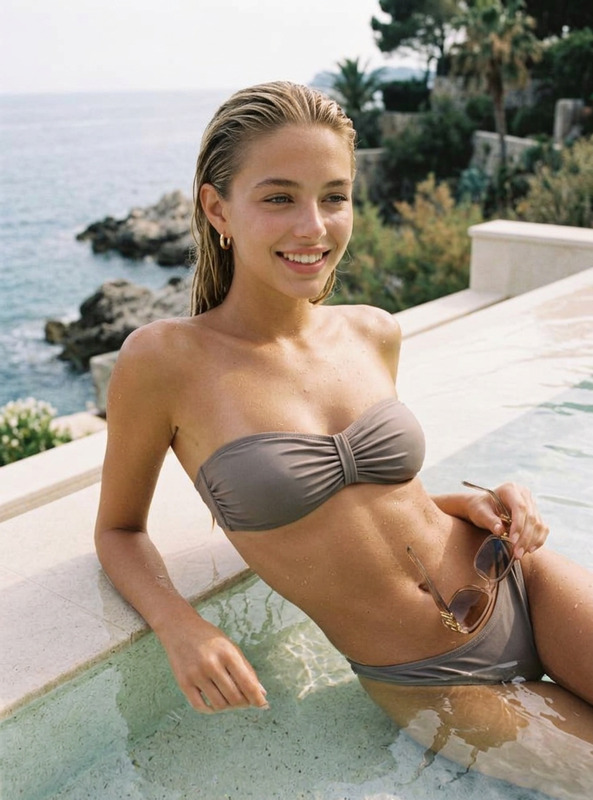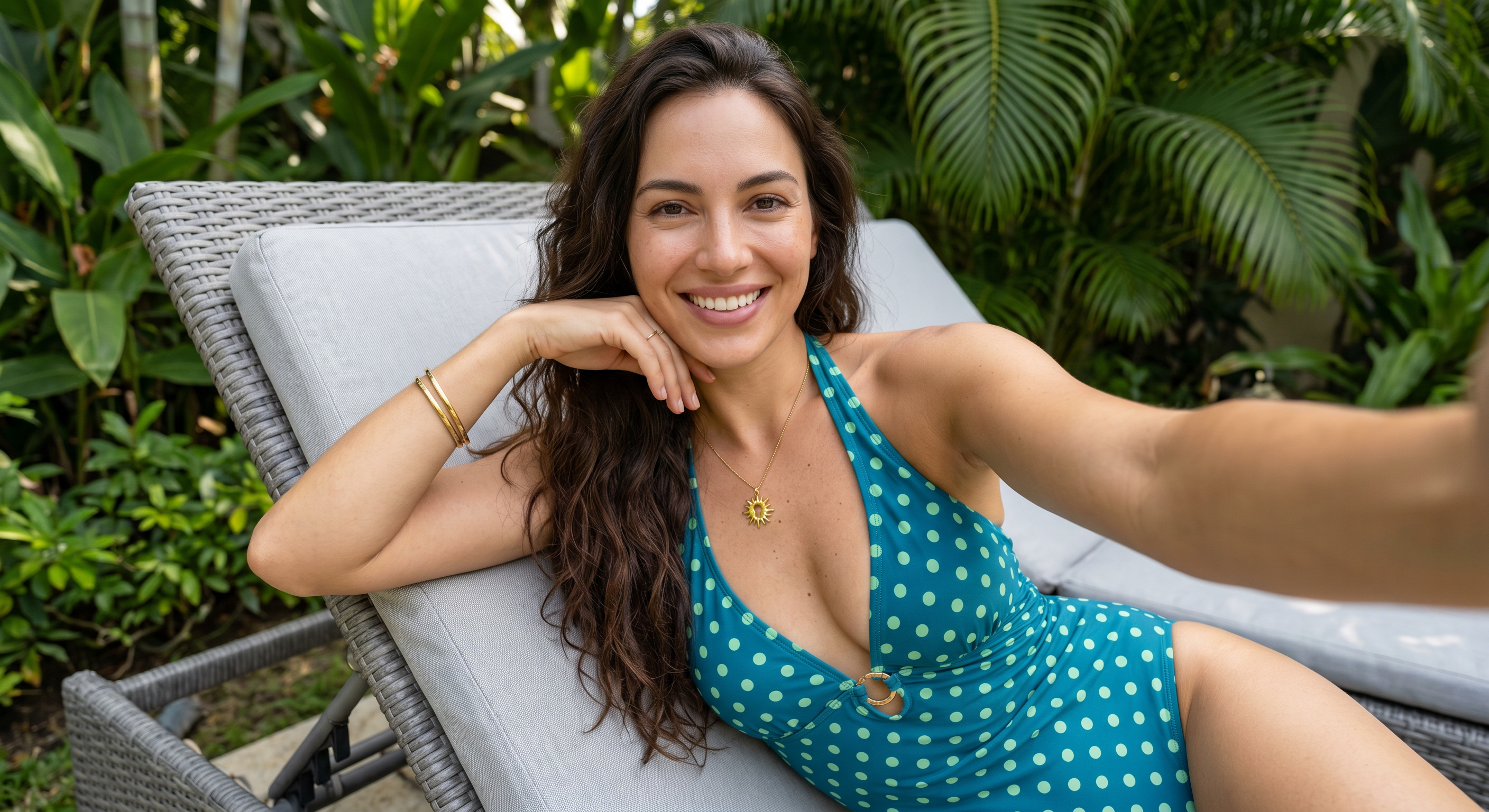
Golden Tropical Resort Poolside Selfie
- Model
- Nano Banana 2
- Image
- 2816 × 1536 px
Prompt
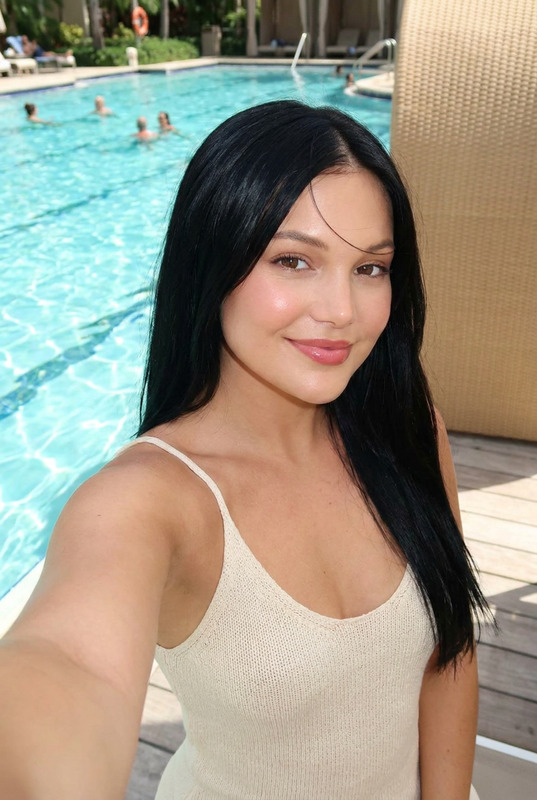
Ultra-realistic 8k UHD color selfie portrait of a woman with long wavy dark brown hair. Reclining on a gray wicker lounge chair with light gray cushion in a tropical garden with lush green plants and palm leaves blurred in background. Body angled slightly, propped on left elbow with left hand near face/jawline, right arm extended forward as if holding camera. Facing camera with bright warm smile showing teeth and direct gaze. Wearing a teal blue one-piece halter swimsuit with light green polka dots, keyhole cutout at chest with gold ring detail and small gold sun pendant charm, ruched fabric detail. Gold bangle bracelet on left wrist, thin ring on left hand. Natural nails with sheer glossy polish and subtle white tip. Flawless luminous skin with visible texture and soft natural sunlight with dappled shadows on face and shoulders, satin glossy warm rose lips, soft warm brown eyeshadow with defined lashes and subtle liner, subtle blush and contour. Natural daylight lighting with soft sun patches through leaves creating light + shadow on skin and swimsuit. Photorealistic micro-detail on stretch swimsuit fabric with polka dot print and ruching, gold ring and sun pendant, wicker chair weave, cushion fabric, tropical plant leaves, skin pores, and hair strands with natural volume and shine. Tropical resort aesthetic, vertical composition, high detail, teal + green + gray tones with soft bokeh background.
Any aspect ratio
Overview
The Golden Tropical Resort Poolside Selfie template transforms your images with a luxurious tropical twist. Using this AI Image Editor, achieve ultra-realistic visuals that shine with 8k UHD quality. Perfect for creating striking images with detailed and vibrant tones.
What It Does
This template brings your selfies to life with photorealistic detail, capturing micro-details like skin pores, hair strands, and clothing textures. By focusing on natural daylight effects and soft sunlit shadow interplay, it creates an immersive tropical resort aesthetic. Perfect for those who want to enhance their photos with naturally luminous skin tones and fashionable swimwear details.
Who It's For
The Golden Tropical Resort Poolside Selfie template is ideal for photographers, influencers, and content creators who want to elevate their photo quality. It’s particularly suited for lifestyle bloggers who focus on travel, fashion, and luxury themes. If you're looking to polish your social media visuals professionally, this tool is a great choice.
Summary
Use this AI Image Generator template to achieve a distinctive summer vibe with exquisite photorealism. It's designed to enhance selfies with intricate details, bringing a splash of tropical sunshine to your gallery. Integrate this with other products like the AI Background Changer to further customize and perfect your image surroundings.
How to Use
Choose the Template

Customize Your Inputs

Generate Your Image

Use Cases
Influencer Content
- Showcase products in a lifestyle setting
- Enhance personal branding with professional-grade imagery
Travel Photography
- Craft visually appealing photos for travel blogs
- Support destination marketing with vivid images
Fashion Shoots
- Highlight swimwear and accessories effectively
- Display fine fabrics and jewelry with intricate clarity
Best Practices
Focus on Lighting
Ensure the base image is well-lit for optimal natural daylight effects.Detail Orientation
Pay attention to accessory and fabric details in your inputs to leverage the template's strength in micro-detailing.Experiment with Angles
See how different body angles impact the overall look, and select the best orientation for your subject.