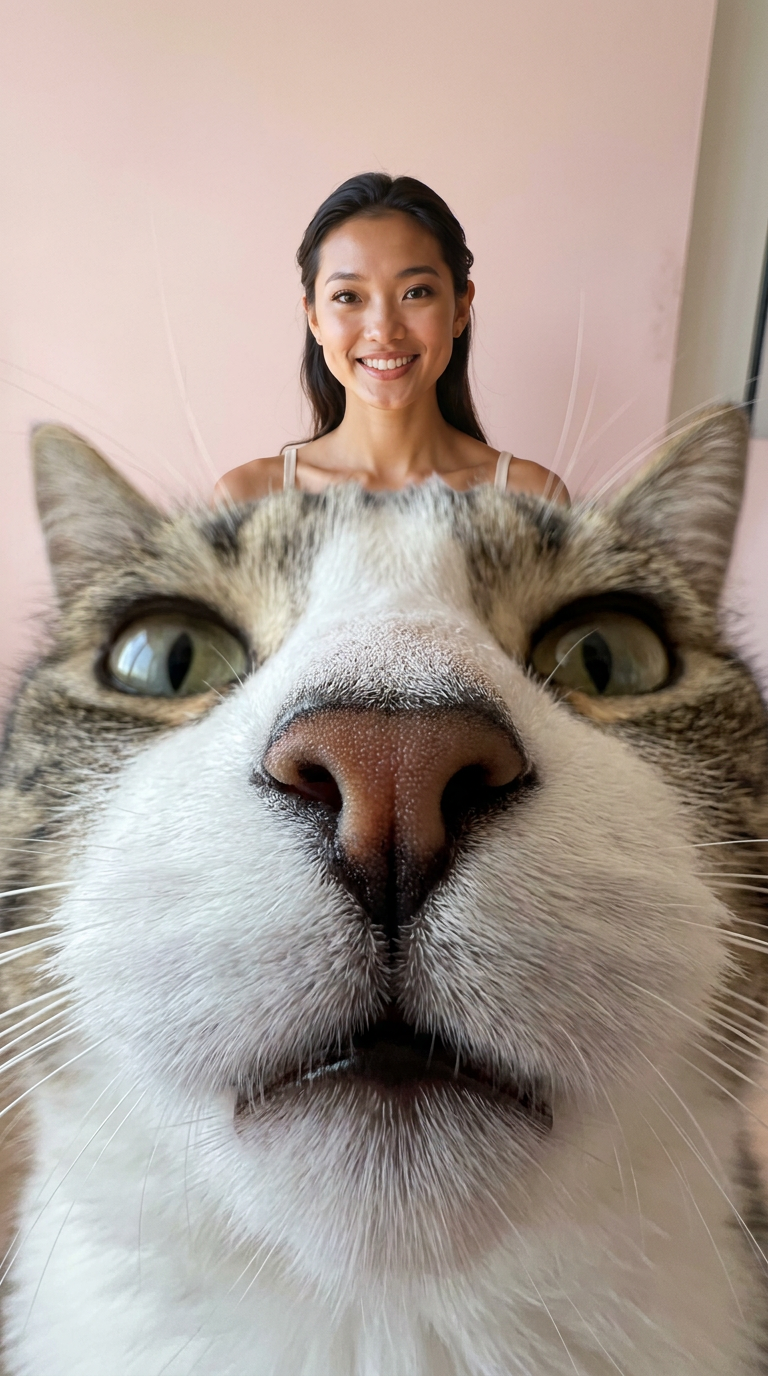
Cat Lens
- Model
- Nano Banana Pro
- Image
- 768 × 1376 px
Prompt
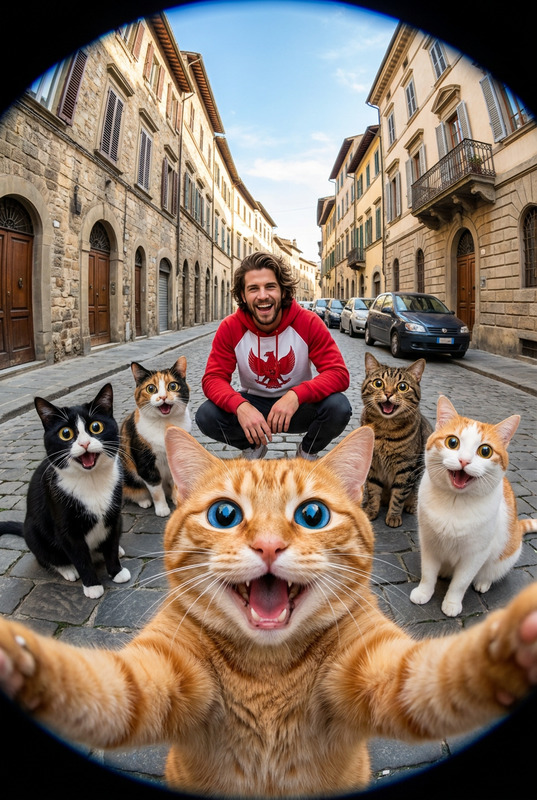
Create an image of me in the same frame as a cat. In a realistic photographic style, use a low-angle composition to capture a soft, curious cat. The cat’s nose is extremely close to the camera lens and dominates the foreground of the image. Its eyes are positioned symmetrically on the left and right. Show the cat’s entire body. The background is light pink, with the exaggerated sense of depth created by a distorted ultra-wide-angle lens, producing a unique visual effect. Because the nose is so close to the lens, it appears slightly out of focus, highlighting the natural texture of the nose, fur, and whiskers. I am also visible in the same frame. Aspect ratio: 9:16.
Any aspect ratio
Overview
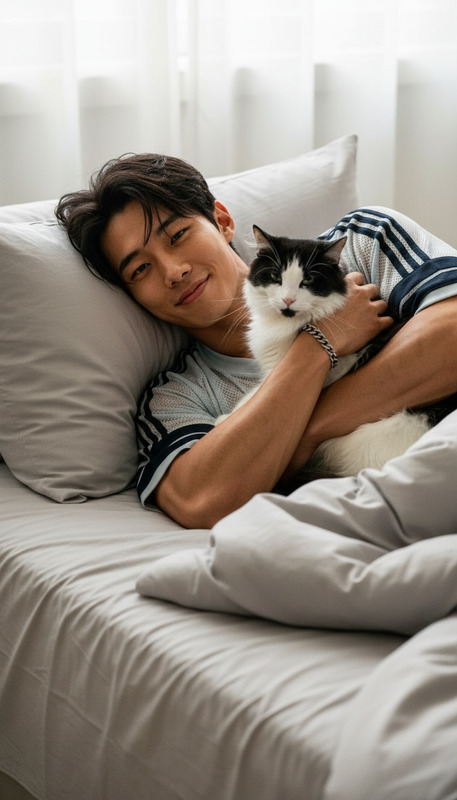
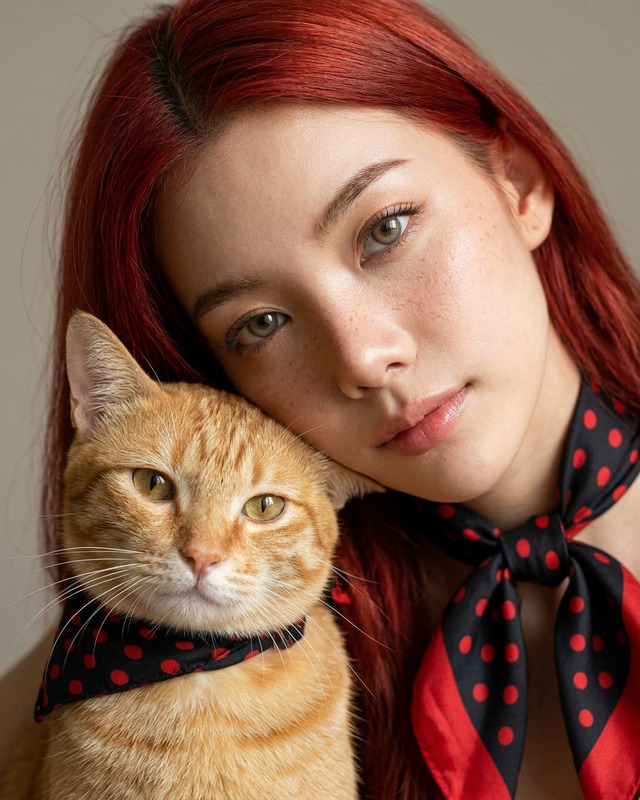
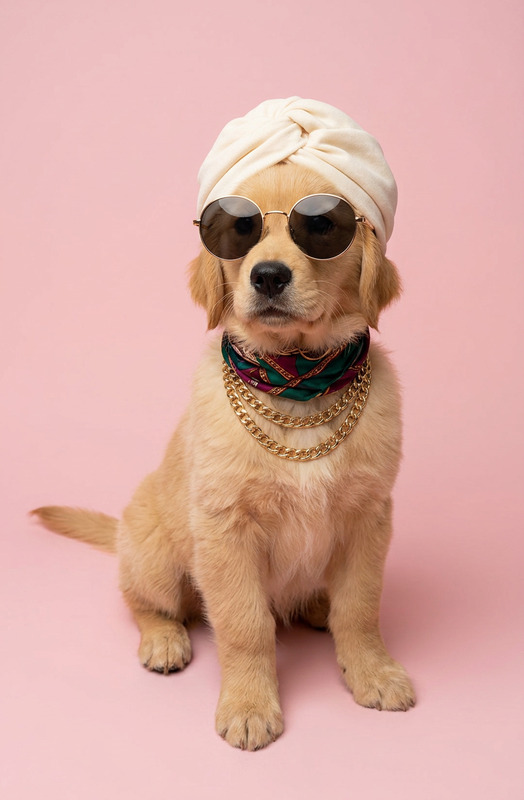
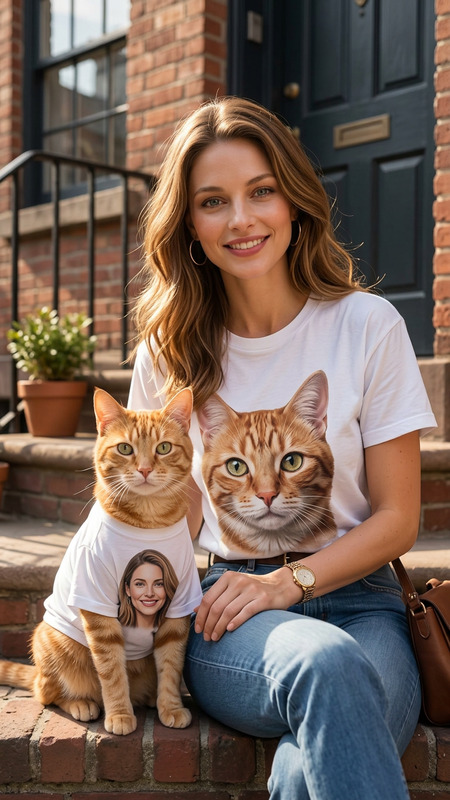
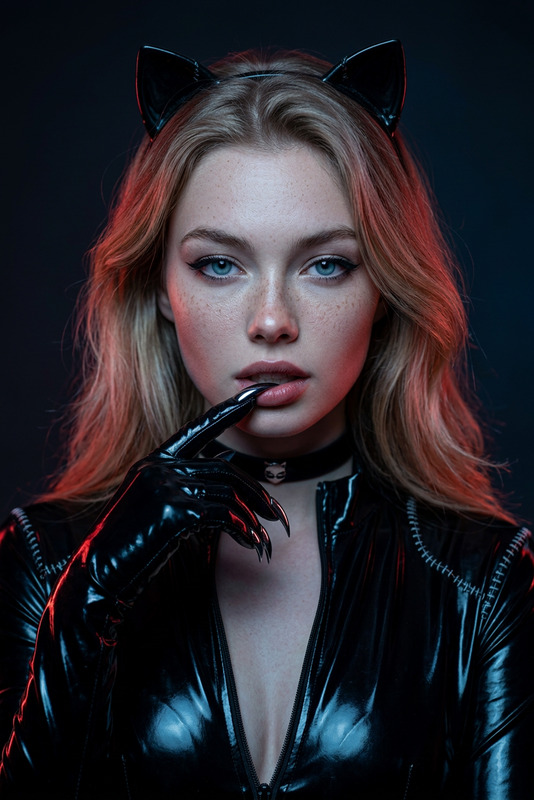
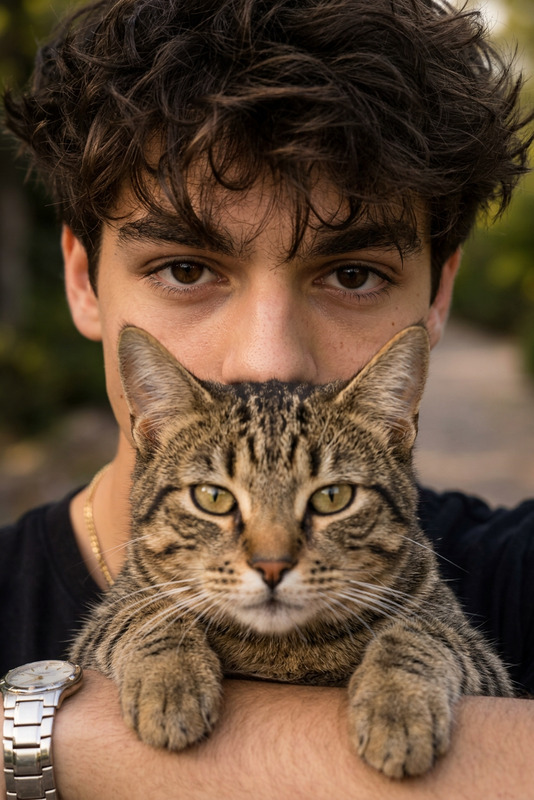
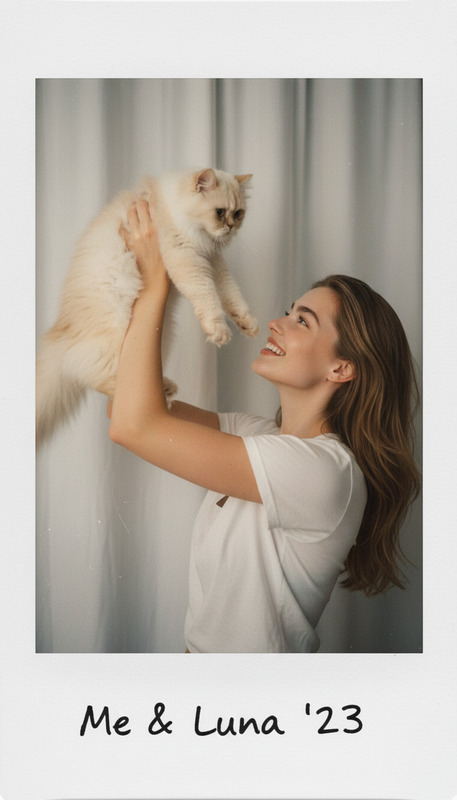
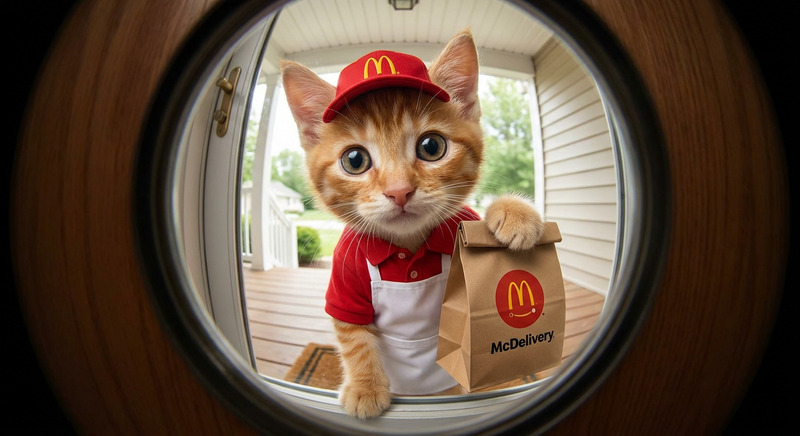
The Cat Lens template offers a unique twist on creating immersive images by placing you alongside an inquisitive cat. With the template leveraging the AI Image Editor capabilities, this tool produces ultra-wide-angle lens effects coupled with realistic photographic elements. The nano-banana-pro model ensures high-quality imagery with stunning visual effects.
What It Does
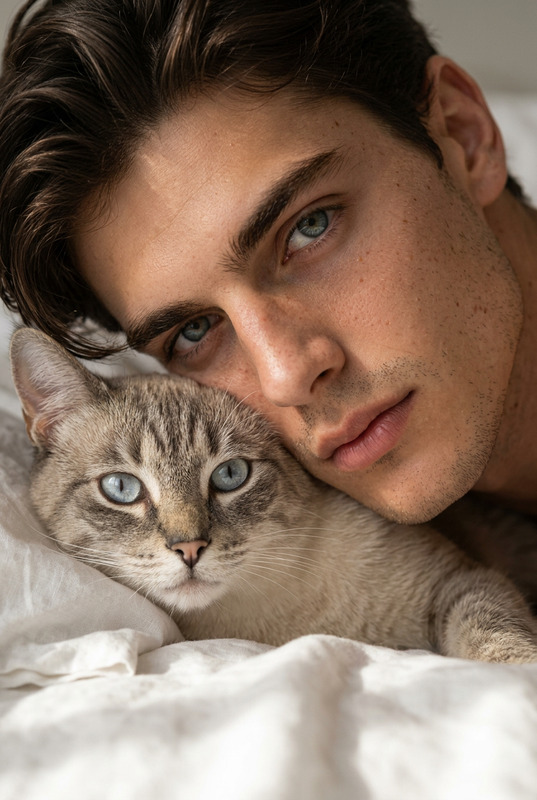
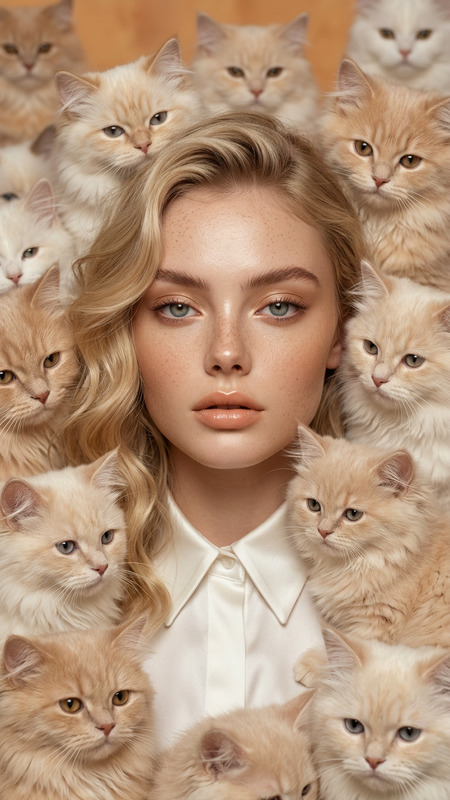
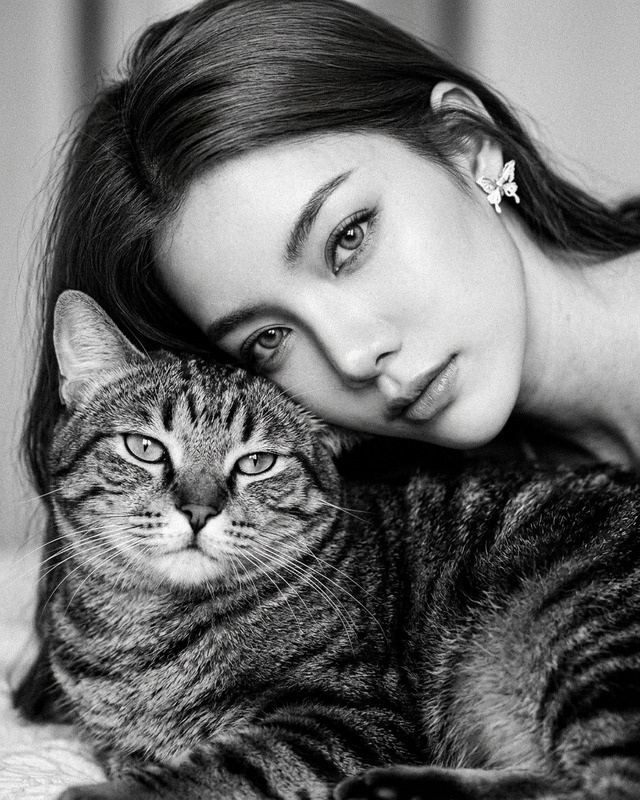
Cat Lens utilizes advanced AI to integrate you into a frame dominated by a cat's nose taking center stage, creating a whimsical yet natural look. The model captures the cat's texture in detail, with its nose appearing slightly out of focus to emphasize realism. The background, colored in soft pink, adds depth to the image, further enhancing the visual impact.
For those looking to further manipulate images, our AI Face Editor and AI Background Changer can provide additional customization options.
Who It's For
This template is perfect for cat enthusiasts, social media influencers, and creators in search of unique and engaging image content. Whether you're producing material for social media ads, enhancing your profile, or simply exploring creative photography, the Cat Lens offers a refreshing take on typical pet images.
Summary
The Cat Lens template in Magic Hour provides an extraordinary way to blend yourself into a cat's universe with the ultra-wide lens effect. By using the advanced abilities of the nano-banana-pro model, your images gain a distinctive touch that can be further refined using tools like the AI Image Upscaler for improved quality and resolution.
How to Use the Cat Lens
Choose Cat Lens

Customize Your Image

Generate and Download

Use Cases
Creative Social Media Posts
- Engage more followers with playful compositions
- Create standout images that spark conversations
Unique Product Photography
- Highlight textures and product details with amplified lens effects
- Attract pet lovers with relatable and fun visuals
Best Practices
Focus on Detail
Ensure the cat's nose and fur have a natural texture by paying attention to lighting and focus settings to enhance the image's realism.Experiment with Backgrounds
While the default background is soft pink, trying different backgrounds can highlight the subject uniquely, especially in product or commercial settings.Utilize Aspect Ratio
The 9:16 aspect ratio is ideal for mobile and social media viewing; ensure your composition takes advantage of this format for greater impact.