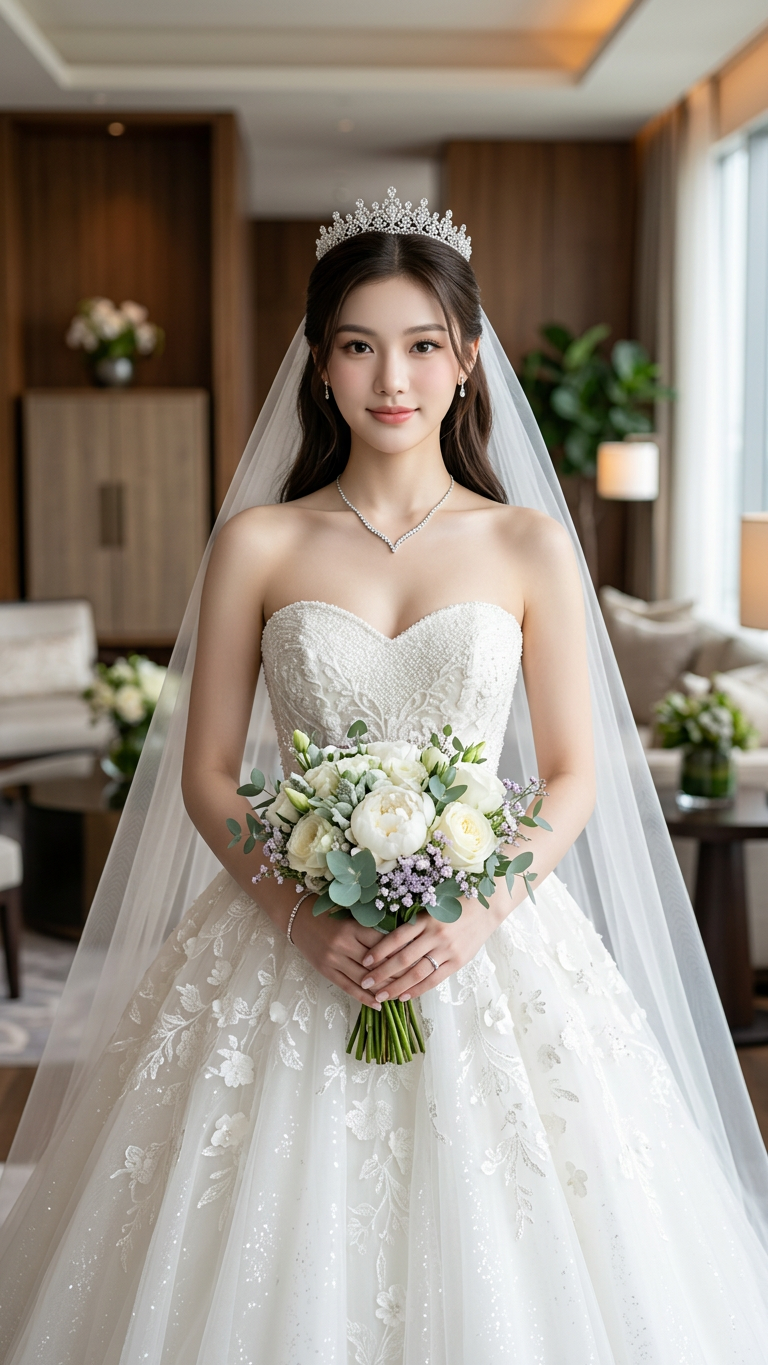
Princess Bride
- Model
- Nano Banana 2
- Image
- 768 × 1365 px
Prompt
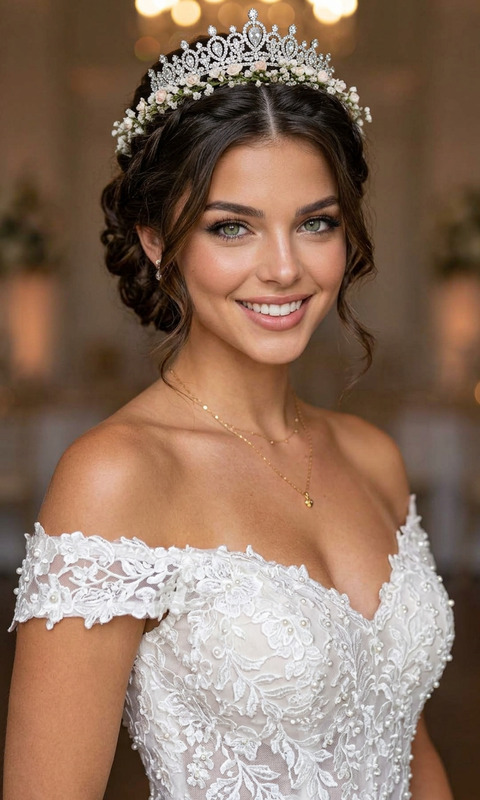
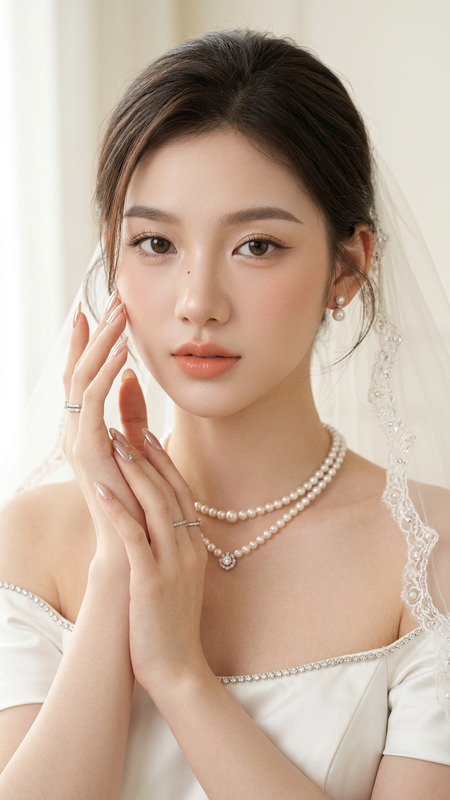
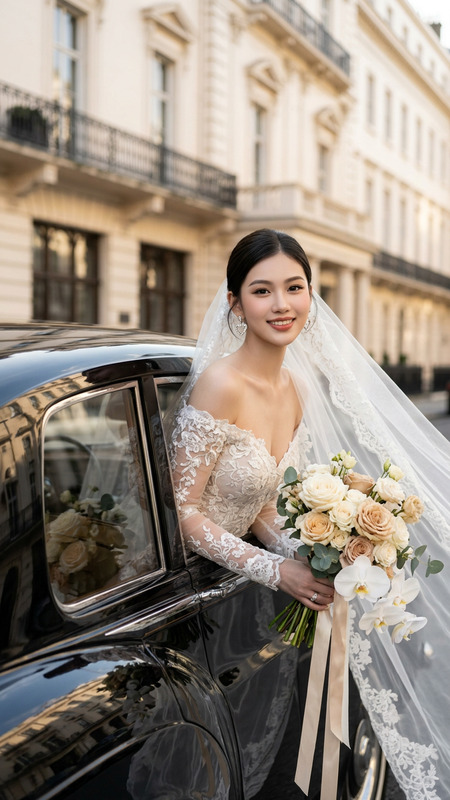
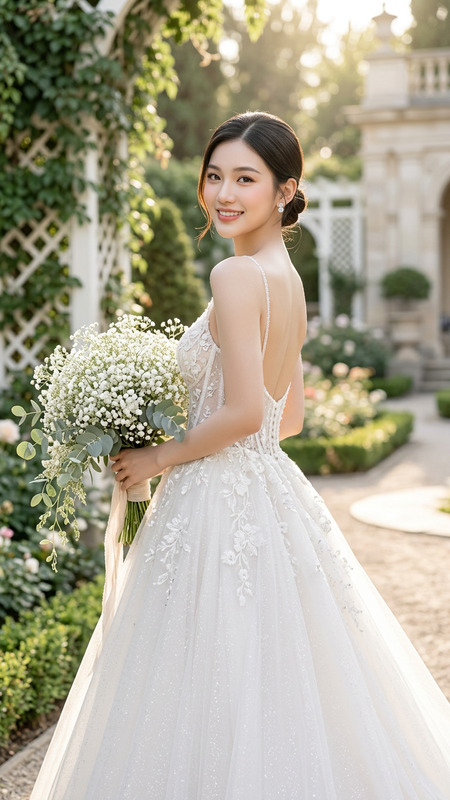
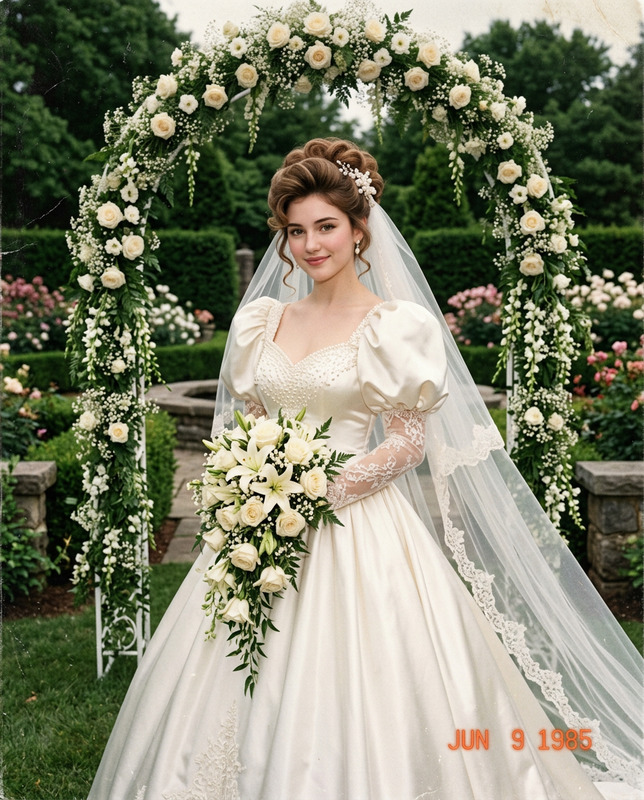
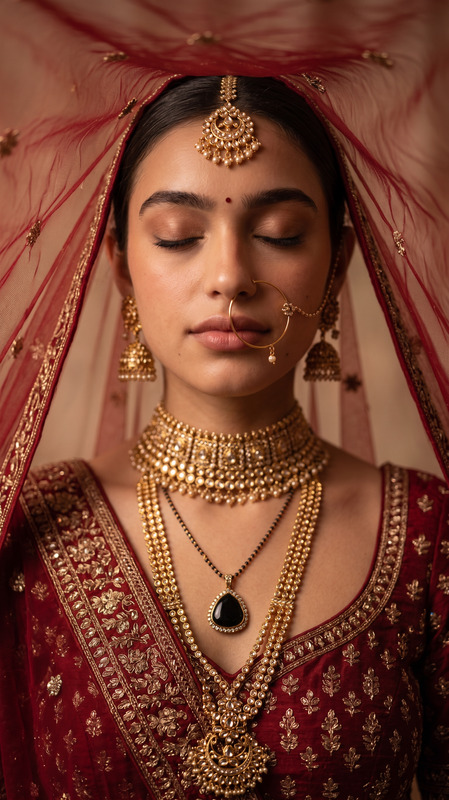
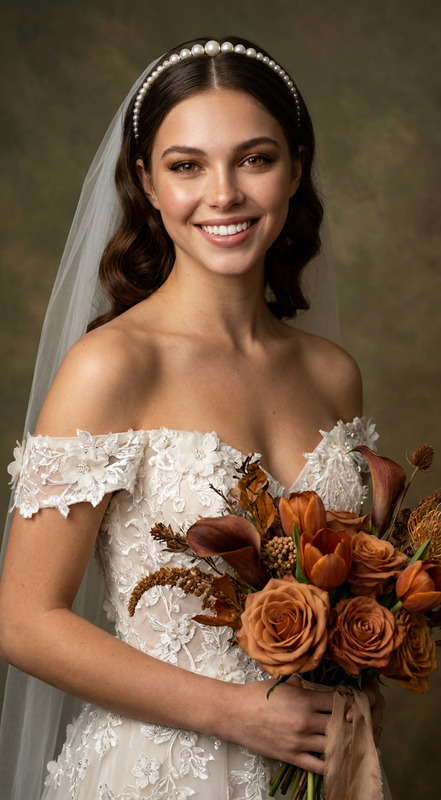
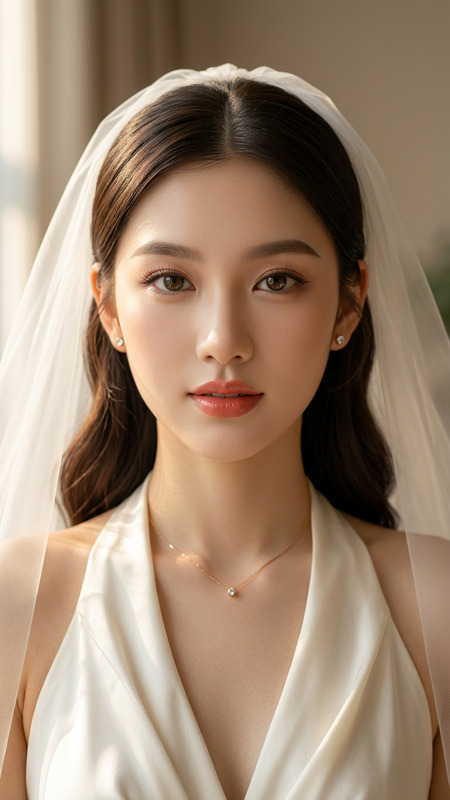
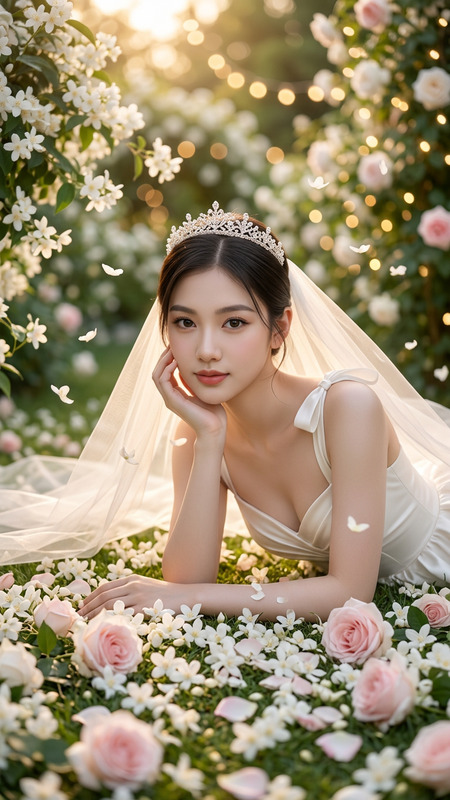
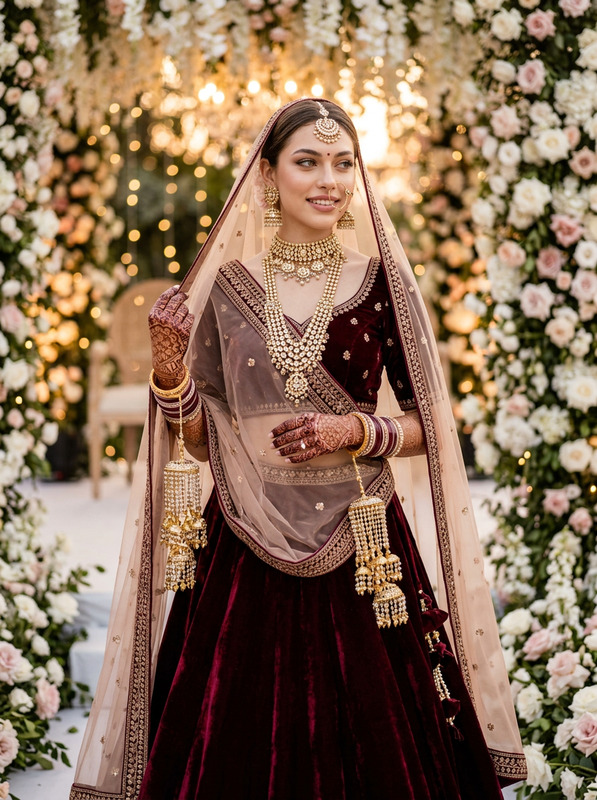
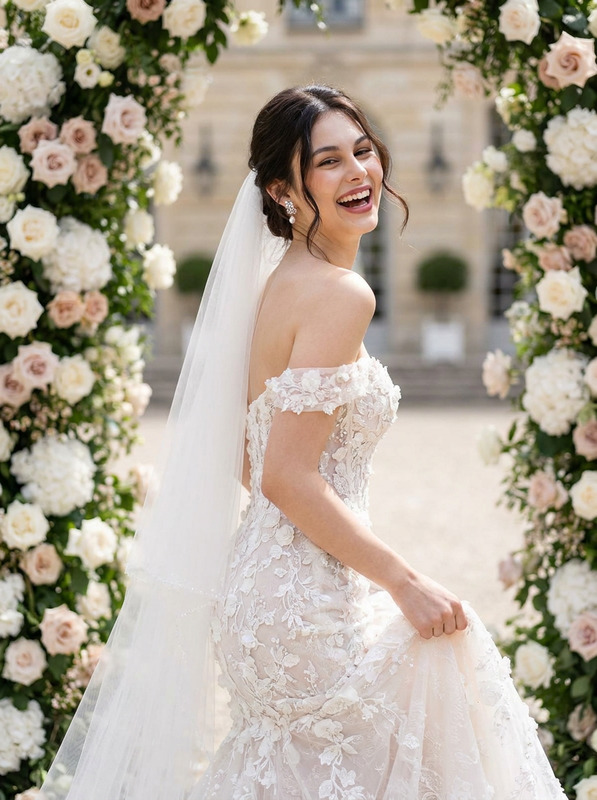
Create a realistic portrait (100% like the face), High-quality, A stunning young bride standing indoors in a luxurious modern hotel suite, wearing an elegant strapless white ball gown wedding dress with intricate lace embroidery, delicate floral appliqués, and a textured beaded sweetheart bodice. The gown features a voluminous princess skirt with soft layered fabric and subtle shimmering details. She wears a long flowing cathedral-length tulle veil cascading behind her shoulders, paired with a sparkling crystal bridal tiara. Minimalist bridal jewelry includes a delicate silver V-shaped necklace, small drop earrings, a thin bracelet, and a simple engagement ring.She is holding a sophisticated bridal bouquet composed of white peonies, white garden roses, fresh eucalyptus leaves, soft green foliage, and tiny lavender baby’s breath accents. Her makeup is soft glam with flawless porcelain skin, natural pink lips, defined brows, warm neutral eyeshadow, long eyelashes, subtle eyeliner, and a gentle bridal glow. Her dark brown hair is styled in a sleek half-up hairstyle with soft natural waves flowing down her back.She faces the camera with a calm, confident smile and graceful posture while holding the bouquet at waist level. The background features a luxurious contemporary hotel interior with wooden wall panels, elegant cabinetry, modern furniture, decorative plants, warm ambient lighting, and a softly blurred background creating a premium lifestyle atmosphere.Photography style: ultra-realistic luxury bridal portrait, editorial wedding photography, fine art wedding photography, natural window lighting, soft diffused daylight, cinematic depth of field, creamy bokeh, high dynamic range, crisp facial details, realistic skin texture, premium color grading, magazine-quality composition.Camera settings: Canon EOS R5, RF 85mm f/1.2L lens, f/1.8, ISO 100, 1/250 sec, eye-level portrait, shallow depth of field, tack-sharp focus on the bride’s eyes, ultra-high resolution, 8K, photorealistic, elegant composition, symmetrical framing, clean luxury aesthetic, masterpiece, highly detailed, realistic fabric texture, soft highlights, natural skin tones..Don’t change the face of reference image
Any aspect ratio
Overview
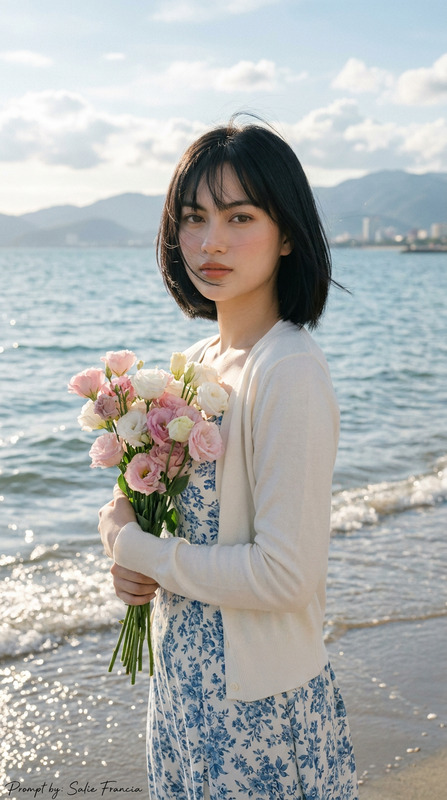
The "Princess Bride" template in the AI Image Editor is a specialized tool designed to enhance bridal portraits. Using the advanced nano-banana-2 model, this template focuses on creating lifelike and luxurious wedding imagery. It's perfect for bringing a bride's vision to life in stunning detail, capturing every intricate aspect of the gown and atmosphere.
What It Does
This template allows you to craft a high-quality, ultra-realistic portrait of a bride in an opulent setting. It maintains the authenticity of the reference image's face while adding elegant bridal elements such as a strapless ball gown, a tulle veil, and a sparkling tiara. The environment is depicted with luxurious modern interior design, ideal for AI Product Photography applications.
Who It's For
"Princess Bride" is perfect for bridal photographers, fashion designers, and wedding planners who require detailed and realistic visualizations. It's also a game-changer for eCommerce ads related to bridal wear and accessories, helping industry professionals visualize and market their products effectively.
Summary
The "Princess Bride" template provides a comprehensive solution for creating beautiful bridal imagery. By leveraging cutting-edge AI, it enhances and preserves the integrity of bridal photos, perfect for both personal memories and professional marketing. Utilize this tool to add a touch of elegance and realism to your projects.
How-To Structure
Choose Your Template

Customize the Inputs

Generate Your Portrait

Use Cases
Bridal Portrait Photography
Wedding Dress Marketing
Event Planning Visuals
Best Practices
Maintain Facial Consistency
Keep the face unchanged to respect the integrity of the reference image, ensuring a natural look.Focus on Lighting
Utilize natural window lighting settings to retain soft and warm highlights.Highlight Key Features
Emphasize elements such as the tiara and bouquet to enrich the visual impact of the final image.