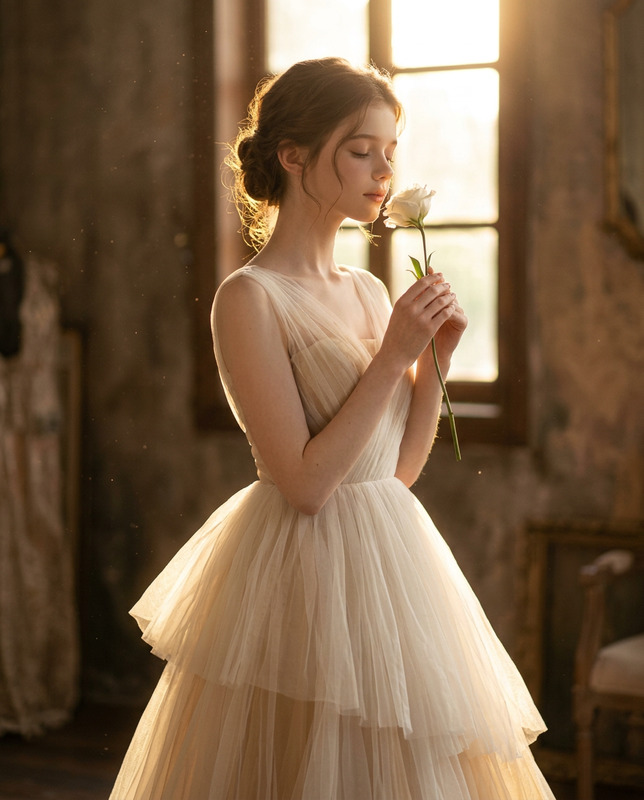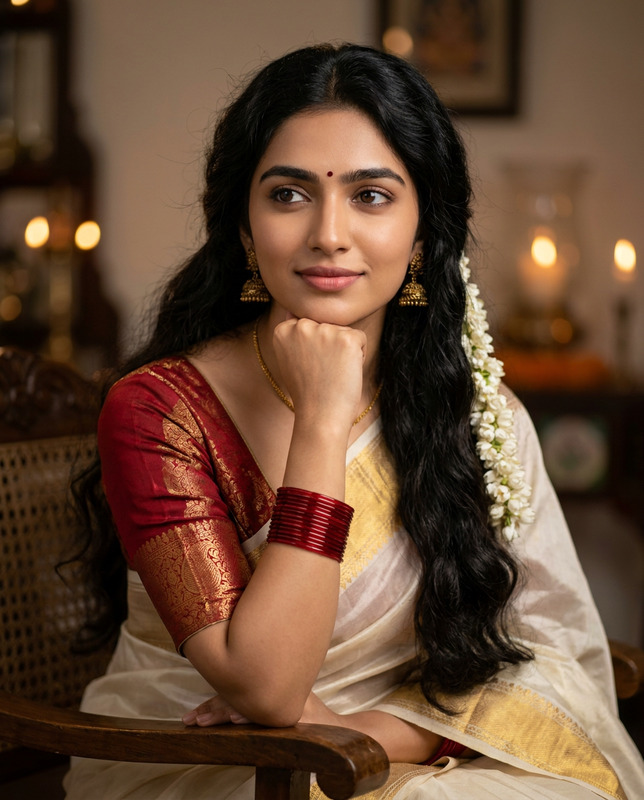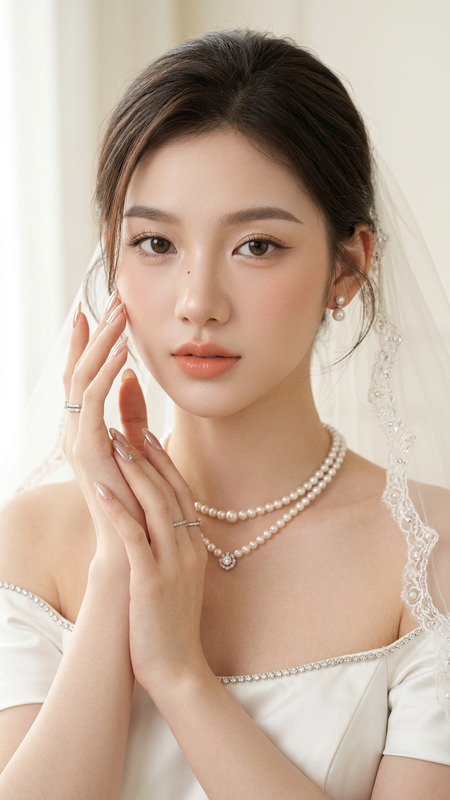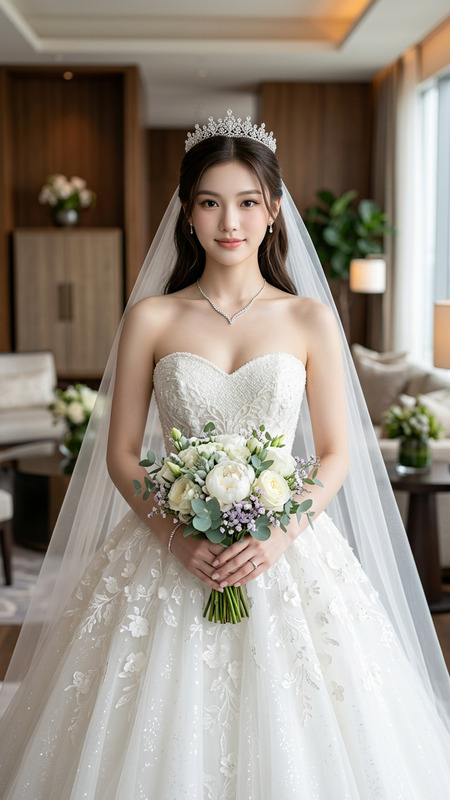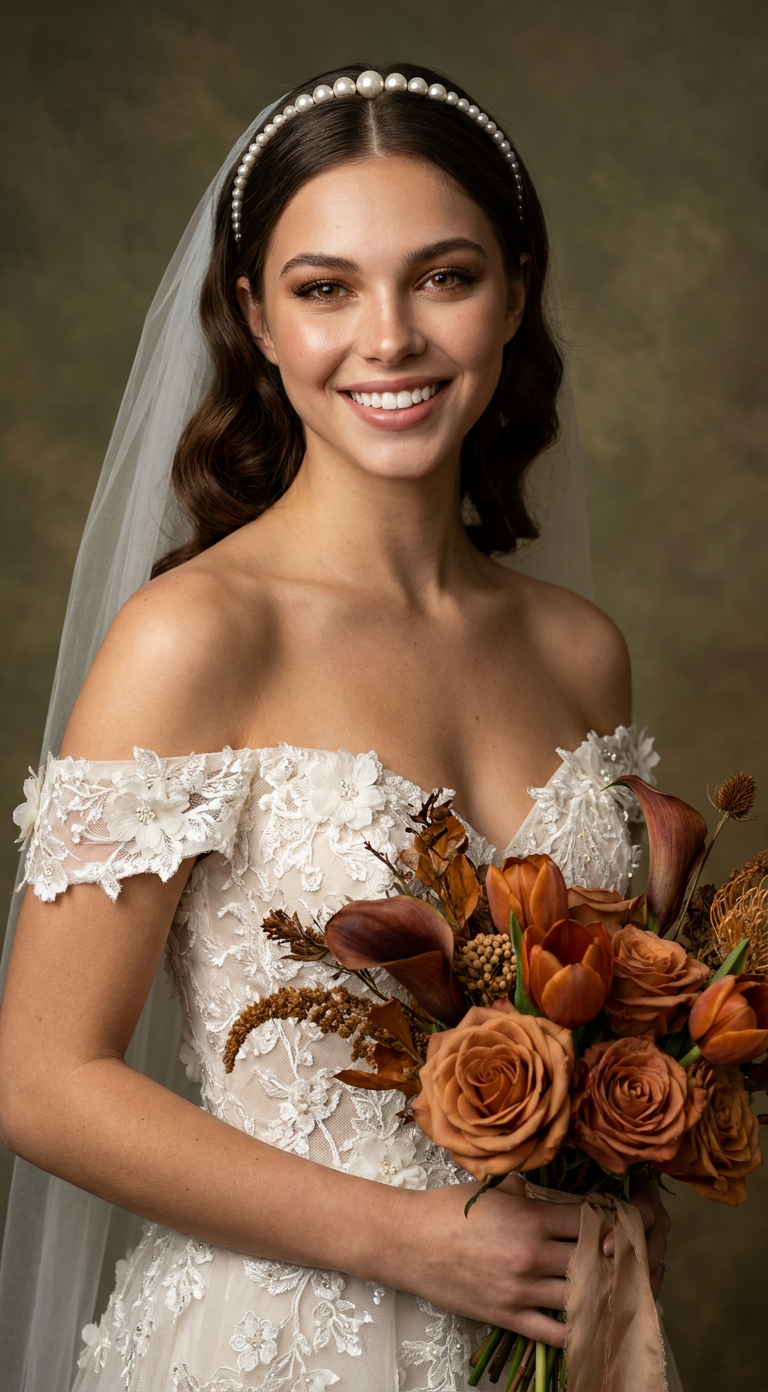
Royal Bride
- Model
- Nano Banana Pro
- Image
- 768 × 1392 px
Prompt
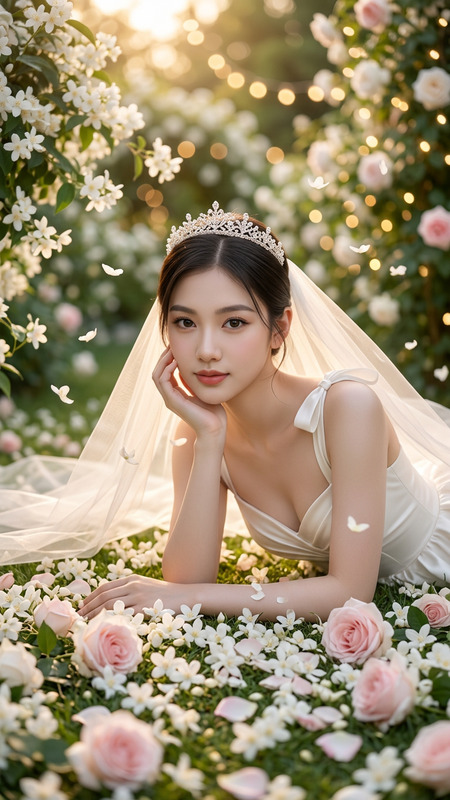
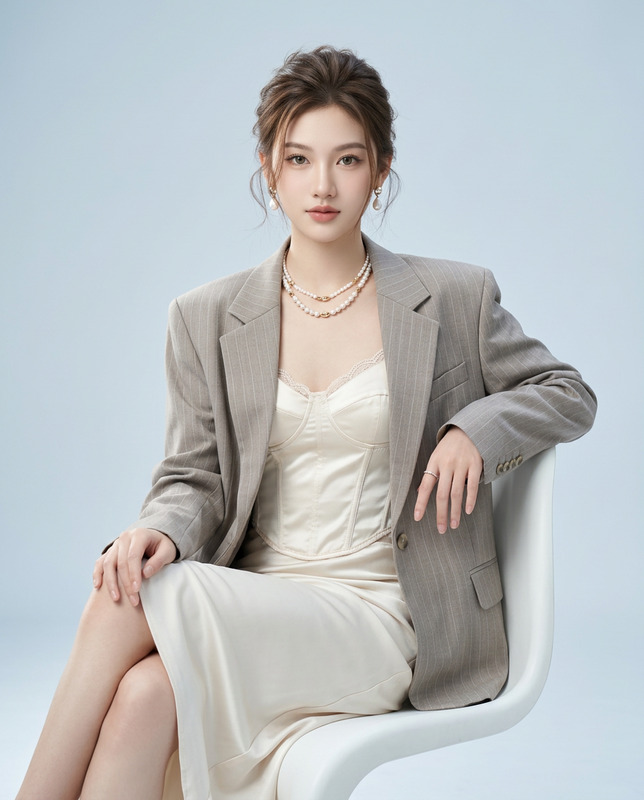
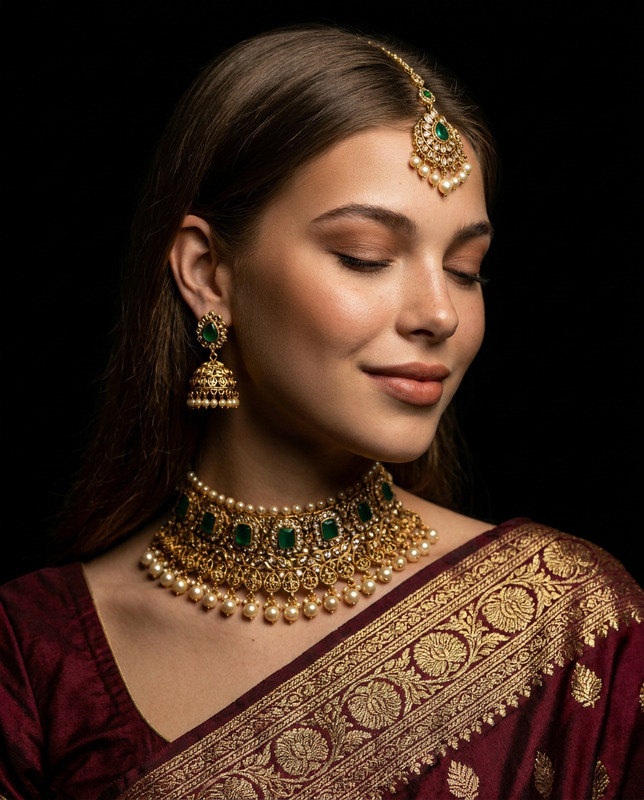
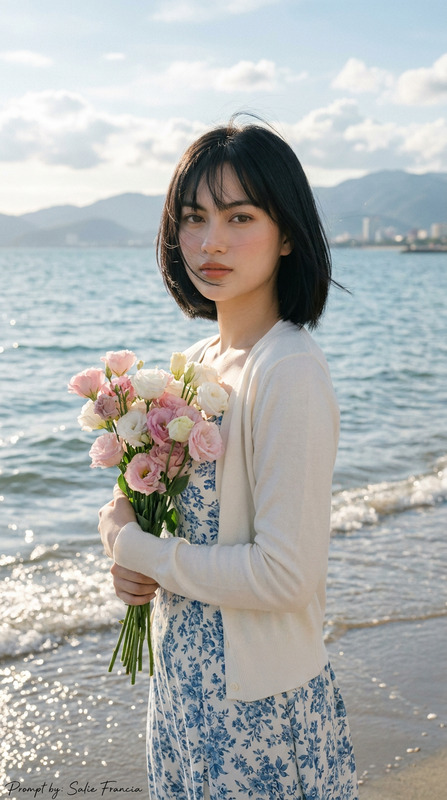
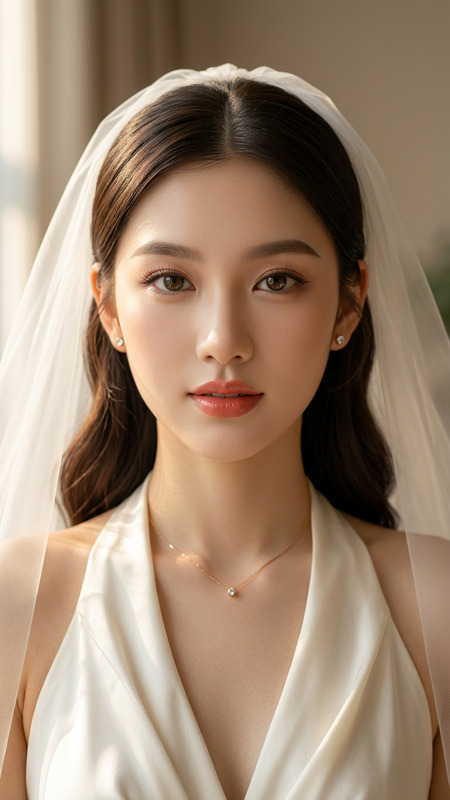
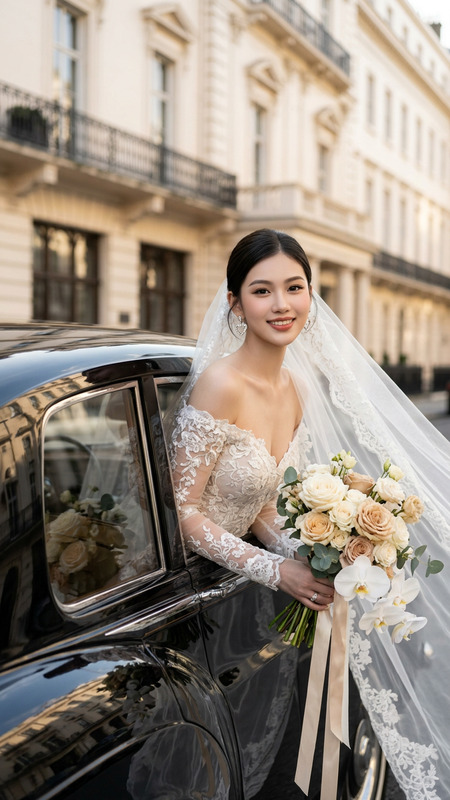
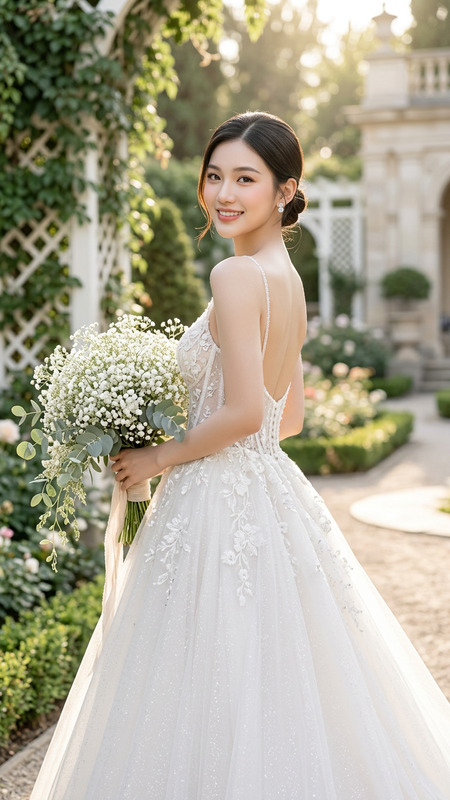
Create a realistic portrait (100% like the face), High-quality, Ultra-realistic luxury bridal portrait of a radiant young bride captured in a professional fine-art wedding studio. She has a warm, genuine smile with bright white teeth, expressive warm brown eyes, naturally arched brows, long curled eyelashes, soft bronze eyeshadow, subtle winged eyeliner, luminous champagne highlighter, peachy blush, and satin nude-pink lips. Her skin is flawless with a natural bridal glow and realistic texture.Her rich dark chocolate-brown hair is styled in soft vintage Hollywood waves, shoulder-length with a clean center part with pearl headband and veil.She wears a luxurious off-the-shoulder ivory wedding gown featuring an illusion corset bodice, intricate floral lace embroidery, three-dimensional floral appliqués, delicate beading, and soft tulle detailing. The neckline is adorned with elegant lace flowers that gracefully rest along the shoulders, creating a timeless couture bridal look.She gently cradles a luxurious autumn-inspired bridal bouquet filled with rust-colored roses, burnt orange tulips, chocolate calla lilies, cream baby’s breath, golden dried botanicals, eucalyptus leaves, berries, textured greenery, and cascading seasonal florals wrapped with natural silk ribbon. Her pose is relaxed and graceful, with the bouquet held naturally near her waist while she slightly turns her body toward the camera.Background: elegant fine-art painted backdrop in muted olive green, earthy brown, and warm golden tones with a subtle vintage canvas texture, softly blurred to create a luxurious editorial atmosphere.Lighting: soft diffused studio lighting combined with warm Rembrandt-style illumination, gentle highlights across the face, realistic skin glow, soft shadows, natural light falloff, warm cinematic ambiance.Photography style: luxury bridal editorial, Vogue wedding campaign, fine-art bridal portrait, high-end wedding magazine cover, couture bridal fashion photography, timeless elegance, romantic storytelling, ultra-photorealistic, cinematic color grading, HDR, realistic skin texture, premium detail, masterpiece quality.Camera settings: Canon EOS R5, RF 85mm f/1.2L lens, f/1.8, ISO 100, 1/200 sec, eye-level portrait, shallow depth of field, tack-sharp focus on the eyes, creamy background bokeh, natural skin tones, ultra-high-resolution 8K, professional bridal studio photography.Color palette: ivory white, champagne, warm beige, olive green, burnt orange, rust, bronze, golden brown, cream, eucalyptus green, soft earth tones.Negative Prompt: low quality, blurry, low resolution, plastic skin, excessive airbrushing, overexposed, underexposed, unrealistic anatomy, asymmetrical face, crossed eyes, deformed hands, extra fingers, duplicate limbs, malformed bouquet, oversaturated colors, harsh shadows, watermark, logo, text, cropped head, artifacts, AI glitches, cartoon, CGI, doll-like appearance, distorted proportions.Don’t change the face of reference image
Any aspect ratio
Overview
The "Royal Bride" template offers an exquisite way to create a luxurious and ultra-realistic bridal portrait. Utilizing the sophisticated AI Image Editor, you can craft portraits that resonate with high-end wedding campaign aesthetics. This tool leverages the power of the renowned nano-banana-pro model, allowing for intricate detail and photorealistic results.
What It Does
This template enhances any bridal image by applying a professional fine-art wedding studio finish. It meticulously integrates features such as vintage Hollywood waves and haute couture gown detailing, producing an image ideal for a bridal fashion magazine. The tool is optimized for luxury bridal editorial styles, recreating high-end studio lighting effects and rich, natural textures. It avoids common pitfalls like low-resolution artifacts while maintaining stunning, true-to-life results.
Who It's For
The "Royal Bride" template is perfect for professional photographers, bridal studios, and wedding planners needing to present brides in their most glamorous form. It's also invaluable for AI Product Photography enthusiasts who want to elevate bridal fashion photography to a professional level. Whether you're crafting a wedding campaign or capturing a timeless bridal moment, this tool is an ideal choice.
Summary
With its detail-rich execution, this template is a must-have for anyone looking to create ultra-realistic bridal portraits. Utilizing studio-quality detail and lighting, it ensures every image is suitable for publication and display. The "Royal Bride" template is your gateway to producing magazine-grade bridal photography, providing users with tools to ensure perfection in every shot.
How-To
Choose the Royal Bride Template

Customize Your Portrait

Generate and Download

Use Cases
Luxury Bridal Campaigns
- Magazine cover shots
- Fashion lookbooks
- Bridal campaign imagery
Wedding Portfolio Enhancement
- Add to digital portfolios
- Print-ready high-res images
- Submissions for bridal contests
Social Media Content
- Instagram reels and stories
- Pinterest bridal boards
- Facebook photo albums
Best Practices
Focus on the Eyes
Ensure the eyes are tack-sharp to draw attention and convey the bride's emotions. Use the shallow depth of field settings for a creamy background bokeh.Subtle Color Grading
Maintain natural skin tones by using gentle color adjustments. Balanced grading helps in achieving authentic editorial looks.Attention to Accessories
Highlight bridal accessories like the pearl headband and veil. Ensure that details are clear and enhance the overall portrait mood.