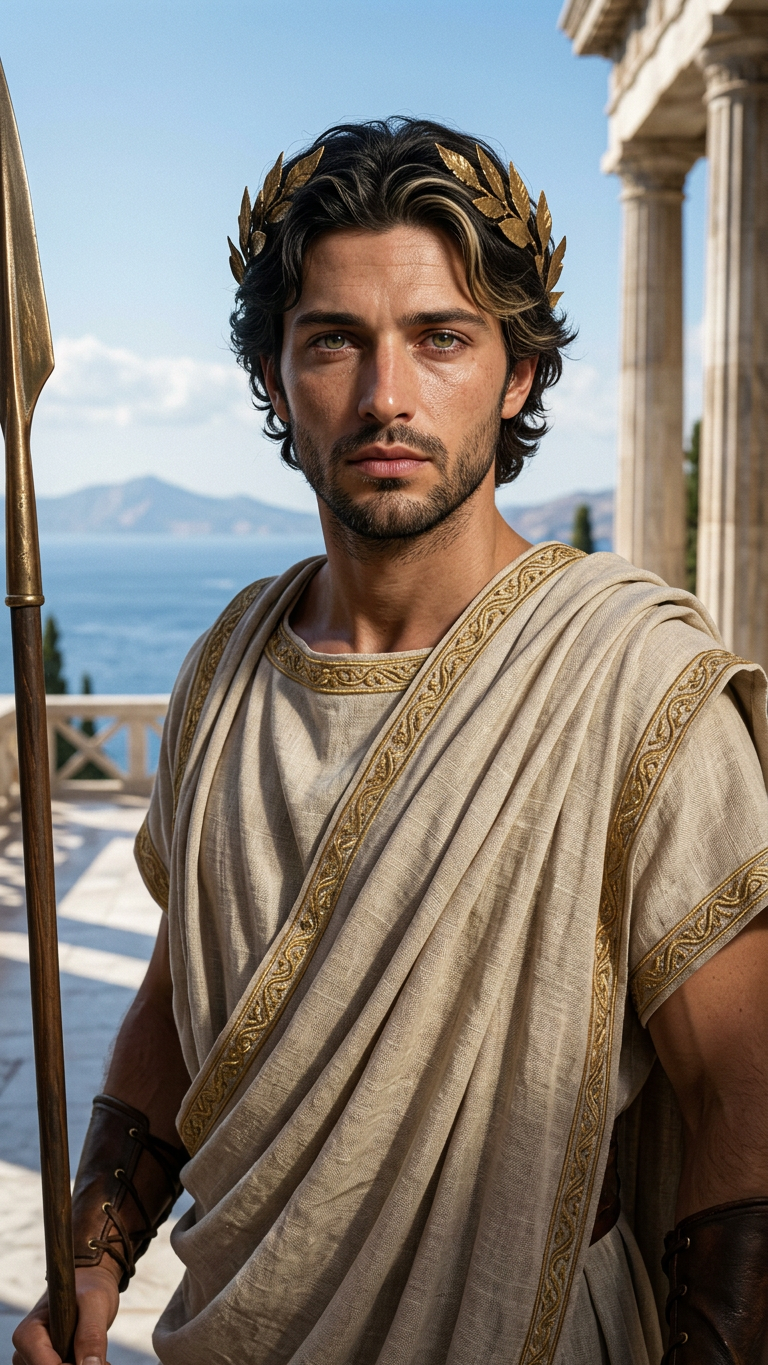
Olympus Ascension
- Model
- Nano Banana 2
- Image
- 768 × 1365 px
Prompt
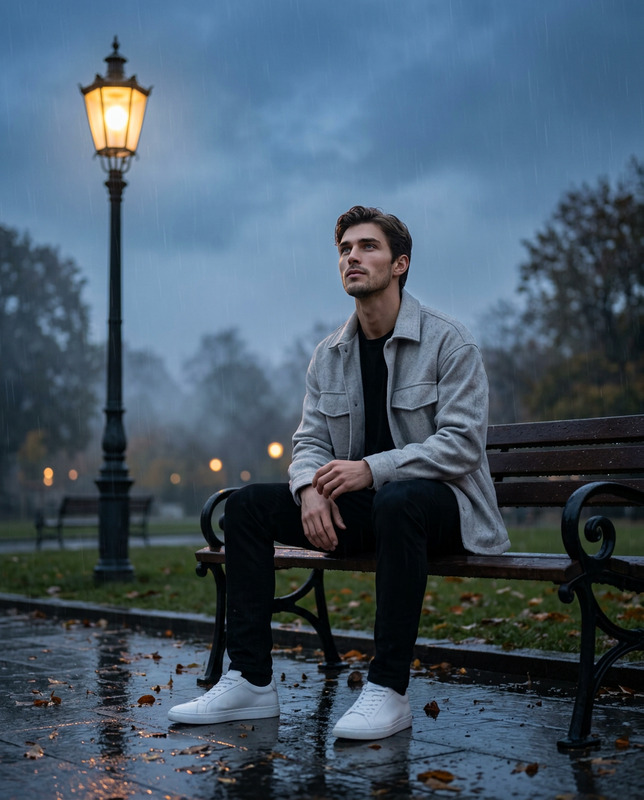
Use the uploaded portrait as the main identity reference. Transform the man into a hyperrealistic ancient Greek god while preserving his exact facial identity, facial structure, expression, age, skin tone, and natural likeness.Create an ultra-realistic cinematic portrait with extremely detailed human skin texture: visible pores, fine facial lines, beard stubble or facial hair detail if present, natural skin imperfections, subtle asymmetry, realistic eye moisture, individual eyelashes, natural hair strands, and believable human anatomy. The result must look like a real high-end editorial photograph, not AI-generated, not plastic, not overly smooth, not cartoonish.Dress him in classical ancient Greek god clothing: draped tunic, himation, ceremonial robe, leather sandals, arm cuffs, laurel wreath, cloak, or warrior-inspired Greek armor details. Use realistic linen, bronze, leather, and gold materials with natural wear, fabric folds, stitching, and historical texture. The styling should feel powerful, noble, and divine, but still grounded and human.Place him in a realistic Greek mythological setting: marble temple, ancient courtyard, sea cliffs, mountain terrace, stormy Olympus atmosphere, or sunlit Mediterranean landscape. Use cinematic natural lighting, dramatic but realistic shadows, shallow depth of field, detailed background, premium filmic color grading, and high-end historical drama realism.Mood: strong, calm, majestic, timeless, divine but believable.Negative prompt:Do not change his identity. Do not make his face generic. No plastic skin, no waxy face, no overly perfect beauty, no fantasy cartoon style, no CGI look, no anime, no modern clothing, no modern objects, no extra limbs, no distorted hands, no text, no logo, no watermark.
Any aspect ratio
Overview
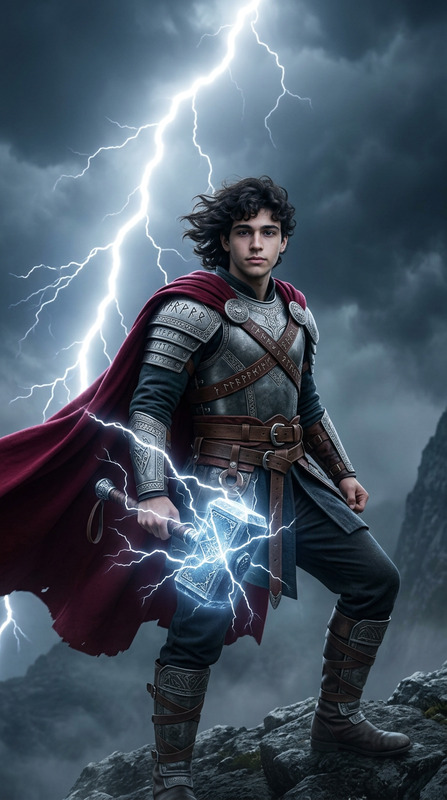
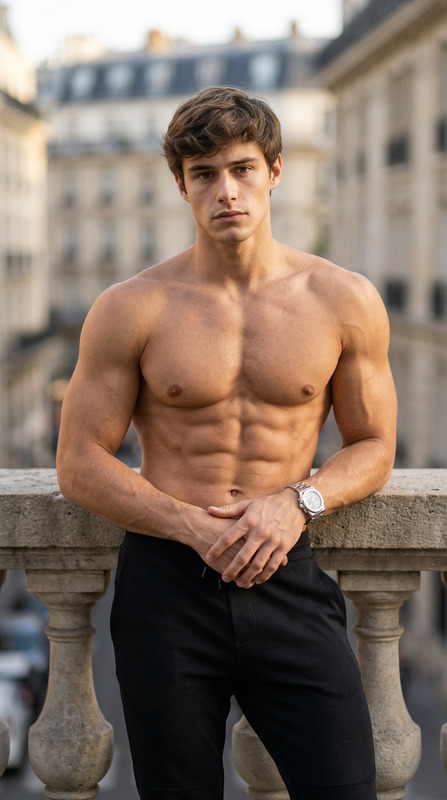
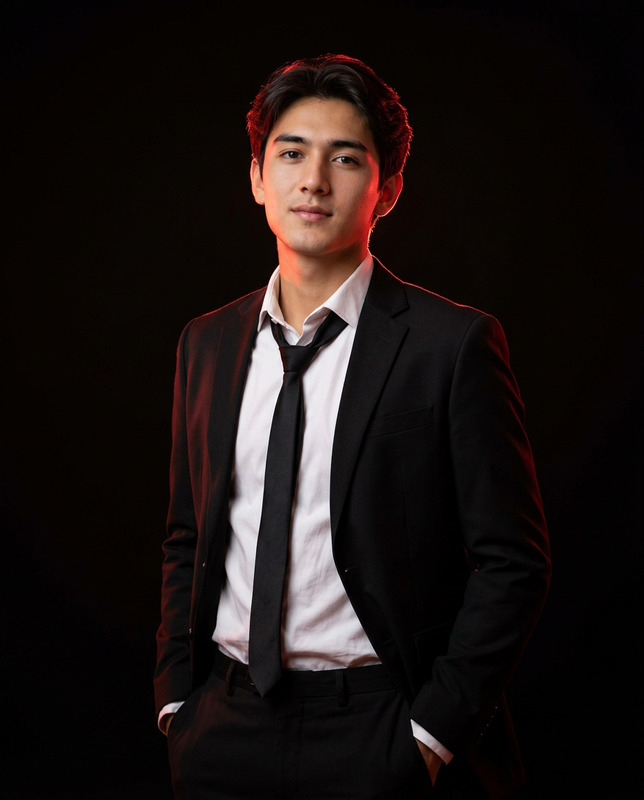
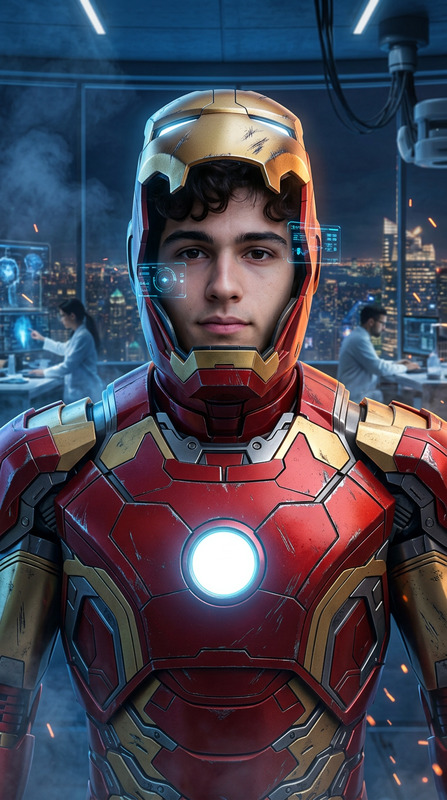
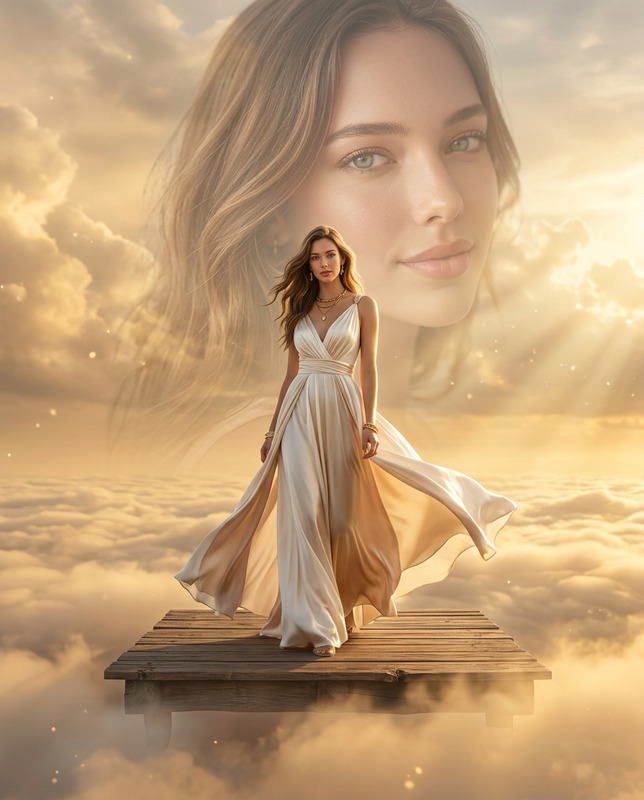
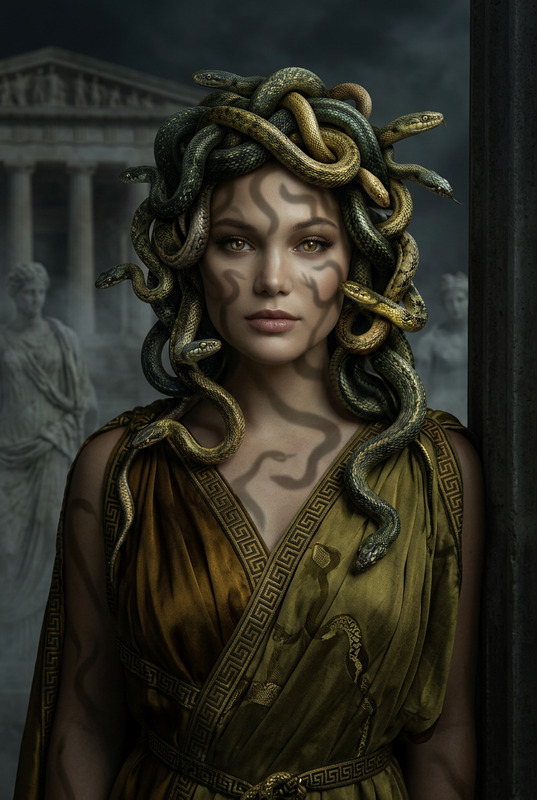
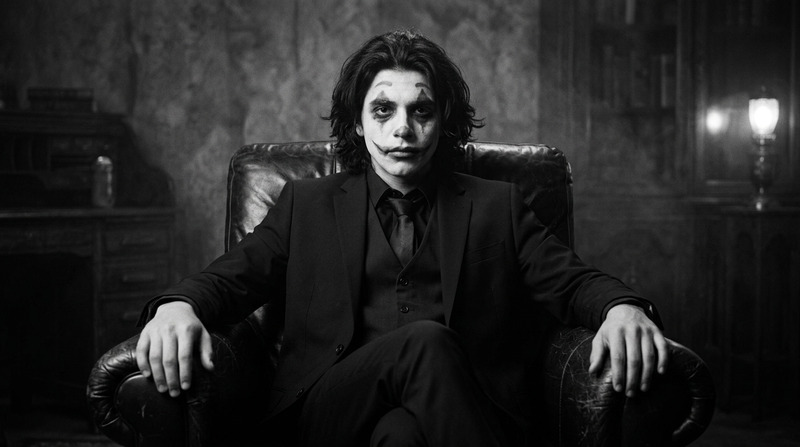
With the Olympus Ascension template, transform ordinary portraits into mythical representations of ancient Greek gods, maintaining the subject’s core identity. Utilizing the advanced nano-banana-2 model, this AI Image Editor elevates portraits with photorealistic textures and epic backdrops, reminiscent of historical dramas and editorial photography.
What It Does
The Olympus Ascension template uses sophisticated AI to convert a portrait into a hyperrealistic depiction of an ancient Greek deity. The template introduces precise details like visible pores, individual eyelashes, and realistic textures of ancient clothing crafted with materials such as linen, bronze, and leather. The stunning backdrops include marble temples and Mediterranean landscapes, creating a grand yet believable mythological setting.
Who It's For
This tool is perfect for visual effects artists, professional photographers, and anyone in the creative industry looking to craft unique, high-fidelity images. It's also a robust option for marketers producing captivating visuals for branding and advertising purposes, leveraging the tools like the AI Ad Creative Generator to form powerful narratives.
Summary
Employ the Olympus Ascension template to achieve unparalleled realism in transforming portraits into mythological icons. Ideal for storytellers in the realm of visual effects and high-end photography, this template ensures the divine elegance and authenticity of your creations. Explore related solutions like the AI Image Editor for further visual enhancements.
How to Use
Choose the Olympus Ascension Template

Customize Your Inputs

Generate the Image

Use Cases
High-End Portrait Photography
- Craft editorials with a dramatic, historical style.
- Ensure subject identity is preserved against stunning mythological backdrops.
Marketing and Branding
- Use god-like imagery for unique product or brand association.
- Complement campaigns with realistic, powerful visuals.
Visual Effects for Film
- Add credible divine figures to cinematic scenes.
- Seamlessly integrate with other visual effects.
Best Practices
Preserve Identity
Always ensure the subject's core identity remains intact, avoiding any generic transformations.Focus on Realism
Aim for ultra-realistic textures and details to prevent any cartoonish or CGI-like appearances.Optimize for Lighting
Use natural and cinematic lighting settings for dramatic yet believable scenes.