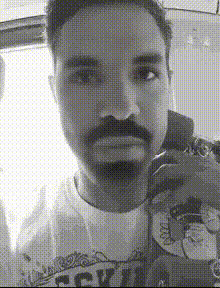
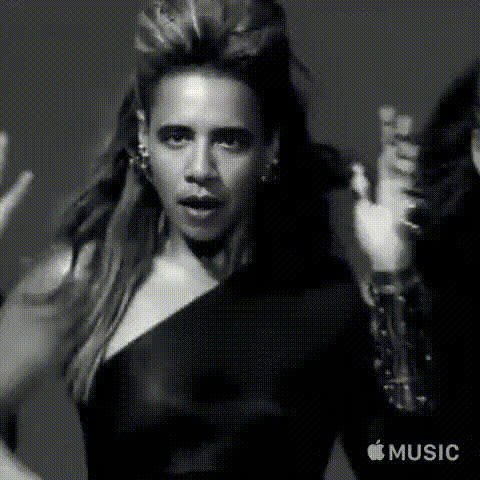
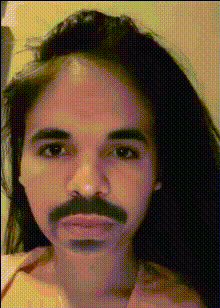
The "Selfie Dance" template allows you to create fun and engaging dance videos by swapping your face onto a dance template. Simply upload an image of your face, and the tool will generate a video with your face performing the dance moves preset in the template.
How to Use
Create your own "Selfie Dance" video in three easy steps.
01
Choose Template
Open the Selfie Dance template on Magic Hour's website.
02
Upload Your Face
Upload an image of your face when prompted. The Face Swap tool will use this image.
03
Generate Video
Click 'Generate' to produce the final video. Your face will appear in the pre-set dance routine.