Dancing Woman Close Up
Overview
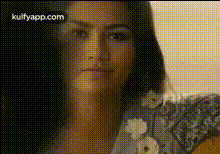
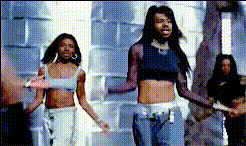
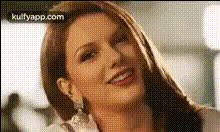
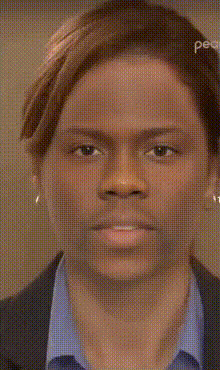
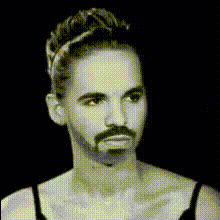
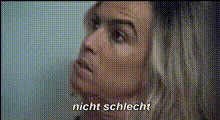
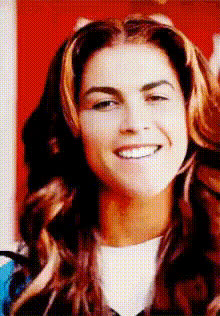
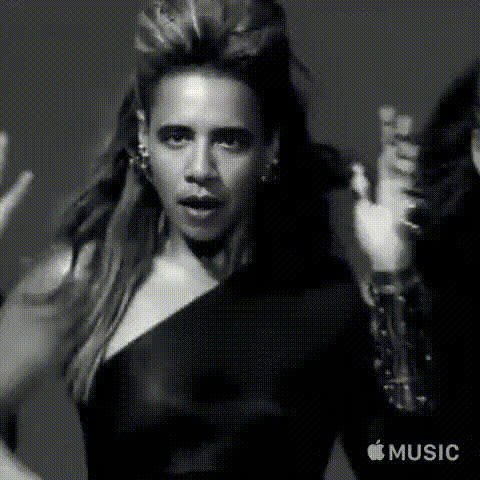
The "Dancing Woman Close Up" template offers a fun and engaging way to create personalized content by swapping faces in a dynamic dance video. Designed for creators looking to infuse more excitement into their videos, this Video Face Swap tool allows you to transform any face into a lively dancing character with ease.
What It Does
This template leverages advanced face swapping technology to replace the face of a dancing woman with any uploaded photo. It's perfect for creating humorous clips, personalized greetings, or engaging social media posts. The output formats include popular video files suitable for sharing across various platforms.
Integrate this with the AI Image Editor to adjust images before use, ensuring optimal swapping results.
Who It's For
Ideal for social media influencers, marketers, and content creators who want to stand out with unique and interactive videos. This template is also great for anyone looking to have fun by placing themselves or friends into popular dance scenes.
Combine this with tools like the AI GIF Generator to expand your creative output with animated GIFs from your videos.
Summary
With the "Dancing Woman Close Up" template, creating eye-catching personalized videos has never been simpler. Whether for entertainment or engagement, this template serves as a versatile tool in your content creation toolbox.
Don't forget to explore other options like the AI Meme Generator to diversify your creative projects further.
How To
Choose

Customize

Generate

Use Cases
Social Media Engagement
- Post funny videos of friends or trending celebrities
- Engage followers with personalized dance challenges
Marketing Campaigns
- Use in promotional videos for a lively brand presence
- Create eye-catching, personalized ads
Entertainment and Events
- Create personalized dance clips for birthdays or celebrations
- Design fun, interactive event invitations
Best Practices
Choose a High-Quality Photo
Use clear and focused images for best swapping results. The better the image quality, the more convincing the face swap will be.Align Faces Accurately
Ensure facial features align correctly in the template’s customization step to avoid mismatches.Experiment with Lighting
Adjust lighting settings in the AI Photo Relighting tool for consistent lighting between the face and the video.