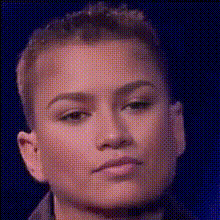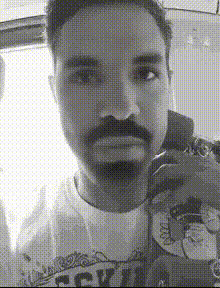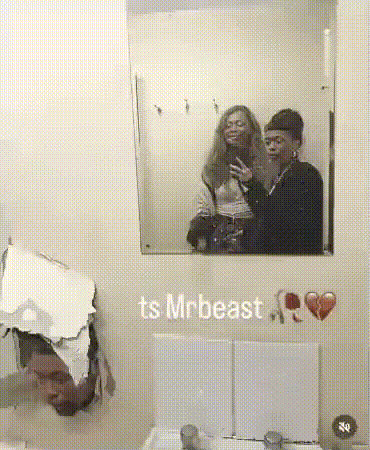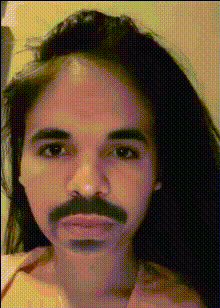
Group Selfie
Overview
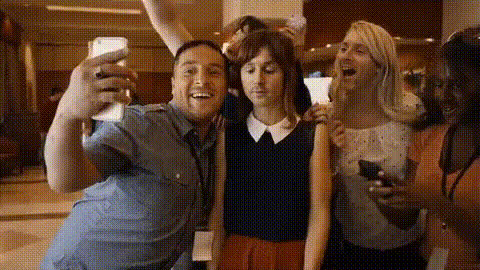
The Group Selfie template brings creative fun to your photos by swapping faces in group shots. Whether you're at a party or family gathering, add an entertaining twist that everyone will love. Begin crafting unique group selfies that capture the moment uniquely.
What It Does
This Video Face Swap template allows you to switch faces among friends and family in any group selfie. Using advanced AI technology, it ensures the face swaps are realistic and maintain facial expressions for a natural look. It's an ideal tool for those looking to add a humorous element to their photo albums or social media.
Who It's For
The Group Selfie template is perfect for social media enthusiasts, event photographers, and anyone who loves to create memorable and amusing images. It's also great for content creators who want to add some fun to their meme videos and social media content.
Summary
Transform your group photos with our Group Selfie face swapping tool. Easy to use and packed with fun, it's an essential addition to any photo editing toolkit. Explore our other creative options like the Head Swap and AI Talking Photo tools for even more possibilities.
How-To Structure
Choose Your Template

Customize Your Inputs

Generate and Enjoy

Use Cases
Social Media Fun
- Create humorous group selfies
- Boost engagement with eye-catching posts
Event Photography
- Capture hilarious moments
- Enhance client photo packages
Meme Creation
- Develop trending meme content
- Enhance storytelling with visuals
Best Practices
Choose Photos With Good Lighting
Ensure the group photo has even lighting for the best face swap results.Ensure Clear and Large Faces
Faces should be clear in the photo; blurred faces might not align well.Experiment with Different Photos
Try using various group shots to see which yields the funniest results.