Ban Red Leather Jacket With Black Pants
- Image
- 632 × 1024 px
Any aspect ratio
Overview
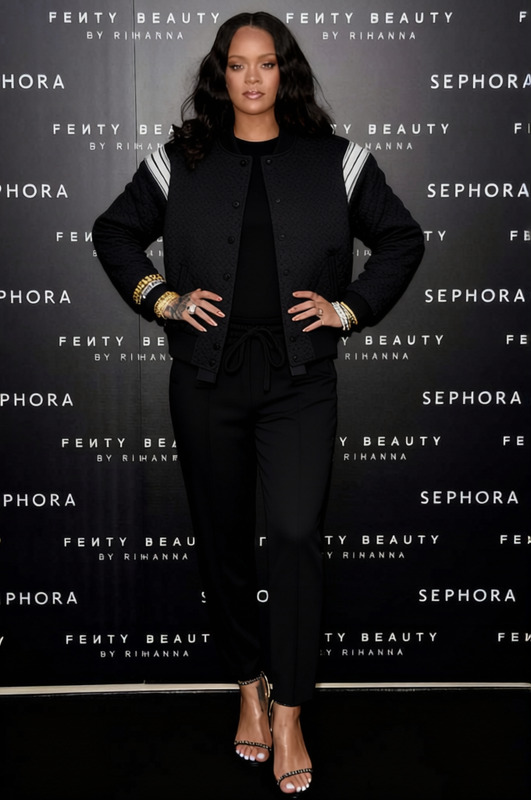
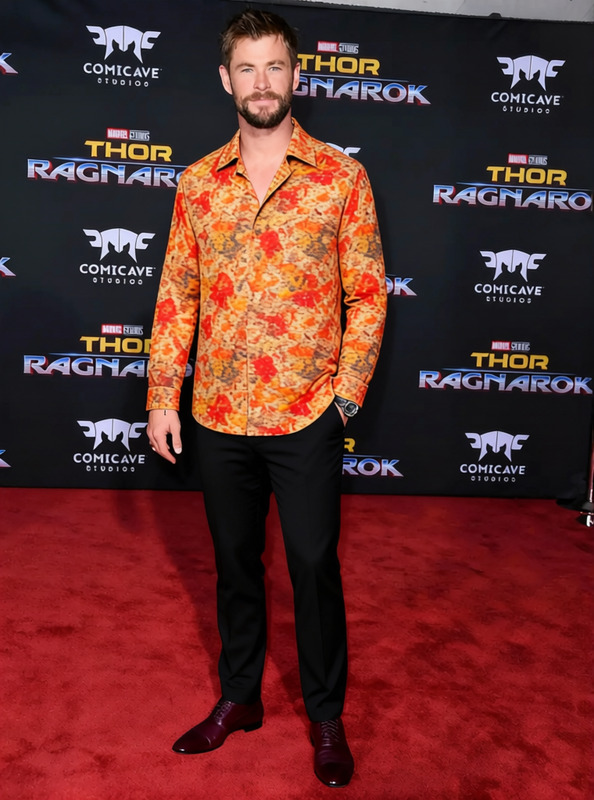
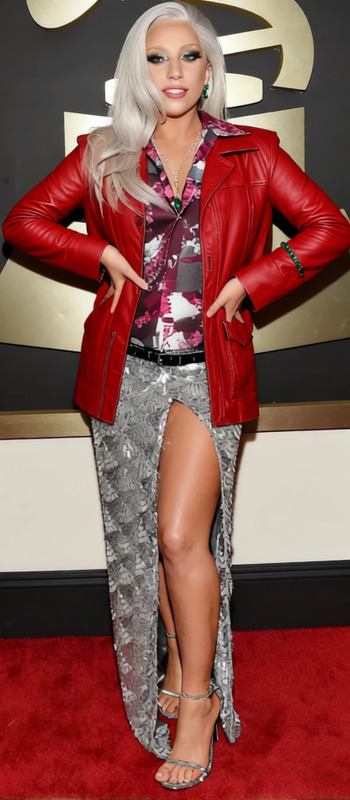
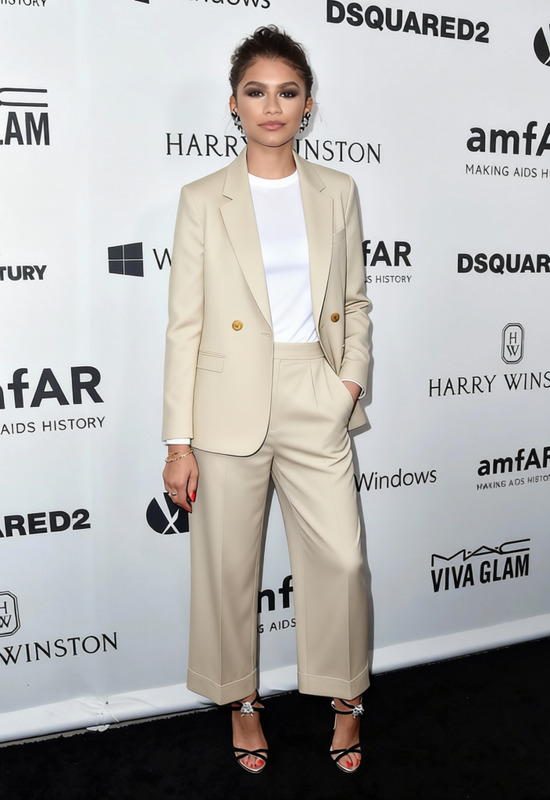
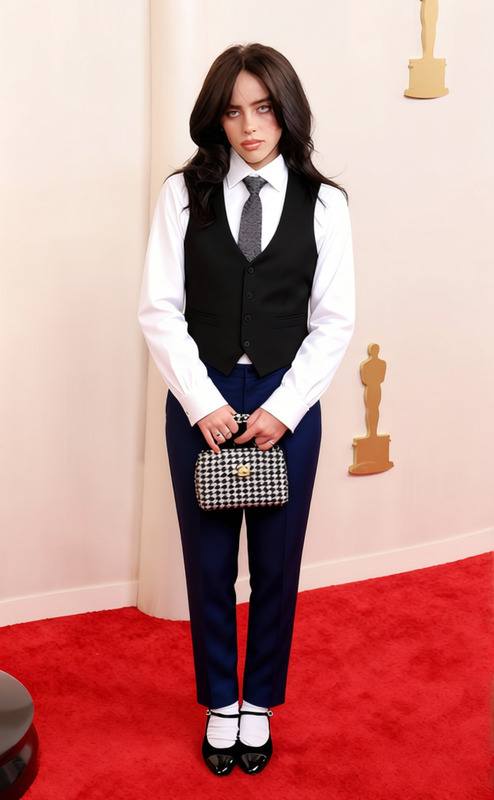
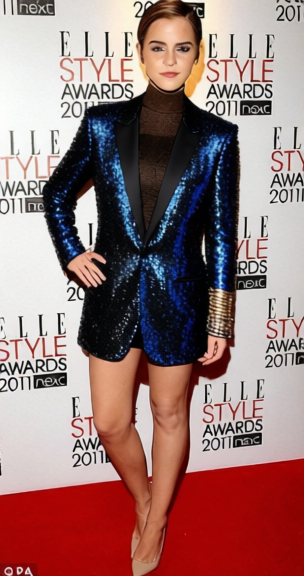
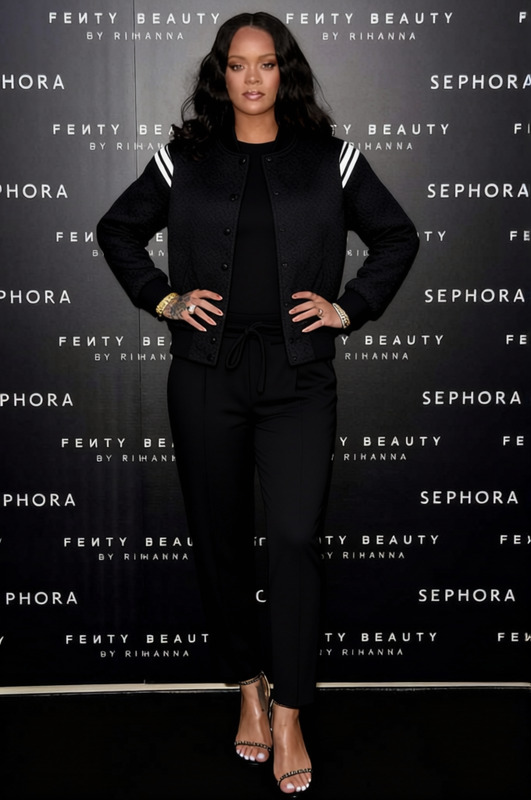
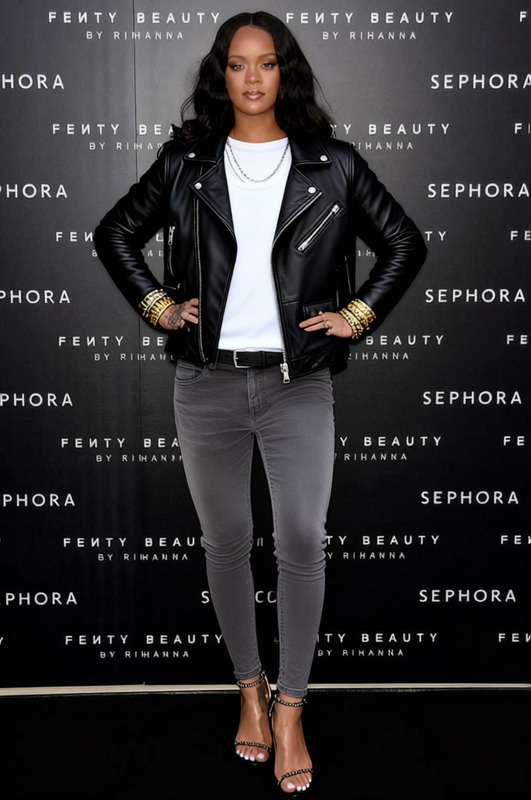
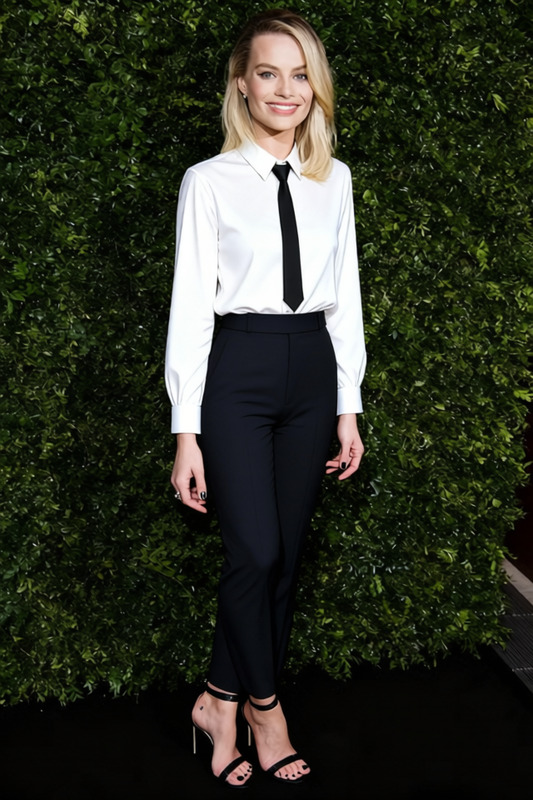
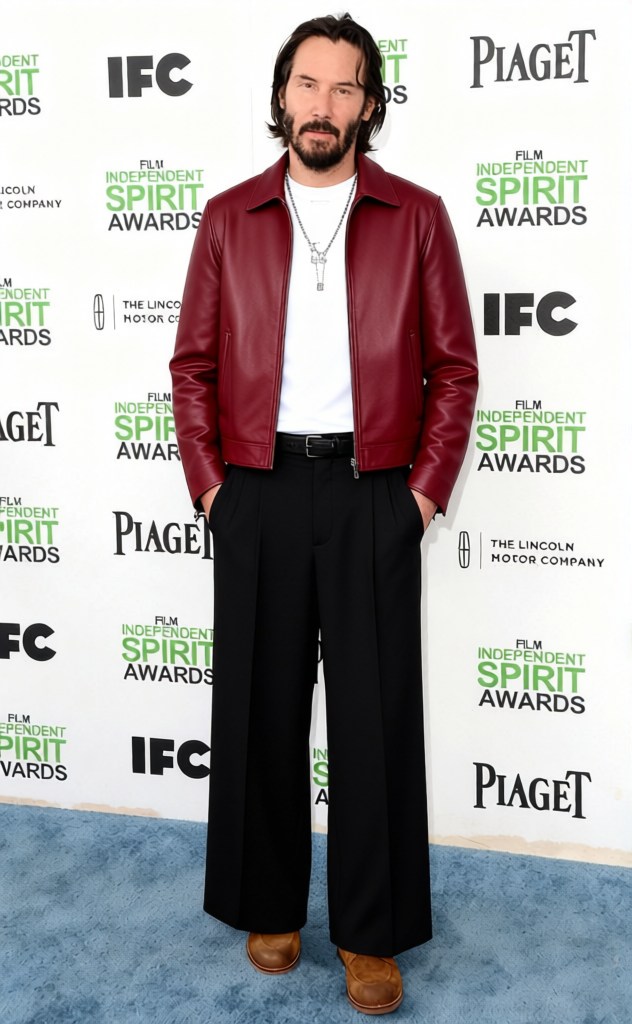
This template allows you to change the clothing in an image, specifically swapping out a red leather jacket for black pants. It's part of our AI Clothes Changer suite, designed to help you experiment with different outfit combinations without needing new photoshoots.
What It Does
By using advanced AI, this template seamlessly converts images of individuals wearing a red leather jacket into those showcasing black pants. This process maintains the original posture and background, ensuring a natural-looking result. Ideal for experimenting with fashion ideas or creating a new style direction digitally.
The transformation is integrated with our AI Image Editor which ensures the clothing change is both precise and visually appealing.
Who It's For
Fashion designers and photographers who want to explore new styling options without staging new photo sessions will find this template invaluable. It's also perfect for e-commerce businesses aiming to enhance product visuals through digital wardrobe changes. Marketing teams can use the AI Profile Picture Generator to present cohesive brand identities.
Summary
Transform fashion imagery with the Ban Red Leather Jacket With Black Pants template. It leverages AI to offer precise clothing changes while preserving image integrity. This tool facilitates innovative fashion ideation, streamlining workflows for professionals in fashion and e-commerce. Dive into a world of digital fashion flexibility.
How To
Choose the Template

Customize Your Input

Generate and Download

Use Cases
Fashion Design Ideation
E-commerce Visuals Enhancement
Marketing Campaigns
Best Practices
High-Quality Images
Start with high-resolution images for the best results. This ensures the new clothing appears as natural and detailed as possible.Clear Clothing Boundaries
Ensure the clothes in the original image are well defined to assist the AI in making accurate changes.Context Consideration
Think about the context and surroundings of the image to maintain a harmonious look after the clothes are changed.
Frequently asked questions
More Like This