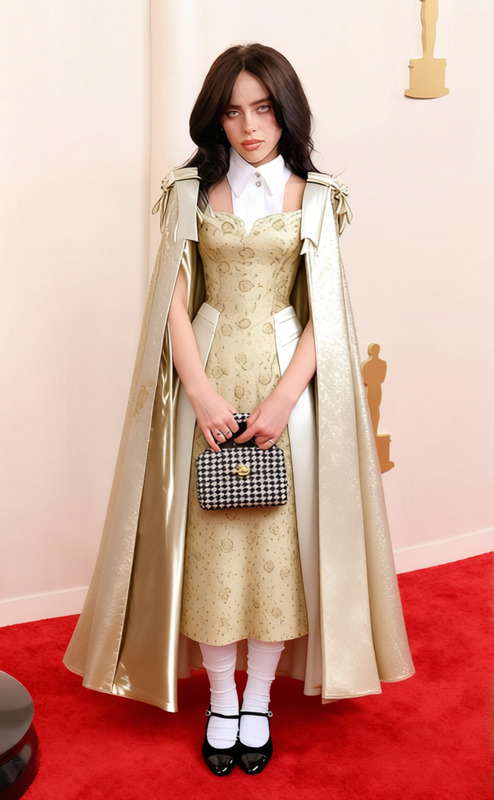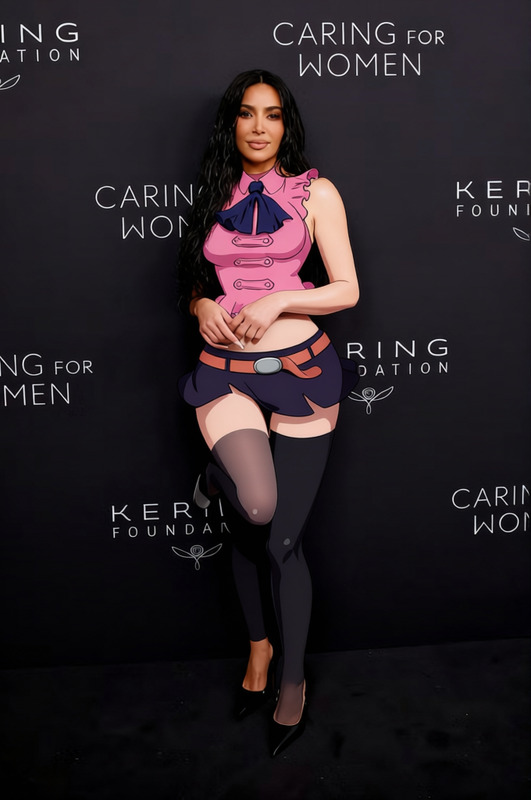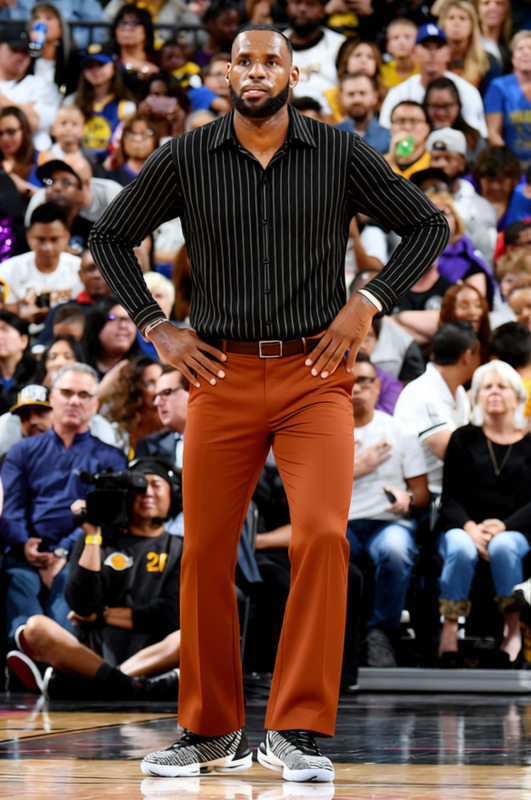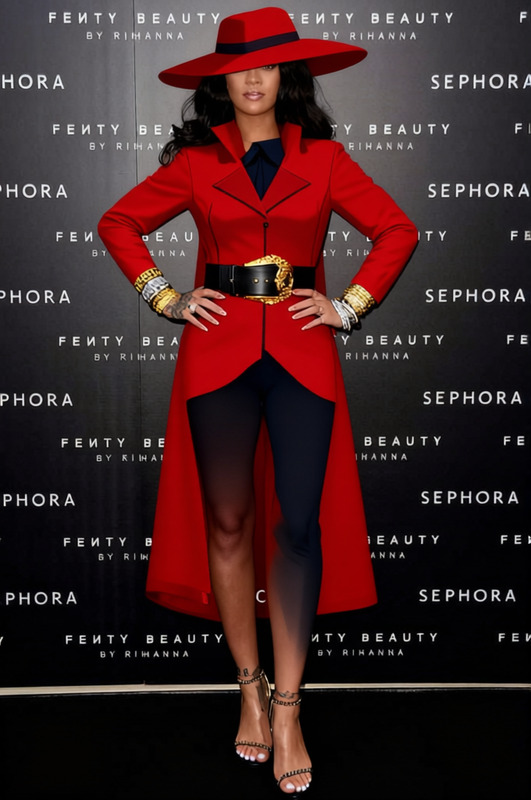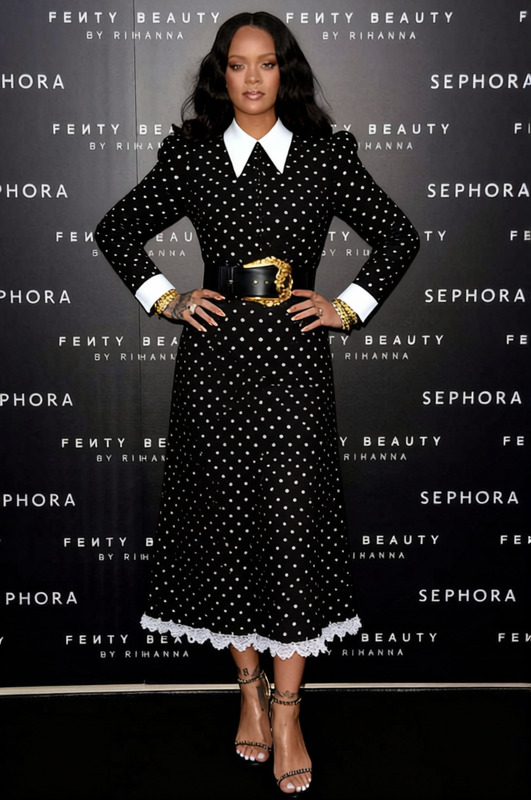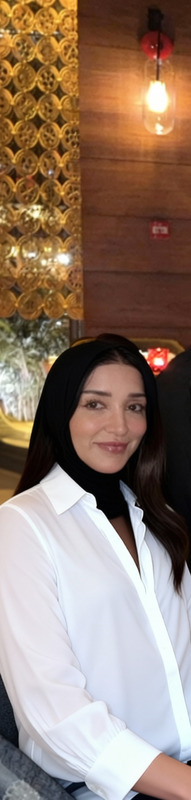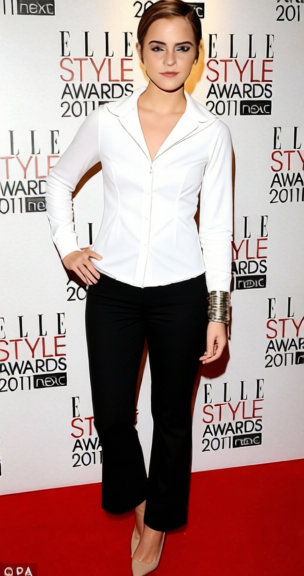
Mia Wallace White Button Up With Black Trousers
- Image
- 304 × 576 px
Any aspect ratio
Overview
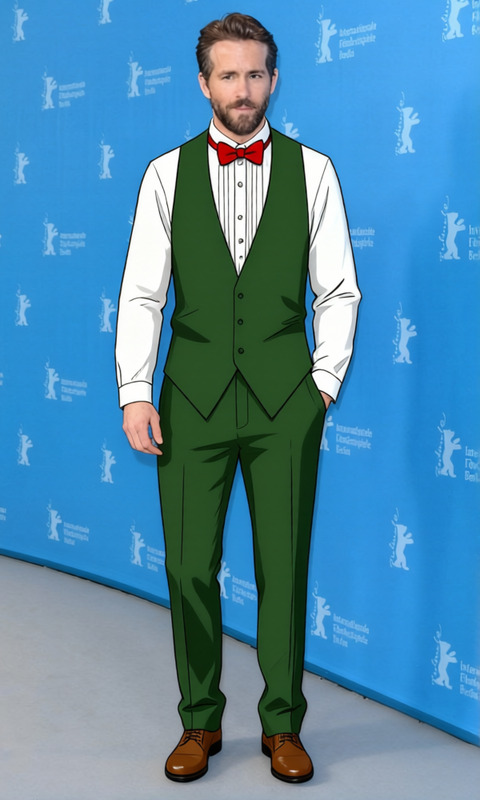
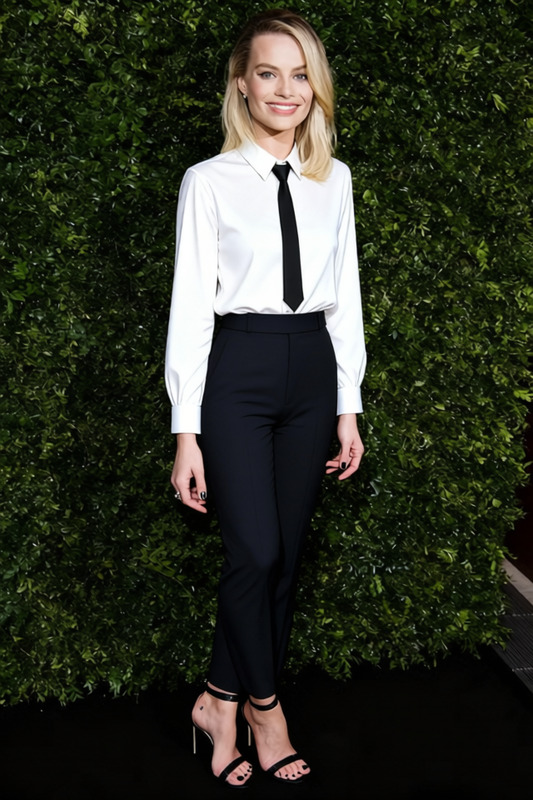
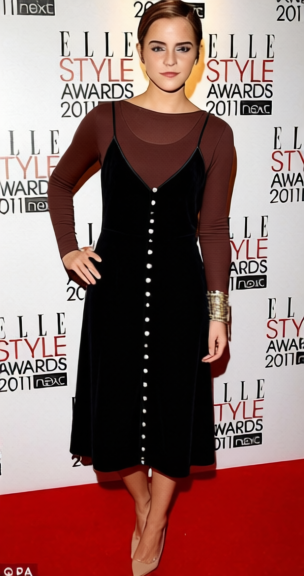
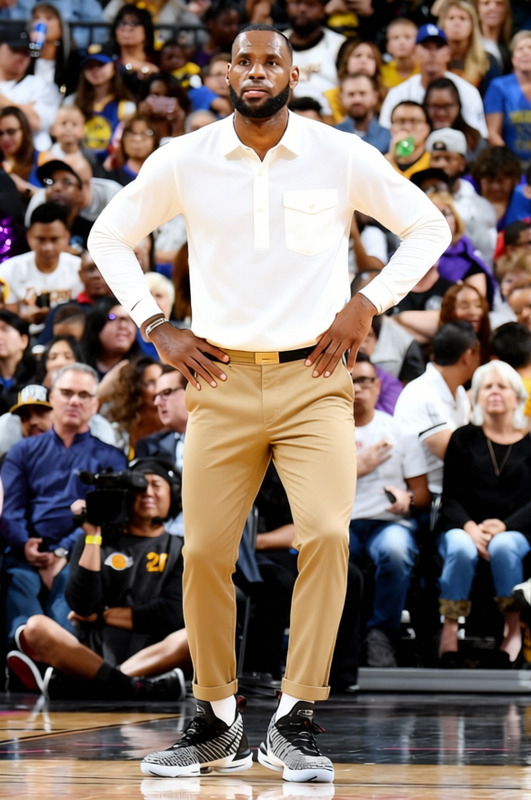
The Mia Wallace White Button Up With Black Trousers template offers a precise clothing swap, changing existing outfits into a chic, iconic look. Perfect for presentations, commercials, or creative projects, this tool updates your visual content with ease. Combining realism with high-quality image processing, this template is a must-have for fashion-forward designs.
What It Does
This template transforms the attire in your images into a white button-up shirt paired with black trousers. Utilizing advanced image recognition, it ensures that the new clothes fit naturally onto the subject. Ideal for digital marketers and creative professionals, it can enhance AI Clothes Changer workflows for visual consistency across campaigns.
Who It's For
The template caters to creative professionals, fashion designers, and content creators. Whether you're planning a virtual fashion show, need consistent outfits for an editorial shoot, or want to visualize new styles, this tool offers a polished solution. It integrates seamlessly with other AI Product Photography tools to enhance your image portfolio.
Summary
Bring sophistication to your digital images with the Mia Wallace White Button Up With Black Trousers template. It's perfect for personal projects or commercial content where style and detail are paramount. Pair it with the AI Image Editor to refine the final touches and create standout visuals.
How-To
Choose Your Template

Customize Your Inputs

Generate Your Image

Use Cases
Fashion Editorials
- Consistent styling for magazine layouts.
- Quick changes without reshoots.
Virtual Fashion Shows
- Streamline digital presentations.
- Enhance audience engagement.
Marketing Campaigns
- Align brand visuals.
- Efficient content updating.
Best Practices
High-Resolution Images
For optimal results, use high-resolution images to provide more detail for the clothing overlay.Consistent Lighting
Ensure the lighting in your original image is even to enhance the blending of the new clothing.Consider Angle
Use images where the subject is facing front-on for the best clothing alignment.
Frequently asked questions
More Like This