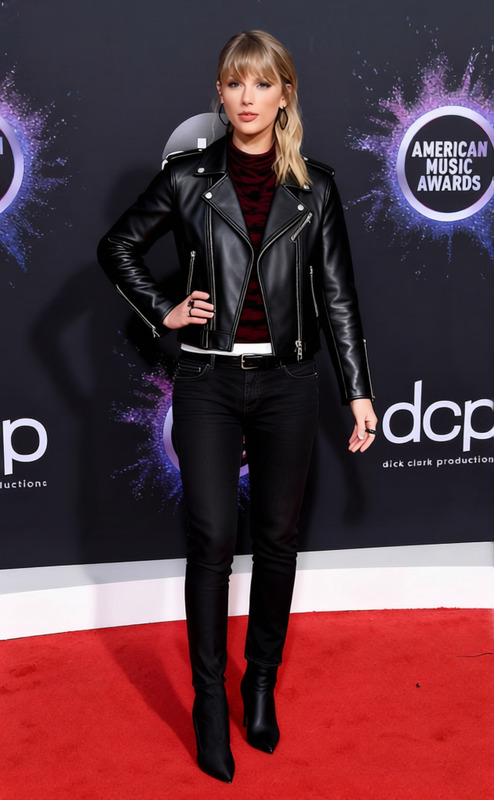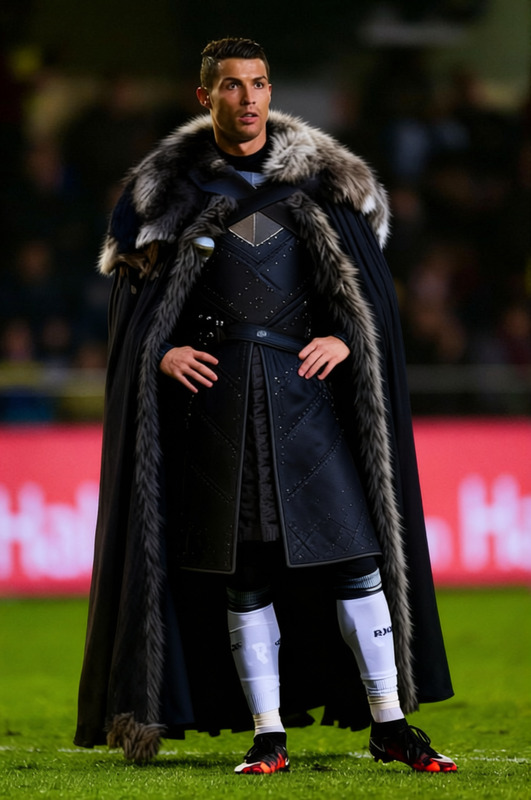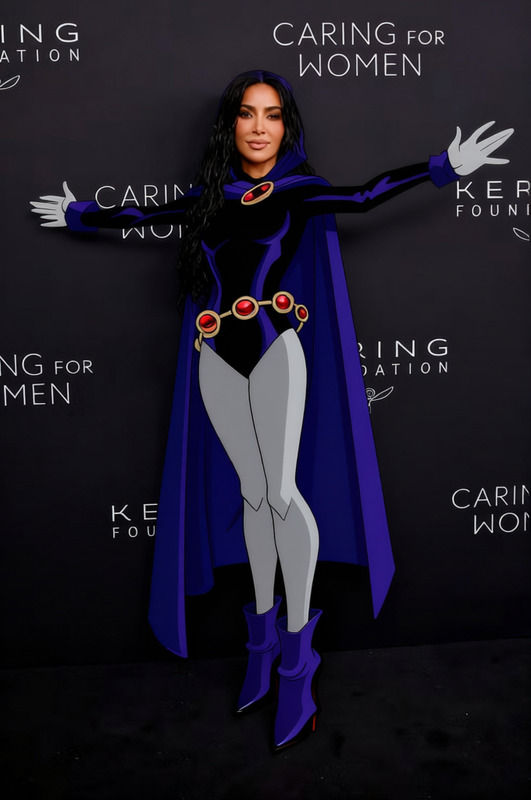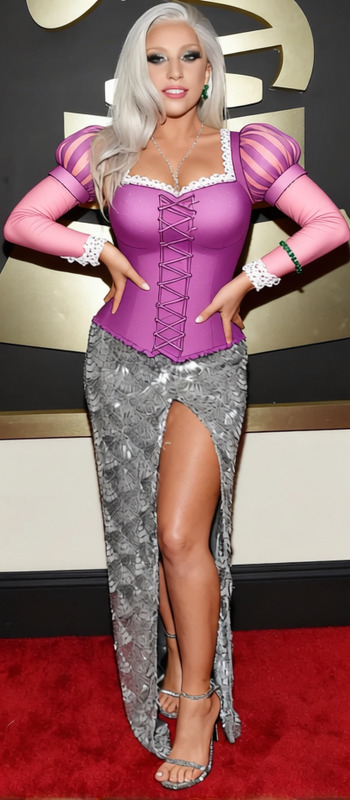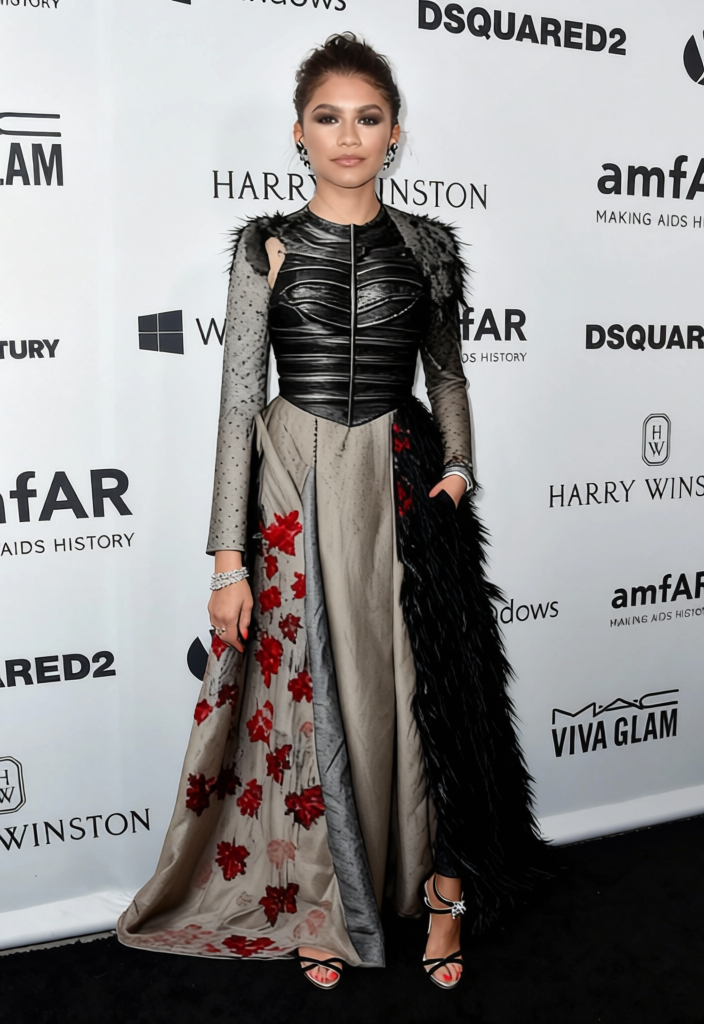
Sansa Stark Grey Northern Gown With Fur Shawl 2
- Image
- 704 × 1024 px
Any aspect ratio
Overview
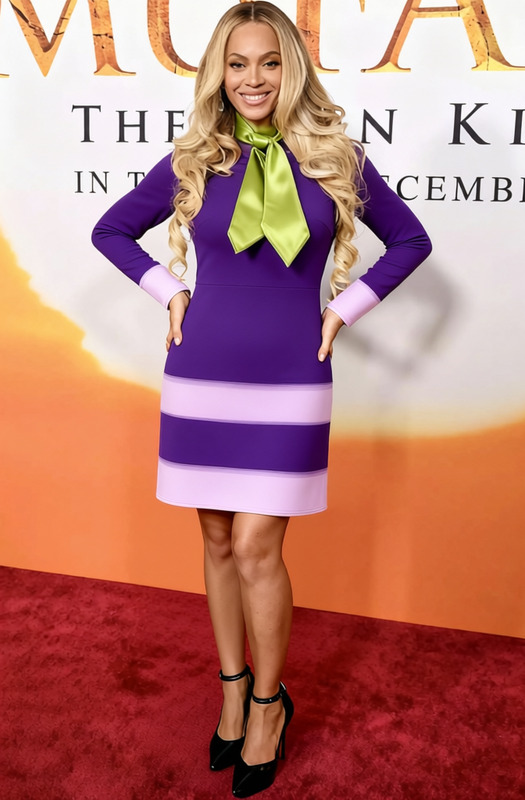
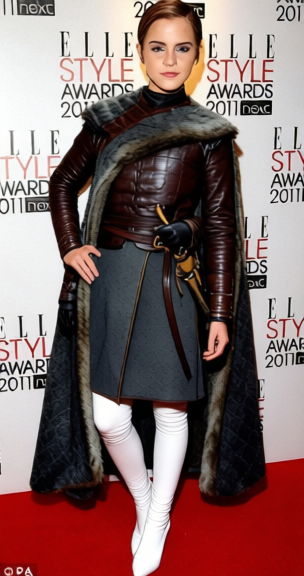
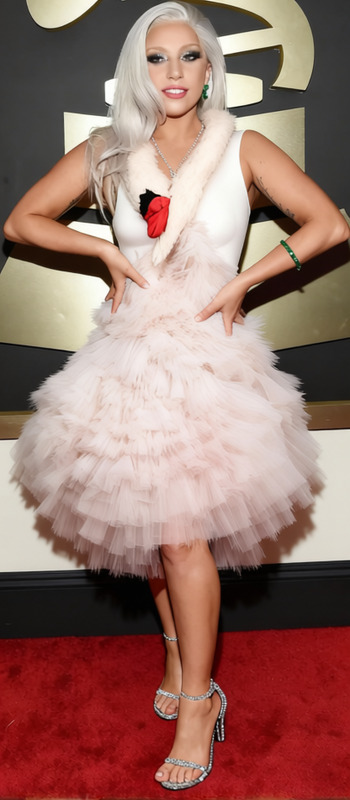
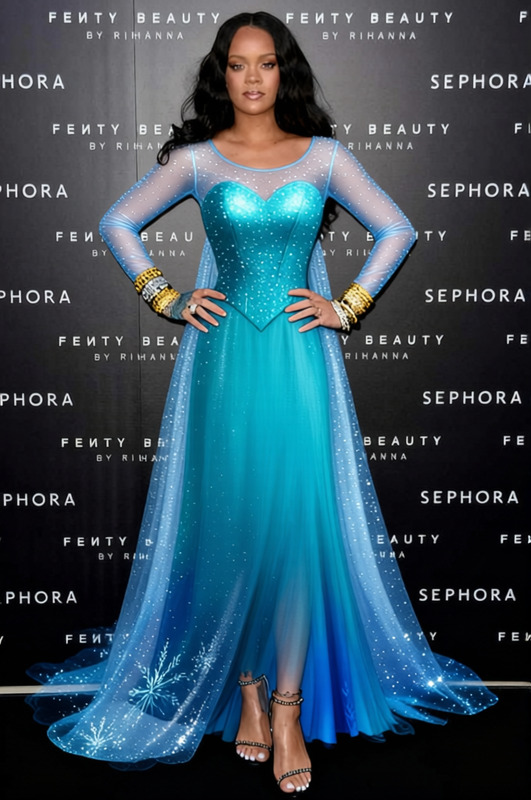
Transform your visuals with the Sansa Stark Grey Northern Gown With Fur Shawl 2 template. A part of our AI Clothes Changer collection, this template seamlessly integrates into your video or image projects, adding authentic medieval attire to your characters.
What It Does
Our Clothes Changer template meticulously overlays a grey northern gown with a realistic fur shawl onto your chosen subjects. Whether you're updating a single image or a sequence in a clip, the Image to Video technology ensures the fabric’s texture and drape look natural and convincing during any movement.
Who It's For
This template is ideal for filmmakers, content creators, and anyone involved in product videos or promotional materials needing a historical or fantasy aesthetic. By adopting outfits like this, storytellers and marketers can elevate their brand narratives with a touch of epic fantasy.
Summary
Step into the world of epic fantasy and historic allure with the Sansa Stark Grey Northern Gown template. Perfect for adding a period-specific look to your projects, this template in the AI Clothes Changer toolkit breathes life into your visuals without compromising on quality.
How to Use
Choose Template

Customize Inputs

Generate Output

Use Cases
Fantasy Film Production
- Create consistent costume designs
- Enhance period accuracy
Social Media Campaigns
- Create eye-catching posts
- Boost engagement with unique visuals
Photo Storyboarding
- Outline storyline with costume accuracy
- Visual consistency in character appearances
Best Practices
Select High-Resolution Images
To achieve the most realistic results, use high-resolution images where fabric detail and shadows are clearly visible.Adjust with Care
Take time to properly align the gown and shawl with the subject to ensure the garment looks natural.Check Lighting
Ensure that the lighting in the scene matches the added costume to maintain consistency and realism.
Frequently asked questions
More Like This