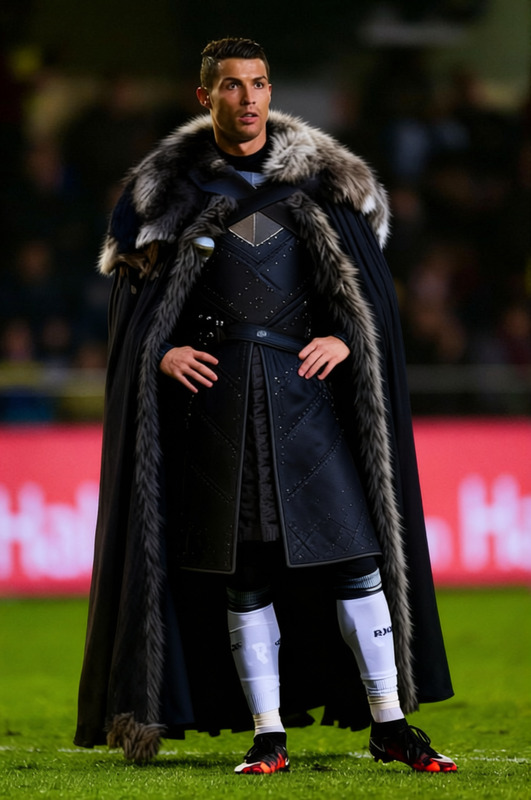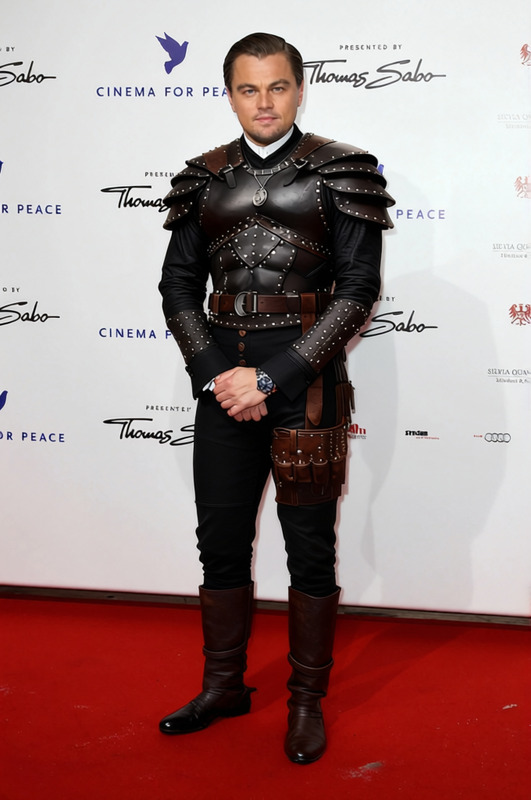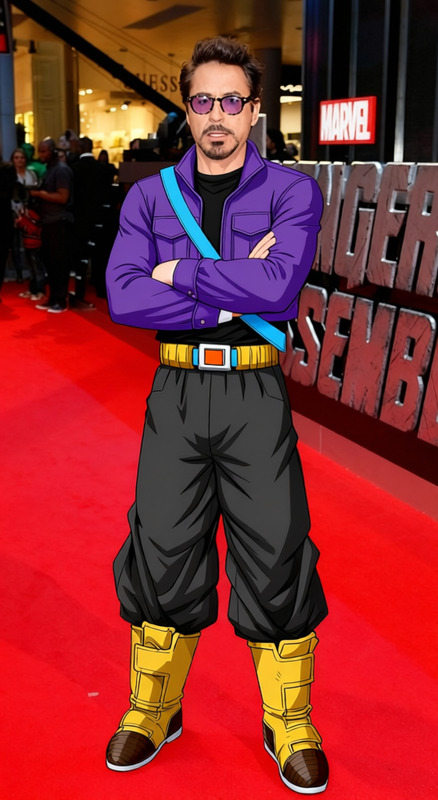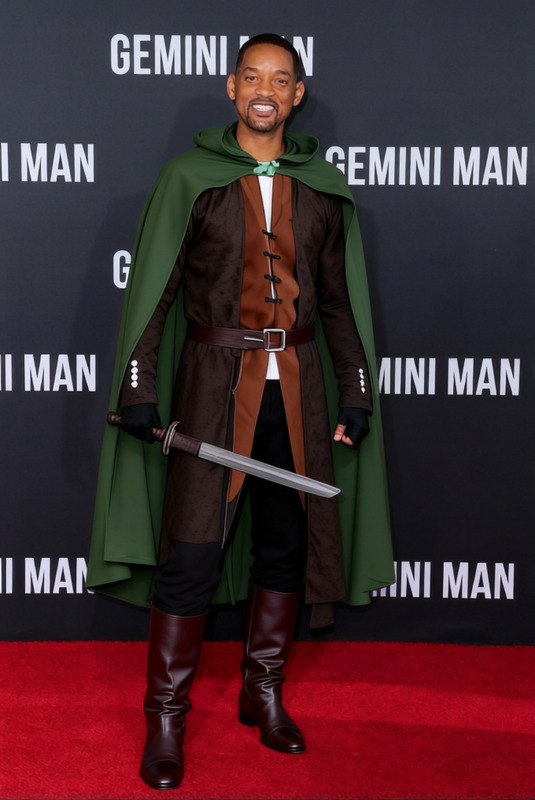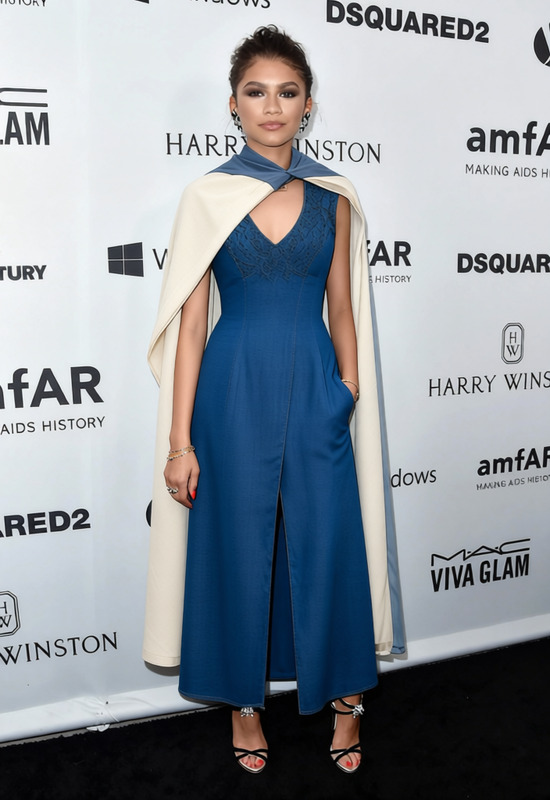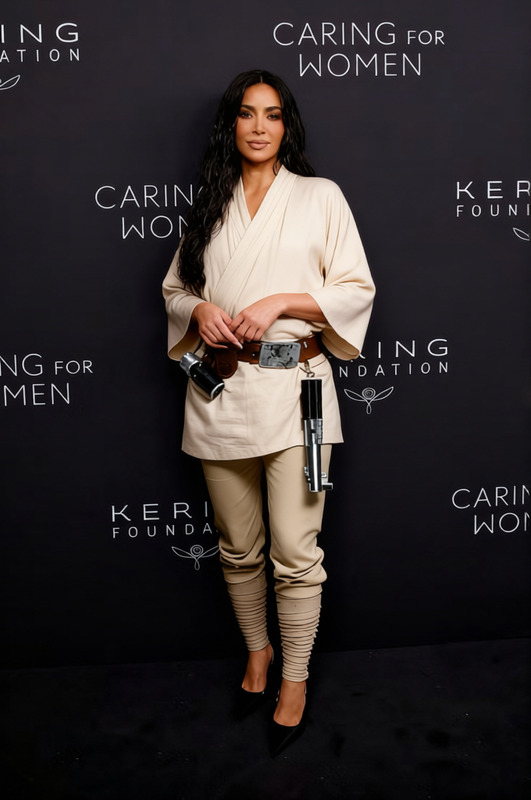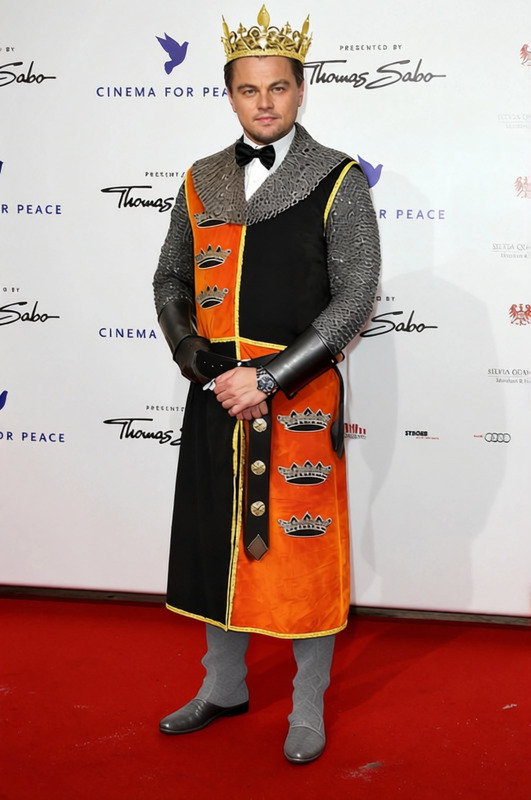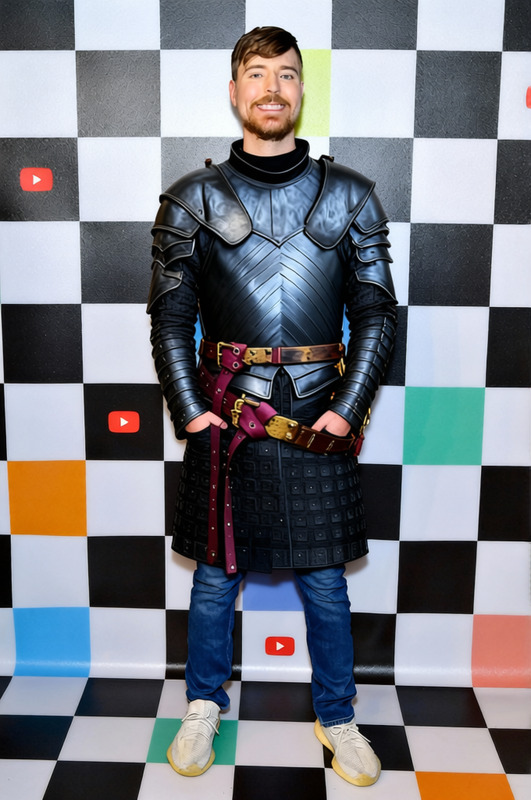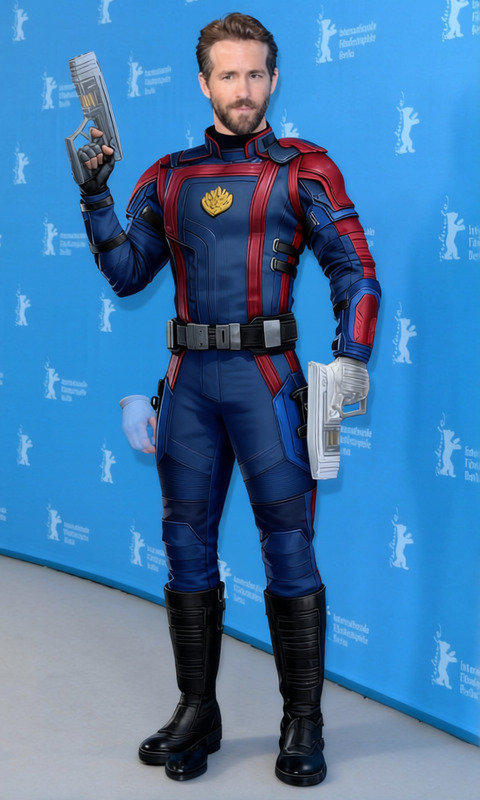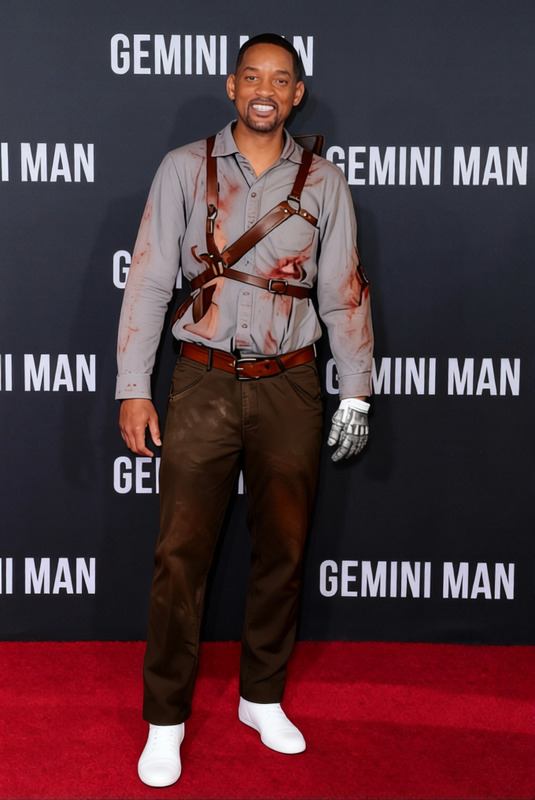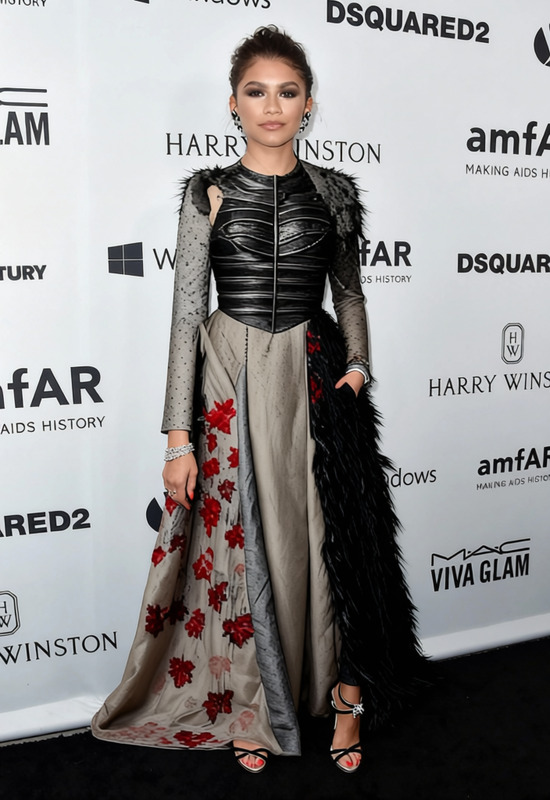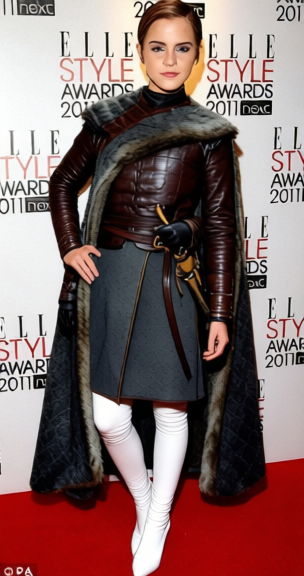
Arya Stark Grey Leather Tunic With Sword Belt 2
- Image
- 304 × 576 px
Any aspect ratio
Overview
The Arya Stark Grey Leather Tunic With Sword Belt 2 template is designed for users looking to transform their appearance with iconic attire reminiscent of the legendary Arya Stark. Easily swap your current clothing in images with this renowned outfit using our AI-powered Clothes Changer technology.
What It Does
This Clothes Changer template seamlessly overlays Arya Stark's signature grey leather tunic and sword belt onto any subject in a photo. Perfect for high-quality social media posts, character transformations, or costume visualizations. Ideal to accompany projects like Face Swap to complete your Game of Thrones look.
Who It's For
This template caters to fans of Game of Thrones, content creators, and anyone interested in immersive character transformations. It's also valuable for costume designers and storytellers who want to visualize outfits in action, alongside tools like the AI Image Editor to refine final touches.
Summary
Effortlessly bring the fantasy world into your reality with the Arya Stark costume transformation. Whether you're working on a personal project or professional designs, this template provides an intuitive way to explore creative visual ideas. Pair it with the AI Background Changer for complete scene customization.
How-To
Choose the Template

Customize Your Image

Generate and Download

Use Cases
Social Media Content
- Character transformations
- Cosplay announcements
- Engagement-driven content
Storyboarding
- Conceptual design
- Character development
- Narrative-driven visuals
Product Visualization
- E-commerce displays
- Marketing materials
- Product demonstrations
Best Practices
High-Resolution Images
Ensure images are of high quality to maintain clarity and definition after transformation.Adjust Fit and Angles
Pay attention to the subject's posture and ensure the clothing overlays accurately for realistic results.Combine with Other Tools
Use in conjunction with the AI Image Upscaler to enhance image quality after processing.
FAQs
More Like This