Jon Snow Night_s Watch Black Cloak With Fur Collar 2
- Image
- 680 × 1024 px
Any aspect ratio
Overview
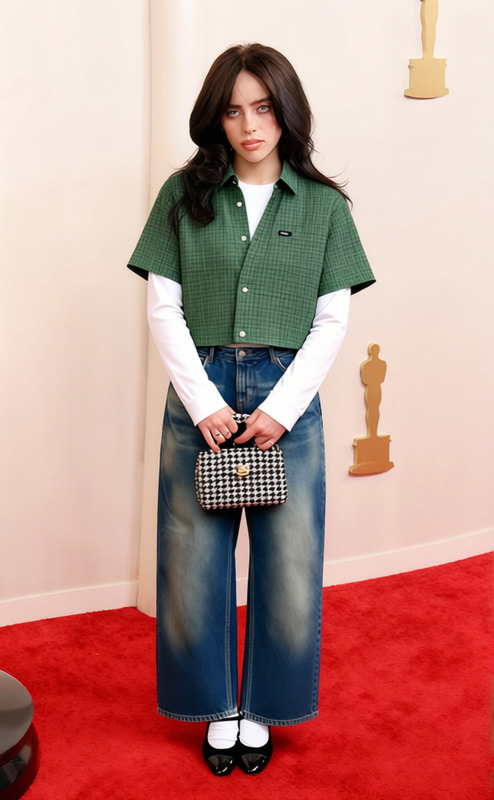
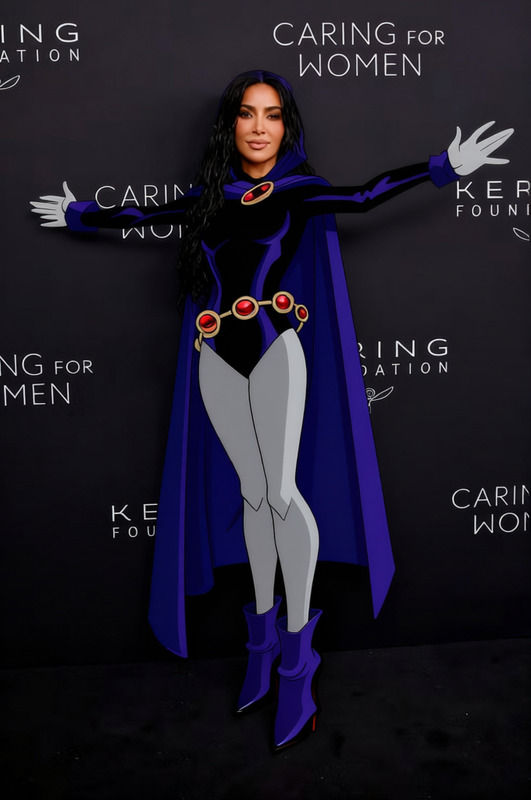
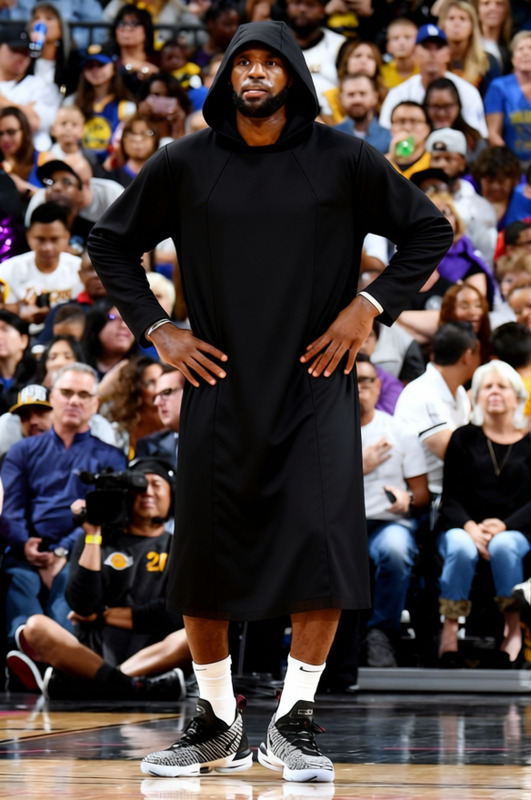
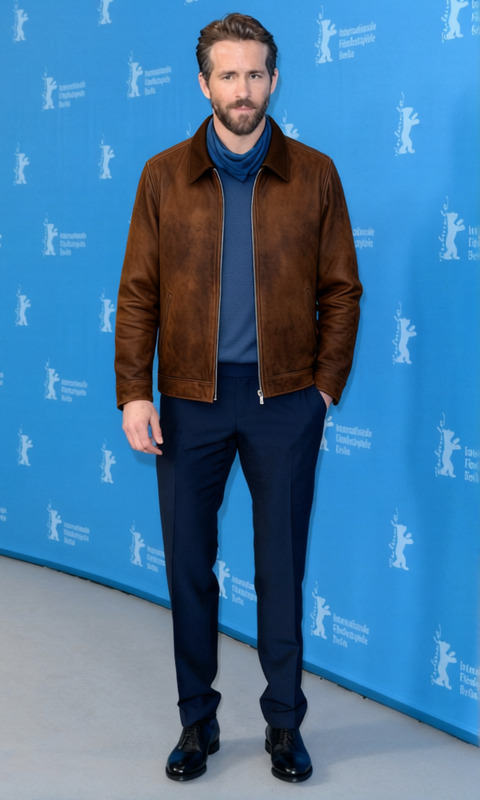
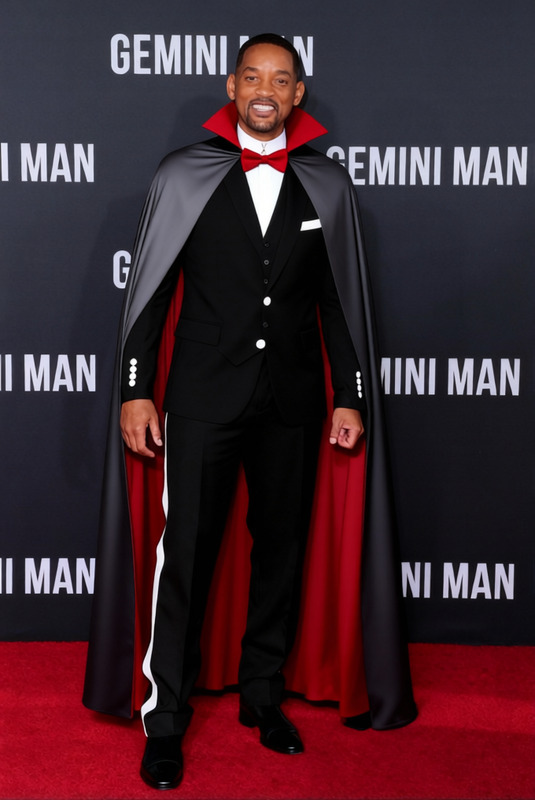
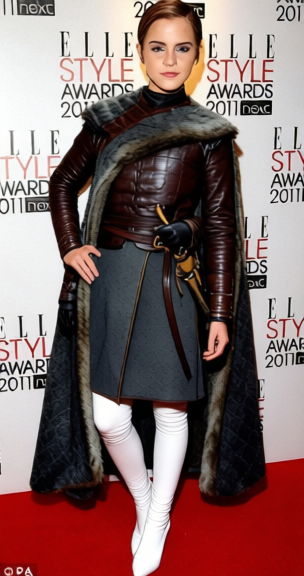
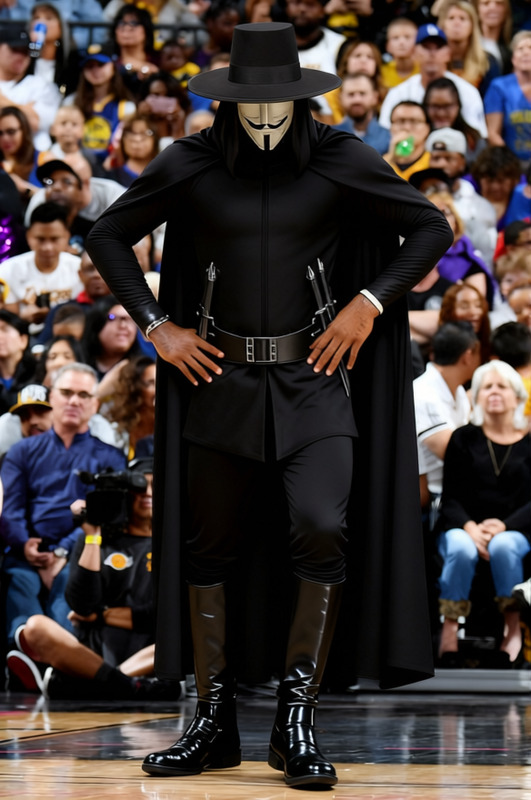
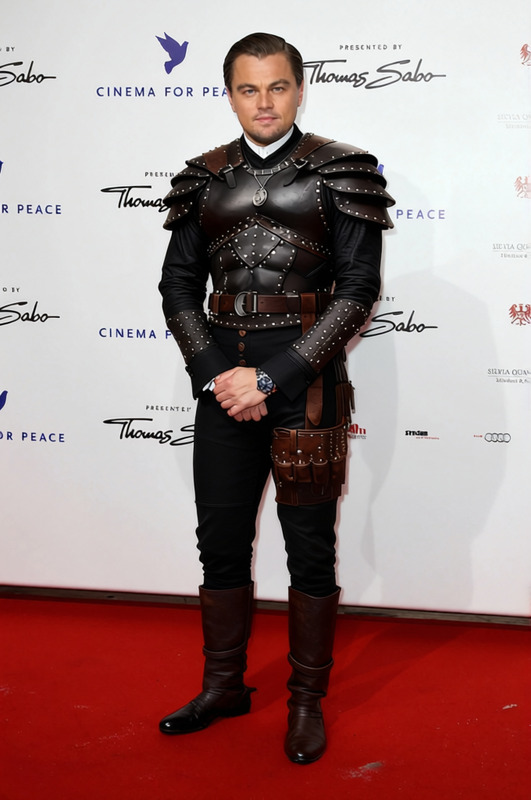
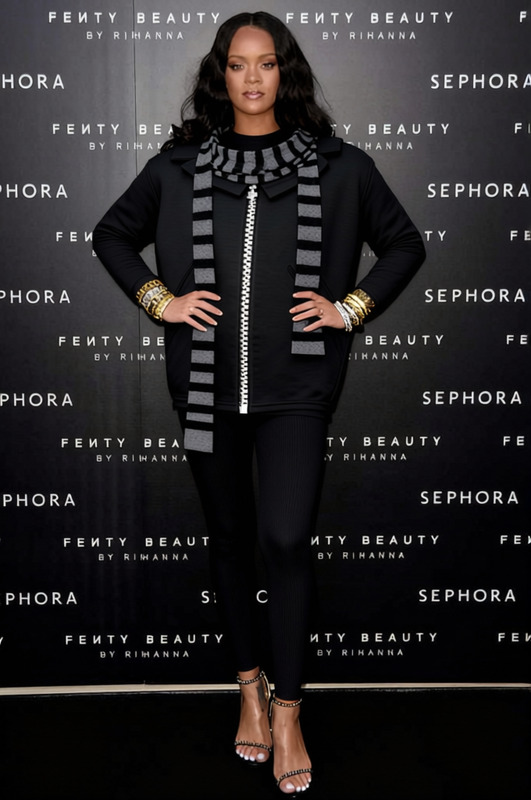
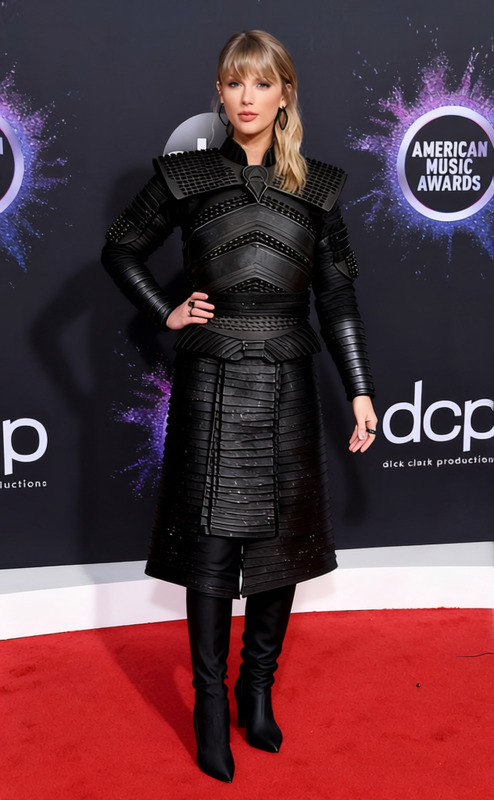
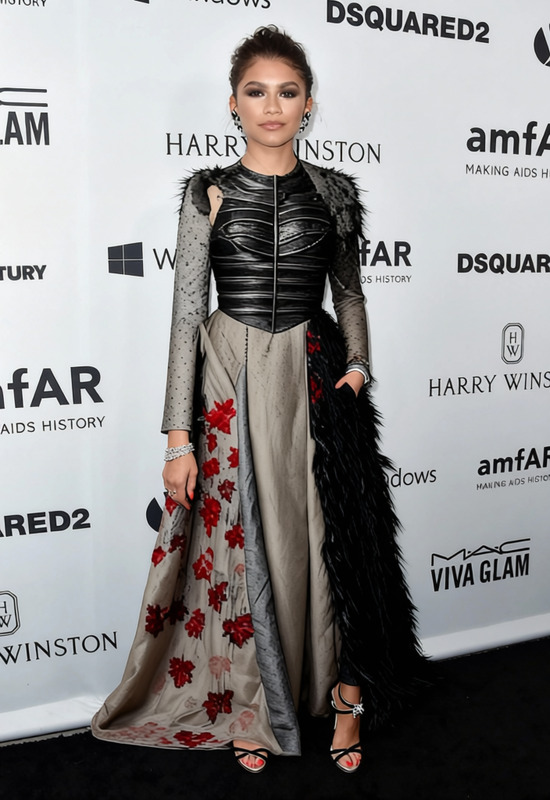
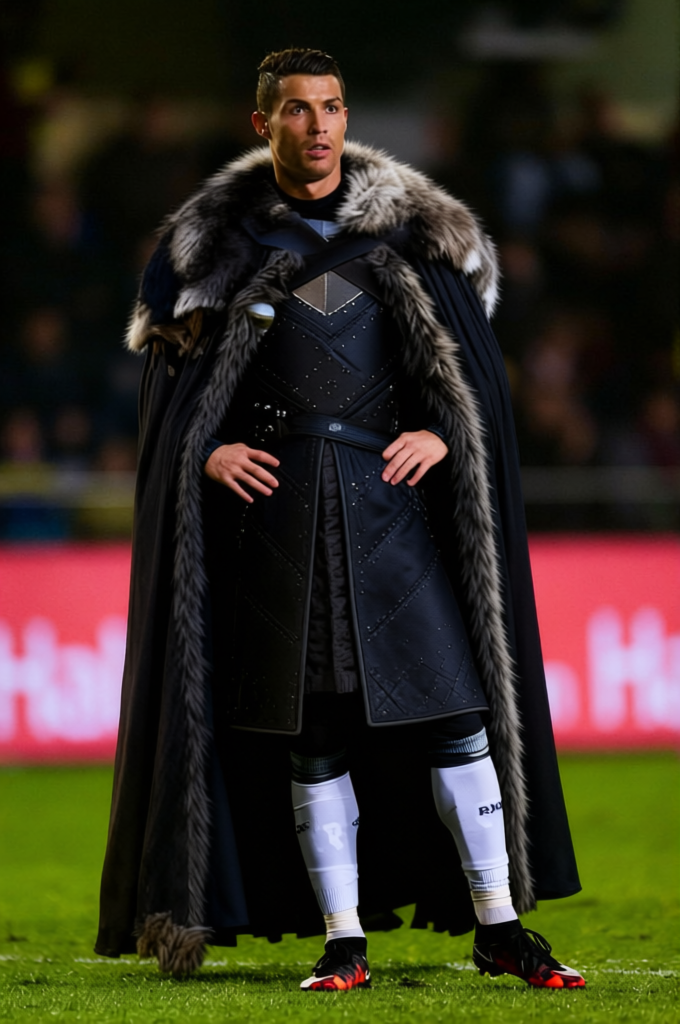
Transform any character's attire with the Jon Snow Night's Watch Black Cloak With Fur Collar template. This Clothes Changer template enables you to switch outfits in images without compromising on detail. Achieve a cinematic look by adding this iconic cloak to your subjects effectively. Perfect for elevating your visual projects with a touch of fantasy elegance.
What It Does
The Jon Snow Night's Watch Black Cloak template allows you to change the clothing of a subject in an image, dressing them in the distinct black cloak of the Night's Watch, complete with a fur collar. Seize the creative freedom to enhance visuals by integrating this well-known attire, ideal for thematic edits, costume trials, or envisioning new looks. To explore related options, consider using the AI Clothes Changer for a broader apparel transformation toolkit.
Who It's For
This template is designed for media professionals, content creators, and fans of the legendary series looking to infuse their work with iconic fashion cues. Whether you're working on a fantasy project or need a striking alteration for a visual piece, this template offers a swift solution. Check out our Image to Video tool for seamless transitions in multimedia presentations incorporating these images.
Summary
The Jon Snow Night's Watch Black Cloak template in Magic Hour is an essential tool for anyone requiring a bold wardrobe update in their digital images. Simple and efficient, it integrates perfectly into workflows. See how it pairs with the Character Replace tool to completely transform your subjects while retaining iconic elements.
How to Use
Choose the Template

Customize Your Image

Generate and Save

Use Cases
Fantasy Project Enhancement
- Visual storytelling
- Character design enhancement
- Fantasy film scenes
Thematic Social Media Content
- Instagram reels
- Facebook posts
- TikTok videos
Costume Preview
- Cosplay planning
- Fashion design propositions
- Storyboard development
Best Practices
Focus on Lighting
Ensure real-world lighting in your image matches the digital element for a seamless result.Consider Image Quality
Use high-resolution images for the best outcomes when applying the cloak template.Explore Complementary Tools
Experiment with AI Video Extender to prolong visual sequences while maintaining thematic integrity.
Frequently asked questions
More Like This