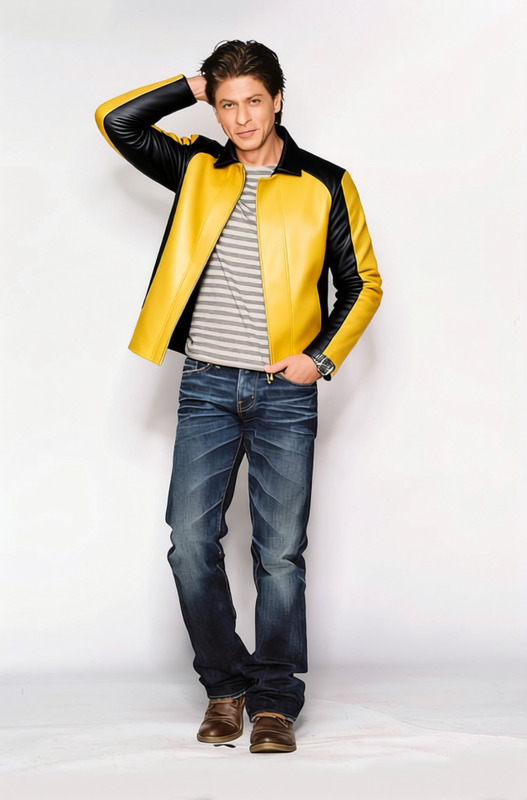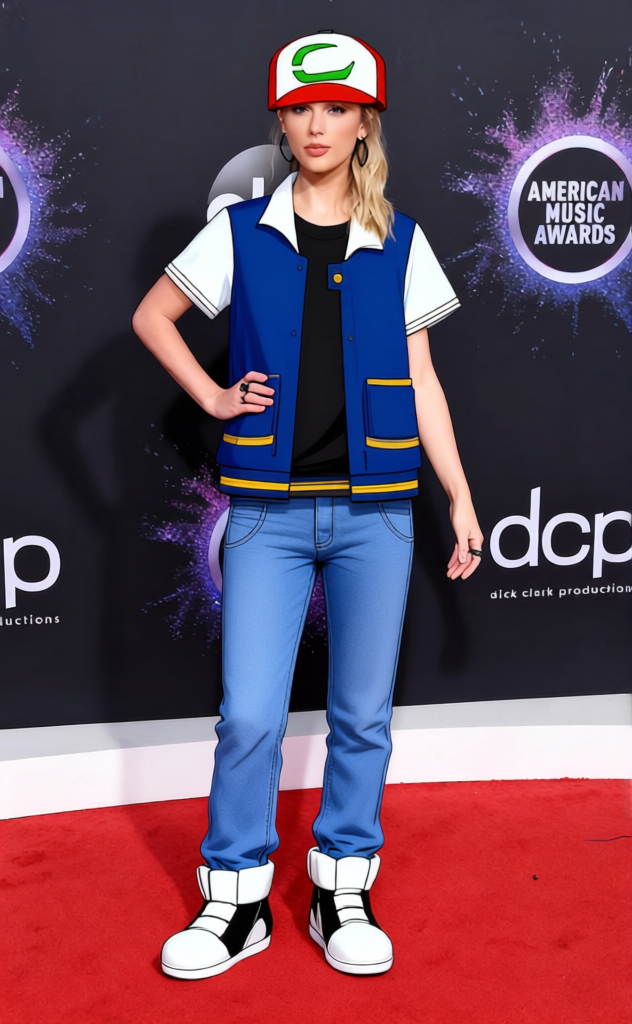
Ash Ketchum Blue Jacket With Red Cap And Fingerless Gloves 2
- Image
- 632 × 1024 px
Any aspect ratio
Overview
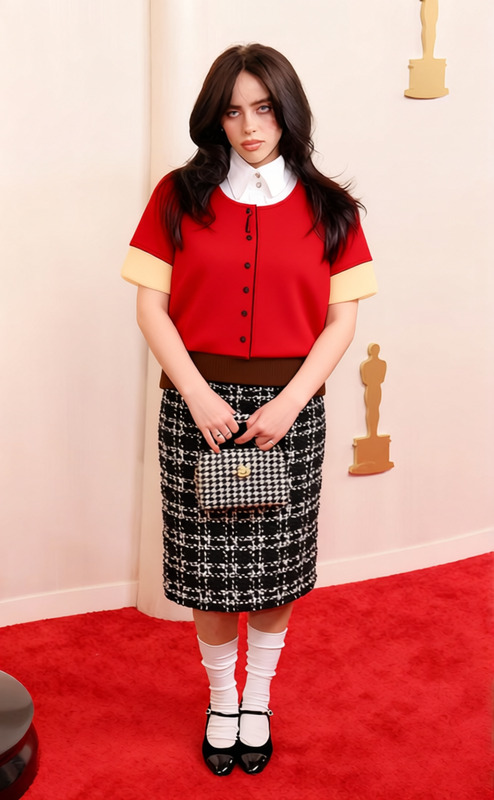
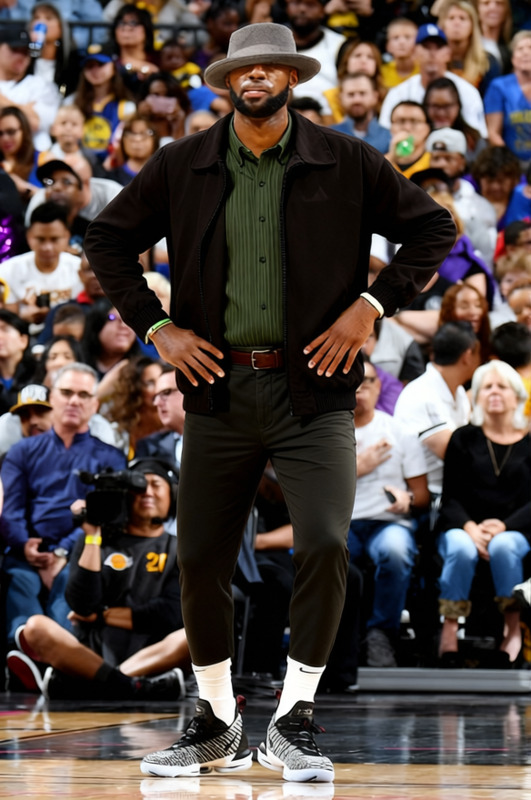
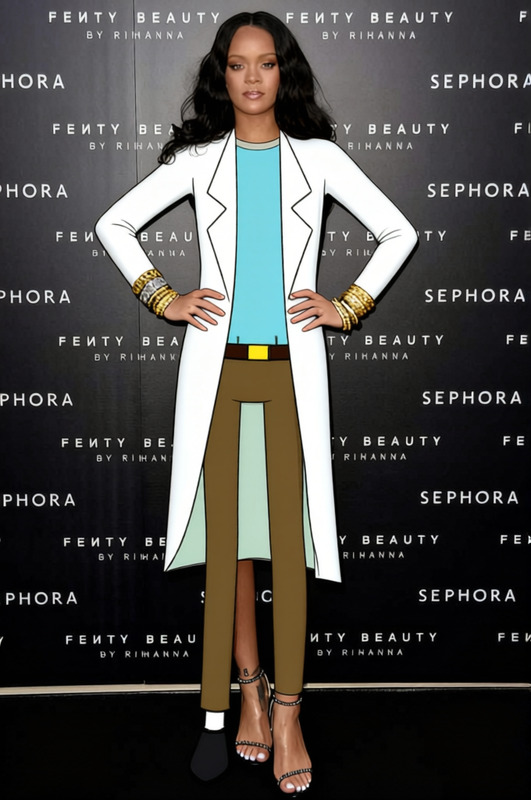
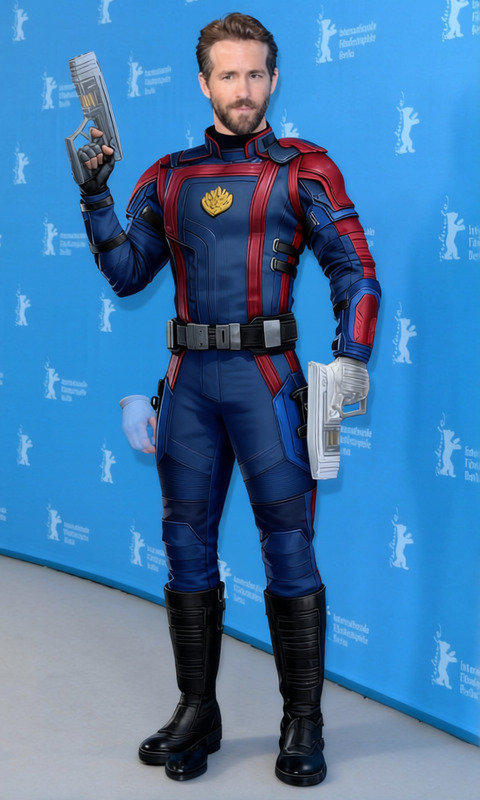
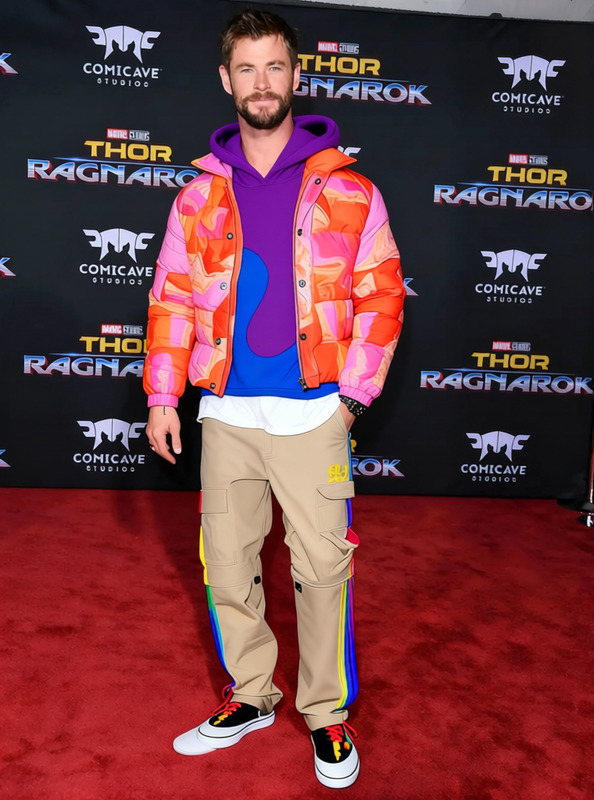
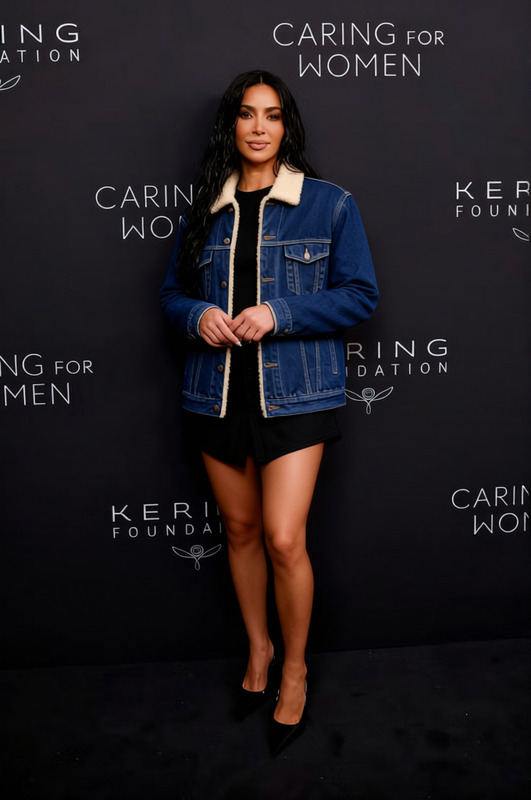
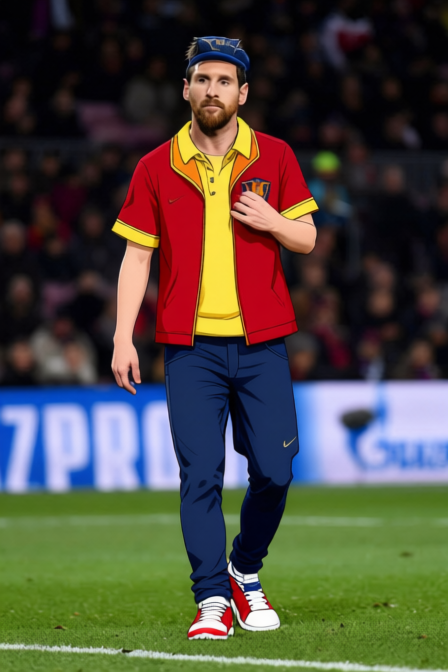
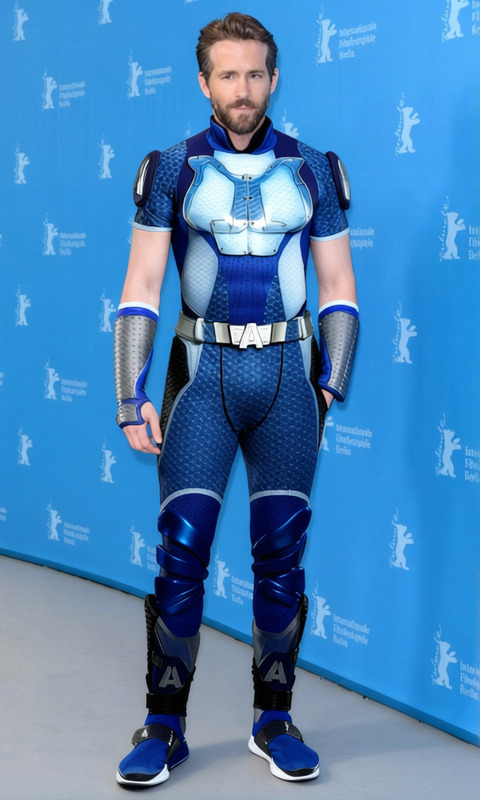
The "Ash Ketchum Blue Jacket With Red Cap And Fingerless Gloves 2" template is a tool designed to transform outfits in your images, giving characters a classic, adventurous look. Whether you're dressing up existing photos or creating new content, this template blends technology with creativity.
What It Does
This Clothes Changer template allows you to overlay a specific outfit—Ash's blue jacket, red cap, and fingerless gloves—onto characters in your images. Using AI, it integrates these elements naturally, maintaining photorealism and context.
Who It's For
This template is ideal for content creators, cosplayers, and fans of the iconic character who wish to apply this signature style to images without a full wardrobe change. It also benefits marketers and designers aiming to create themed content for promotions and storytelling.
Summary
By choosing this template, users can customize visuals with ease, integrating prominent character attire into various contexts. Explore AI-powered photography tools to enhance further and refine your images to perfection.
How to Use
Choose Your Template

Customize Your Image

Generate and Download

Use Cases
Cosplay Preparation
- Time-efficient
- Cost-effective creation
Fan Art Enhancement
- Improved visual appeal
- Consistency in style
Themed Social Media Posts
- Engage audiences
- Boost brand storytelling
Best Practices
Choose High-Resolution Images
For the best result, always use high-resolution images so that the outfit elements are clear and well-defined.Pay Attention to Angles and Lighting
Ensure the angles and lighting of the outfit match the image, which helps in maintaining realism.Fine-Tune Placement
Adjust the placement of outfit elements manually to ensure they align precisely with the character's body structure.
Frequently asked questions
More Like This