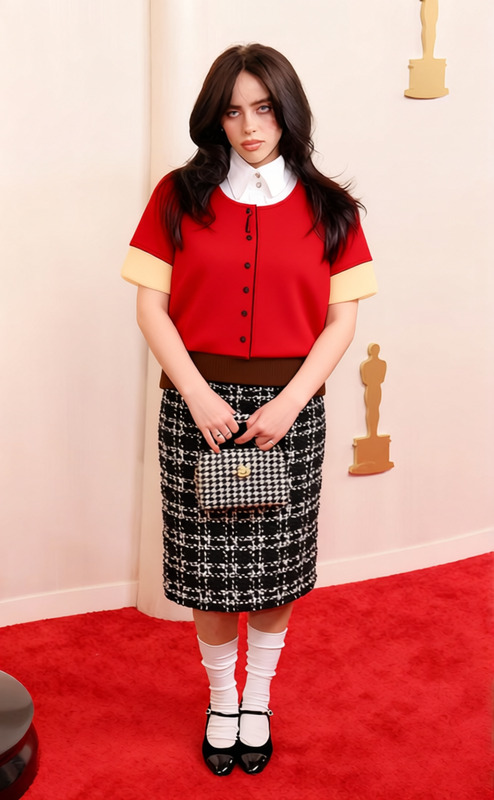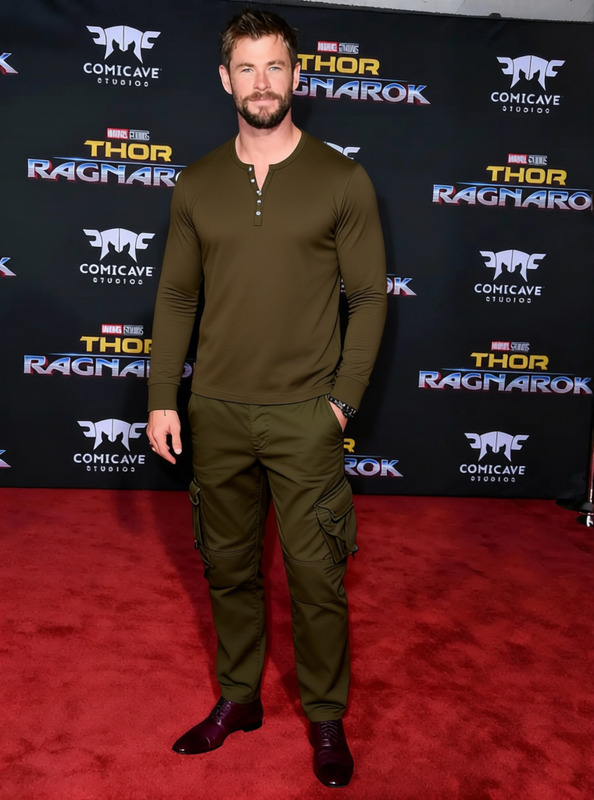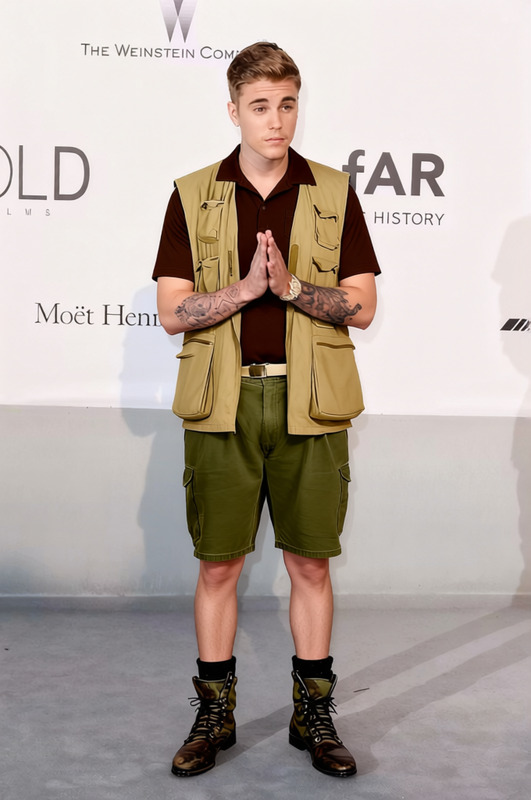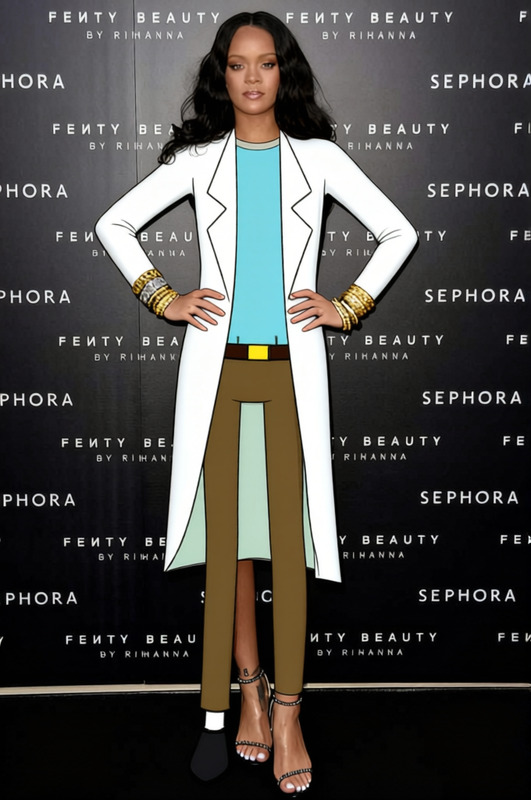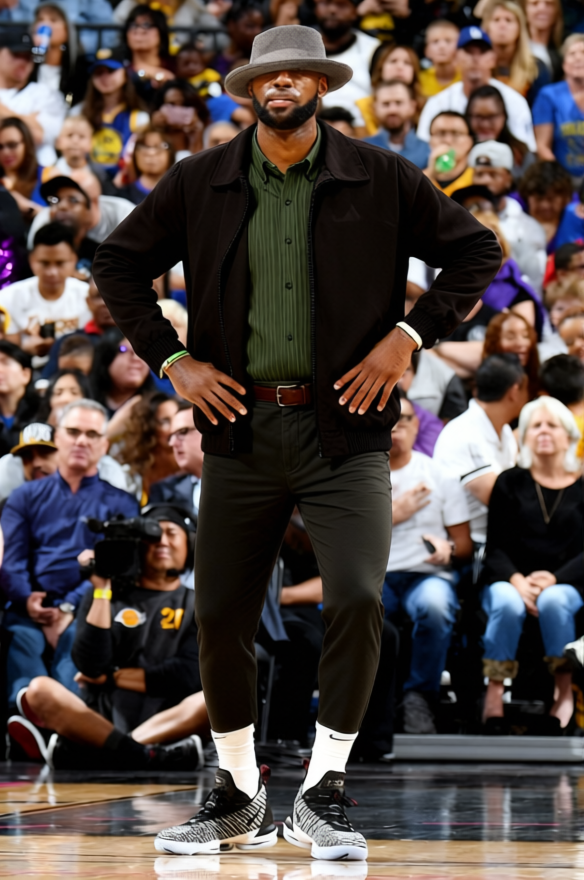
Walter White Tan Jacket With Green Shirt 2
- Image
- 584 × 880 px
Any aspect ratio
Overview
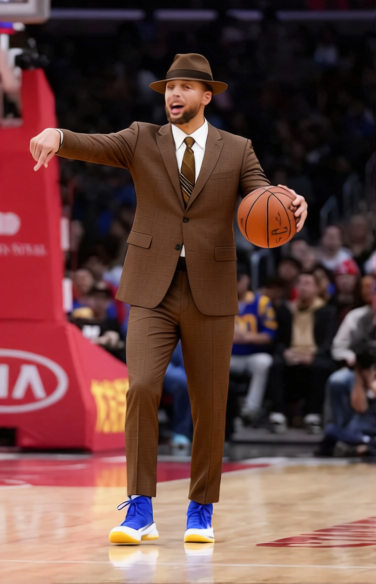
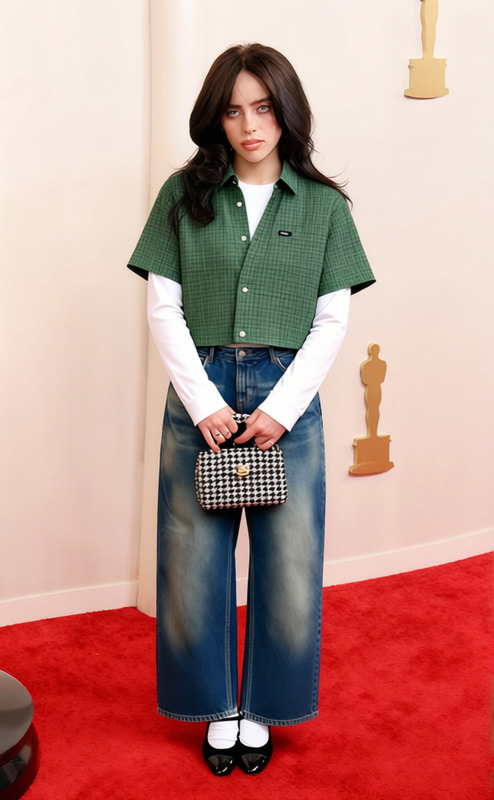
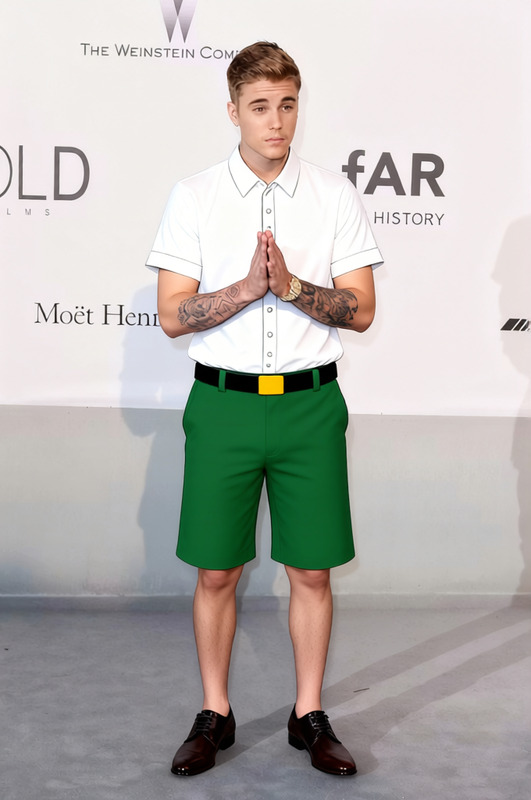
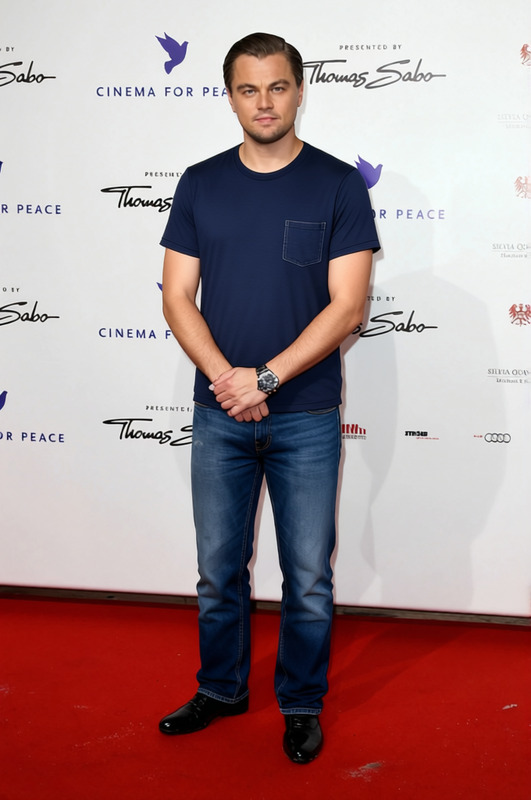
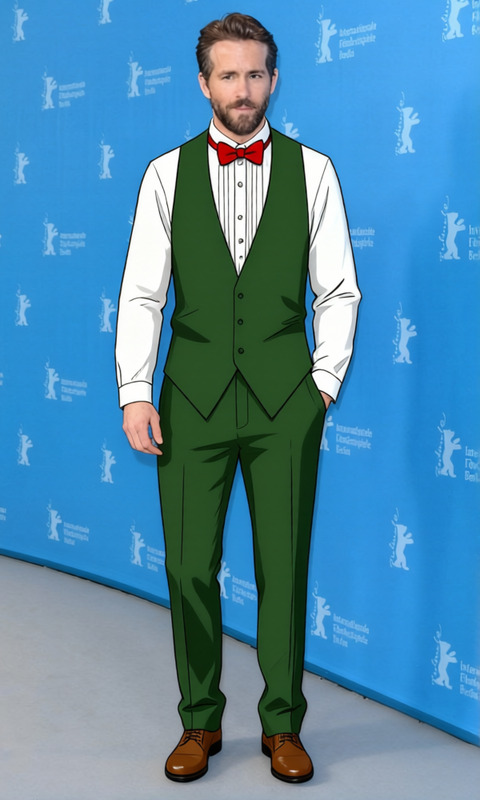
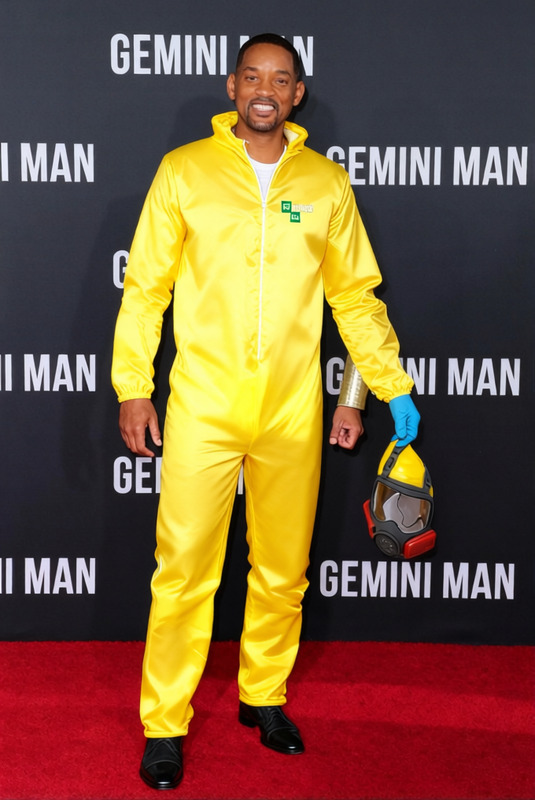
The "Walter White Tan Jacket With Green Shirt 2" template is your gateway to transforming the outfit in your photos with just a few clicks. Utilizing the capabilities of AI-powered clothes changing technology, this template lets you effortlessly switch existing clothing with a classic look straight from the wardrobe of a beloved TV character. Ideal for photo editing enthusiasts and content creators alike, this tool opens up new possibilities for your creative projects.
What It Does
This Clothes Changer template enables you to alter the upper-body outfit in photos to feature a tan jacket and a green shirt. It's perfect for achieving a distinctive style or for themed photoshoots where specific clothing details are crucial. The template integrates with the AI Image Editor, ensuring precision and quality in the final output by automatically adjusting the layers and lighting for a natural look.
Who It's For
This template is designed for content creators, digital marketers, and photo editing professionals who need to modify clothing in images swiftly. Whether you're preparing visuals for eCommerce ads, enhancing portfolio visuals, or crafting social media content with a specific theme, this tool offers flexibility and ease of use without the need for extensive photo editing skills.
Summary
By blending AI technology with intuitive design, the "Walter White Tan Jacket With Green Shirt 2" template simplifies the process of digital wardrobe changes. Suitable for numerous applications, from marketing visuals to personal projects, it provides a quick solution for updating your image's attire. Make sure to explore related tools like the AI Profile Picture Generator for comprehensive creative solutions.
How to Use
Select the Template

Customize Your Design

Generate the Image

Use Cases
Marketing Campaigns
- Online ads
- Promotional videos
- Content for sponsored posts
Social Media Content
Creative Projects
- Character design
- Illustrative storytelling
- Fan recreations
Best Practices
High-Resolution Images
For best results, use high-resolution images that allow the AI to clearly identify edges and details.Contrast Adjustment
Use the template’s built-in tools to match the contrast and lighting with the rest of the image for a seamless look.Batch Processing
Consider batch processing similar images to maintain consistency in your projects.
Frequently asked questions
More Like This