Workwear Canvas Jacket
- Image
- 680 × 1024 px
Any aspect ratio
Overview
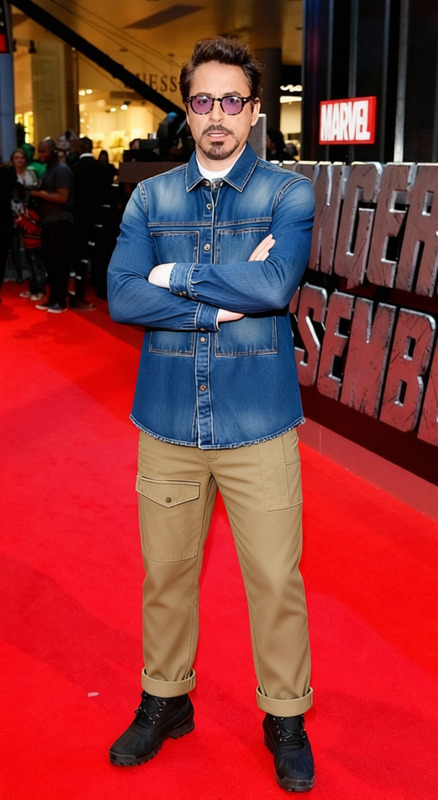
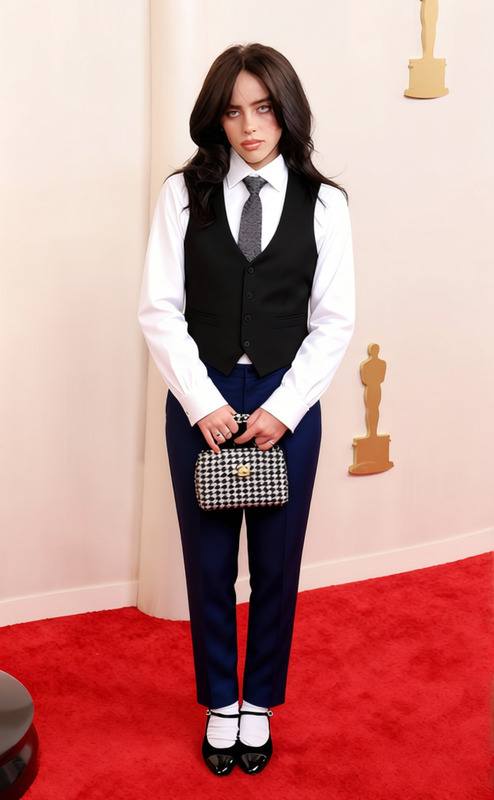
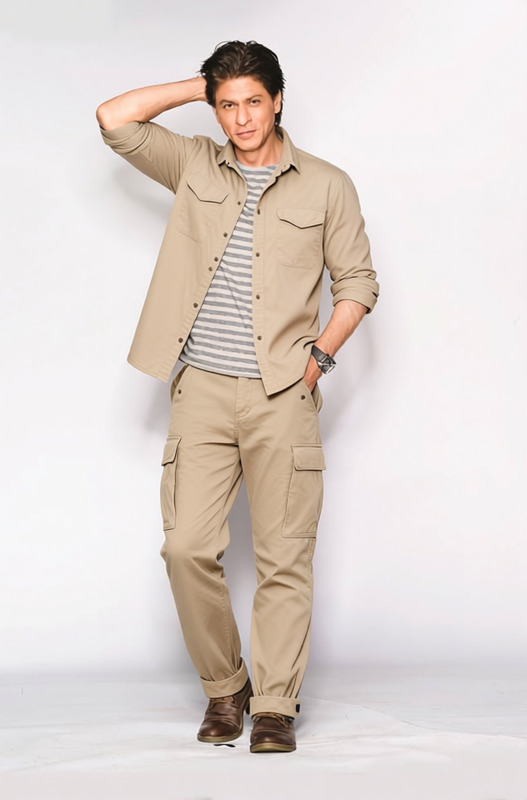
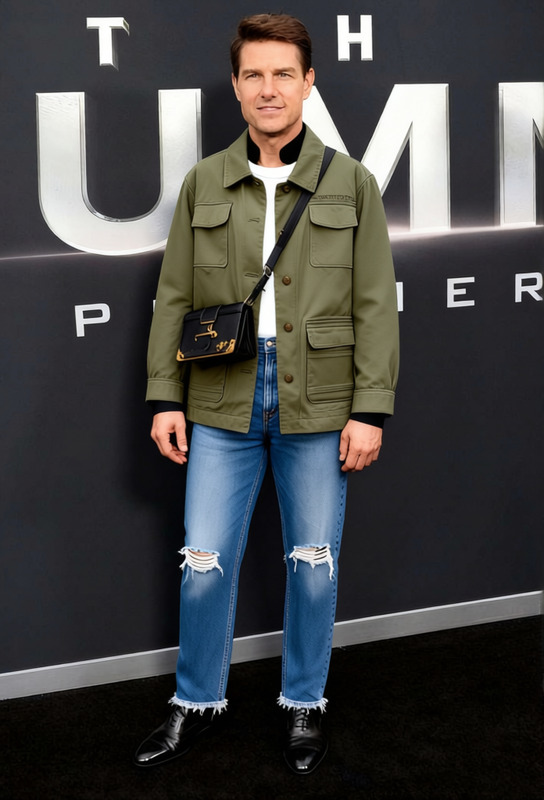
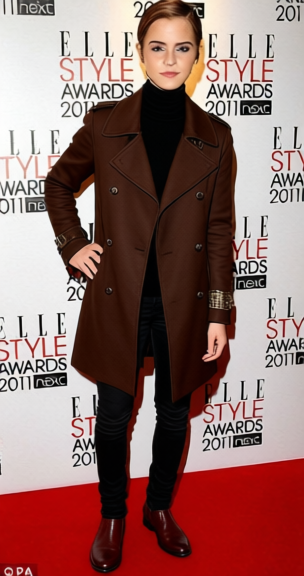
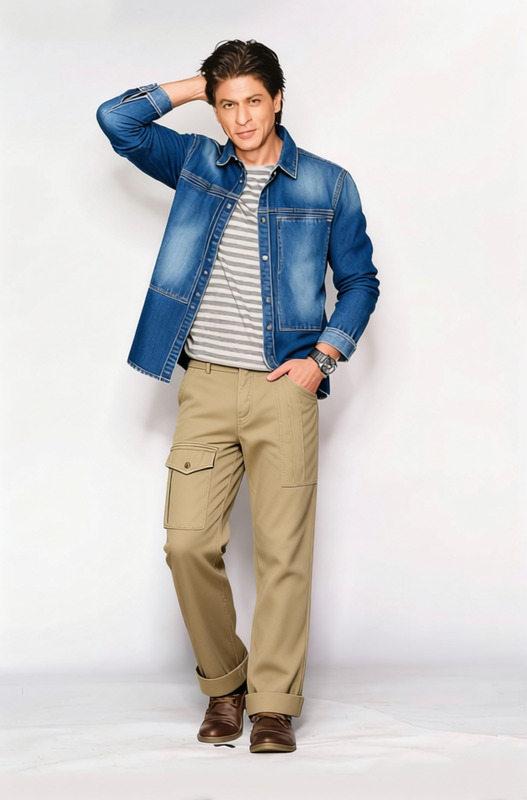
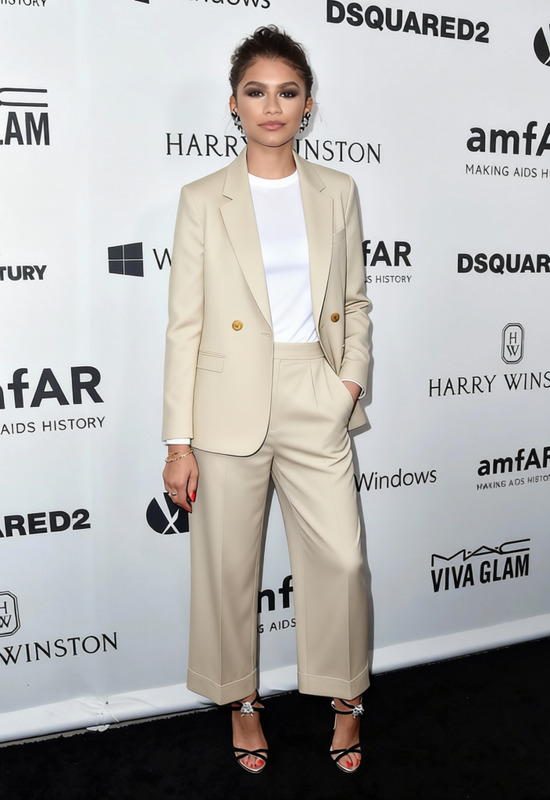
The Workwear Canvas Jacket template is designed to allow a quick and efficient swap of outfits in your imagery with a professional canvas jacket look. It's a powerful option for those looking to enhance their product photography, especially in the clothing and fashion niche. Simply adjust the existing outfits in your photos to portray a rugged and stylish workwear appearance.
What It Does
This template excels in precisely changing any outfit in a photo to a canvas jacket. The AI Clothes Changer technology makes it possible to replace clothes in images automatically, enhancing visual appeal without reshooting. Expect realistic textures and colors that mirror the fidelity of actual canvas materials.
Who It's For
Ideal for photographers, fashion designers, and ecommerce retailers focusing on clothing. This template is also beneficial for social media marketers aiming to showcase different products without redoing photoshoots. Leverage solutions like the AI Product Photography tool to streamline your workflow.
Summary
The Workwear Canvas Jacket template is a valuable tool for transforming digital images with a professional workwear look, enhancing marketing materials effectively. When used alongside other relevant tools like the AI Background Changer, it provides unmatched flexibility in creative outlets.
How-To
Choose the Workwear Canvas Jacket Template

Customize Your Image

Generate Your New Image

Use Cases
Ecommerce Product Listings
- Enhance product listings with tailored attire
- Showcase different outfits on one model
Social Media Marketing
- Engage followers with varied content
- Boost audience interaction with innovative visuals
Fashion Design Mockups
- Streamline the approval process
- Receive feedback before production
Best Practices
Select High-Quality Images
Ensure the original photo is of high resolution to maintain quality after the clothes change.Use with Consistent Backgrounds
For optimal results, combine with the AI Background Changer for seamless background continuity.Complement with Video Content
Consider using the Image to Video tool to create dynamic visual presentations.
Frequently asked questions
More Like This