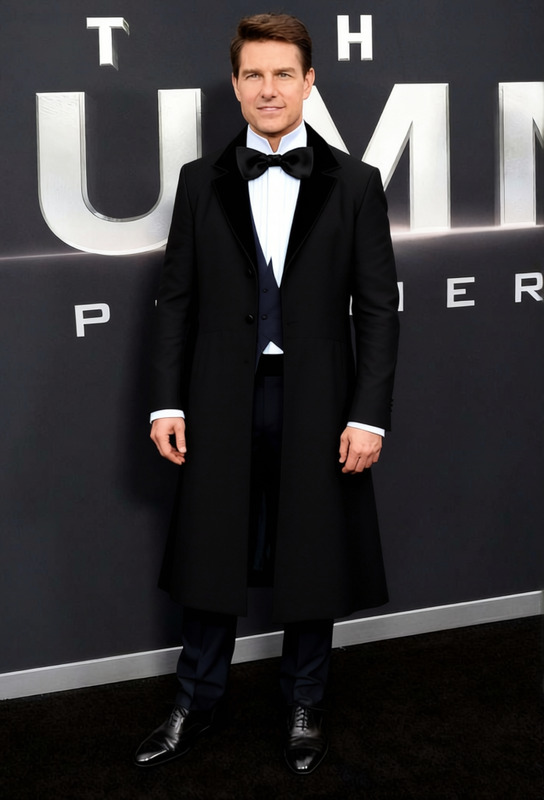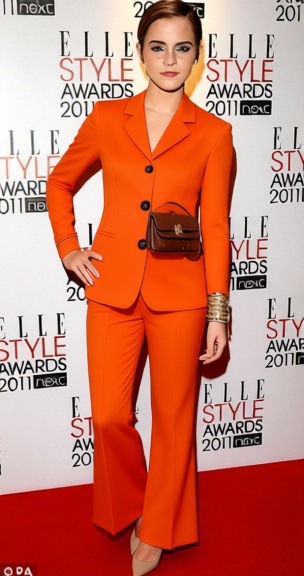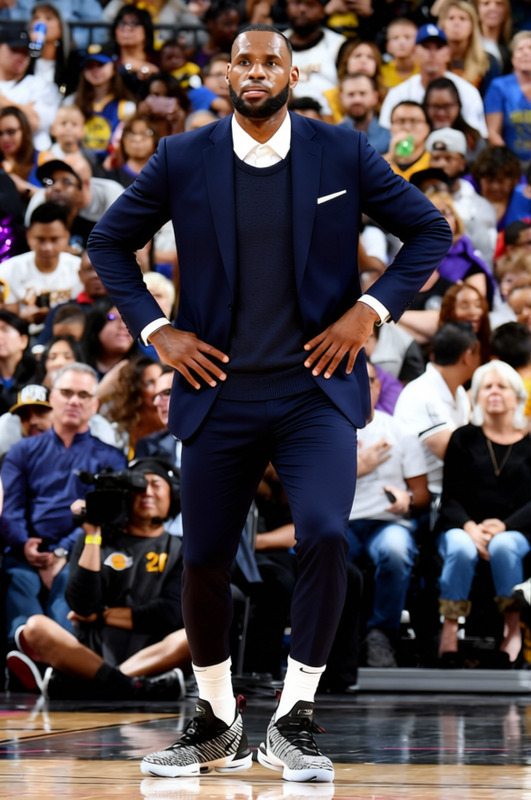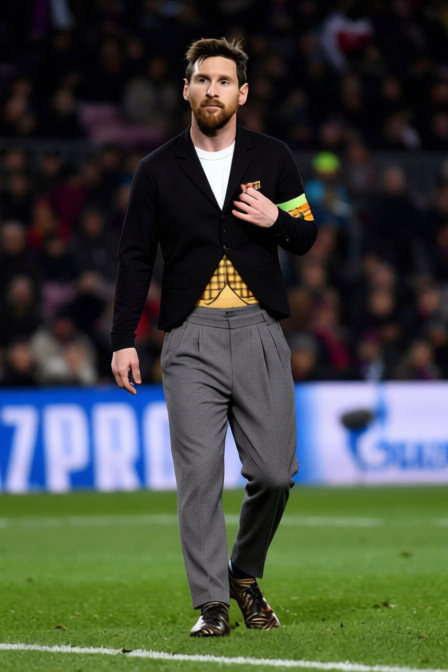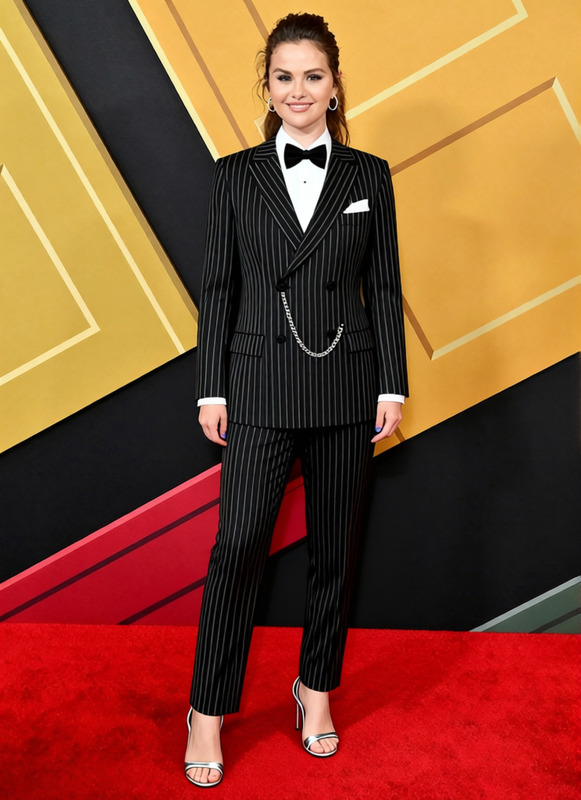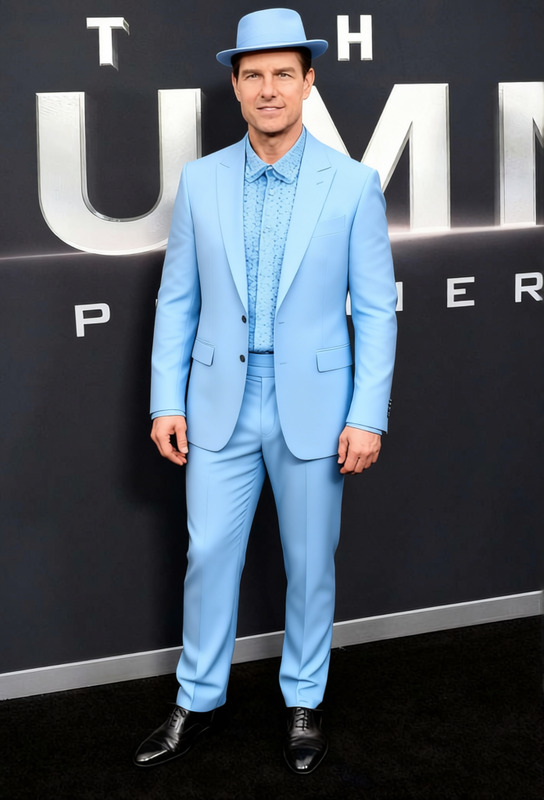
Frank Sinatra Black Tuxedo With Bow Tie
- Image
- 632 × 960 px
Any aspect ratio
Overview
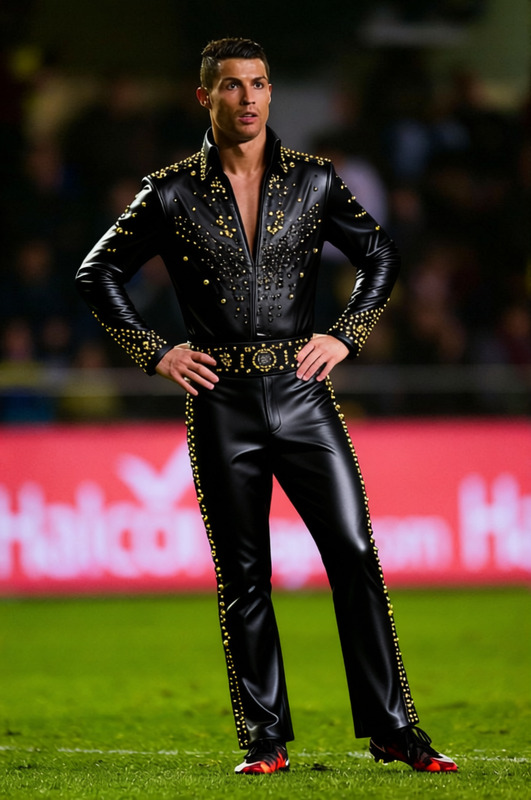
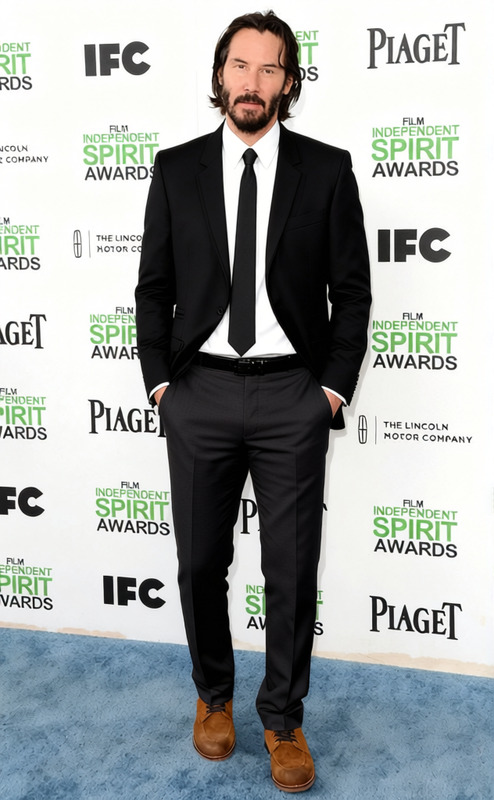
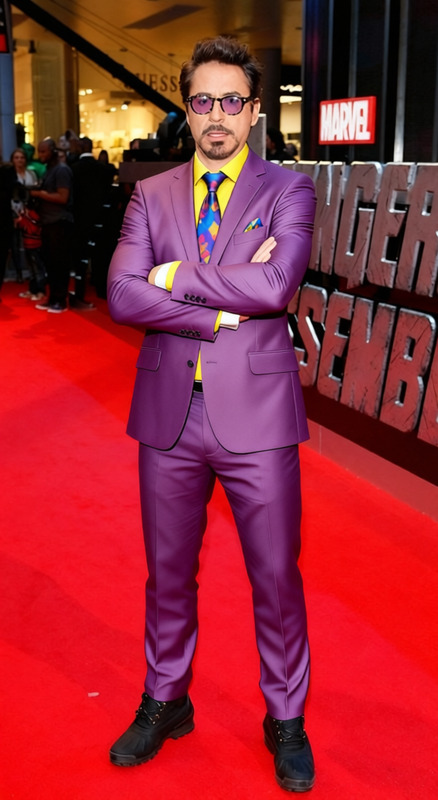
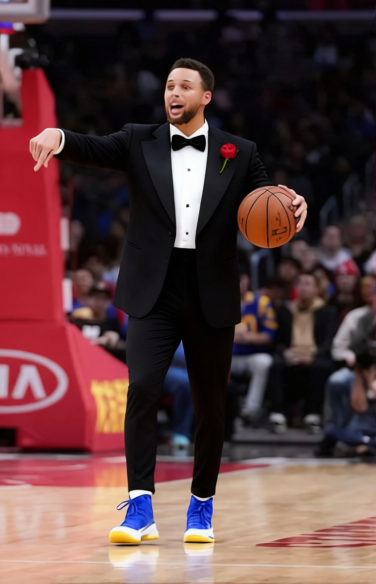
The "Frank Sinatra Black Tuxedo With Bow Tie" template allows you to swap any outfit in your images with a classic black tuxedo and bow tie, reminiscent of Frank Sinatra's iconic style. This template is perfect for adding a touch of elegance and vintage flair to your photos.
What It Does
This clothes changer template works by digitally altering the attire in your image files. Supported file formats such as JPEG and PNG can easily be modified to reflect the black tuxedo with bow tie look. Ideal for use with the AI Clothes Changer for more advanced options and seamless execution.
Who It's For
This template is designed for photographers, designers, and anyone seeking to give their clients or themselves a timeless look. Whether you're curating a fashion portfolio or creating themed content for social media, using this template can add sophistication to your projects. For editors enhancing personal portraits, consider pairing with the Face Swap or AI Face Editor tools for a fully polished output.
Summary
This template transforms standard attire into a stylish tuxedo ensemble, leveraging advanced AI technology built into tools like AI Clothes Changer. It's an excellent choice for creating vintage-inspired visuals and enhancing personal or professional photography projects.
How To
Choose Your Template

Customize Your Inputs

Generate Your Image

Use Cases
Photography Portfolios
- Fashion photographers
- Event photographers
Social Media Content
- Influencers
- Content creators
Event Invitations
- Event planners
- Marketing professionals
Best Practices
Use High-Quality Images
Ensure your original images are high resolution to achieve the best results with the clothes changer template.Combine Tools for Best Results
Consider using the AI Face Editor to further enhance the final look of your subject.Experiment with Lighting
Adjust the lighting settings within the tool to perfectly complement the tuxedo's style and colors.
Frequently asked questions
More Like This