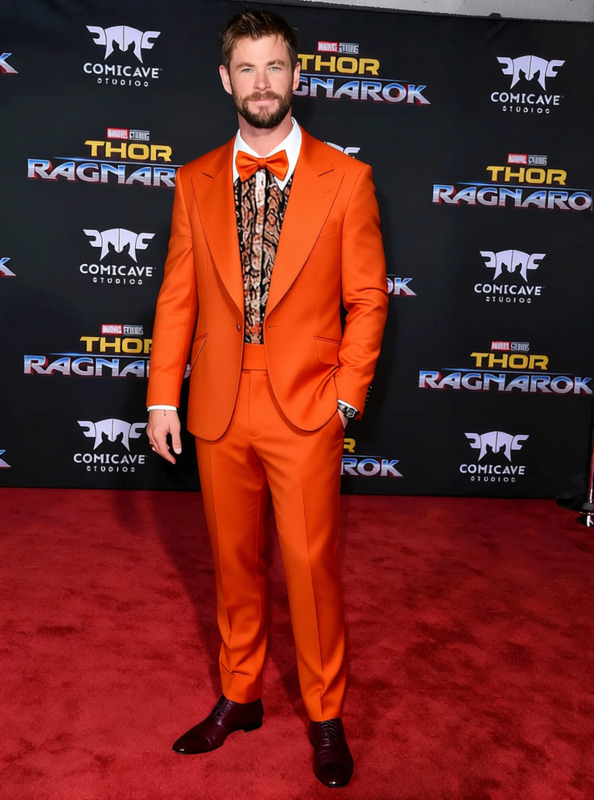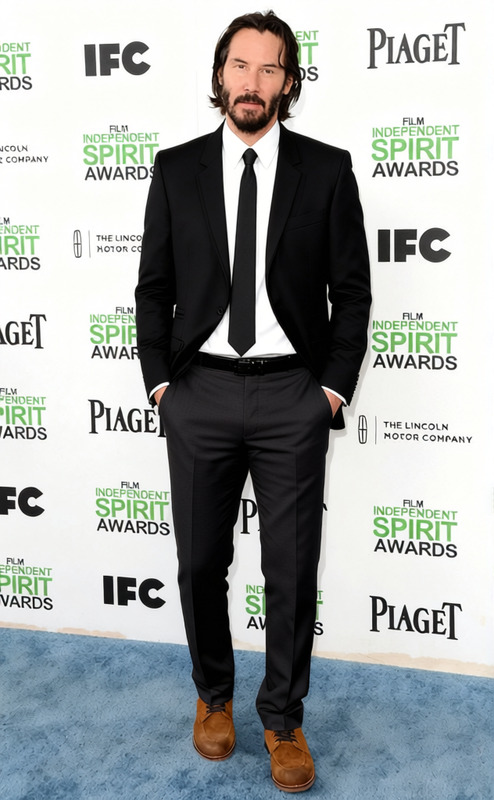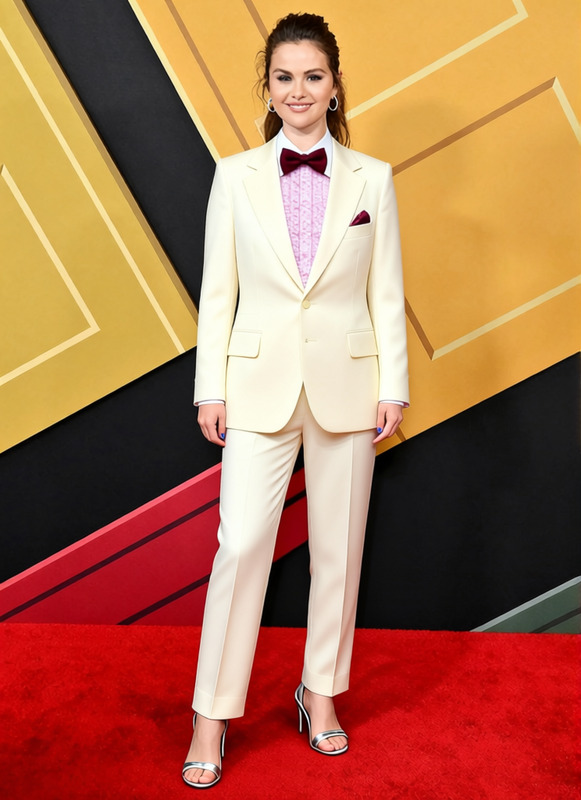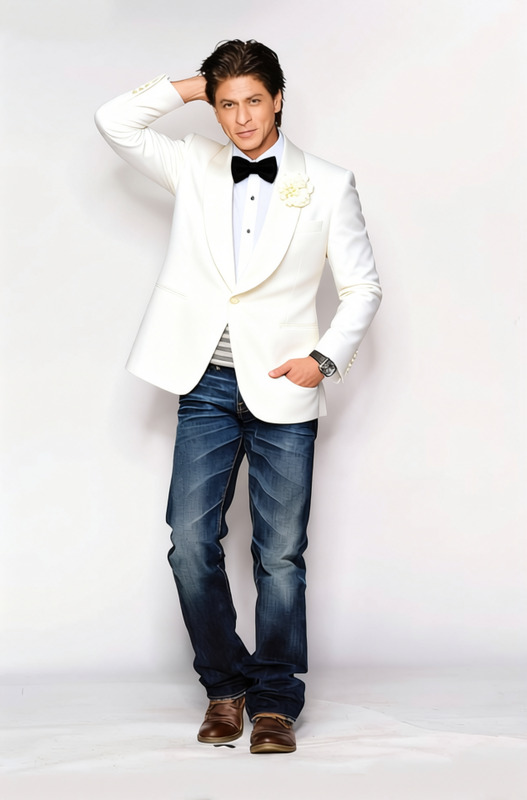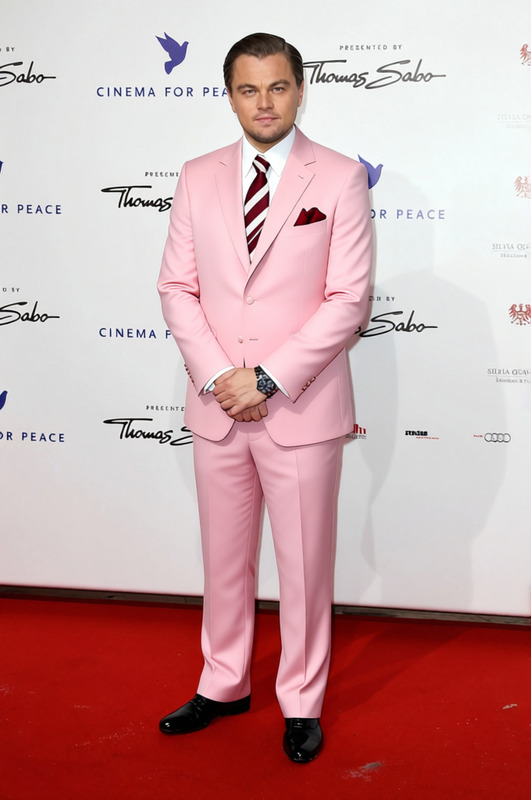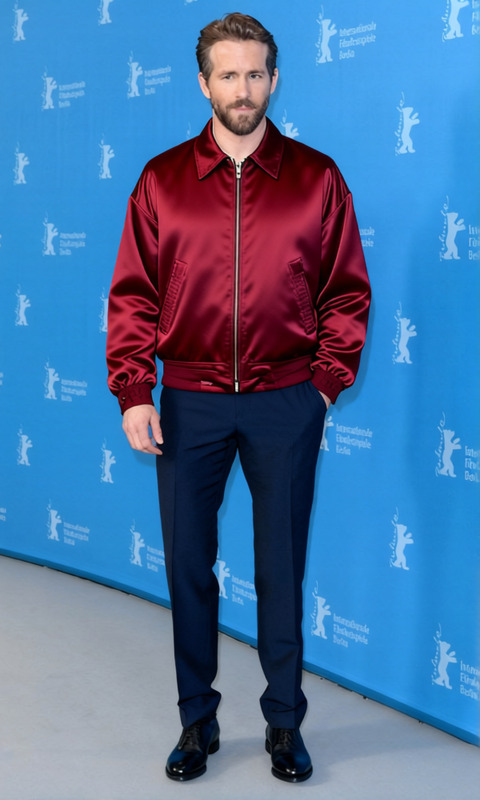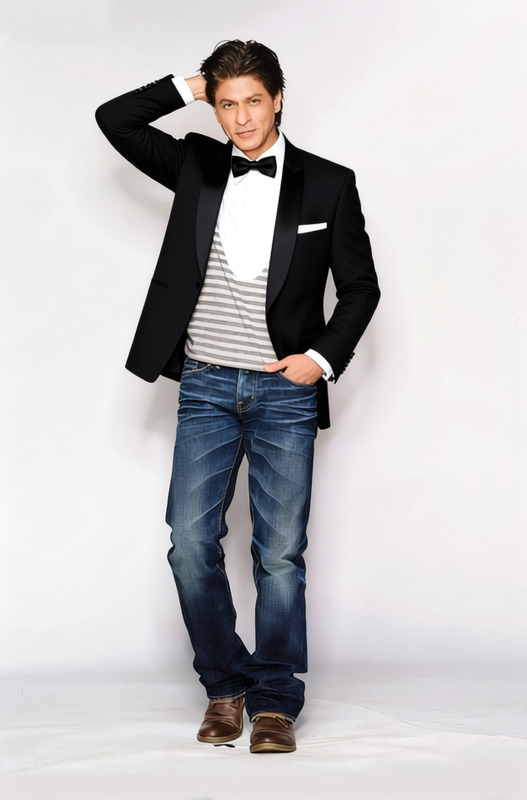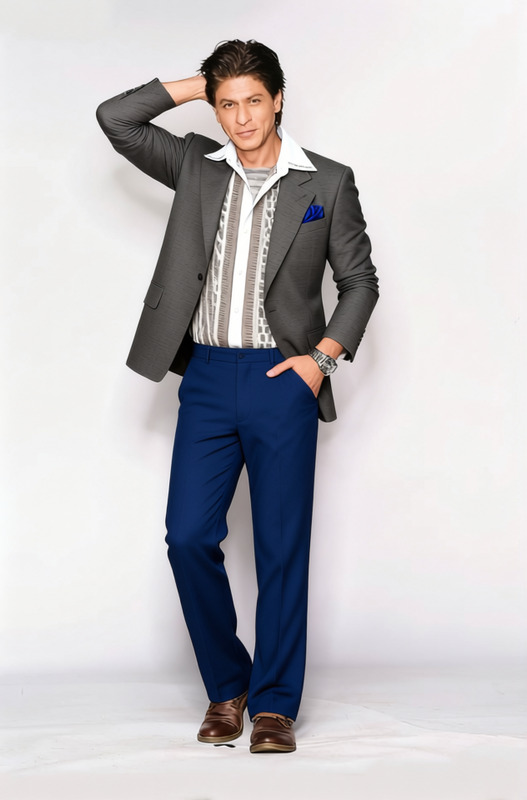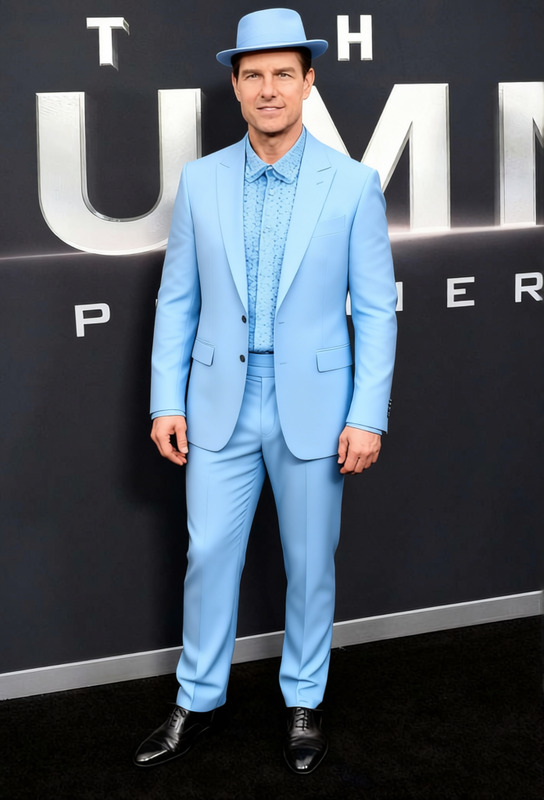
Al Pacino Godfather Black Tuxedo With Red Rose Boutonniere
- Image
- 376 × 584 px
Any aspect ratio
Overview
Step into the world of classic cinema with the "Al Pacino Godfather Black Tuxedo With Red Rose Boutonniere" template. This template allows you to virtually try on the iconic black tuxedo worn by Al Pacino in the legendary film, complete with a striking red rose boutonniere. With this wardrobe change, adding cinematic flair to your imagery has never been easier.
What it Does
This clothes changer template enables you to replace your current outfit with the black tuxedo and red rose boutonniere famously worn in "The Godfather." It precisely maps the attire onto your photo, maintaining proportions and ensuring a realistic fit. Perfect for enhancing social media content or experimenting with new fashion styles, this template taps into the power of AI for creative expression.
For more precision and detailed edits, try our AI Image Editor to refine your results.
Who It's For
This template is ideal for film enthusiasts, content creators, and fashion aficionados looking to elevate their digital presence. Whether you're creating themed content for Instagram Reels or wishing to explore different styles effortlessly, this tool provides flexibility and quality adjustments. It is also a great choice for those planning cosplay events or themed parties.
Explore other creative tools like the AI Clothes Changer for more garment options.
Summary
The "Al Pacino Godfather Black Tuxedo With Red Rose Boutonniere" template is a unique AI-powered tool that adds a sense of drama and elegance to your photos. Designed for a variety of users, it delivers high-quality fashion transformations that are both engaging and realistic. Enhance your images with precision and style, and see how AI can transform your wardrobe digitally!
Further enhance your visuals with our AI Photo Relighting tools to ensure every detail stands out.
How To
Choose the Template

Customize Your Look

Generate Your Image

Use Cases
Cinematic Photo Shoots
Cosplay and Events
- Virtual fitting before real-world cosplay
- Trying different styles for events
Social Media Campaigns
- Create themed content
- Increase engagement with compelling visuals
Best Practices
Ensure Proper Lighting
Using well-lit images will help the AI accurately map the tuxedo onto your photo.Choose High-Quality Images
Upload high-resolution images for the best results, ensuring clarity and detail.Adjust Positioning Carefully
Spend time tweaking the fit of the tuxedo to match your body's contours for a realistic look.
Frequently asked questions
More Like This