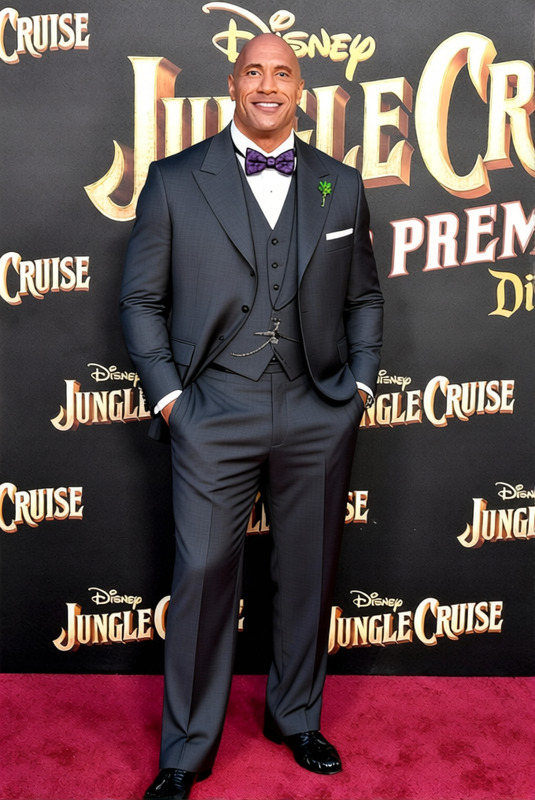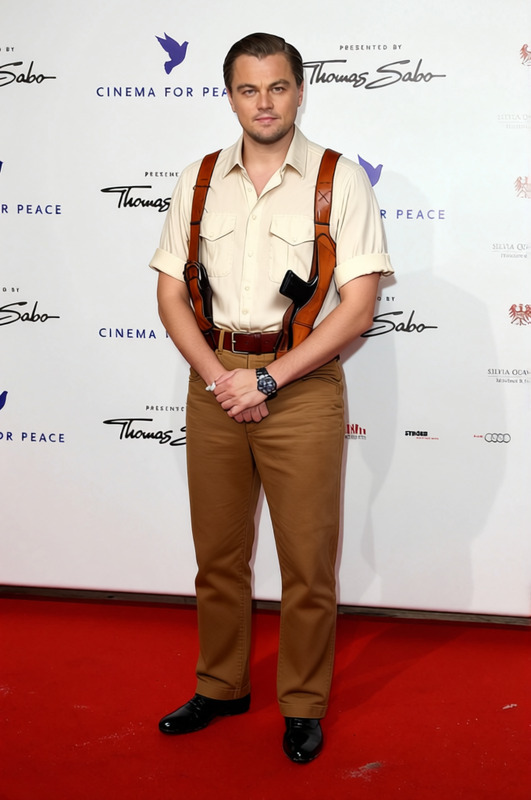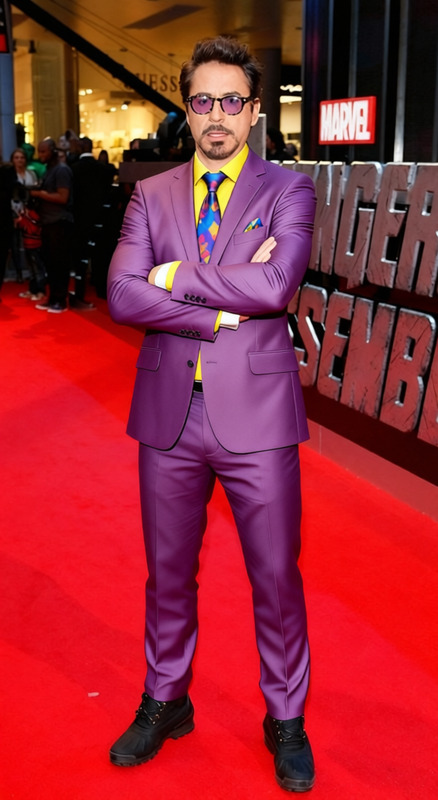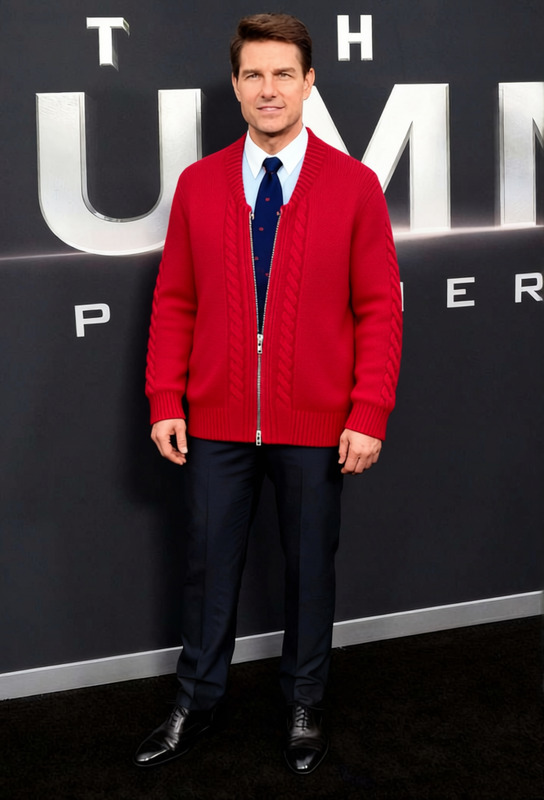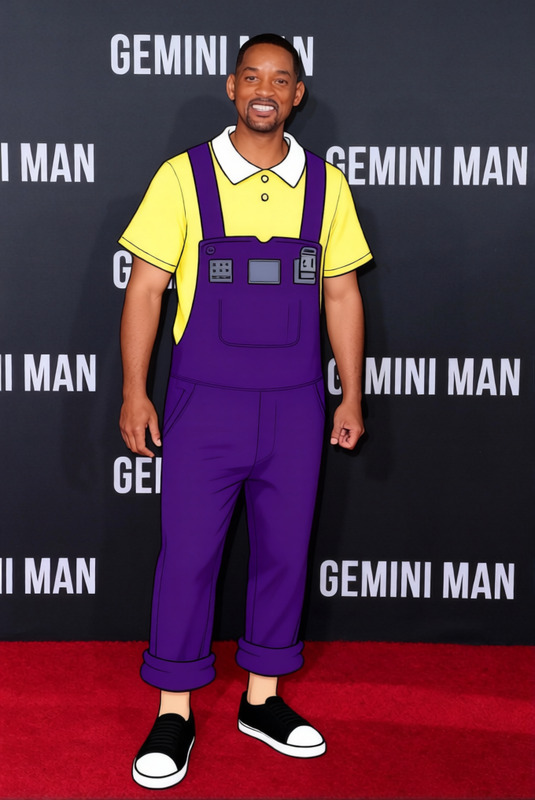
Pee Wee Herman Gray Suit With Red Bow Tie
- Image
- 376 × 584 px
Any aspect ratio
Overview
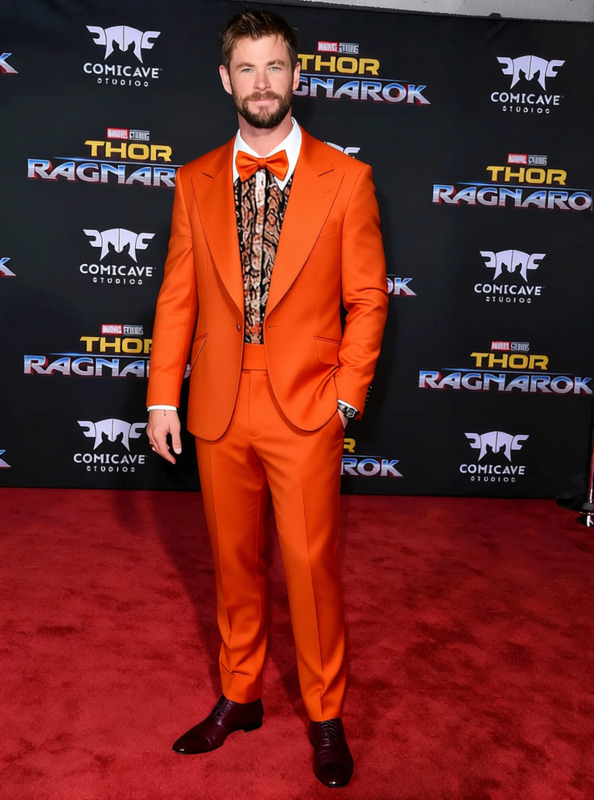
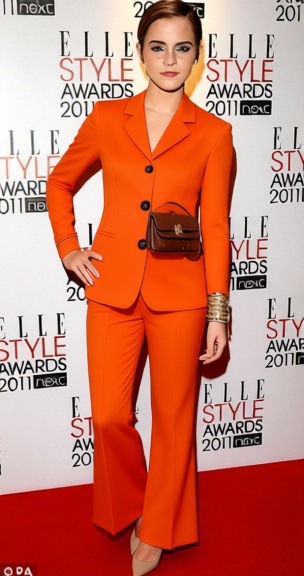
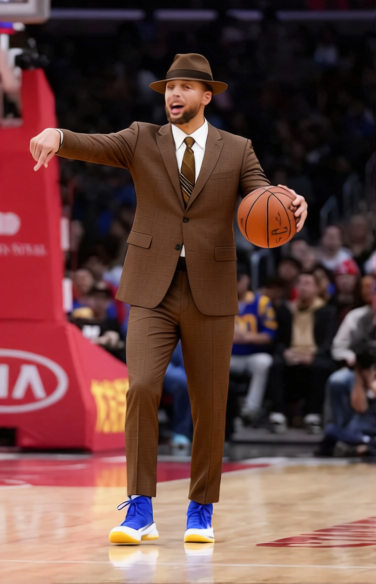
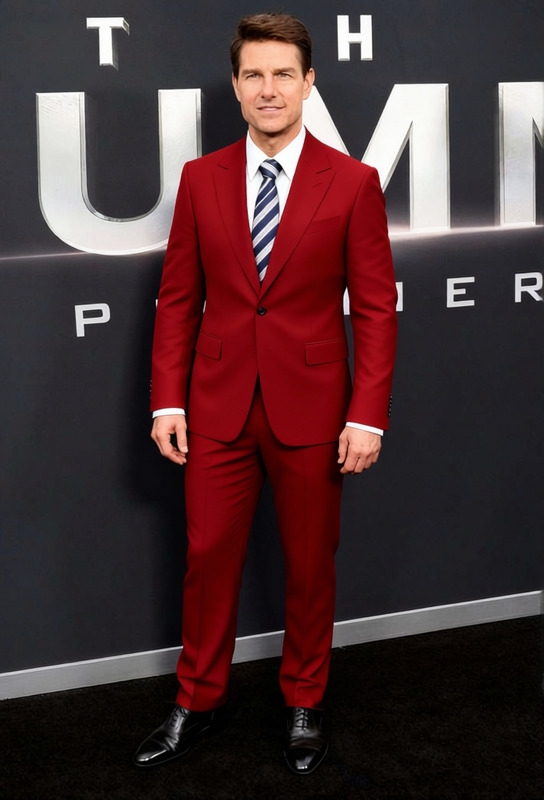
Transform your images by changing outfits with the Pee Wee Herman Gray Suit With Red Bow Tie template. This tool provides an easy way to update the attire of subjects within images, perfect for creative projects requiring a unique touch.
What It Does
This template utilizes cutting-edge AI from Magic Hour to replace clothing in your images with the iconic gray suit and red bow tie of Pee Wee Herman. Ideal for thematic content creation and branding, it maintains the integrity of the original image while updating the attire.
Who It's For
This tool is perfect for creatives, marketers, and social media influencers seeking to add a playful element to their content. From personal branding to meme creation, it provides versatile applications across various industries.
Summary
With the Pee Wee Herman Gray Suit With Red Bow Tie, change any outfit in a snap. This tool is seamlessly integrated with Magic Hour's suite of AI tools, including our AI Background Changer and AI Profile Picture Generator for complete image transformations.
How to Use
Choose the Template

Customize Your Inputs

Generate Your Image

Use Cases
Social Media Content
- Instagram posts
- TikTok videos
Video Production
- Short films
- Promotional videos
Corporate Branding
- Employee profiles
- Branded social posts
Best Practices
Consider Lighting
Align the lighting of the suit with your image for a natural fit.Maintain Originality
Use additional tools like the AI Face Editor to enhance facial features and retain personality.Optimize Formats
Employ the AI Image Upscaler to ensure high-quality outputs when enlarging images.
Frequently asked questions
More Like This