Mother Teresa White And Blue Sari
- Image
- 744 × 1024 px
Any aspect ratio
Overview
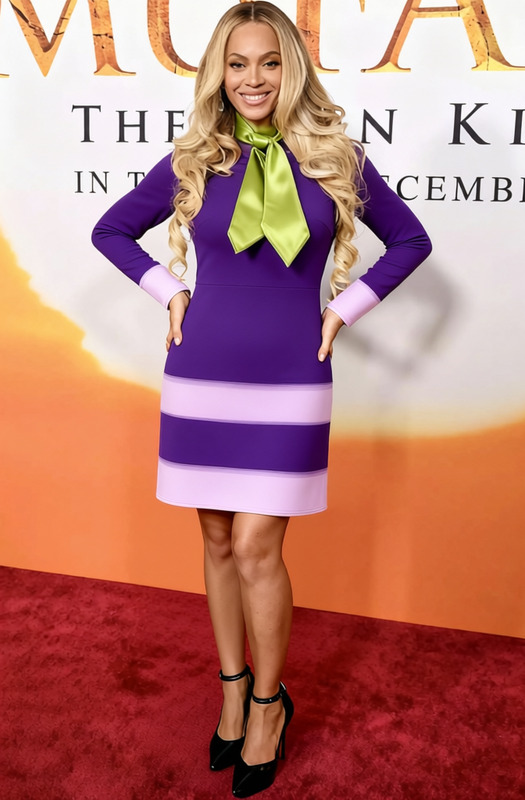
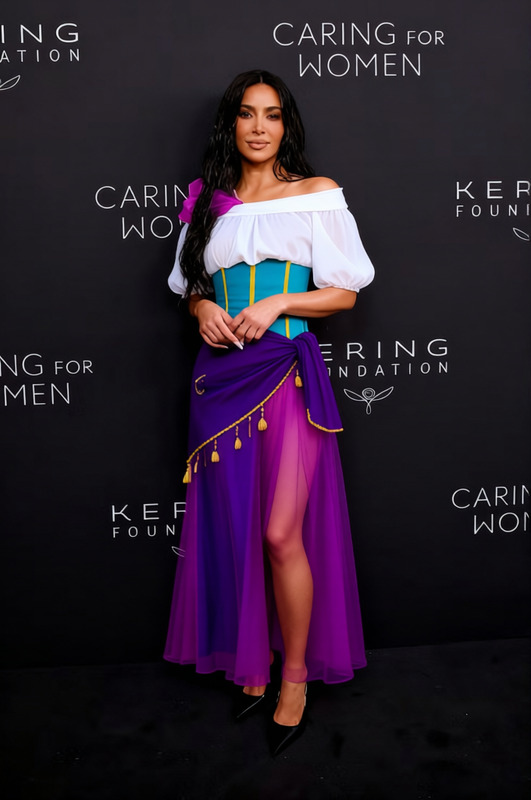
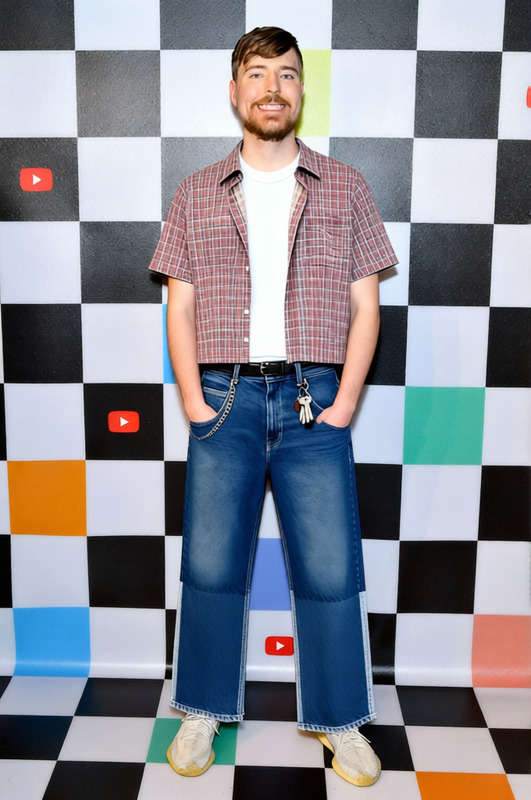
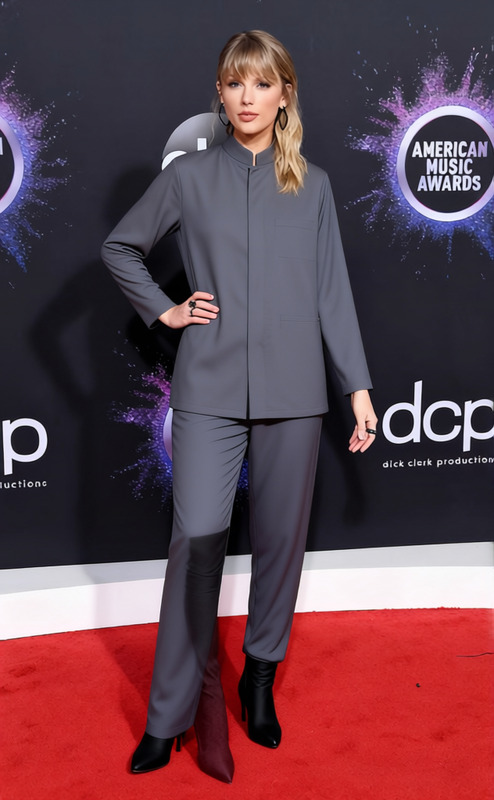
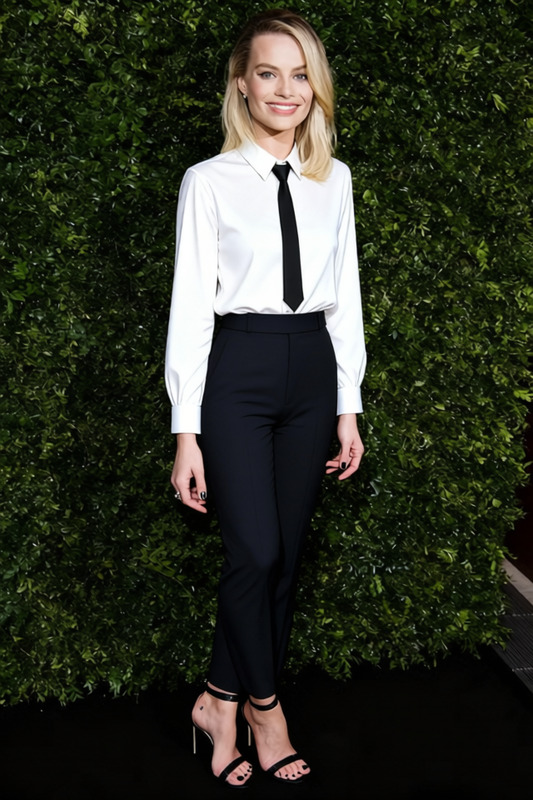
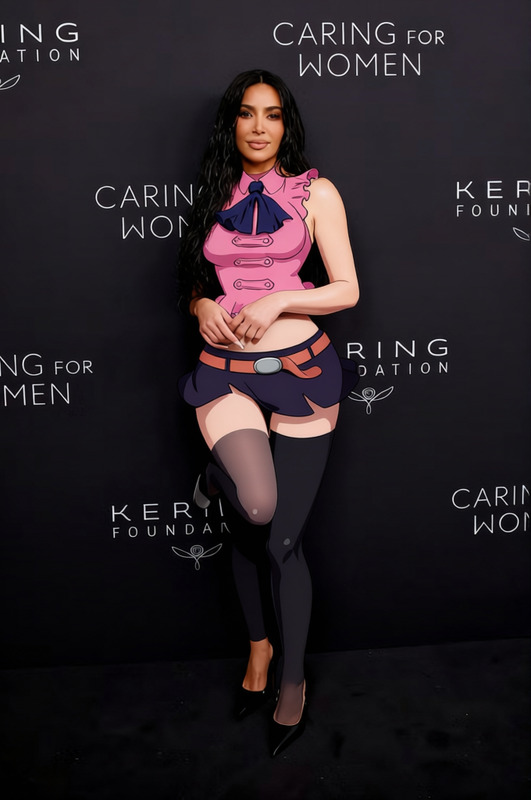
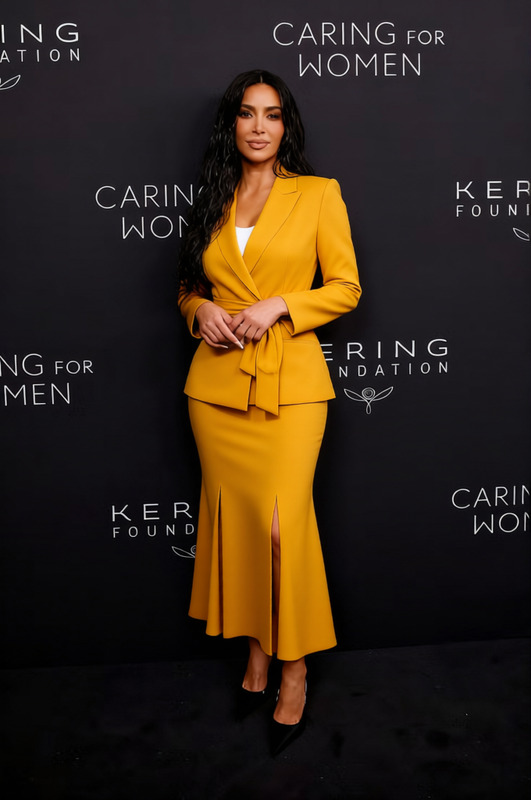
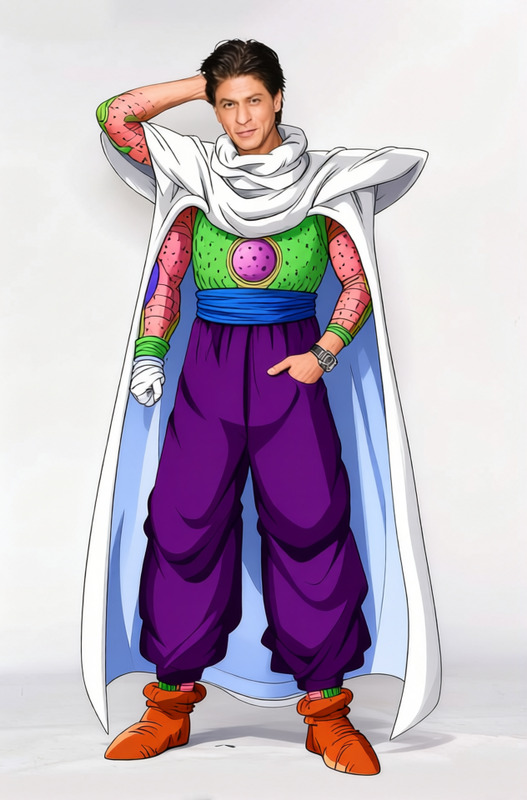
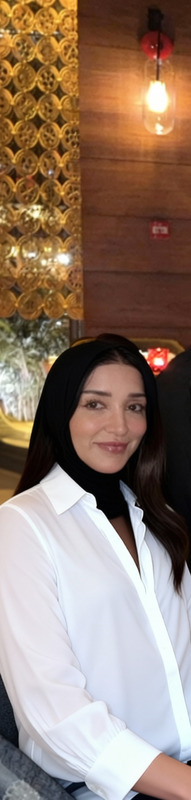
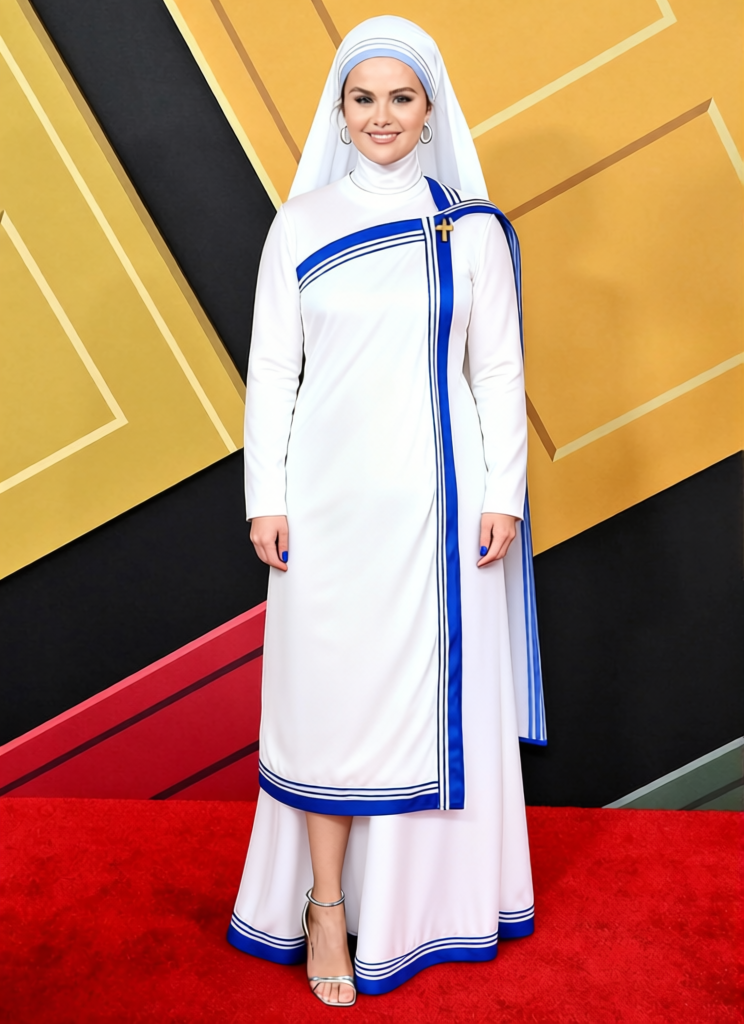
Bring timeless elegance to your photos with the Mother Teresa White And Blue Sari template, perfect for those seeking a culturally rich appearance. This clothes changer template allows you to add Mother Teresa's iconic white and blue sari to your images effortlessly. Use it to enhance personal portraits or to add a unique touch to professional projects.
What It Does
The template utilizes advanced AI techniques to superimpose a traditional white and blue sari reminiscent of Mother Teresa. It works seamlessly with various photo formats and adapts the garment to fit the individual's pose and body shape, ensuring a natural and realistic appearance. Perfect for adding cultural or historical context to any project, it is a noteworthy tool in your creative arsenal.
Who It's For
This template is ideal for photographers, digital artists, and content creators who wish to incorporate cultural elements into their work. It's also suitable for educators looking to create engaging visual aids or individuals interested in personalizing their photos with a meaningful cultural garment. Explore more with our AI Clothes Changer to expand your creative options.
Summary
The Mother Teresa White And Blue Sari template offers a unique opportunity to incorporate a piece of cultural history into your projects. With top-notch AI technology, this tool provides realistic and customizable clothing transformations, ensuring your visuals are both meaningful and visually appealing. Discover additional possibilities with our AI Image Editor for post-editing enhancements.
How To
Choose Your Template

Customize Your Settings

Generate and Download

Use Cases
Cultural Projects
- Explore cultural representation
- Add a historical context
Educational Material
- Engage students with visuals
- Enhance presentations
Personalization
- Make your photos stand out
- Celebrate cultural heritage
Best Practices
Select the Right Images
Ensure your photo has a clear view of the subject to align the sari properly. Check out the AI Profile Picture Generator for ideal starting images.Optimize Lighting
Good lighting can enhance the final output by preventing shadows or color distortions, aiding in a more realistic appearance.Experiment with Context
Use the sari template in a variety of settings to see what works best, from professional headshots to casual snapshots.
Frequently asked questions
More Like This