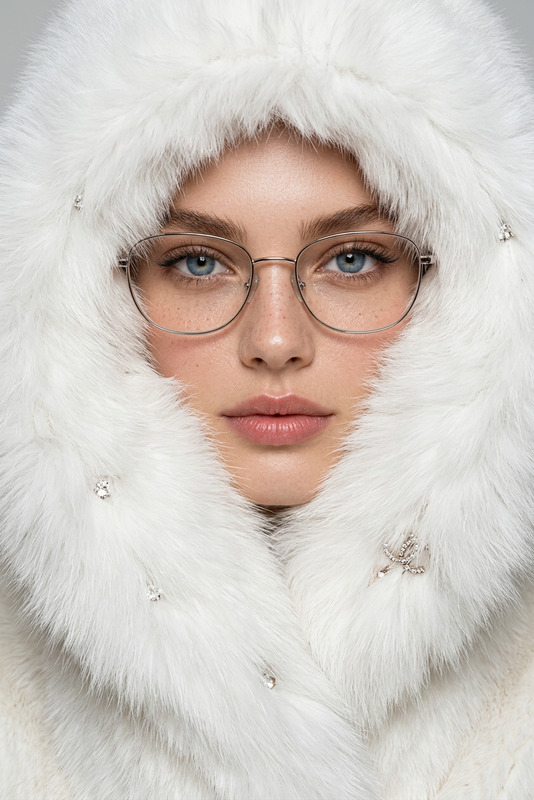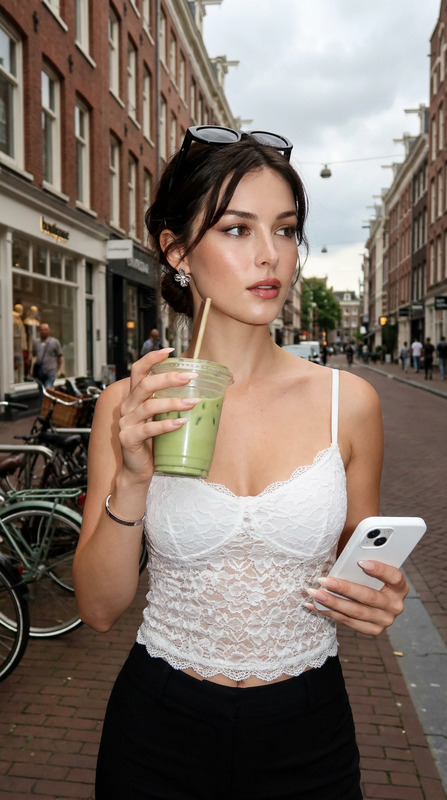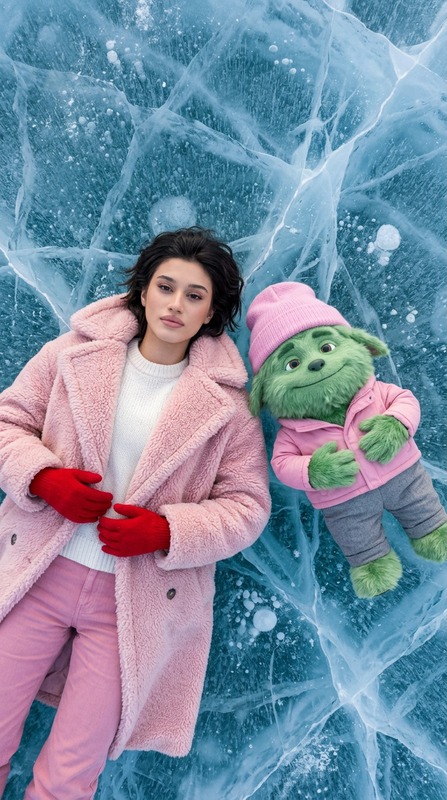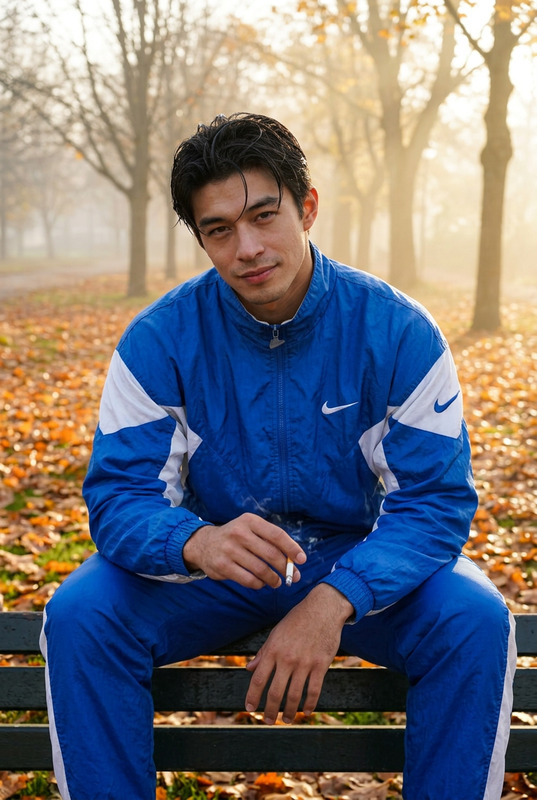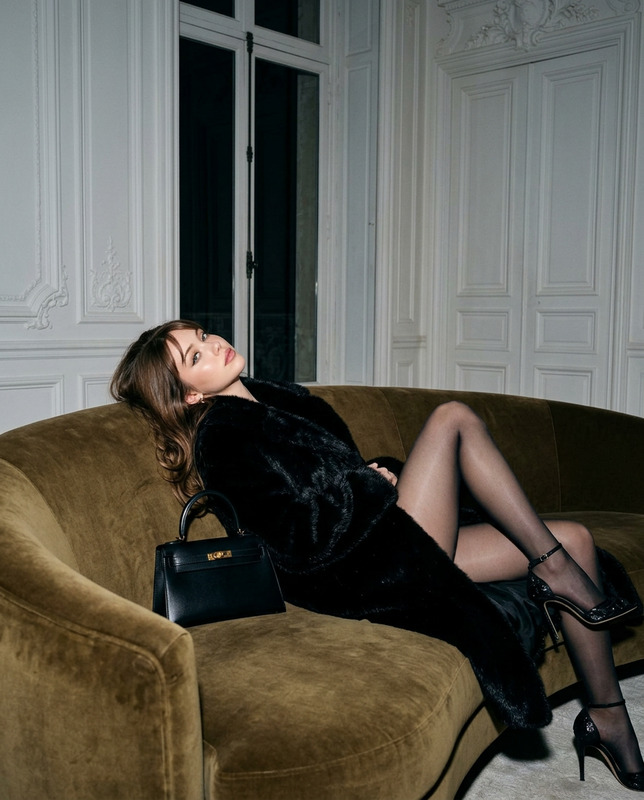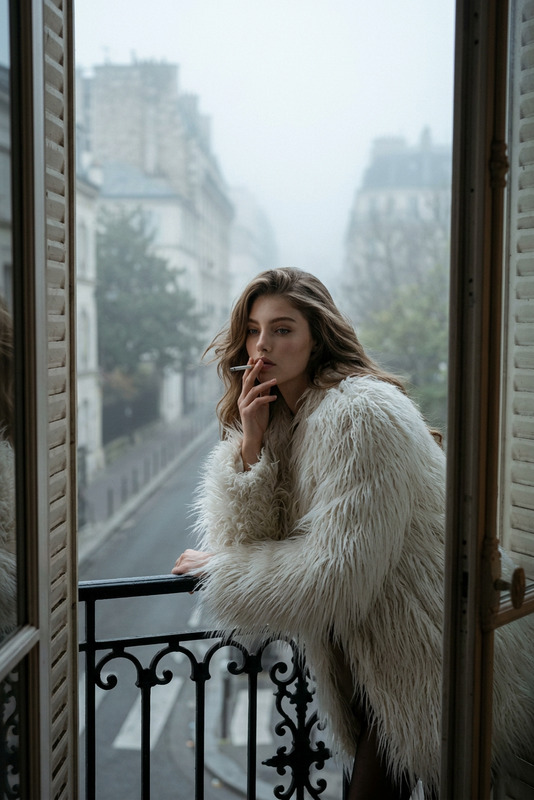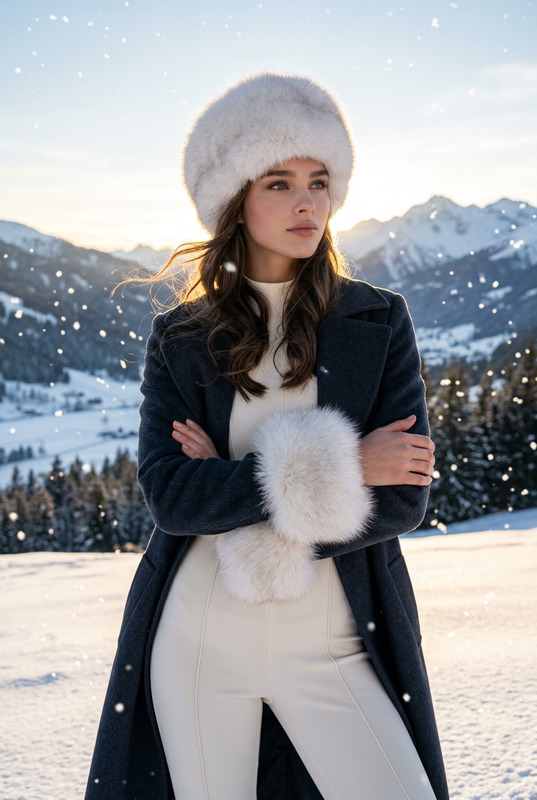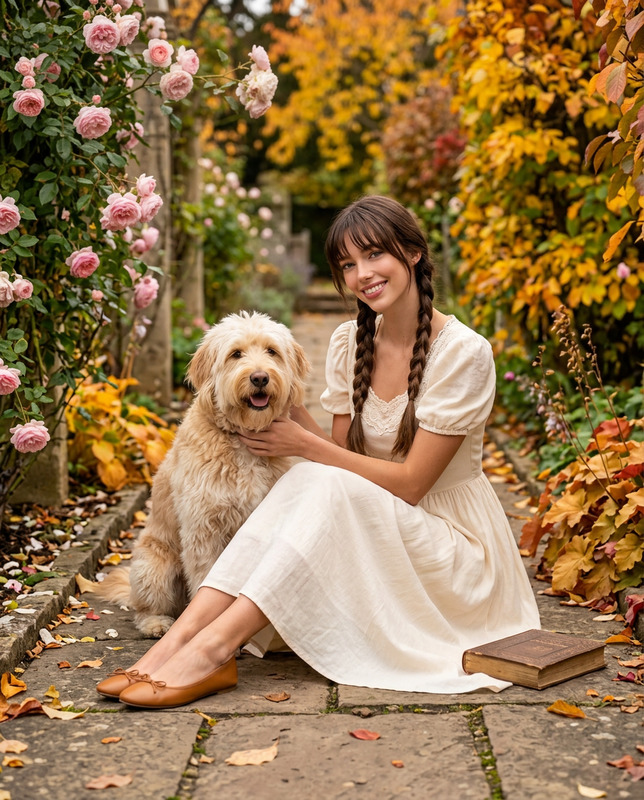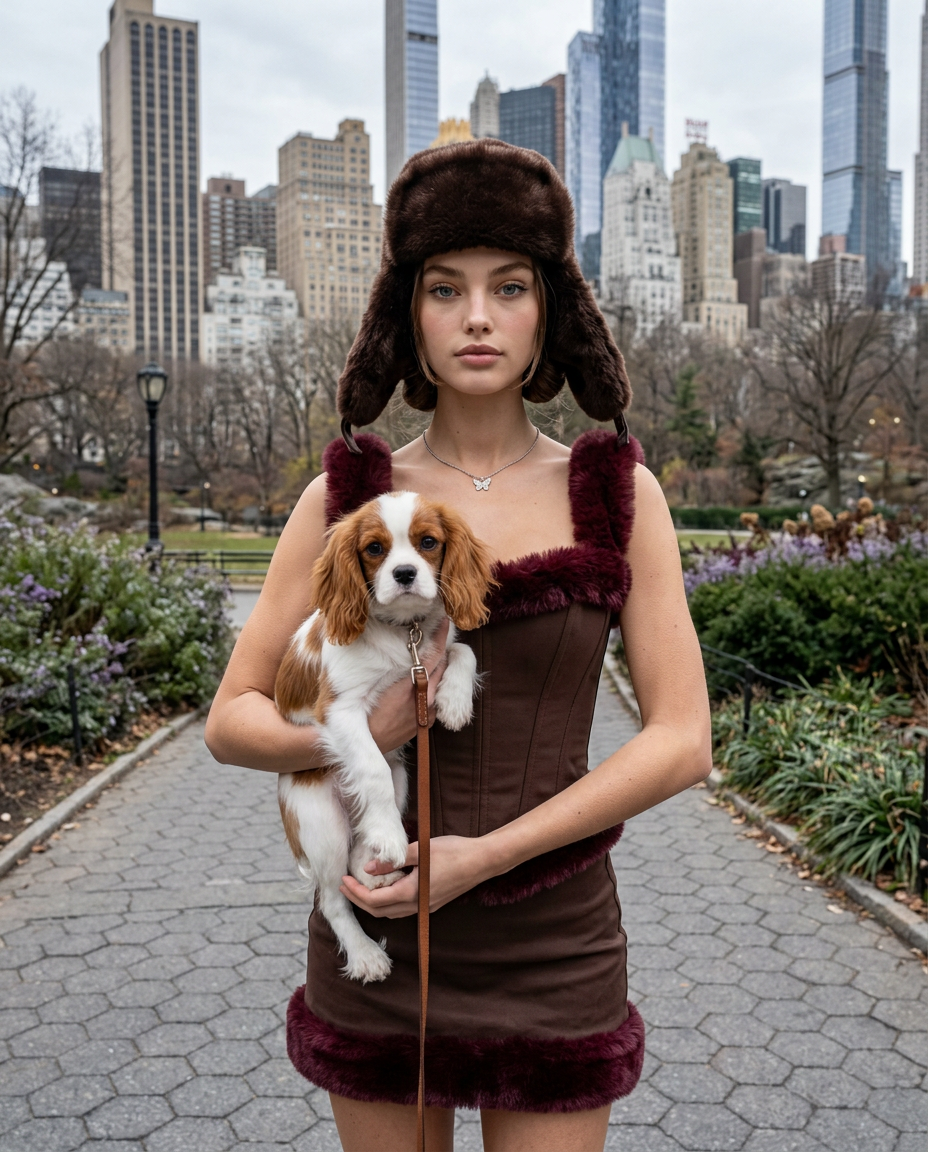
Winter Park Fur
- Model
- Nano Banana 2
- Image
- 928 × 1152 px
Prompt
Create a photorealistic candid portrait using the girl from the reference image as the identity source. Strictly preserve her original facial identity, including delicate facial features, oval face shape, soft jawline, large warm amber-brown eyes, very long wispy dark eyelashes, refined nose tip, full plush lips with a soft cupid’s bow, fair porcelain skin with subtle freckles, natural glow, and completely clean skin with no tattoos. Preserve the original dark hair structure exactly: maintain the middle part, two low buns, face-framing tendrils, and ensure the hairstyle remains visible and neatly tucked beneath the fur trapper hat. Do not change hair color, eye color, facial structure, or hairstyle. Capture a medium shot in a 4:5 vertical composition with a candid portrait photography style from a slightly low eye-level angle. The subject stands facing forward with a straight posture, looking directly into the camera with a neutral, composed expression. Both hands gently cradle a small Cavalier King Charles Spaniel with a white and chestnut coat, holding the dog close to the body. A small brown leather leash is attached naturally. The subject wears a chocolate brown structured corset-style top with rich burgundy fur trim along the edges, paired with a matching chocolate brown mini skirt featuring the same luxurious burgundy fur trim. Complete the look with a large chocolate brown fur trapper hat with the ear flaps raised and a thin silver chain necklace featuring a small butterfly charm. The styling should feel winter luxury, refined, and fashion-forward while remaining realistic. Place the scene in a Central Park-inspired urban park environment during late autumn or early winter. The background includes a paved hexagonal pathway, dense low green and purple shrubbery, bare seasonal trees, and a clear view of the New York City skyline with a recognizable mix of historic architecture and modern skyscrapers. Include a cool overcast gray sky that creates a natural urban atmosphere. Use diffused overcast daylight with cool neutral color temperature and soft even illumination. The lighting should feel natural and documentary-like, with realistic shadows and gentle highlights across the fur textures, clothing materials, hair, skin, and dog fur. Maintain authentic skin texture with visible pores, natural freckles, and realistic subsurface scattering. The final image should feel like a high-end candid winter fashion portrait captured in real life: serious, composed, elegant, and urban. Photorealistic, natural proportions, realistic anatomy, DSLR-quality detail, subtle cinematic color grading, no studio lighting, no artificial beauty retouching.
Any aspect ratio
Overview
The "Winter Park Fur" template in the AI Image Editor category is designed for creating stunning fashion portraits set against a winter urban backdrop. Powered by the nano-banana-2 model, it maintains the integrity of facial identities while wrapping them in luxurious winter fashion elements. With an emphasis on photorealism, this template leverages natural lighting and urban aesthetics to produce compelling candid shots ideal for fashion presentations.
What It Does
This AI Image Editor template allows you to convert a simple reference image into a polished winter fashion portrait. It strictly maintains original facial characteristics and hairstyles, ensuring authenticity and realism in each generated image. The template places the subject in a Central Park-like setting with a high level of detail down to the urban skyline and autumn foliage, perfect for product videos and editorials needing an urban flair.
Who It's For
This template is perfect for photographers, fashion designers, or brands looking to showcase winter attire in an elegant and naturalistic manner. It suits anyone aiming to produce high-quality images for fashion campaigns, editorial spreads, lookbooks, and digital marketing content. Urban lifestyle brands will particularly benefit by incorporating authentic, visually rich backgrounds into their imagery.
Summary
The "Winter Park Fur" template enables you to craft photorealistic fashion portraits with unmatched detail and authenticity. The model retains the subject's original character while enhancing the scene with rich textures and realistic lighting. Whether producing content for AI talking photos or enriching your brand's visual aesthetic, this template provides a seamless transition from photo realism to luxury fashion fantasy.
How to Use
Step 1: Find the Template

Step 2: Customize Your Image

Step 3: Generate and Download

Use Cases
Fashion Editorials
- Showcase winter collections
- Highlight luxurious textures
Lookbooks
- Elevate brand narratives
- Capture season-specific aesthetics
Digital Marketing
- Enhance social media presence
- Improve online merchandise appeal
Best Practices
Maintain Reference Image Quality
Use high-resolution reference images to ensure clear and detailed facial features.Optimize Lighting Conditions
Adjust lighting settings to utilize soft, natural light emulating an overcast day for realistic shadow effects.Double-Check Styling Details
Pay attention to clothing textures and colors to ensure they are accurately depicted in the final image.