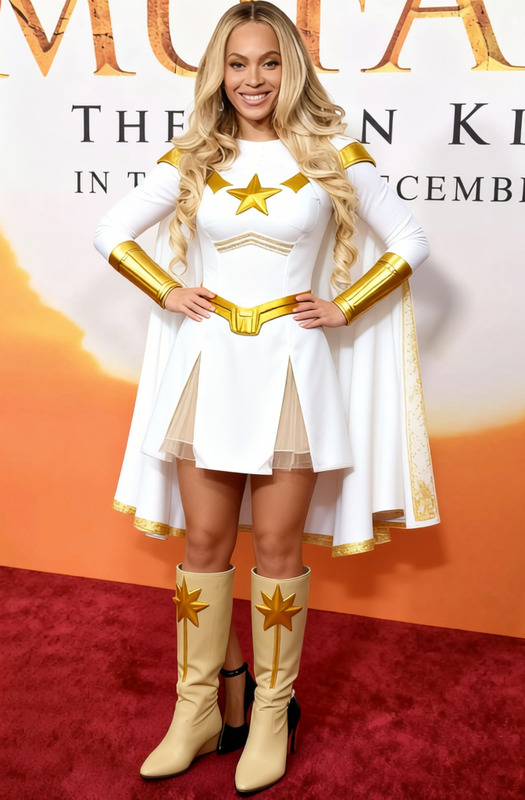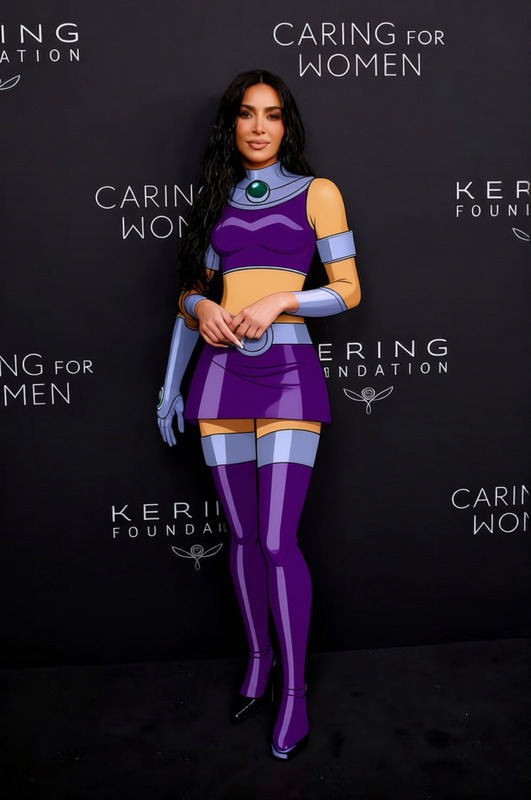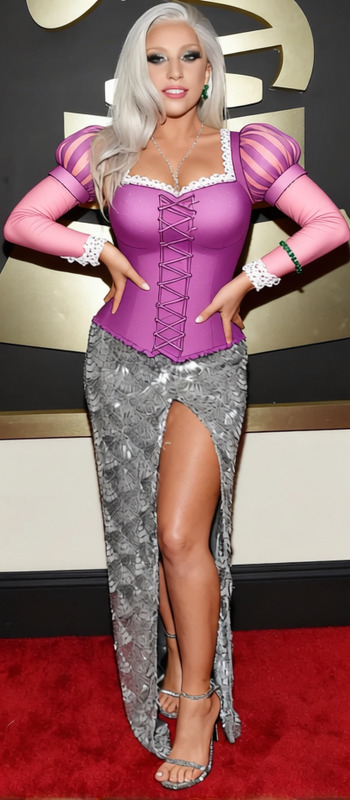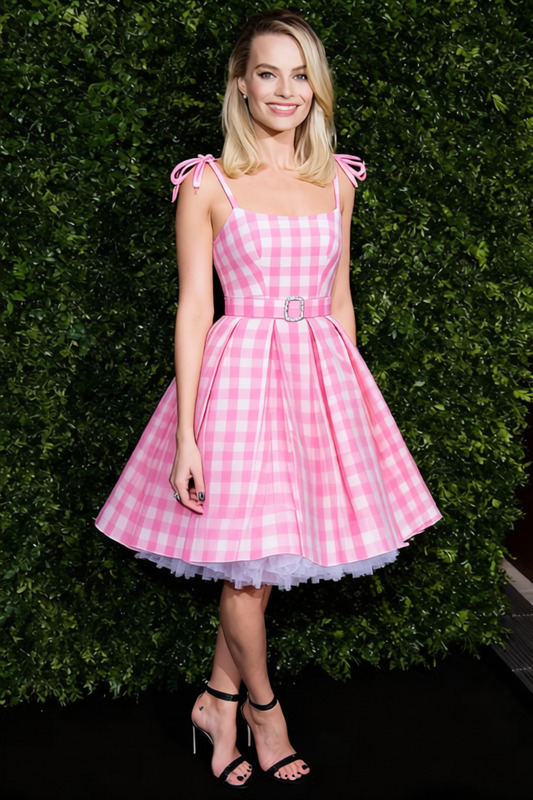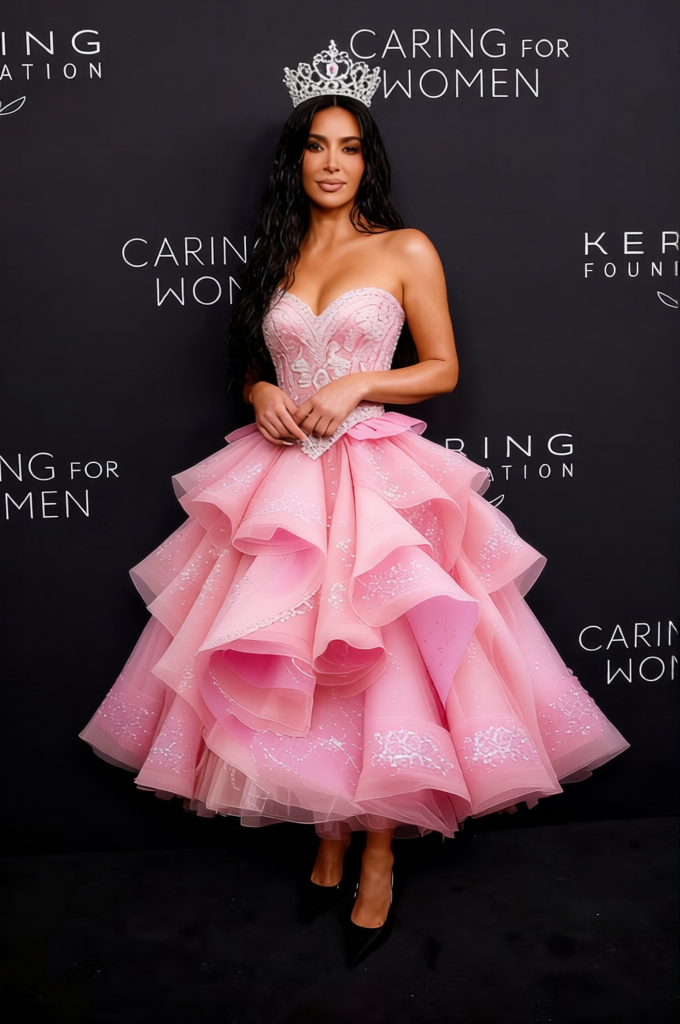
Glinda Pink Ball Gown With Silver Tiara 2
- Image
- 680 × 1024 px
Any aspect ratio
Overview
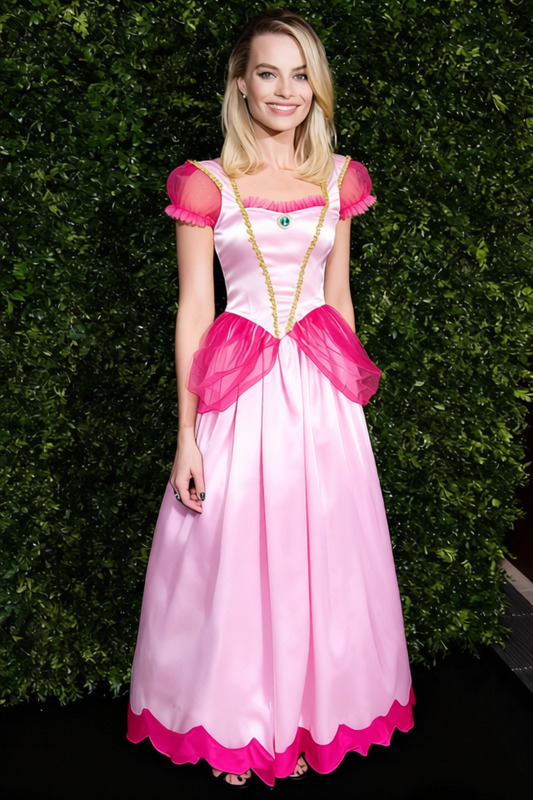
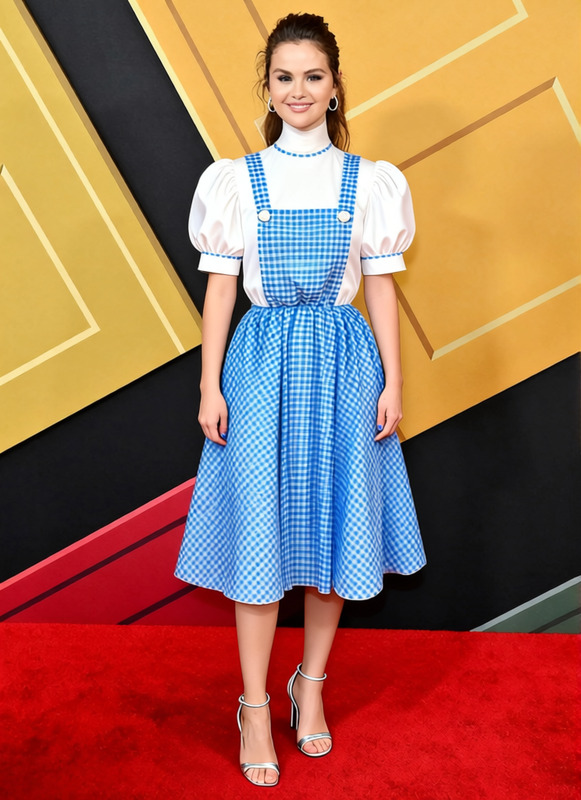
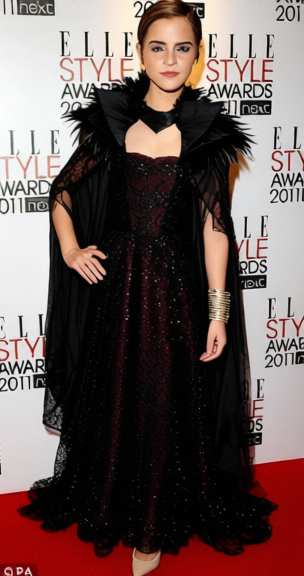
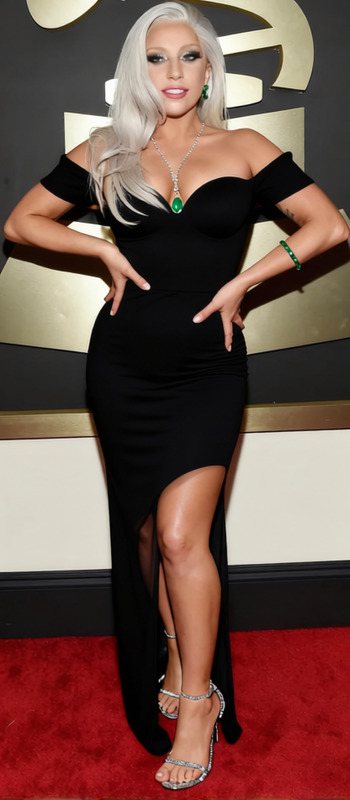
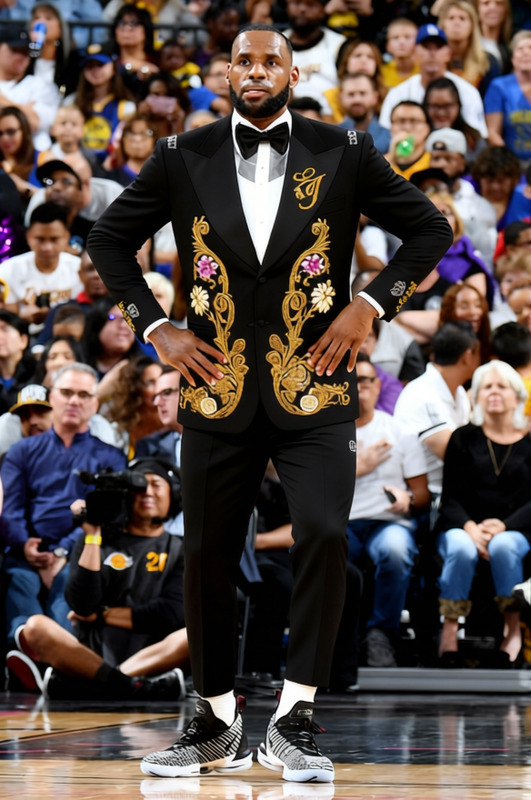
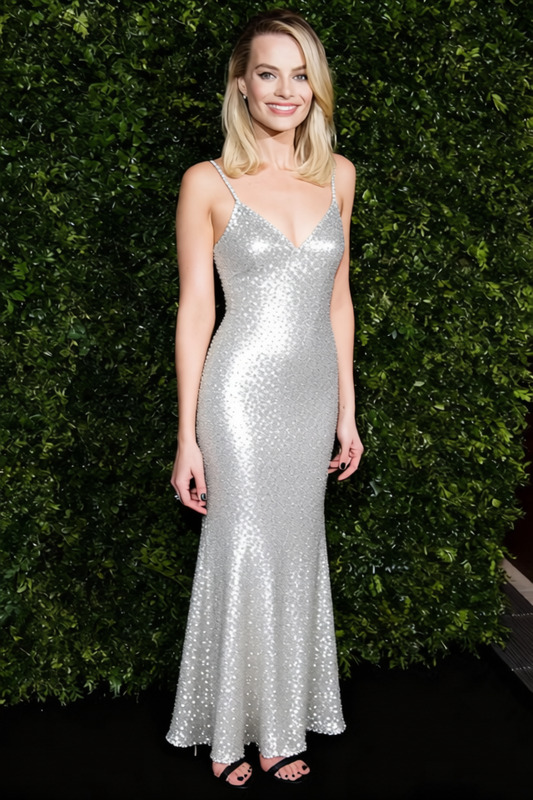
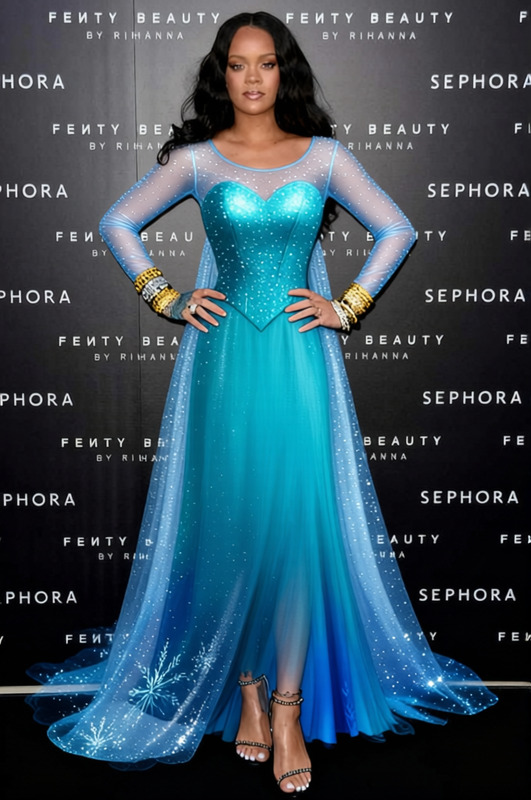
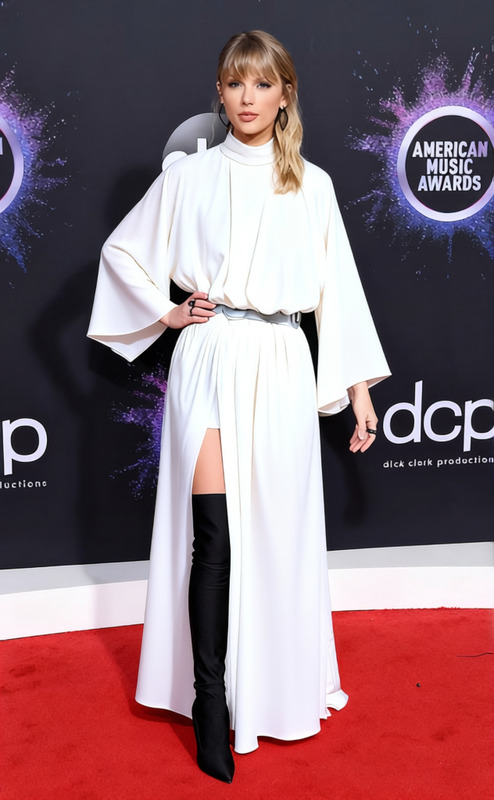
Step into a world of elegance with the Glinda Pink Ball Gown With Silver Tiara template. Perfect for transforming any casual look into a breathtaking princess ensemble, this Clothes Changer template provides a seamless way to update your photos with stunning fashion design. Ideal for a variety of creative projects, this template will elevate your artistry to new heights, offering a unique twist on digital fashion transformation.
What It Does
The Glinda Pink Ball Gown With Silver Tiara template is designed to apply a sophisticated digital makeover to your images. By replacing your current outfit with a glamorous pink ball gown and a silver tiara, this template gives any subject a fairy-tale appearance. It uses advanced AI to ensure that the gown fits naturally on the model, offering a truly authentic look that integrates seamlessly with the existing photo. You can explore more options by checking out our AI Clothes Changer and discover additional transformations.
Who It's For
This template is perfect for photographers, content creators, and anyone interested in adding a touch of magic to their projects. Whether you're designing content for social media, creating a fantasy photobook, or enhancing a digital storytelling venture, this template is sure to captivate your audience. Aspiring content creators looking to add a unique flair to their work will also find this tool helpful, similar to our Image to Video features.
Summary
With the Glinda Pink Ball Gown With Silver Tiara template, you can revamp your photo projects into fairy-tale scenes with a few simple tweaks. The template offers a creative edge, making it an essential tool for anyone looking to explore digital fashion transformations. Dive into other transformations with our AI Image Editor to expand your creative horizon.
How To
Choose Your Template

Customize Your Inputs

Generate and Download

Use Cases
Fantasy Photo Shoots
- Family fantasy photos
- Themed events
- Magic-themed portraits
Social Media Content
- Instagram fashion posts
- Pinterest boards
- Content for influencers
Marketing and Branding
- Promotional flyers
- Brand storytelling visuals
- Event advertisements
Best Practices
Choose High-Resolution Images
For best results, ensure the image you upload is high resolution to maintain quality and detail during transformation.Adjust Lighting Appropriately
Match the lighting of the template with your original image to create a cohesive look.Experiment with Angles
Try different poses and angles to find which best suits the template style for a natural look.
Frequently asked questions
More Like This