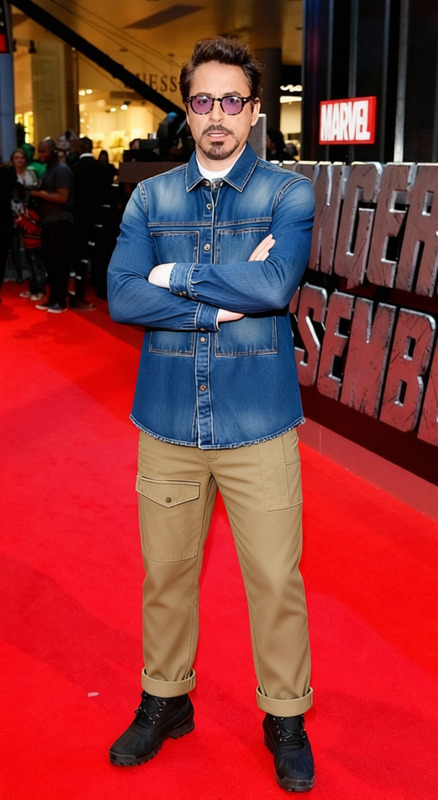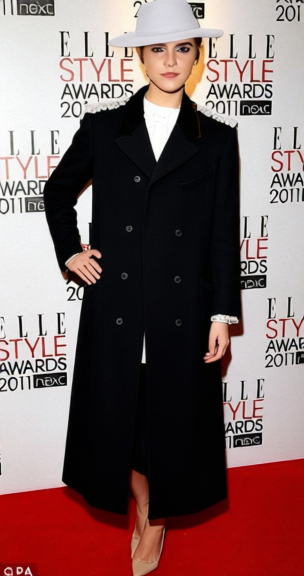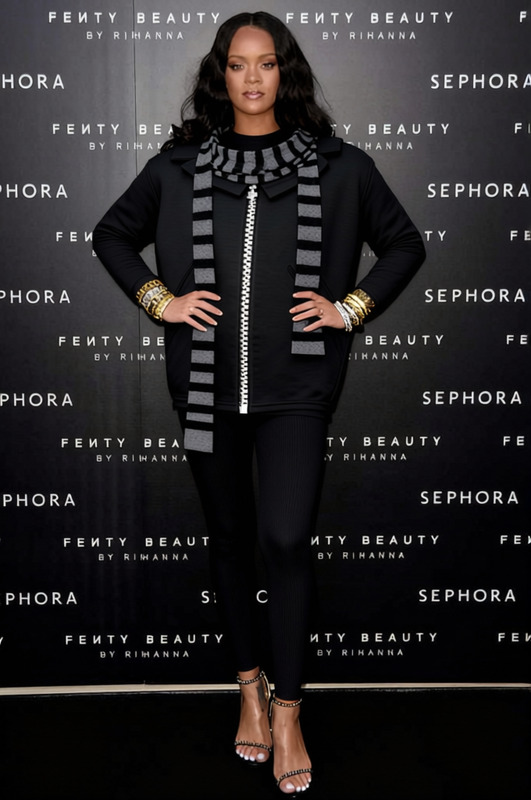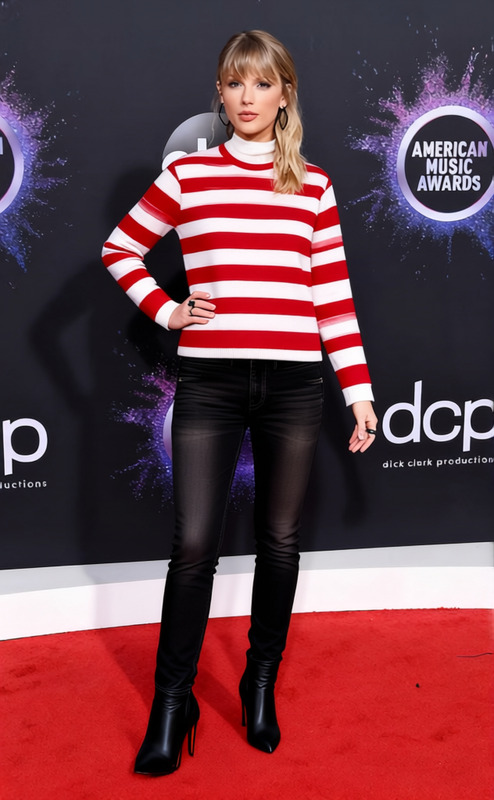
Workwear Insulated Coat With Beanie
- Image
- 680 × 1016 px
Any aspect ratio
Overview
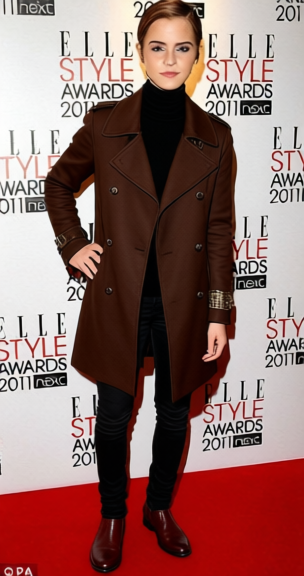
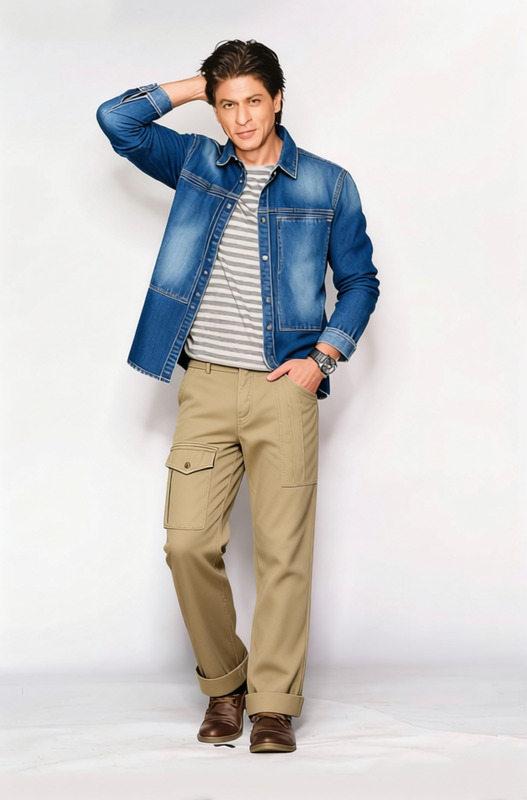
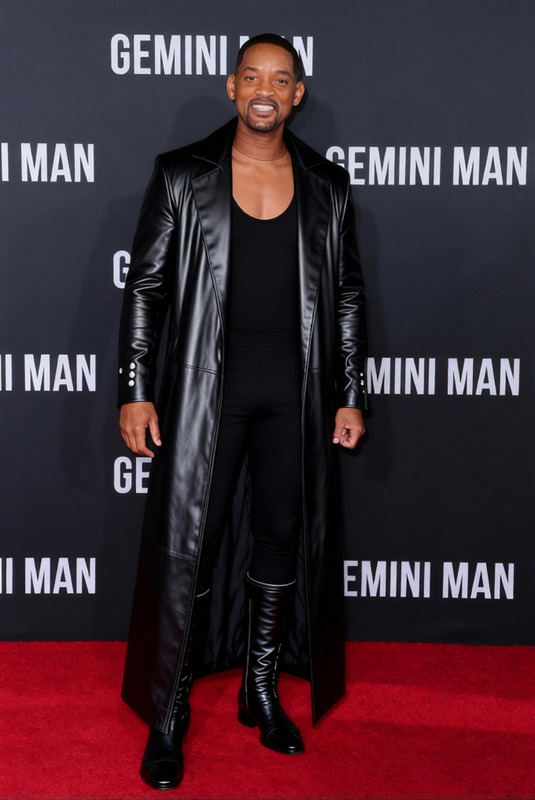
The Workwear Insulated Coat With Beanie template allows you to easily transform any photo of a person wearing casual clothes into one featuring a warm, insulated coat and beanie. This is ideal for showcasing winter apparel in professional settings without the need for a physical wardrobe change.
What It Does
This Clothes Changer template digitally swaps everyday clothing with a detailed workwear insulated coat and beanie. It's a perfect tool for creating product photos, fashion showcases, or seasonal marketing campaigns. The template maintains high resolution and quality, ensuring your edited photos look sharp and professional.
For platforms looking to streamline their processes, integrating our tools like the AI Image Editor can further enhance the project's efficiency by offering additional editing capabilities.
Who It's For
This template is designed for fashion retailers, e-commerce businesses, and marketing professionals who need to quickly adapt their visuals for seasonal promotions. Especially useful for those managing extensive catalogs, this template reduces the time and cost associated with professional photo shoots.
It can be a valuable asset for users of the AI Product Photography service, helping them to rapidly create diverse content variations.
Summary
The Workwear Insulated Coat With Beanie template is a strategic tool for modern marketers and e-commerce professionals, allowing for quick wardrobe changes in digital assets. By leveraging this tool, you can creatively present your products in varying contexts and enhance customer engagement.
Additionally, combining this with the AI Clothes Changer suite can enhance your workflow by providing a broader range of clothing adaptations.
How-To
Choose Your Template

Customize Your Image

Generate and Save

Use Cases
E-commerce Product Listings
- Create winter-themed versions of clothing items
- Appeal to wider demographics without new photoshoots
Fashion Marketing Campaigns
- Save time on shooting new inventory images
- Maintain consistency across campaign visuals
Catalog Design
- Edit designs quickly to match changing inventory
- Enhance catalog engagement with fresh visuals
Best Practices
Choose the Right Base Photo
Select high-quality images with good lighting and clear details to ensure seamless fit when the new clothing is applied.Consistent Styling
Ensure the base photo and the template align stylistically. The background should ideally be plain to avoid distractions.Preview Different Angles
Use the template multiple times with various angles to find the best fit and look for your target audience.
Frequently asked questions
More Like This