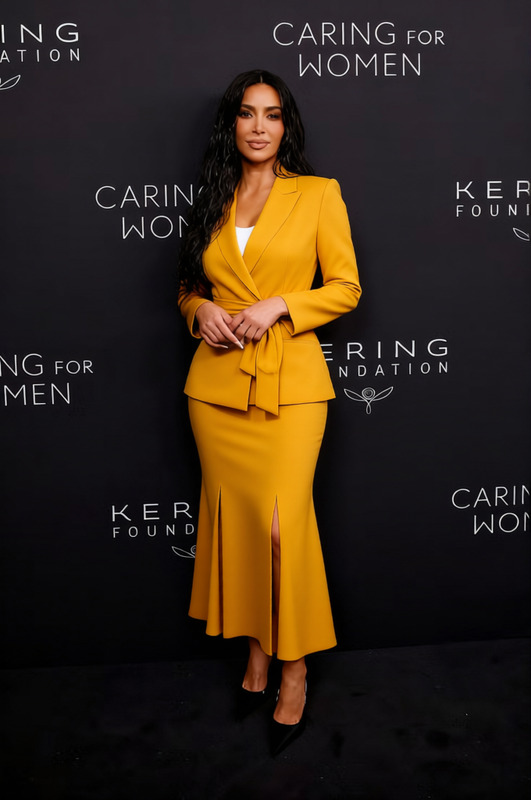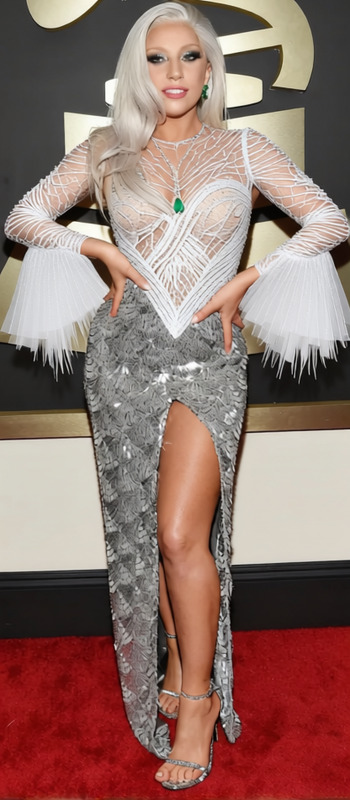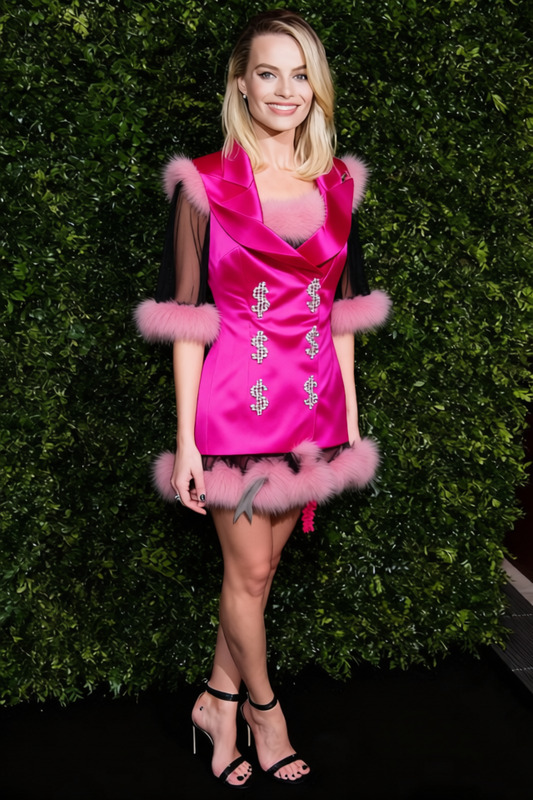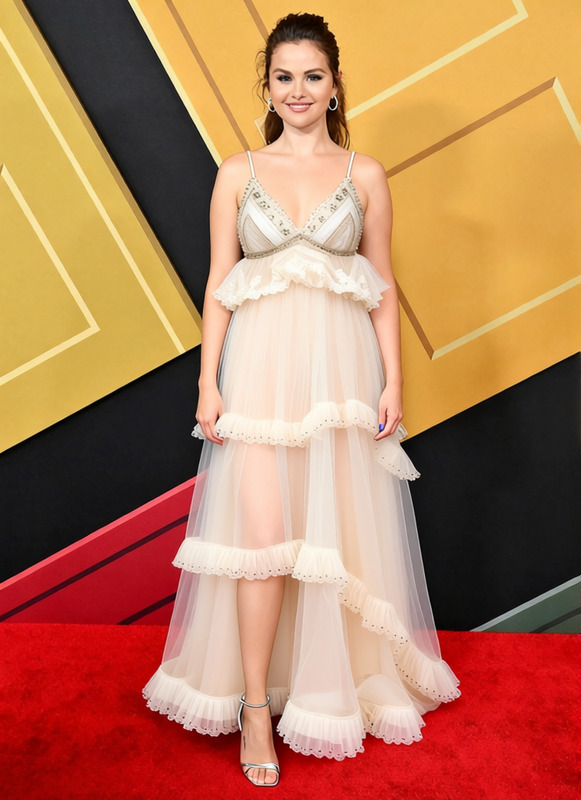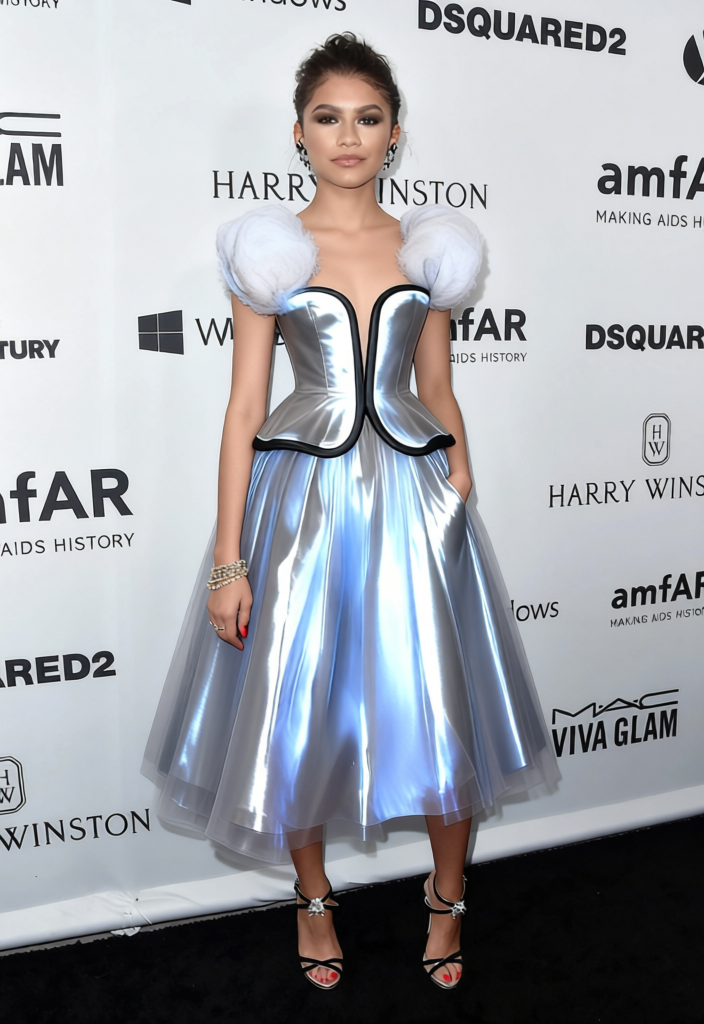
Zendaya Met Gala Cinderella Light Up Cinderella Gown
- Image
- 704 × 1024 px
Any aspect ratio
Overview
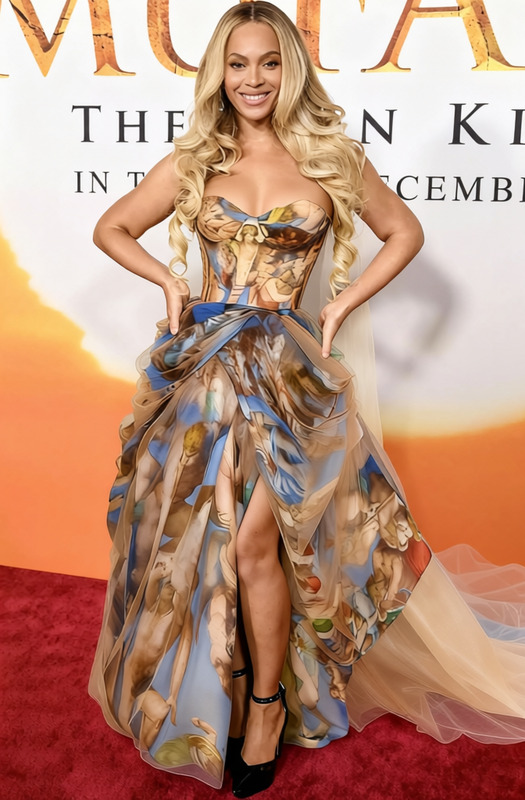
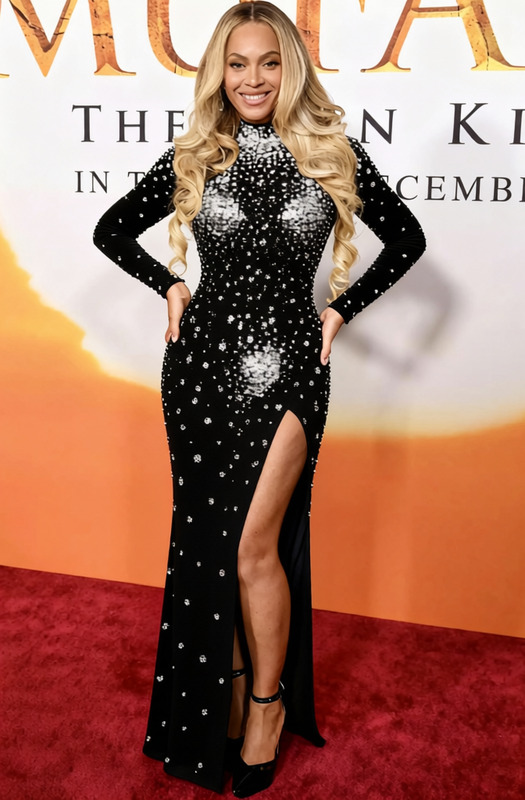
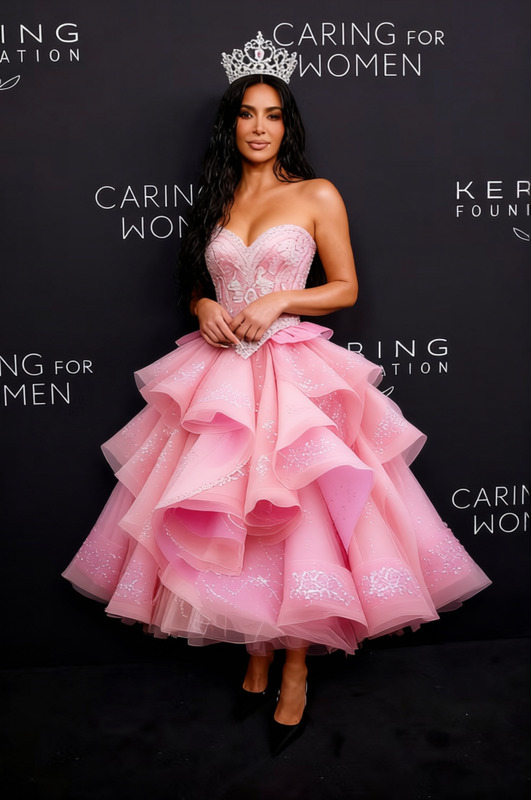
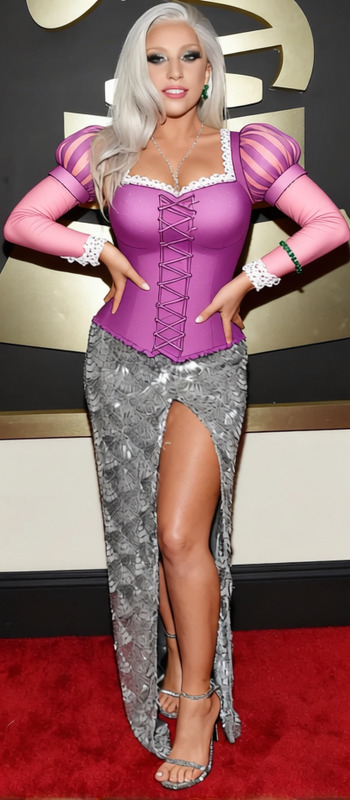
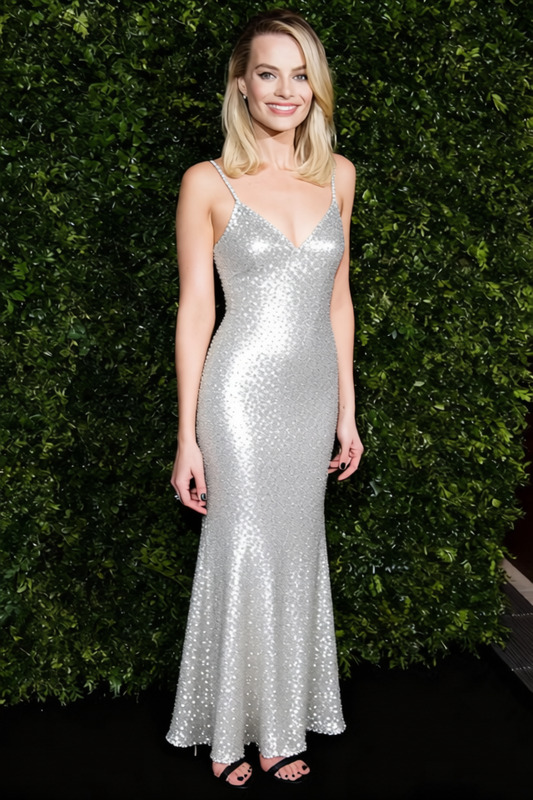
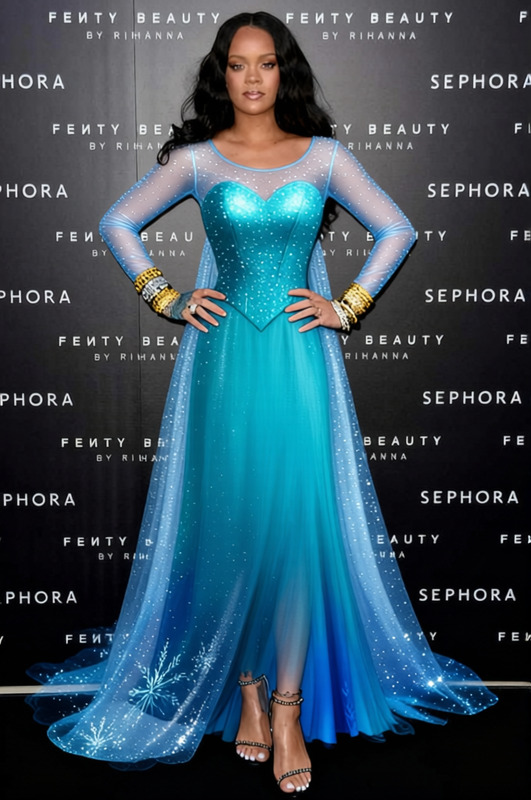
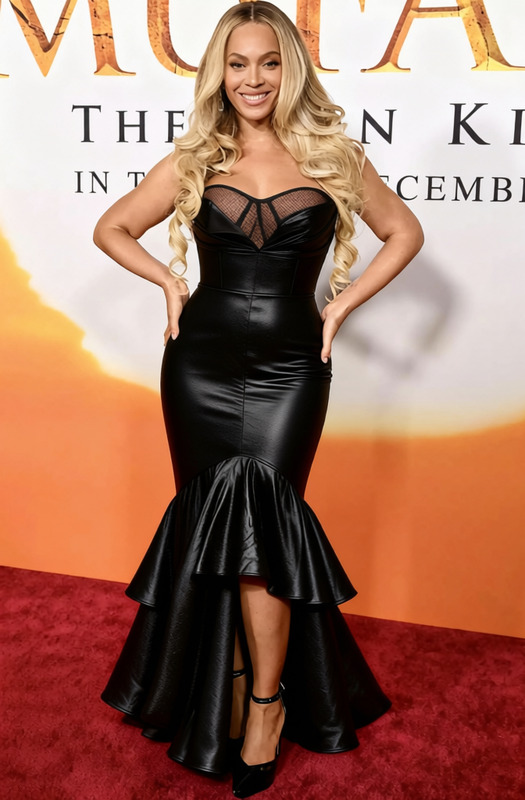
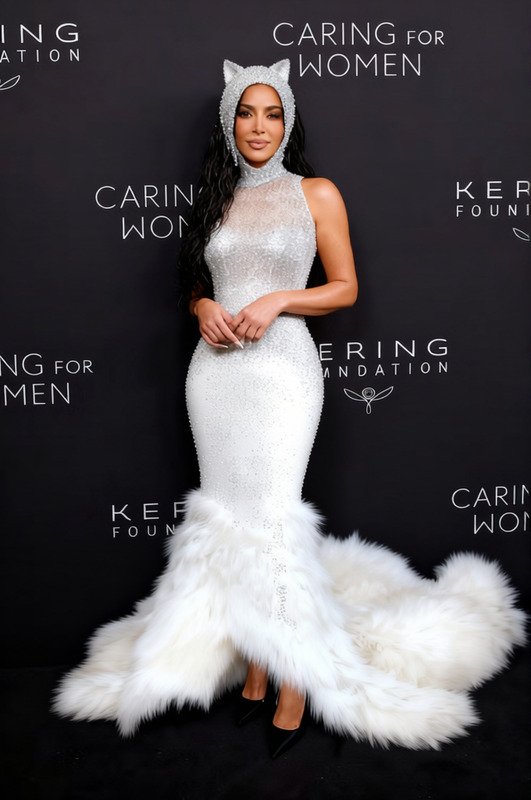
Step into the spotlight with the Zendaya Met Gala Cinderella Light Up Gown template, a dynamic AI Clothes Changer tool from Magic Hour. This template transforms your existing videos or images into dazzling scenes featuring a magical light-up Cinderella gown inspired by Zendaya's show-stopping Met Gala look.
What It Does
This template overlays a breathtaking, animated gown onto your chosen subject, making them shine like a star on the red carpet. With the AI Image Editor capabilities, you can adjust the fit and flair of the dress to ensure it looks natural and captivating. It's an ideal choice for those wanting to add fairy-tale glamour without the need for elaborate setups.
Who It's For
Perfect for video creators, fashion enthusiasts, and social media influencers. Whether you're designing mood boards or creating stunning Instagram Reels, this tool brings an enchanted elegance to your productions. It's also a great asset for animators and content creators looking to enhance their storytelling with visually distinct wardrobe changes.
Summary
The Zendaya Met Gala Cinderella Light Up Gown template is more than just a visual effect—it's a way to transform ordinary media into something extraordinary. By leveraging the capabilities of the AI Video Generator, you can ensure your output is both stylish and professional, making it easier to capture audience attention across various platforms.
How To
Choose Your Template

Customize Your Inputs

Generate Your Output

Use Cases
Social Media Content
- Engaging Instagram Reels
- Unique TikTok transitions
- Eye-catching Facebook posts
Event Promotions
- Fashion show teasers
- Gala invitations
- Charity event highlights
Storytelling in Media
- Short films
- Music videos
- Digital storytelling
Best Practices
Use High-Quality Source Material
Ensure your original video or image is of high quality to maximize the visual appeal of the gown effect.Fine-Tune Adjustments
Take time to adjust the gown's fit and glow properties, making sure it complements the subject's shape and movement.Experiment with Backgrounds
Choose backgrounds that enhance the light-up effect, making your subject pop against the setting.
Frequently asked questions
More Like This